
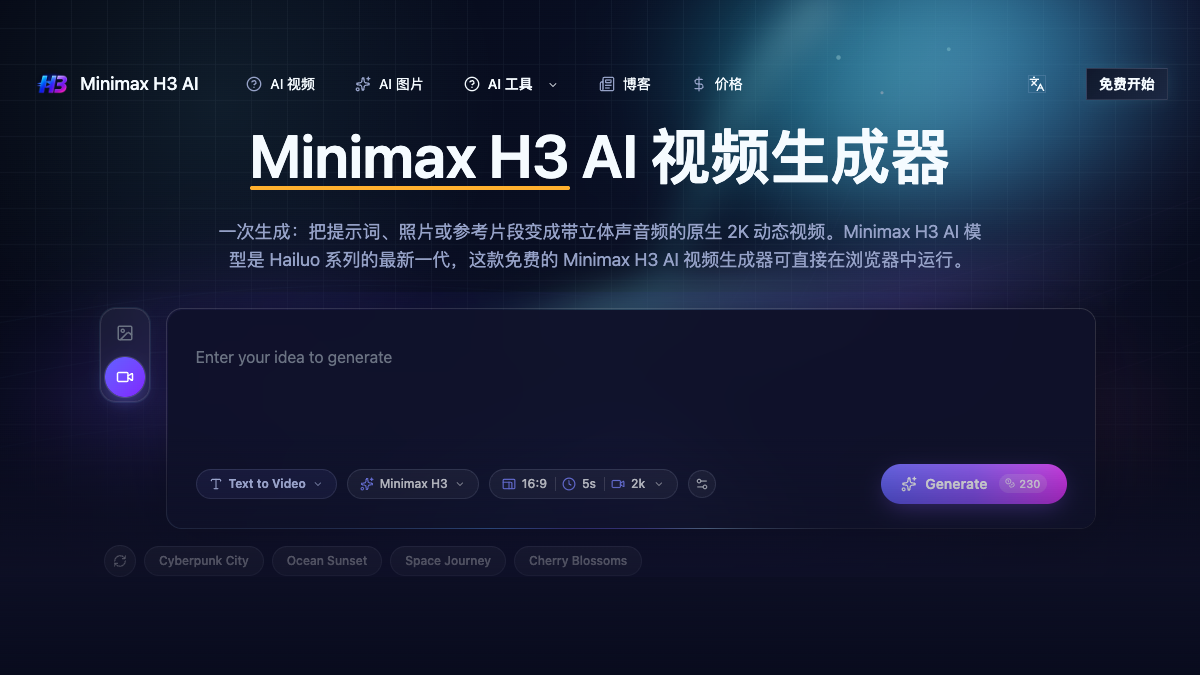
Minimax-h3-ai
Try the Minimax H3 AI video generator free
About
Minimax H3 AI is a video generator that transforms text, images, or audio into native 2K clips with synced stereo audio. It is designed for marketers, product teams, and filmmakers who need quick video production without traditional studio resources.
Details
Minimax H3 AI is an advanced video generator that allows users to create high-quality videos from various inputs, including text prompts, images, video clips, and audio tracks. The tool is particularly beneficial for marketers, product teams, and filmmakers who require quick and efficient video production without the need for extensive resources like crews or studios. The platform runs directly in the browser, making it accessible and easy to use without prior editing experience.
The Minimax H3 AI model produces videos at a native resolution of 2560x1440 and 24 frames per second, ensuring high-quality output suitable for professional use. Users can generate videos in just a few steps: by providing a prompt or uploading a reference, selecting the desired duration and aspect ratio, and then generating the final clip. The model also includes features for instruction-based editing, allowing users to modify specific elements of the video while maintaining the overall motion and pacing.
With its omni-modal input capabilities, Minimax H3 AI can handle multiple types of media, making it a versatile tool for various creative projects. The platform's ability to generate synced stereo audio alongside video further streamlines the production process, eliminating the need for separate audio sessions. Overall, Minimax H3 AI offers a comprehensive solution for rapid video creation, catering to a wide range of creative needs.
Key Features
- Omni-modal input (text, images, video, audio)
- Native 2K video generation (2560x1440, 24fps)
- Synced stereo audio generation
- Instruction-based video editing
- Motion transfer from reference clips
Use Cases
- Creating marketing videos quickly
- Generating product demonstration clips
- Producing social media content
- Developing pitch reels for projects
- Animating character designs for storytelling
Pros & Cons
Pros
- Fast video generation process
- High-quality output suitable for professional use
- No prior editing experience required
- Integrated audio generation saves time
Cons
- Free tier limits should be verified
- Output quality may vary based on input complexity
- Internet access is required for use
Frequently Asked Questions
Is there a free version of Minimax H3 AI?
The tool appears to offer a free version; exact limitations should be verified.
What types of inputs can I use?
Minimax H3 AI accepts text, images, video clips, and audio tracks as inputs.
What is the output resolution of the videos?
The videos are generated at a native resolution of 2560x1440.
Can I edit the generated videos?
Yes, you can provide instructions to edit specific parts of the video.
How does the audio generation work?
The tool generates synced stereo audio along with the video in one pass.