
VideoSnap
Free Video Converter — No Upload, No Watermark
About
VideoSnap is a free video converter that allows users to convert videos and extract audio without uploading files. It supports various formats and operates entirely within the browser, ensuring privacy and speed.
Details
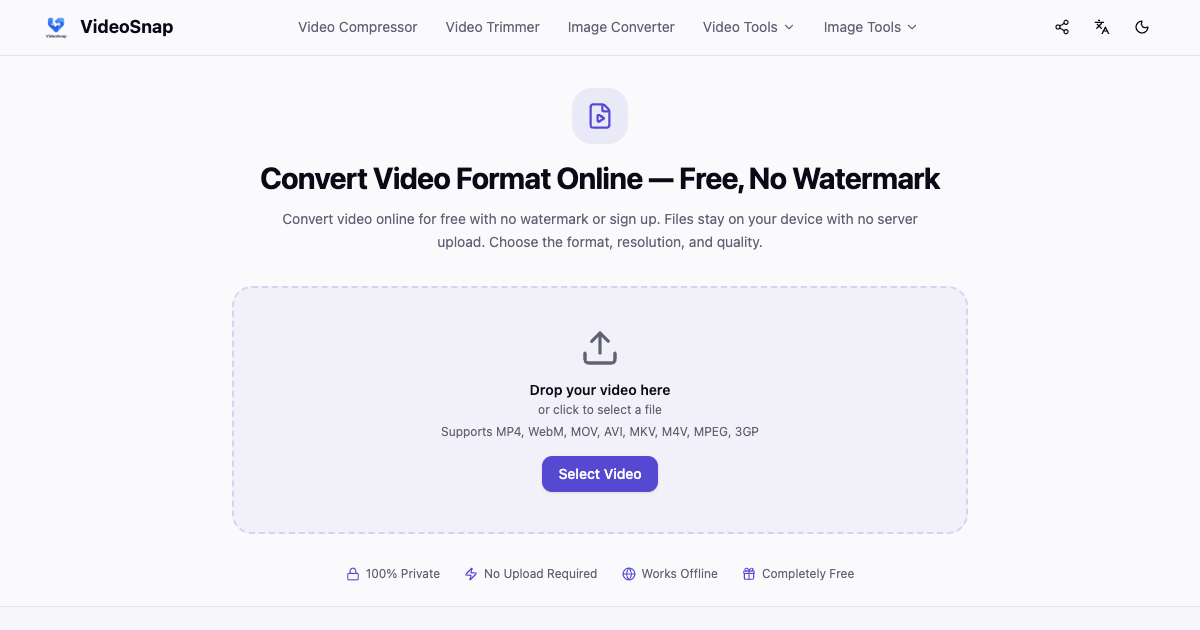
VideoSnap is a free video converter designed to change video formats and extract audio directly in the user's browser, eliminating the need for file uploads. This tool supports a variety of video formats, including MP4, WebM, MOV, MKV, AVI, M4V, MPEG, and 3GP, as well as audio extraction in formats like MP3, AAC, WAV, FLAC, and OGG. Users can adjust video resolution and quality settings, making it versatile for different needs.
One of the key advantages of VideoSnap is its focus on privacy and speed. The conversion process occurs locally in the browser, meaning files do not leave the user's device, which enhances security and reduces bandwidth consumption. Additionally, VideoSnap is designed to work offline after the initial visit, allowing users to convert files without a stable internet connection.
VideoSnap is completely free to use with no hidden charges, subscription plans, or watermarks on the output files. This makes it an appealing option for anyone needing a straightforward and efficient video conversion tool without the hassle of account registration or file uploads.
Key Features
- Convert videos without uploading
- Supports multiple video formats
- Extract audio in various formats
- Adjust video resolution and quality
- Runs entirely in the browser
- Works offline after initial visit
- No watermarks on output files
- Completely free with no hidden charges
Use Cases
- Converting video files for different platforms
- Extracting audio from video files
- Adjusting video quality for better performance
- Using the tool without internet access after the first visit
Pros & Cons
Pros
- No uploads required, ensuring privacy
- Fast processing without bandwidth consumption
- Completely free with no limitations
- User-friendly interface for easy conversions
Cons
- Free tier limits should be verified
- Requires initial internet access for first use
- Output quality may vary based on settings
Frequently Asked Questions
Is this a free video converter with no watermark?
Yes, VideoSnap offers free conversions without watermarks.
Can I convert video without uploading it?
Yes, the conversion happens directly in your browser without uploads.
Do I need to sign up or create an account?
No, no account registration is required.
Which video and audio formats can I convert?
You can convert various formats including MP4, WebM, MOV, and more.
Can I change video quality and resolution?
Yes, you can adjust these settings for video output.
Can I convert large video files online?
This should be verified based on your browser's capabilities.