
Back to Blog antigravity
 kubernetes
 ai
ai typescript
 showdev
 ai
ai agents
Build and Deploy to Google Cloud with Antigravity: The Era of Agent-First Development
Gbemisola Esho April 24, 2026
0 views
The landscape of software development is undergoing a seismic shift from simple chat interfaces to...
The landscape of software development is undergoing a seismic shift from simple chat interfaces to autonomous agents capable of planning, executing, and refining complex workflows. Leading this charge is Google Antigravity, an agentic development platform that evolves the traditional IDE into a mission control center for an agent-first era.
Unlike standard coding assistants that merely autocomplete lines, Antigravity functions as an autonomous actor that can design, build, and deploy entire systems with minimal human intervention.
## The Mission: An Event-Driven Document Pipeline
To see Antigravity in action, we can look at the creation of a serverless, event-driven document processing pipeline on Google Cloud. The architecture involves:
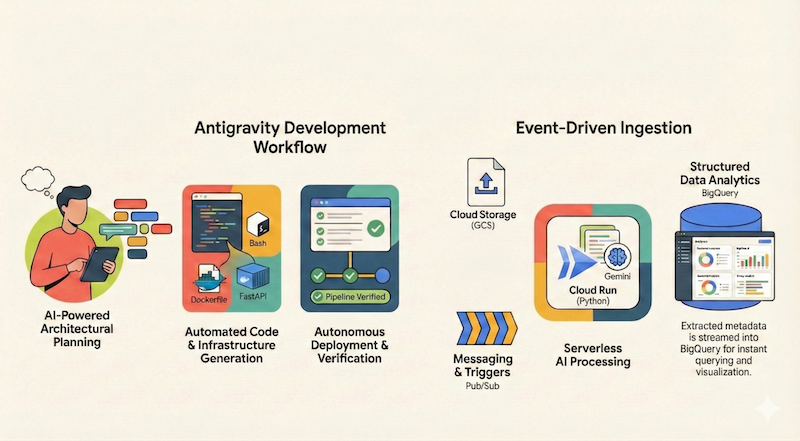
Ingestion: Files uploaded to a Google Cloud Storage (GCS) bucket.
Trigger: Uploads firing a Pub/Sub message.
Processor: A Cloud Run service (Python/Flask) that extracts metadata and processes files using Gemini on Vertex AI.
Storage: Streaming the results (tags, word counts, filenames) into BigQuery.
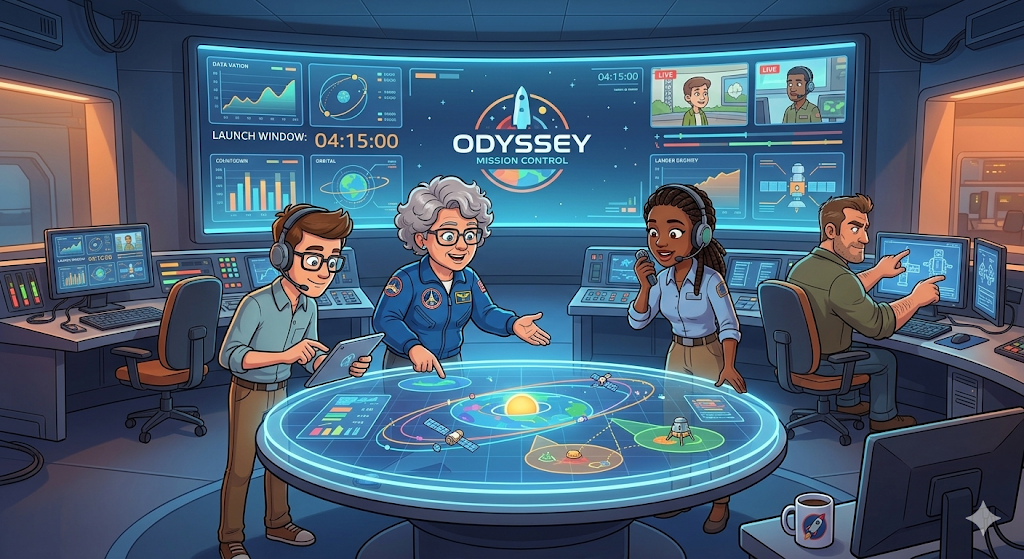
Development in Antigravity doesn't start with code; it starts with a Mission. In the Agent Manager, developers use the Playground to provide high-level prompts. Antigravity excels at planning complex systems before a single line is written.

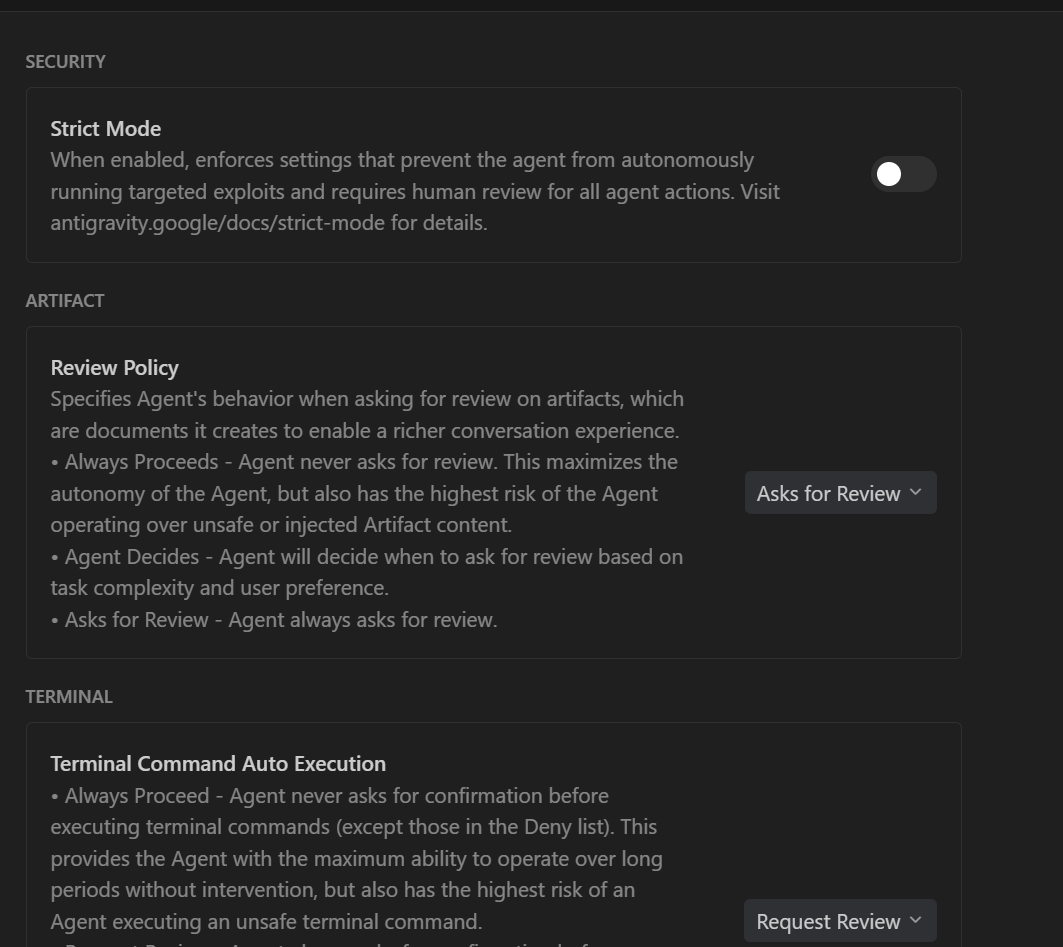
A critical feature is the Review Policy. By setting artifacts to "Asks for Review," you ensure the agent presents its logic for approval before execution, fostering trust and maintaining human-in-the-loop control.
## Phase 2: Autonomous Code & Infrastructure Generation
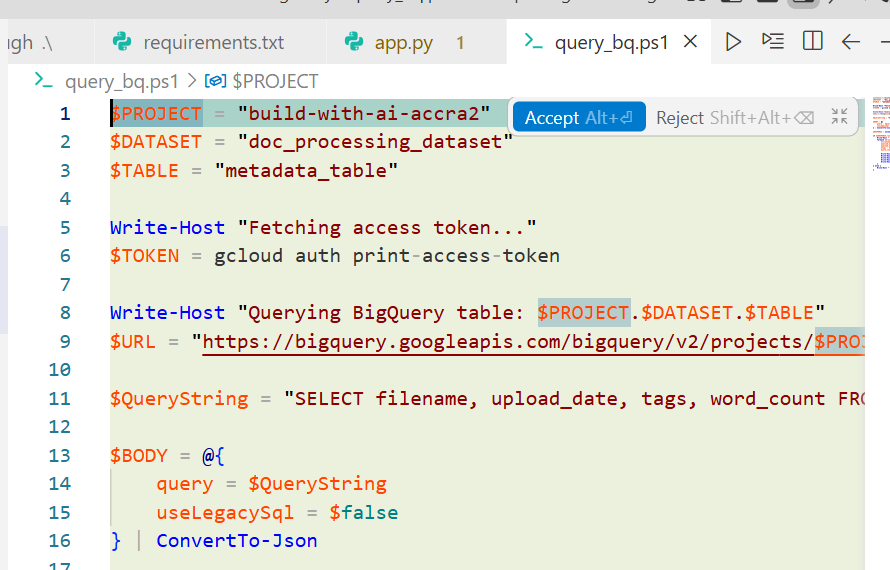
Once the plan is approved, Antigravity generates all necessary artifacts:
Infrastructure as Code: A setup.sh script to enable APIs (Cloud Run, Pub/Sub, BigQuery) and provision resources.
Application Code: A Python-based main.py, a Dockerfile, and a requirements.txt.
Deployment: The agent handles building the container image and deploying the Cloud Run service automatically.
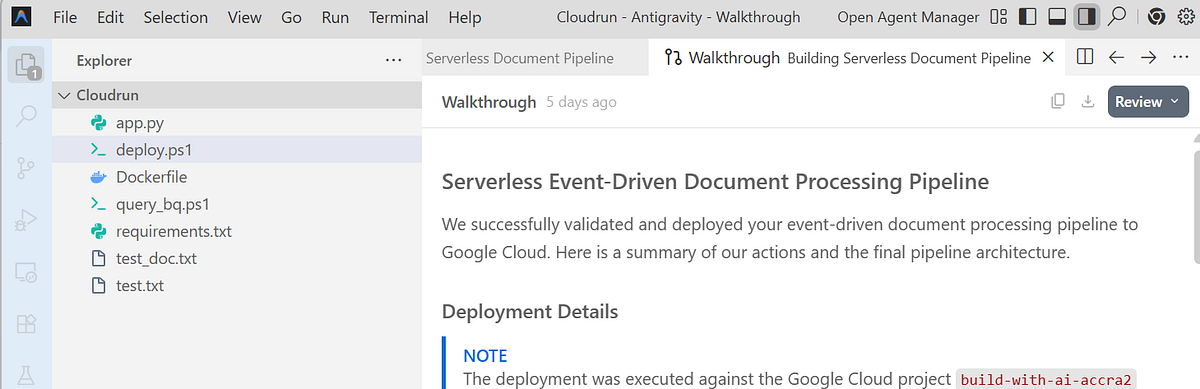
**Phase 3: Verification via Artifacts, Not Logs**
The most tedious part of delegation is verification. Antigravity solves this by moving away from raw logs to Artifacts - tangible deliverables like task lists, implementation plans, and Walkthroughs.
The agent proactively verifies the deployment by uploading a test file to GCS and running SQL queries in BigQuery to ensure the data was processed correctly. You can review these results in the Walkthrough artifact, which summarizes every change and result at a glance
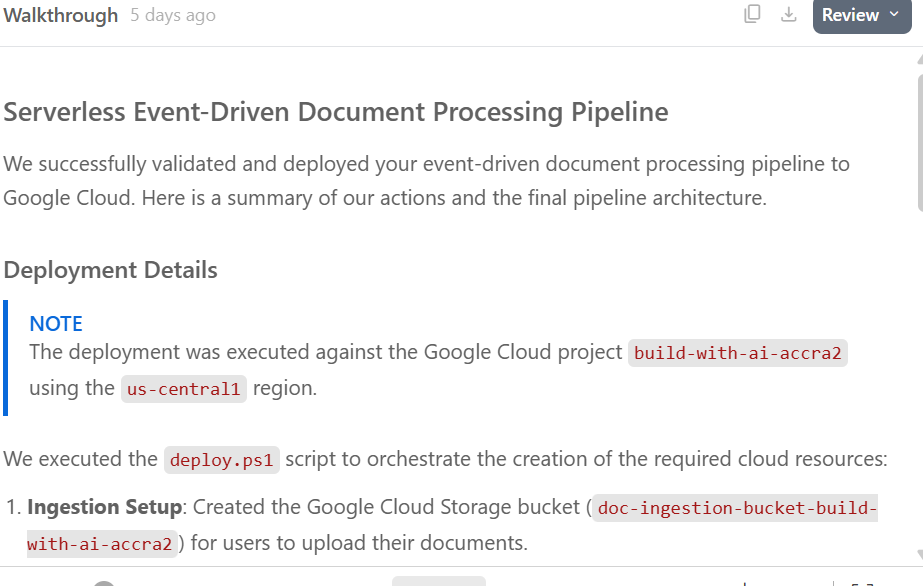
To verify the application really works you can test It creates a test artifact (test.txt) and wants to upload it to Google Cloud Storage bucket. Click on Accept to go ahead.
If you want to run further tests on your own, you can try to upload a sample file to the Cloud Storage bucket:
**gcloud storage cp <some-test-doc>.txt gs: // doc-ingestion-{project-id}**
## Extend the Application
Add a Frontend: Generate a Streamlit or Flask web app to visualize BigQuery data.
Integrate Real AI: Swap "simulated" logic for real Gemini-powered document classification and translation.
Enhance Security: Move sensitive configurations to Secret Manager or implement Dead Letter Queues (DLQ) for robust error handling.
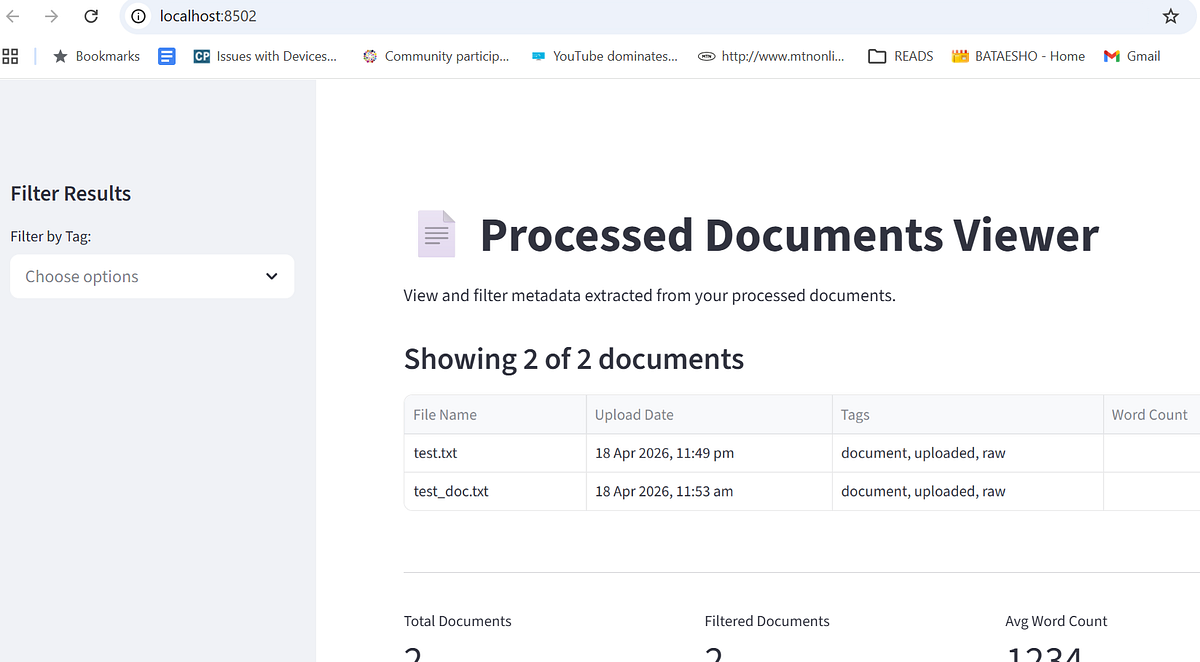
Google Antigravity represents a shift toward a higher, task-oriented level of engineering. By combining an AI-powered editor with a dedicated agent workspace, it allows developers to focus on the "what" while the agent handles the "how," turning abstract ideas into live, verified cloud applications in minutes.
For your step to step learning visit the [Build and Deploy to Google Cloud with Antigravity](https://codelabs.developers.google.com/build-and-deploy-gcp-with-antigravity?hl=en&continue=https%3A%2F%2Fcodelabs.developers.google.com%2Fcloudaittt2026) codelab for more.
Comments
More Blog
View allkubernetesMinimalist EKS: The Easy Way
Amazon EKS manages the Kubernetes control plane, but you remain responsible for provisioning the...
J
Joaquin MenchacaaiNever forget to enter the Stern Grove lottery again!
Browser automation with Playwright, Python, GitHub Actions, and Entire to auto-enter San Francisco Stern Grove concert lotteries each week!
L
Lizzie SiegletypescriptA Free Screenshot Editor That Never Uploads Your Image
A free screenshot and image editor that runs entirely in your browser. Keeping every edit reversible and handling big phone photos, in plain TypeScript and Canvas2D.
M
Martin StarkshowdevI built a CLI to break my highlights out of Apple Books
A macOS CLI + MCP server that exports Apple Books highlights to Markdown and gives AI assistants direct access to your reading notes.
A
Andrey KorchakaiA Developer's Guide to Agent Hooks in Antigravity CLI
Motivation To be quite honest, "Hooks"—the shell commands we trigger at specific points...
T
TanaikeagentsTactical vs. Strategic Agentic AI Development — A Playbook for Developers
The Strategic Engineer: Why Writing Code Is No Longer Your Most Valuable Skill ...
A
Adewumi Saheed Adewale