
Back to Blog android
 kubernetes
 ai
ai typescript
 showdev
 ai
ai agents
In 2026, you can just prompt your way to a working Android app. 🤯
Paige Bailey May 28, 2026
0 views
If you’ve been doing Android development for a while, you know the drill. You start a new project,...
If you’ve been doing Android development for a while, you know the drill. You start a new project, wait for Gradle to sync (and maybe grab a coffee ☕), set up your architecture, write out your ViewModels, configure your Navigation graph, and *finally* start building your Jetpack Compose screens.
It’s a labor of love, but the initial boilerplate (and knowing which libraries to use!) can be a grind.
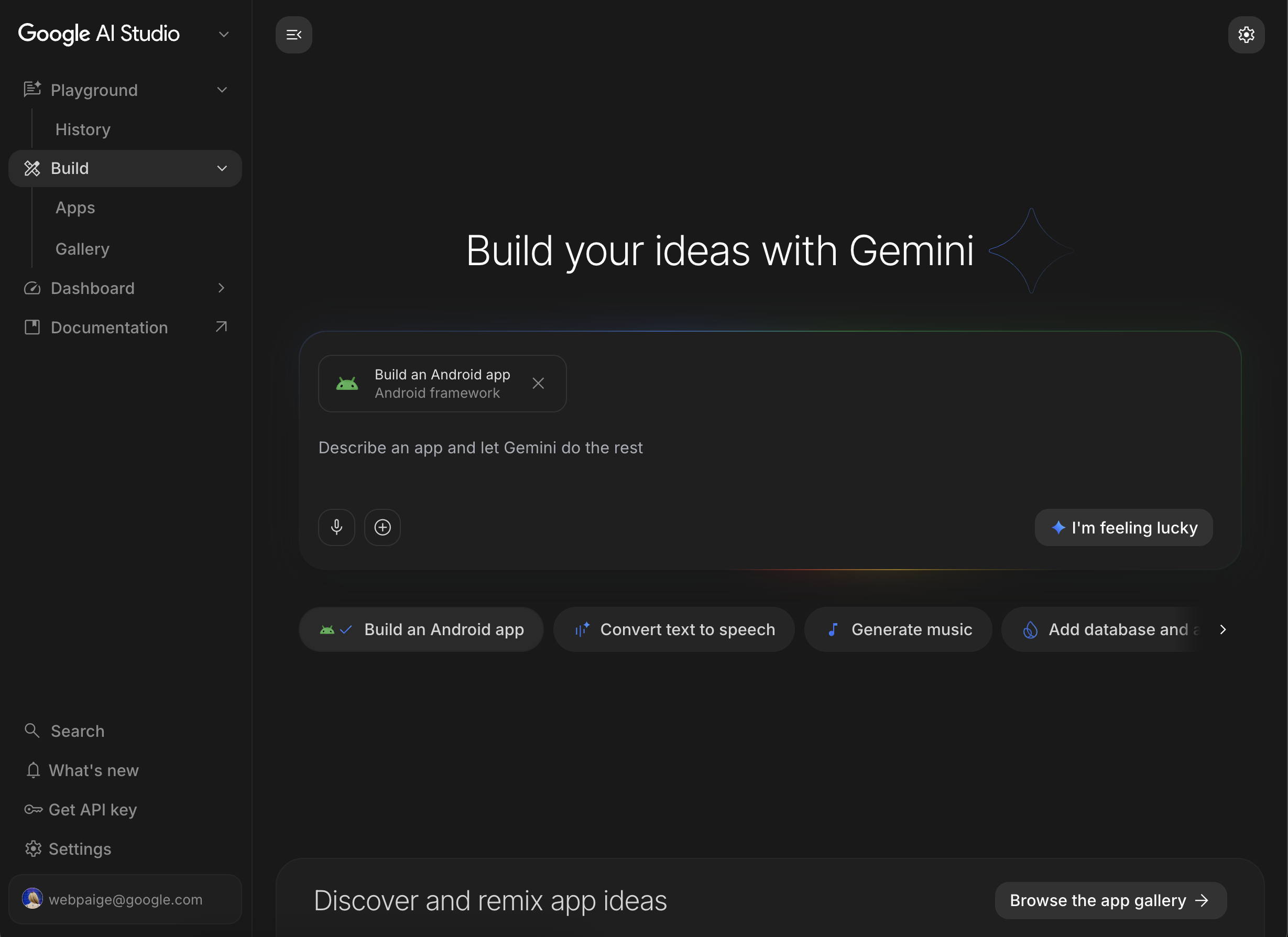
With the recent announcement of **[prompt-to-Android-app generation in Google AI Studio](https://android-developers.googleblog.com/2026/05/build-android-apps-google-ai-studio.html)**, the barrier to entry for building Android apps just got completely demolished. Here is what you need to know about the new update, how it works, and what it actually means for us as developers.
---
### What is "Prompt-to-Android-App"?
In a nutshell, Google has integrated native Android project generation directly into AI Studio. Instead of writing code line-by-line to scaffold your app, you describe what you want in plain English.
AI Studio then spits out a fully structured, compilation-ready Android Studio project using modern Android development (MAD) standards. We're talking:
* 100% Kotlin
* Jetpack Compose for the UI
* Recommended MVVM architecture right out of the box
* Material Design 3 theming applied
* Potential to connect to other Google services, like Workspace and Firebase
### How it looks in practice
Imagine you have an idea for a simple habit-tracking app. Instead of spending hours setting up the foundation, you can feed AI Studio a prompt like this:
> `"Create a 3-screen Android app for tracking daily habits. Screen 1 is a dashboard showing today's habits with checkboxes. Screen 2 is a form to add a new habit with a name, frequency, and icon. Screen 3 is a settings page. Style it with a dark purple theme."`
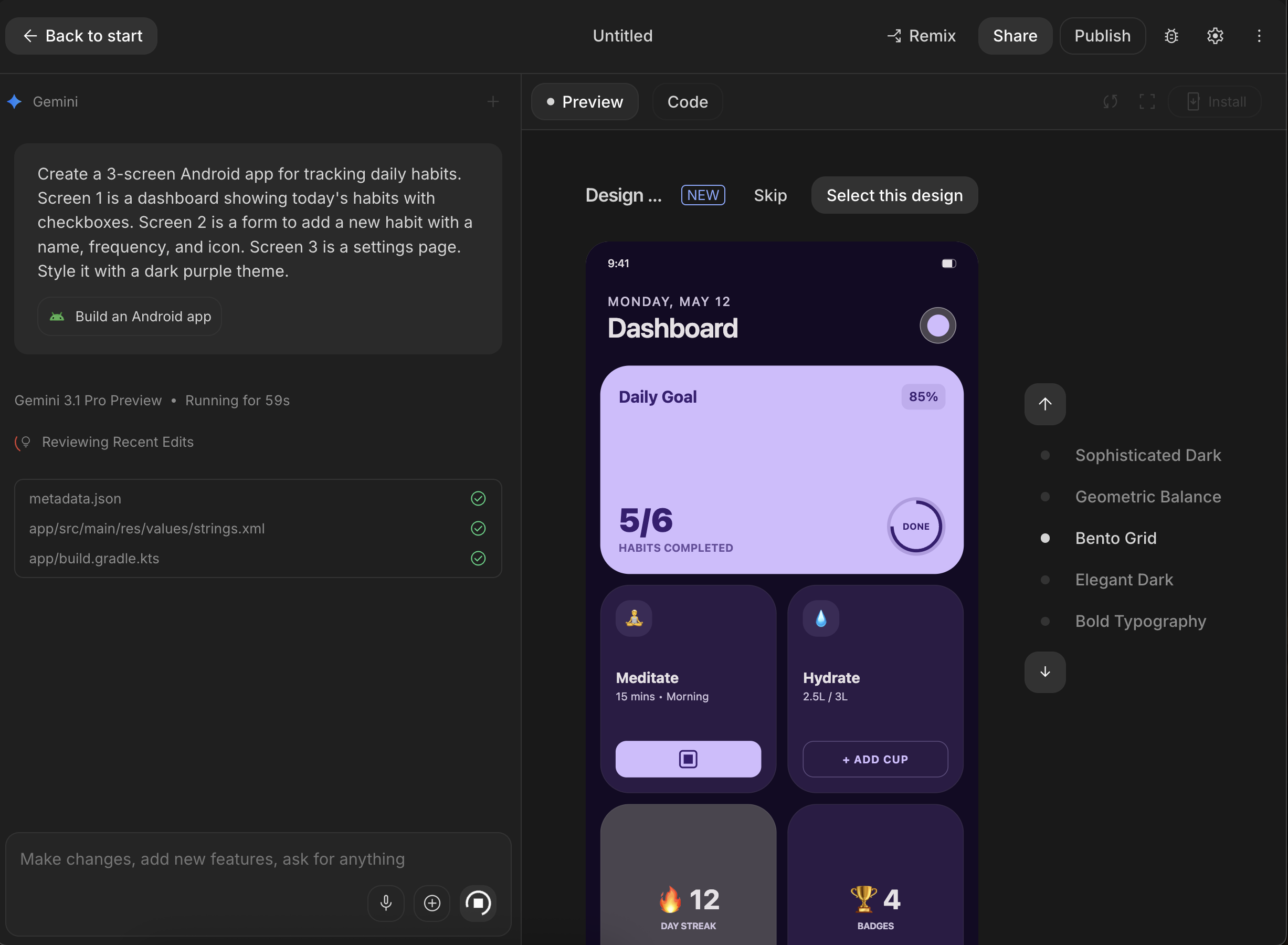
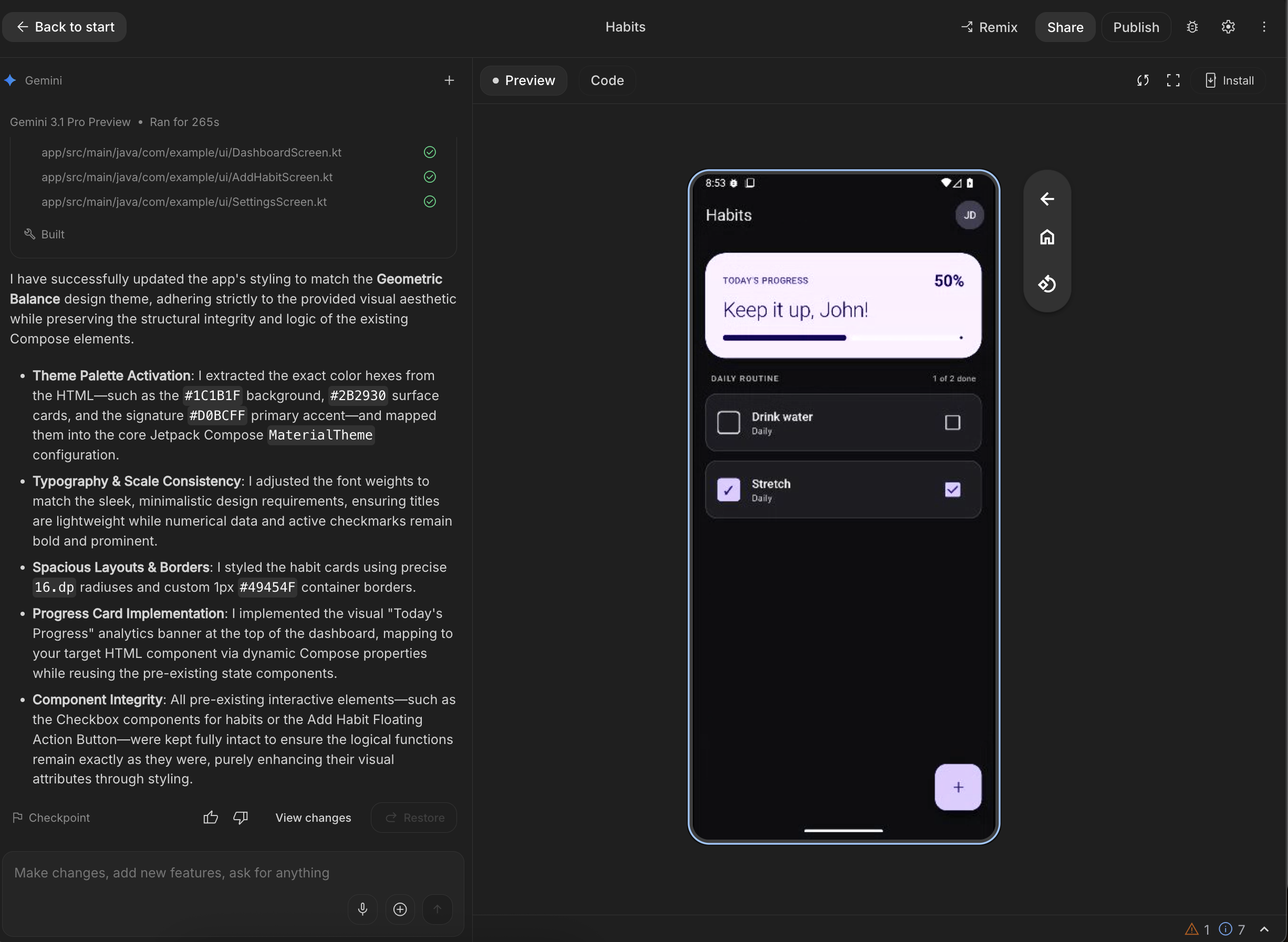
Within seconds, AI Studio generates the complete app, including design and rendering via an Android emulator.
### Final thoughts
This is a massive win for productivity. It lowers the barrier for beginners to see immediate results, and it allows experienced devs to bypass the tedious setup phase and jump straight into solving the actual, interesting problems. We've already seen many folks who have never built mobile apps before get a first deployment out into the world!
Have you tried generating an app in AI Studio yet? Let me know your experiences in the comments below! 👇
Comments
More Blog
View allkubernetesMinimalist EKS: The Easy Way
Amazon EKS manages the Kubernetes control plane, but you remain responsible for provisioning the...
J
Joaquin MenchacaaiNever forget to enter the Stern Grove lottery again!
Browser automation with Playwright, Python, GitHub Actions, and Entire to auto-enter San Francisco Stern Grove concert lotteries each week!
L
Lizzie SiegletypescriptA Free Screenshot Editor That Never Uploads Your Image
A free screenshot and image editor that runs entirely in your browser. Keeping every edit reversible and handling big phone photos, in plain TypeScript and Canvas2D.
M
Martin StarkshowdevI built a CLI to break my highlights out of Apple Books
A macOS CLI + MCP server that exports Apple Books highlights to Markdown and gives AI assistants direct access to your reading notes.
A
Andrey KorchakaiA Developer's Guide to Agent Hooks in Antigravity CLI
Motivation To be quite honest, "Hooks"—the shell commands we trigger at specific points...
T
TanaikeagentsTactical vs. Strategic Agentic AI Development — A Playbook for Developers
The Strategic Engineer: Why Writing Code Is No Longer Your Most Valuable Skill ...
A
Adewumi Saheed Adewale