
Back to Blog ai
ai claudecode
 ai
ai aicoding
 microsoft
 ai
ai aitools
Two Ways of Building with AI — With and Without Traycer
Fili March 11, 2026
0 views
After a year of building with Cursor, I started noticing a pattern. There are basically two modes of...
After a year of building with Cursor, I started noticing a pattern. There are basically two modes of AI-assisted development. One I did for a long time. The other is what happens when you add [Traycer](https://traycer.ai).
---
## How the AI understands what you actually want
When you use Cursor alone, the AI makes assumptions. You describe a feature, it makes its best guess at the intent, and starts coding. Sometimes the guess is right. Often it's *mostly* right — but "mostly right" in a codebase compounds fast.
Traycer's Epic Mode doesn't jump straight to code. It asks. Not just one clarifying question — it keeps going until the intent is actually clear. Things like: "Should this live in the same repo, or a separate project?" "How should errors be handled?" "What about backward compatibility?"
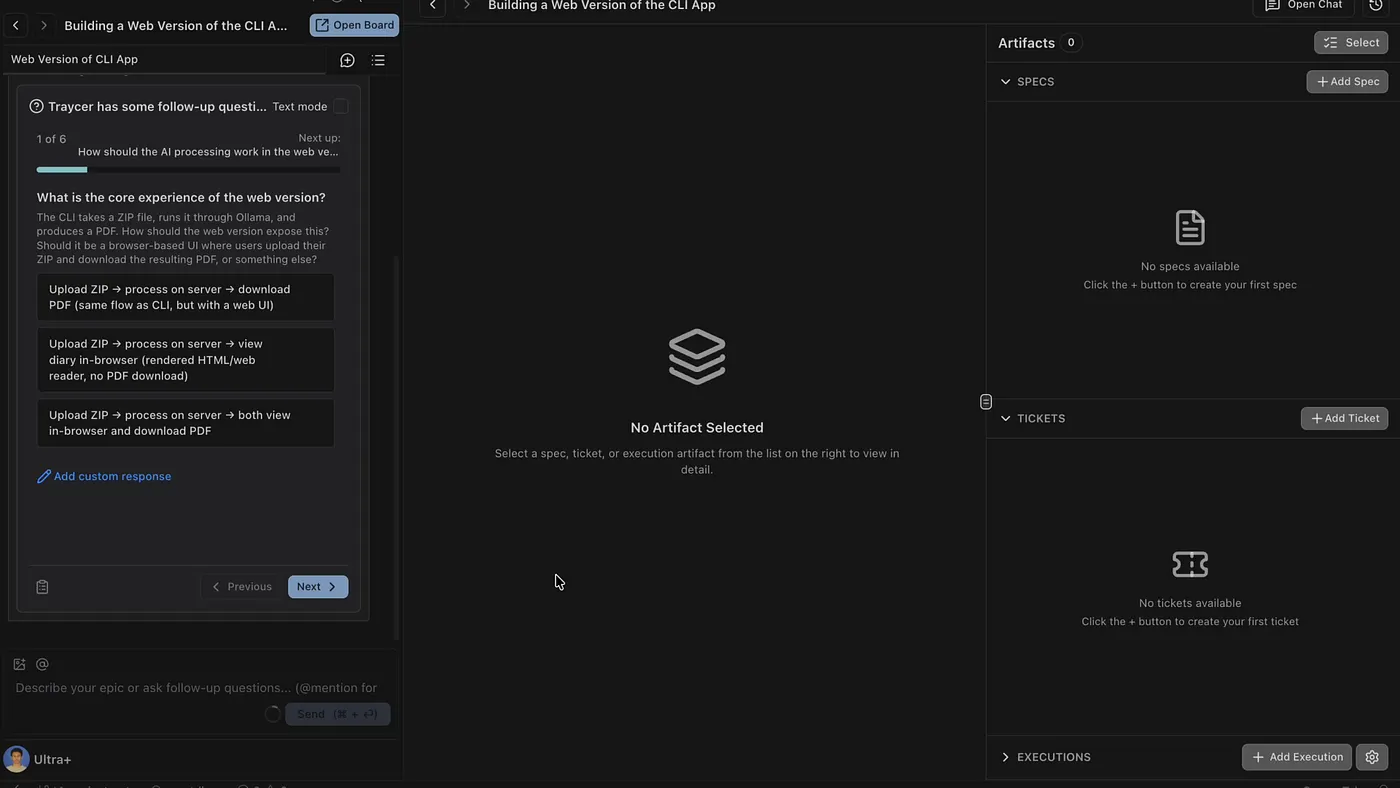
**Without Traycer:** Describe the feature → AI makes assumptions → code gets written → you discover a missed edge case in review (or worse, in production).
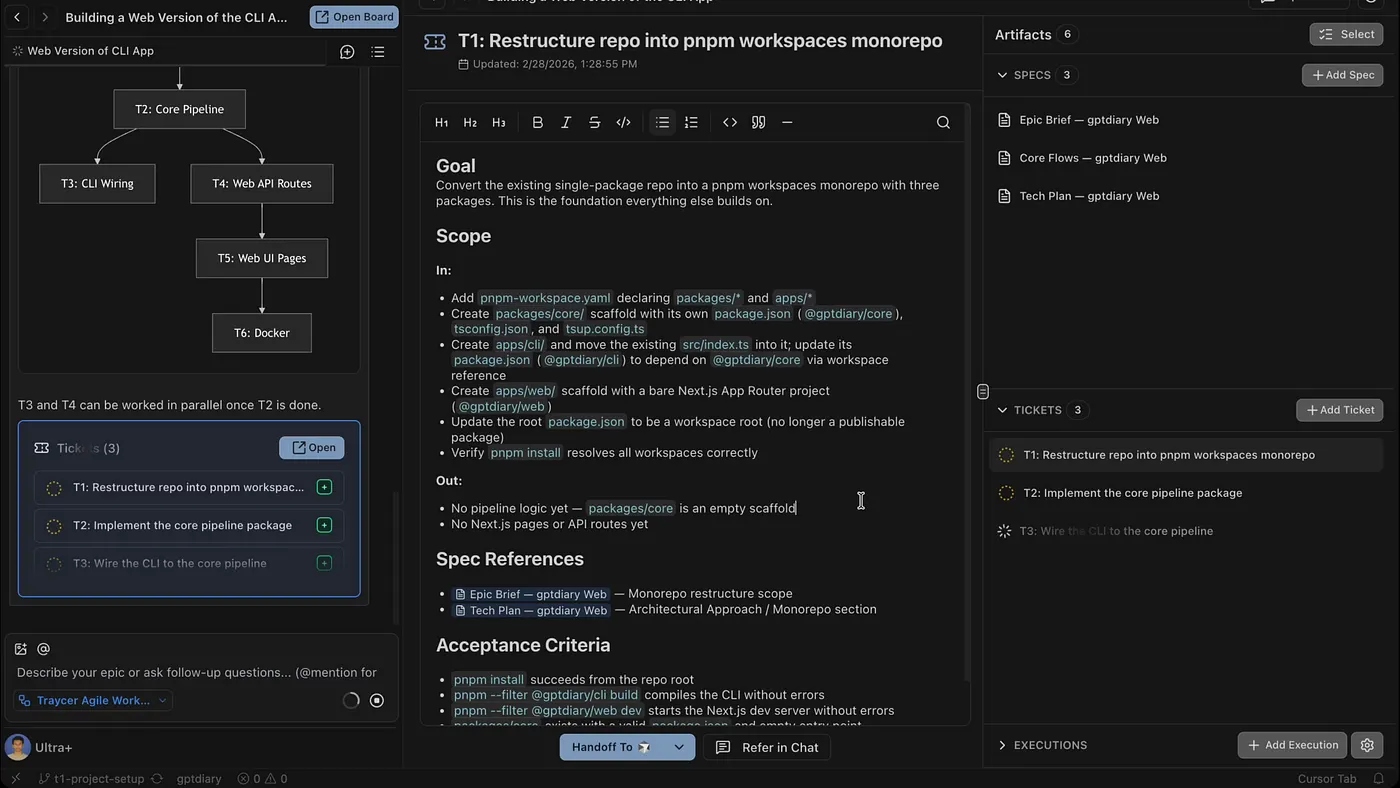
**With Traycer:** Describe the feature → Traycer asks about repo structure, error handling, edge cases → intent is documented → then code gets written. The refactor that would've happened later doesn't happen at all.
---
## What you're left with after the session ends
Here's something that doesn't show up in demos: what happens when you close your laptop and come back the next day.
Without Traycer, your context lives in chat history. The to-do list Cursor generated makes sense in the moment, but by tomorrow you've forgotten *why* you wrote step 3 the way you did, what you were worried about, what you decided not to do and why. You end up re-reading the whole chat to reconstruct your own reasoning.
With Traycer, the intent is in the artifact. Each ticket has its own spec, acceptance criteria, and dependency chain. You can pick up exactly where you left off — days later — without re-reading anything.
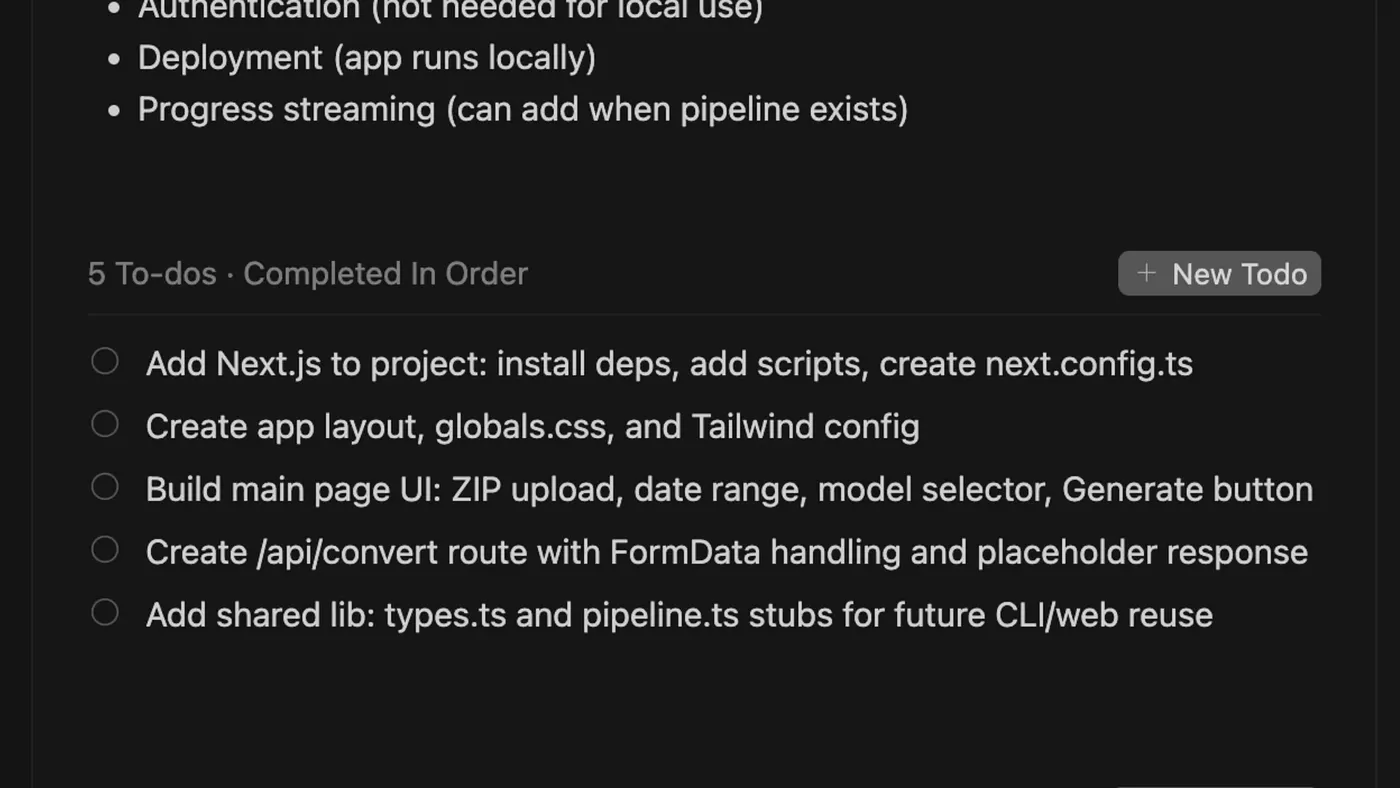
**Without Traycer:** A linear to-do list tied to chat context. Come back tomorrow and it's just a list of tasks with no memory of the decisions behind them.
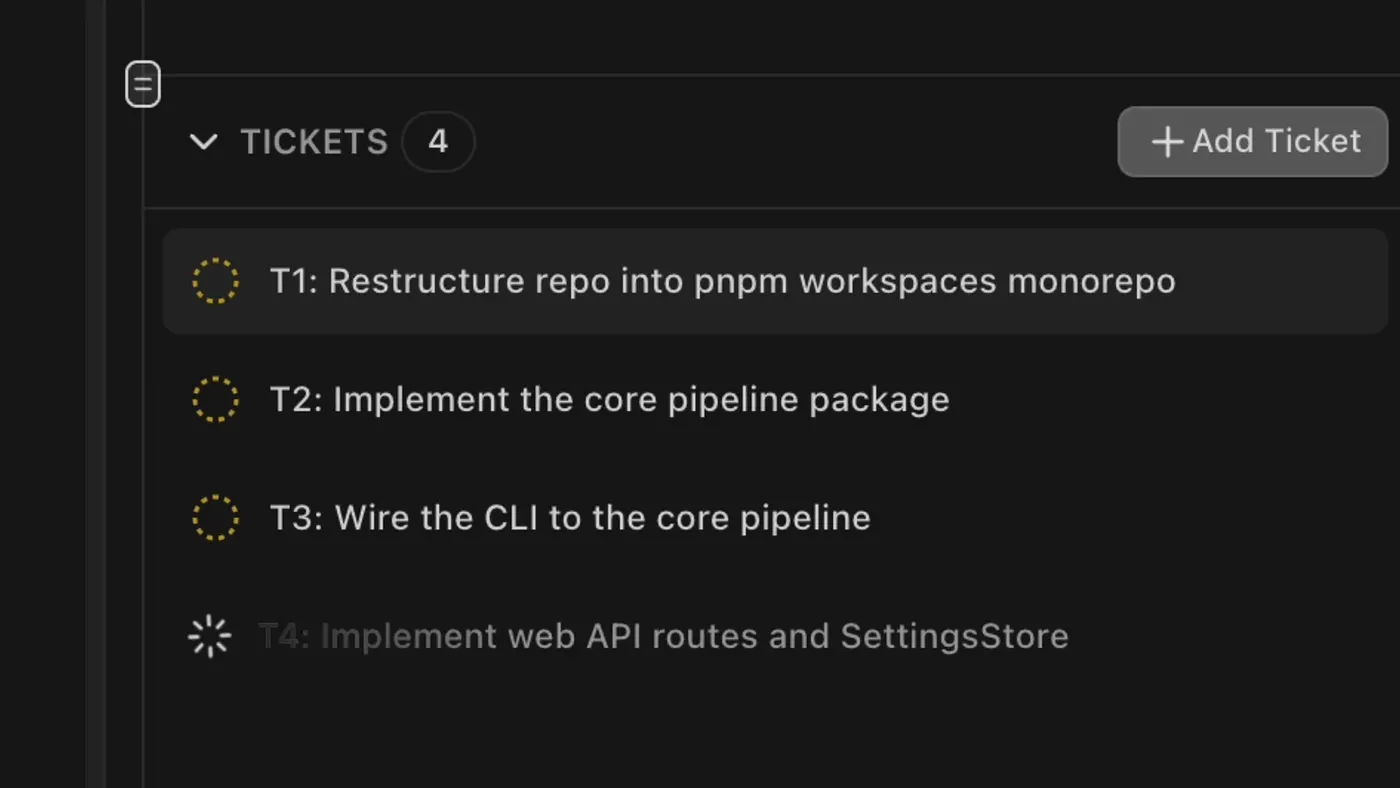
**With Traycer:** Structured tickets with specs, acceptance criteria, dependencies. Self-contained. Readable without the chat. The intent survives the session.
---
## Linear building vs. looped building
The more I've used both, the more I think this isn't really about tools — it's about two different mental models for AI-assisted development.
**Linear:** prompt → code immediately. Fast. Works great when you know exactly what you want. Still the right call for prototypes and quick features.
**Looped:** clarify → plan → code → verify. Slower upfront. But you close the loop intentionally instead of accidentally — in review, or when something breaks.
Here's the thing: we were always doing the loop manually. Every time you verify output, debug a regression, or refactor something the AI got wrong — that's the loop. Traycer just makes it explicit, structured, and earlier. It moves the cost from the back end (debugging) to the front end (clarifying), where it's much cheaper.
For bounded tasks where the shape is clear: go fast, go linear.
For complex builds, multi-session work, or anything where you're figuring it out as you go: the loop is worth it.
TL;DR
- Linear building (Cursor alone): fast, works great for small tasks, but assumptions compound and context doesn't survive the session.
- Looped building (with Traycer): slower upfront, but intent is documented, tickets are self-contained, and the refactor that would've happened later doesn't happen at all.
If you work on anything multi-session or multi-ticket, it's worth trying. Traycer has a free tier and you can get 10 credits on first payment with this [link](https://platform.traycer.ai/?ref=TM6L6FJ2QF).
Comments
More Blog
View allclaudecodeCursor vs Claude Code in 2026: Which AI Coding Tool Actually Makes You Faster?
I've spent the last three months shipping production code with both Cursor and Claude Code. Not toy...
A
Atlas WhoffaiThe 5 MCPs that actually changed how I use Cursor and Claude Code
I've been testing MCPs heavily in Cursor and Claude Code. Here are the 5 that actually changed how I...
V
vdalhambraaicodingAI-Powered Development 2026: Beyond Basic Code Generation
AI-Powered Development 2026: Beyond Basic Code Generation How AI assistants have evolved...
L
lufumeiyingmicrosoftCursor AI vs GitHub Copilot: Developer Comparison 2025
Cursor AI vs GitHub Copilot: Developer Comparison 2025 The AI-Powered Code Completion...
I
IcaraxaiHow to Build 3D & AR Apps with AI — Cursor, Windsurf, Claude Code
AI coding assistants are great at generating UI code. But ask them to build a 3D scene or an AR...
T
Thomas GorisseaitoolsAI Coding Market Share 2026: Who's Winning?
Claude Code holds 54% of the AI coding market. Cursor hit $2B ARR. Copilot leads enterprise. Here's what the 2026 numbers actually mean.
J
Jangwook Kim