
Back to Blog claudecode
 cursor
 ai
ai amazonbedrock
 ai
ai ai
ai mcp
mcp
Claude Code vs Cursor vs Antigravity: Which AI Coding Tool Should You Use in 2026?
Akshay Kumar March 20, 2026
0 views
Claude Code vs Cursor vs Antigravity: Which AI Coding Tool Should You Use in...
Claude Code vs Cursor vs Antigravity: Which AI Coding Tool Should You Use in 2026?
Every CS student and developer I know is using at least one AI coding tool right now. The problem isn't finding one — it's figuring out which one is actually worth your time, and whether the paid ones are worth the money.
I've personally used all three — Claude Code, Cursor, and Google Antigravity — across real projects, not just hello world demos. Here's what I actually think.
Quick Overview
Before diving deep, here's the one-line summary of each:
| Tool | Best Described As | Cost |
|---|---|---|
| Claude Code | AI agent that lives in your terminal | $20–$200/month |
| Cursor | VS Code with AI baked into everything | Free–$200/month |
| Antigravity | Mission control for autonomous AI agents | Free (for now) |
Claude Code
Claude Code is Anthropic's agentic coding tool — and it's fundamentally different from what most people picture when they think "AI coding assistant."
There's no GUI. No sidebar chat. No autocomplete popup. Claude Code runs entirely in your terminal and treats your whole codebase as its working memory. You give it a goal — "add JWT authentication to the API" — and it reads your existing code, makes a plan, implements the changes across multiple files, runs your tests, fixes failures, and reports back when done.
The key thing that sets it apart is how it handles complex, multi-step work. It doesn't just write code — it thinks through the problem first. Plan Mode shows you the full strategy before anything is touched, which builds a lot of trust.
What works really well:
- 200,000 token context window — it actually understands large codebases
- Production-quality output — thorough error handling, proper architecture
- GitHub integration — tag it on a PR and it responds to reviewer comments
- MCP support — connects to external tools including databases, APIs, and more
What's not ideal:
- Takes longer than the others — it's thorough, not fast
- Terminal-only experience isn't for everyone
- Costs add up quickly during heavy agentic sessions
Pricing (USD & INR):
| Plan | USD/month | INR/month |
|---|---|---|
| Pro | $20 | ₹1,670 |
| Max 5x | $100 | ₹8,350 |
| Max 20x | $200 | ₹16,700 |
Student tip: You can run Claude Code completely free using Ollama with open-source models. We tested this on a MacBook Air — check the full guide here: Run Claude Code for Free Using Ollama
Cursor
Cursor is what happens when you take VS Code — already the world's most popular editor — and rebuild it from scratch with AI as a first-class citizen rather than a plugin.
Everything you already know works. Your extensions, your themes, your keyboard shortcuts, your muscle memory. The only difference is that AI is now woven into every layer of the editor. The autocomplete doesn't just complete the current line — it predicts entire functions based on what you're building. The Agent Mode doesn't just answer questions — it takes over your project, makes changes across files, runs tests, and iterates.
What makes Cursor stand out is speed. Most tasks complete in under 30 seconds. For rapid prototyping, hackathons, or quick feature work, nothing comes close.
What works really well:
- Zero learning curve — productive from minute one
- Fastest output of the three by a significant margin
- Background agents that work while you're doing other things
- Free tier is genuinely useful, not crippled
- Team features are the most mature of the three
What's not ideal:
- Occasionally takes shortcuts on code quality for the sake of speed
- Context window (128K standard) can struggle on very large codebases
- Background agents send your code to external servers — worth knowing
Pricing (USD & INR):
| Plan | USD/month | INR/month |
|---|---|---|
| Free | $0 | ₹0 |
| Pro | $20 | ₹1,670 |
| Max 5x | $100 | ₹8,350 |
| Max 20x | $200 | ₹16,700 |
Google Antigravity
Antigravity is the most ambitious tool of the three — and the hardest to explain, because it's genuinely unlike anything most developers have used before.
The core shift: in Claude Code and Cursor, you are the developer and AI assists you. In Antigravity, AI agents are the developers and you are the orchestrator. You set the goal, the agents figure out how to get there — writing code in the Editor, running commands in the Terminal, and verifying results in a real Browser, all simultaneously.
The Browser piece is what surprised me most. Antigravity doesn't just write code and hope it works — it actually opens Chrome, navigates your app, takes screenshots, and confirms the feature works before marking the task done. That level of autonomous verification is genuinely impressive.
The other standout feature is Artifacts — instead of raw code diffs or log files, Antigravity gives you readable task summaries, screenshots, and browser recordings of what the agents did. It's far easier to trust than staring at hundreds of changed lines.
What works really well:
- Completely free right now — genuinely powerful at zero cost
- Browser-based verification means fewer "it works on my machine" moments
- MCP support is excellent — works seamlessly with Google Stitch for UI design
- Multi-agent orchestration lets different agents tackle different parts simultaneously
- Artifacts make it easy to review and understand what happened
What's not ideal:
- Steepest learning curve of the three — the agent-first model takes adjustment
- Still early — some features marked "coming soon"
- Free pricing won't last forever once Team/Enterprise tiers launch
Pricing (USD & INR):
| Plan | USD/month | INR/month |
|---|---|---|
| Public Preview | Free | ₹0 |
| Team (coming soon) | TBD | TBD |
Seen what Antigravity can do with UI? We used it with Google Stitch MCP to completely redesign an app's signup page — no design skills needed: Build Beautiful App UIs Without Being a Designer
Direct Comparison
Speed
| Task | Cursor | Antigravity | Claude Code |
|---|---|---|---|
| Simple feature | ~2 min | ~5 min | ~10 min |
| Complex feature | ~5 min | ~8 min | ~25 min |
| Code review | Instant | Fast | Thorough |
Cursor wins on speed. Claude Code wins on quality. Antigravity sits in the middle — slower than Cursor but it verifies its work automatically.
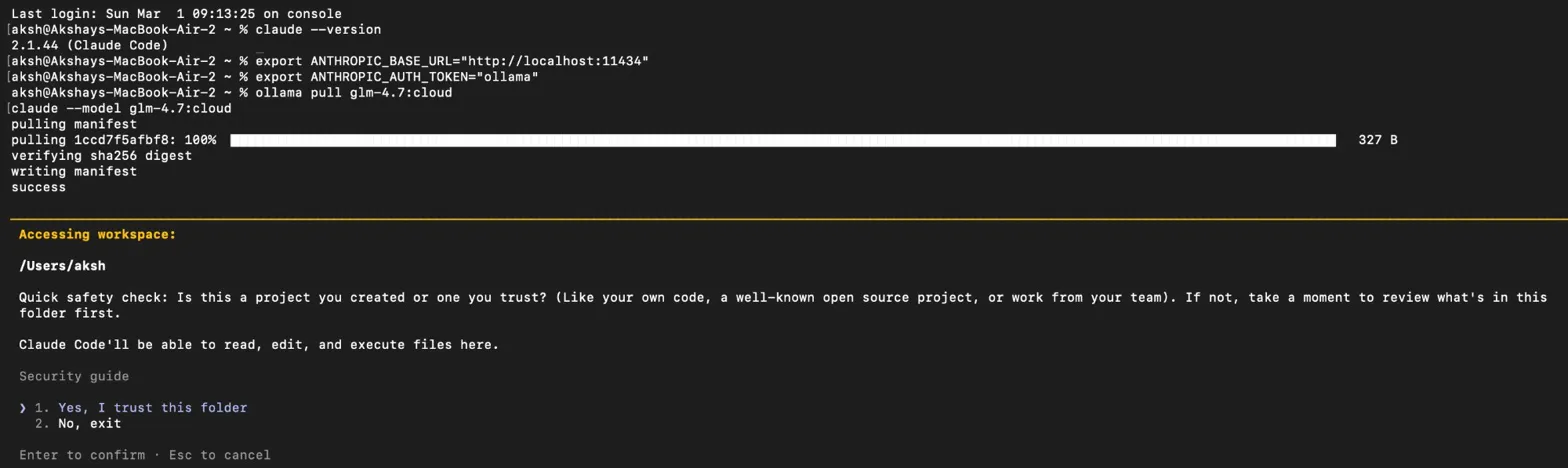 Claude Code v2.1.44 running in terminal — the methodical approach that produces production-quality output
Code Quality
Cursor produces clean, working code fast — but occasionally cuts corners. Great for prototypes, needs review before production.
Claude Code writes like a senior developer who has been through enough production incidents to never skip error handling — thorough, well-architected, and heavily commented. Takes longer but saves debugging time later.
Antigravity produces solid, well-structured code. Occasionally overengineers simple solutions, but the browser verification means what you get actually works end-to-end.
Codebase Understanding
Claude Code's 200,000 token context window is the largest of the three — it can hold your entire codebase in memory at once. Ask it "why are users seeing slow load times?" and it'll analyze your database queries, API calls, and rendering logic together. Context stays consistent throughout long sessions.
Cursor uses semantic search — it doesn't need your exact words to find relevant code. Ask "where do we handle payment failures?" and it finds the right files even if they're named something different. Excellent for navigating unfamiliar codebases quickly.
Antigravity builds a knowledge base over time. After a few sessions it starts remembering your preferred patterns and conventions without being told. The most promising approach long-term, but the least mature right now.
For Students and Budget Developers
This is where it gets practical.
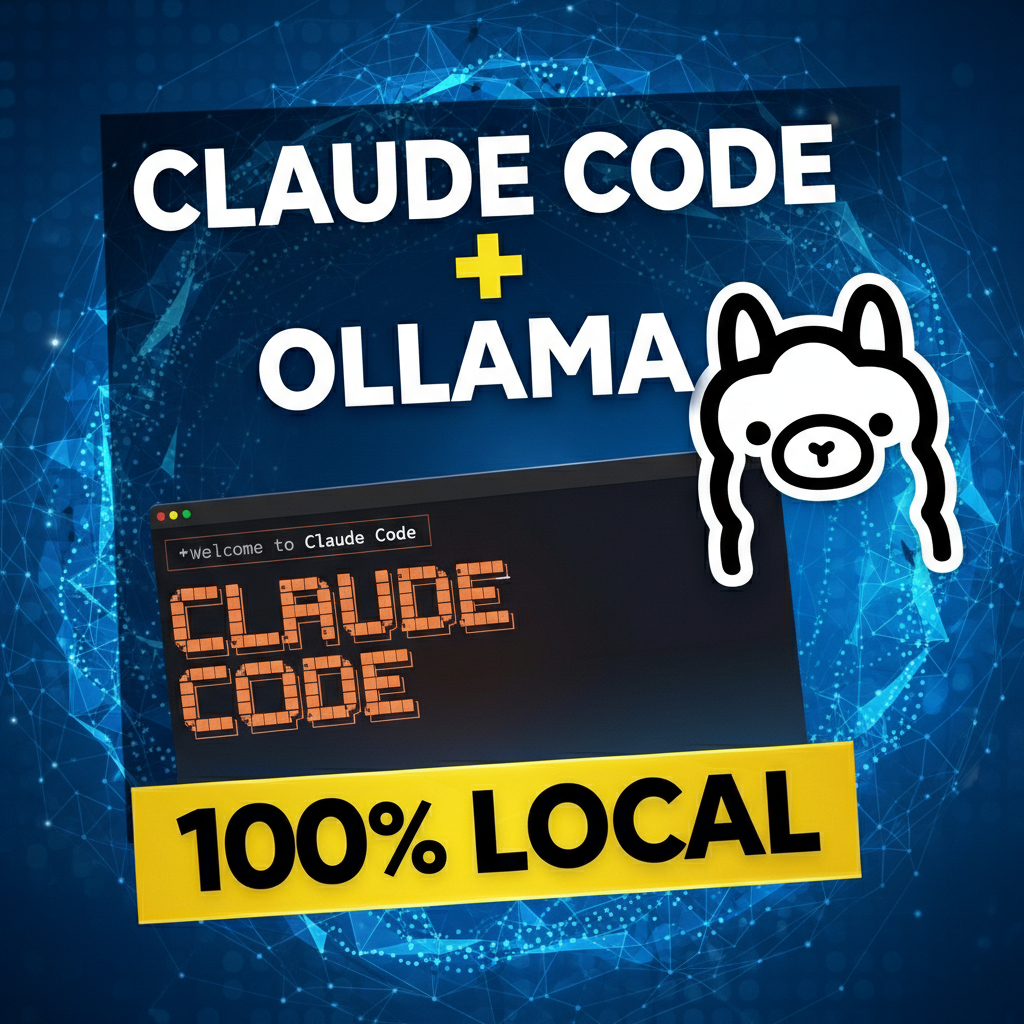 Running Claude Code free with Ollama — the best option for students on a budget
| Situation | Best Choice |
|---|---|
| Zero budget | Antigravity (free) + Cursor free tier |
| Hackathon | Cursor Pro (₹1,670/month) |
| Final year project | Claude Code or Antigravity |
| Learning to code | Cursor (familiar IDE) |
| Internship / job prep | Claude Code (production quality) |
| Running Claude Code free | Claude Code + Ollama |
My Honest Take
After using all three across real projects, here's where I actually land:
Antigravity is the best starting point for students right now — it's free, it's powerful, and using it teaches you the agent-first model that's going to define how software gets built going forward. The fact that it's free won't last forever, so take advantage of this window.
Cursor is the best all-rounder — the free tier is genuinely useful, the Pro plan at ₹1,670/month is the most accessible paid option, and the speed makes it ideal for rapid work. If you can afford one paid tool, this is the one.
Claude Code is the best for serious work — when code quality actually matters, when you're building something production-grade, when you need an AI that thinks deeply rather than acts fast. Pair it with Ollama if budget is a concern.
The good news? You don't have to pick just one. Many developers use Cursor for day-to-day speed, Claude Code for complex tasks, and Antigravity for experimental projects. They solve slightly different problems and work well together.
Three Questions Before You Commit
Privacy: All three send your code to external servers. For sensitive or proprietary projects, are you comfortable with that? This matters more than people admit.
Dependency: These are cloud services. What happens when they go down during a critical deadline? Having a fallback plan is worth thinking about.
Your fundamentals: The developers who get the most out of these tools are the ones who understand what's happening under the hood. Use AI to go faster — not as a substitute for understanding what you're building.
Final Thoughts
The question in 2026 isn't whether to use AI coding tools. It's which ones match how you actually work.
Speed and familiarity — Cursor. Depth and code quality — Claude Code. The future of agentic development at zero cost — Antigravity.
Pick one, go deep, and figure out where it actually fits. That's worth more than jumping between all three without mastering any of them.
Which one are you using? Drop a comment below — would love to know what's working for developers and students in the EduLinkUp community.
Comments
More Blog
View allcursorCursor Automations in 2026: wire event-triggered coding agents to Slack, CI, and timers
Cursor Automations in 2026: wire event-triggered coding agents to Slack, CI, and...
M
Manu ShuklaaiIndex Everything, or Read Everything? The Dilemma of Feeding Specs to AI in Multi-Repo Development
The specs exist. The AI just can't see them. I've always been the type who builds hobby...
S
Shunya ShidaamazonbedrockConnect Claude Code, Cursor and Codex to Amazon Bedrock's new console (2026)
Connect Claude Code, Cursor and Codex to Amazon Bedrock's new console (2026) Summary. On 5...
M
Manu ShuklaaiSpotting AI UI is too easy
There is a weird uncanny valley with LLM-generated UI right now. The code functions perfectly, but if...
H
Harish .saiSeven ranking frameworks, one search page, zero translation tables
I went down a rabbit hole this morning reading the late-2025 Juejin AI roundups side by side, and the...
N
ninghonggangmcpZendesk MCP: Let Claude Handle Your Support Tickets
Install guide and config at curatedmcp.com Zendesk MCP: Let Claude Handle Your Support...
C
curatedmcpReady-made automations for this
Workflows from the Neura Market marketplace related to this Cursor resource
- Full Blog Content Automation with GPT-4, Claude & Ghost CMS Publishern8n · $24.99 · Related topic
- Deploy Code to GitHub with Natural Language via Slack & Claude 3.5n8n · $14.99 · Related topic
- AI Blog Post Journalist: Perplexity for Research, Anthropic Claude for Blogn8n · $9.99 · Related topic
- Multi-Platform Price Finder: Scraping Prices with Bright Data, Claude AI & Telegramn8n · $24.99 · Related topic