
Back to Blog ai
ai claudecode
 ai
ai aicoding
 microsoft
 ai
ai aitools
kasetto - declarative AI agent environment manager, written in Rust
Volodymyr Pivoshenko April 7, 2026
0 views
https://www.kasetto.dev https://github.com/pivoshenko/kasetto Hey DEV community! 👋 I want to...
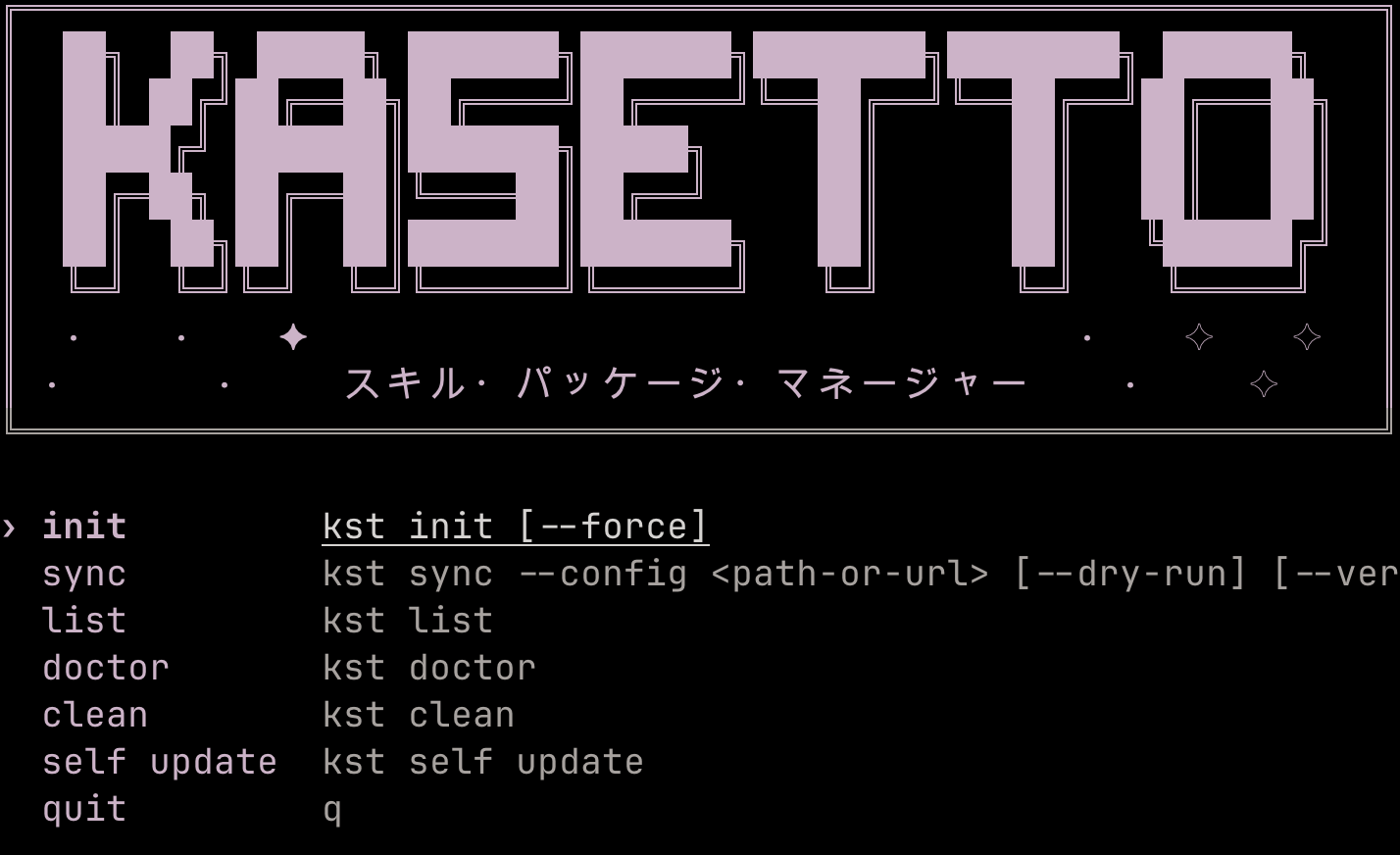
- https://www.kasetto.dev
- https://github.com/pivoshenko/kasetto
Hey DEV community! 👋
I want to share an open-source tool I built for myself, and that I hope will be useful to other developers working with AI agents.
## The Problem
The more AI coding tools we adopted, the messier our setup got. Skills and MCP servers installed manually, via individual commands, or copy-pasted from docs. Scattered across Claude Code, Cursor, Codex, Windsurf - with no way to version any of it, no way to share it with teammates, no way to reproduce it on a new machine or project.
Every new team member meant walking them through the same manual steps. Every new machine meant doing it all over again. And if someone changed a skill or added an MCP server, there was no way to propagate that to the rest of the team.
Sound familiar?
## The Idea
I built [kasetto](https://github.com/pivoshenko/kasetto) to fix that. The idea is borrowed from things I already loved - the declarative reproducibility of dotfiles, the simplicity of [uv](https://github.com/astral-sh/uv) for Python packages. What uv did for Python, kasetto aims to do for AI agent skills.
One YAML config describes your entire setup: skills, MCP servers, target agents. Commit it, share it, and everyone on the team gets the exact same environment. No manual editing, no drift between machines or teammates. New machine? One command.
## The Name
*Kasetto* (カセット) is the Japanese word for cassette - as in a cassette tape. A cassette was a self-contained, portable thing: you recorded something once, handed it to someone, and it played back exactly the same on any device. No setup, no drift, no "works on my machine." That's exactly what kasetto does for your AI agent environment - package it once, share it, and it reproduces identically everywhere.
## Why kasetto
- **Declarative** - one YAML config, version it, share it, bootstrap a whole team in seconds
- **Multi-agent** - 21 built-in presets: Claude Code, Cursor, Codex, Windsurf, Copilot, Gemini CLI, and more
- **Multi-source** - pulls from GitHub, GitLab, Bitbucket, Codeberg including self-hosted and enterprise
- **MCP management** - merges MCP servers into each agent's native settings file automatically
- **Global and project scopes** - install skills globally or per-project, each with its own lockfile
- **CI-friendly** - `--dry-run` to preview, `--json` for automation, non-zero exit on failure
- **Single binary** - no runtime dependencies, written in Rust, fast cold starts
## How It Works
Define your config:
```yaml
agent:
- claude-code
- cursor
- codex
skills:
- source: https://github.com/org/skill-pack
skills: "*"
- source: https://github.com/org/skill-pack-2
skills:
- product-design
- source: https://github.com/org/skill-pack-3
skills:
- name: jupyter-notebook
path: skills/.curated
mcps:
- source: https://github.com/org/mcp-pack
```
Then sync:
```bash
kst sync
```
That's it. Kasetto pulls the skills and MCP servers, installs them into the right agent directories, and merges MCP configs into each agent's native settings file. The next time you run `sync`, only what changed gets updated.
## Command Overview
Kasetto ships with a focused set of commands - each does exactly one thing:
```bash
kst sync # pull skills + MCP servers and install them
kst sync --dry-run # preview what would change without touching anything
kst sync --json # structured output for CI pipelines
kst list # browse installed skills interactively
kst list --json # dump installed state as JSON
kst init # scaffold a kasetto.yaml in the current directory
kst doctor # check your environment and diagnose issues
kst clean # remove all installed skills and MCP entries
kst self update # update kasetto to the latest release
kst self uninstall # remove kasetto and all its files
kst completions # generate shell completions (bash, zsh, fish, etc.)
```
The binary is available as both `kasetto` and `kst` - the short alias makes daily use quick.
## Install
```bash
# macOS / Linux
curl -fsSL https://raw.githubusercontent.com/pivoshenko/kasetto/main/scripts/install.sh | sh
# Homebrew
brew install pivoshenko/tap/kasetto
# Cargo
cargo install kasetto
```
## What's Next
The [roadmap](https://github.com/pivoshenko/kasetto#roadmap) includes agents management and hooks management. If you have ideas or run into issues, [open an issue](https://github.com/pivoshenko/kasetto/issues) - feedback from real users shapes the direction.
---
[github.com/pivoshenko/kasetto](https://github.com/pivoshenko/kasetto)
If kasetto saves you time, a GitHub star means a lot. And drop a comment below - I'd love to hear what your AI agent setup looks like today, and what pain points you're still hitting.
Comments
More Blog
View allclaudecodeCursor vs Claude Code in 2026: Which AI Coding Tool Actually Makes You Faster?
I've spent the last three months shipping production code with both Cursor and Claude Code. Not toy...
A
Atlas WhoffaiThe 5 MCPs that actually changed how I use Cursor and Claude Code
I've been testing MCPs heavily in Cursor and Claude Code. Here are the 5 that actually changed how I...
V
vdalhambraaicodingAI-Powered Development 2026: Beyond Basic Code Generation
AI-Powered Development 2026: Beyond Basic Code Generation How AI assistants have evolved...
L
lufumeiyingmicrosoftCursor AI vs GitHub Copilot: Developer Comparison 2025
Cursor AI vs GitHub Copilot: Developer Comparison 2025 The AI-Powered Code Completion...
I
IcaraxaiHow to Build 3D & AR Apps with AI — Cursor, Windsurf, Claude Code
AI coding assistants are great at generating UI code. But ask them to build a 3D scene or an AR...
T
Thomas GorisseaitoolsAI Coding Market Share 2026: Who's Winning?
Claude Code holds 54% of the AI coding market. Cursor hit $2B ARR. Copilot leads enterprise. Here's what the 2026 numbers actually mean.
J
Jangwook Kim