

Civils.ai
FreemiumAutomates construction data extraction, compliance checks, and reporting.
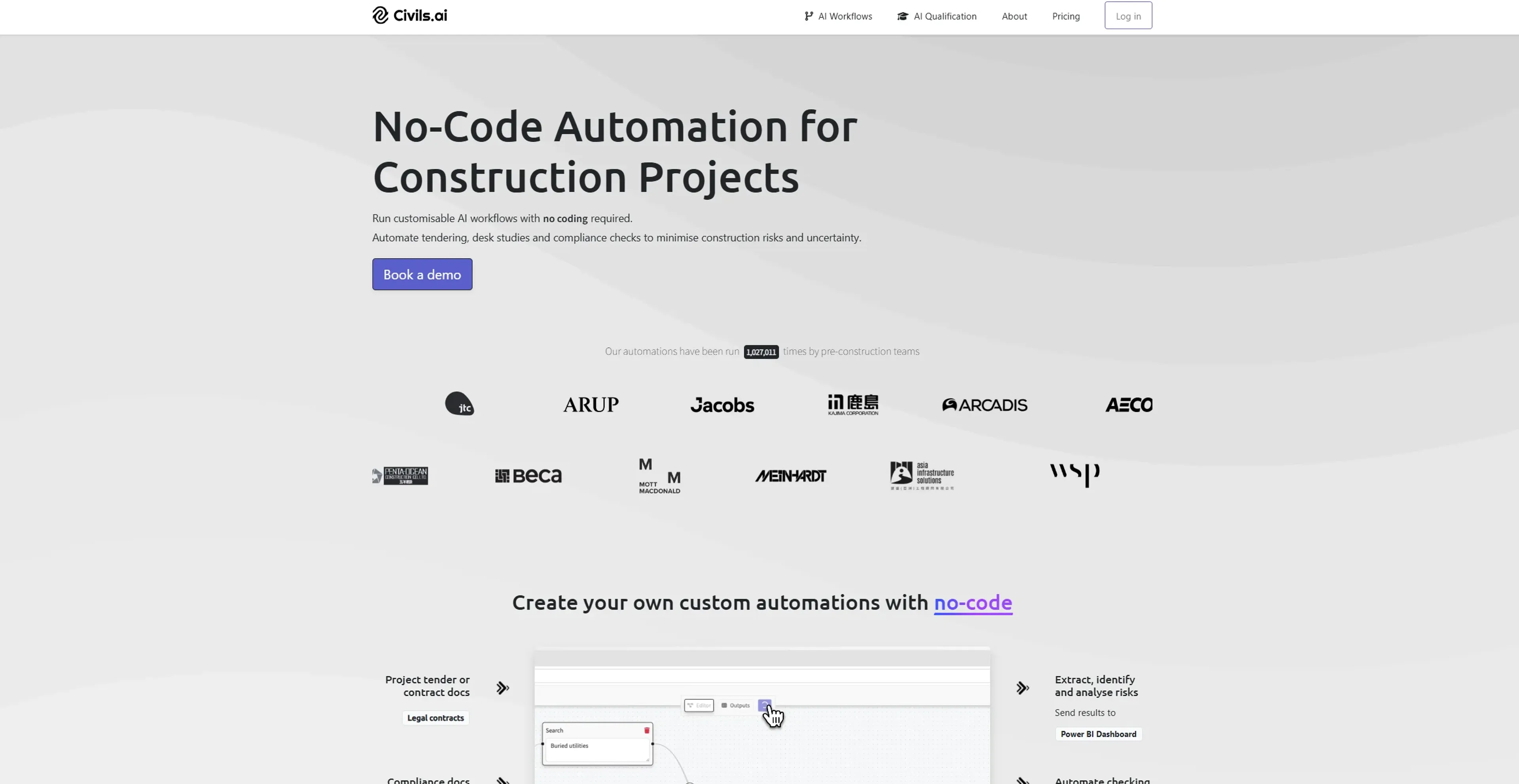
About Civils.ai
Civils.ai revolutionizes the construction and civil engineering industries by automating repetitive checking and reporting processes. Designed to streamline workflows for construction professionals, Civils.ai offers a customizable AI bot that automatically extracts construction data, answers key questions, and runs checks against a comprehensive library of building codes and project requirements. By integrating advanced AI algorithms, Civils.ai simplifies complex tasks, saving time, reducing errors, and enhancing overall project efficiency.
Key Features
- Automated Data Extraction: Civils.ai can extract insights and answers from unstructured PDF reports and CAD documents, significantly reducing the time spent on manual data searches.
- Compliance Checking: The tool can automatically find non-compliances in project documents against building codes, providing clickable references that link specifications and plans.
- Customizable AI Bots: Users can create their own AI bots tailored to their specific project needs, ensuring that the tool adapts to various requirements and scenarios.
- Collaborative Workflows: Civils.ai allows for easy sharing of access and collaboration with team members, enhancing project communication and coordination.
Pros
- Time Efficiency: Civils.ai drastically reduces the time required to search through project documents and extract relevant data.
- Error Reduction: Automated checks and data extraction minimize human errors, leading to more accurate project outcomes.
- Cost Savings: By automating repetitive tasks, Civils.ai helps cut down on labor costs and improves overall project cost-efficiency.
- Enhanced Collaboration: The tool’s collaborative features make it easier for teams to work together, share insights, and ensure everyone is on the same page.
Cons
- Initial Learning Curve: Users may need some time to familiarize themselves with the advanced features and customization options.
- Limited Numerical Reasoning: The tool currently does not support numerical reasoning and calculations, which may limit its use in certain scenarios.
- File Format Limitations: While Civils.ai supports PDFs, its effectiveness with older documents or non-standard formats may vary.
Use Cases
- Construction Companies: Utilizing the tool for automating compliance checks and extracting data from project documents.
- Civil Engineers: Employing Civils.ai for efficient data management and reporting in large-scale infrastructure projects.
- Project Managers: Leveraging the tool to streamline workflows and improve project oversight.
- Consulting Firms: Using Civils.ai to enhance the quality and speed of tender evaluations and submissions.
- Uncommon Use Cases: Educational institutions using the tool to teach AI applications in construction; freelance engineers employing Civils.ai for small-scale project management.
Pricing
Free Tier: Experience Civils.ai with a limited free trial. Pro Tier: The Pro Tier starts at $250 for a one-time payment. Disclaimer: Please note that pricing information may not be up to date. For the most accurate and current pricing details, refer to the official Civils.ai website.
What Makes It Unique
Civils.ai stands out with its focus on the construction industry, offering proprietary AI fine-tuned for construction document structures and terminology. Its ability to process historic scanned documents and handwritten notes ensures that no valuable data is lost, setting it apart from other AI applications. Additionally, Civils.ai’s commitment to data privacy and security, including options for on-premises data storage, makes it a reliable choice for sensitive project data.
Ratings
Accuracy and Reliability: 4.8/5 Ease of Use: 4.5/5 Functionality and Features: 4.7/5 Performance and Speed: 4.6/5 Customization and Flexibility: 4.4/5 Data Privacy and Security: 4.9/5 Support and Resources: 4.3/5 Cost-Efficiency: 4.2/5 Integration Capabilities: 4.1/5 Overall Score: 4.5/5
Key Features
Pros & Cons
- Time Efficiency: Civils.ai drastically reduces the time required to search through project documents and extract relevant data.
- Error Reduction: Automated checks and data extraction minimize human errors, leading to more accurate project outcomes.
- Cost Savings: By automating repetitive tasks, Civils.ai helps cut down on labor costs and improves overall project cost-efficiency.
- Enhanced Collaboration: The tool’s collaborative features make it easier for teams to work together, share insights, and ensure everyone is on the same page.
- Initial Learning Curve: Users may need some time to familiarize themselves with the advanced features and customization options.
- Limited Numerical Reasoning: The tool currently does not support numerical reasoning and calculations, which may limit its use in certain scenarios.
- File Format Limitations: While Civils.ai supports PDFs, its effectiveness with older documents or non-standard formats may vary.
Best For
Alternatives to Civils.ai
AiCogni
Unleash the Power of AI Communication with AiCogni
Aiwizard
Automate customer conversations, improve satisfaction, and analyze performance with AI-powered chatbot agents.
BrightBot
Versatile Chatbot Solution for Seamless Customer Interaction
KITT By LiveKit
KITT by LiveKit: Real‑time multimodal AI for live voice, video, and text
AI.LS
Master AI and ML with AI Learning Studio!
Olympia
Empower Your Business with Olympia's AI-Powered Consultants