

Dola
FreemiumAI-driven assistant revolutionizing scheduling with natural language integration.
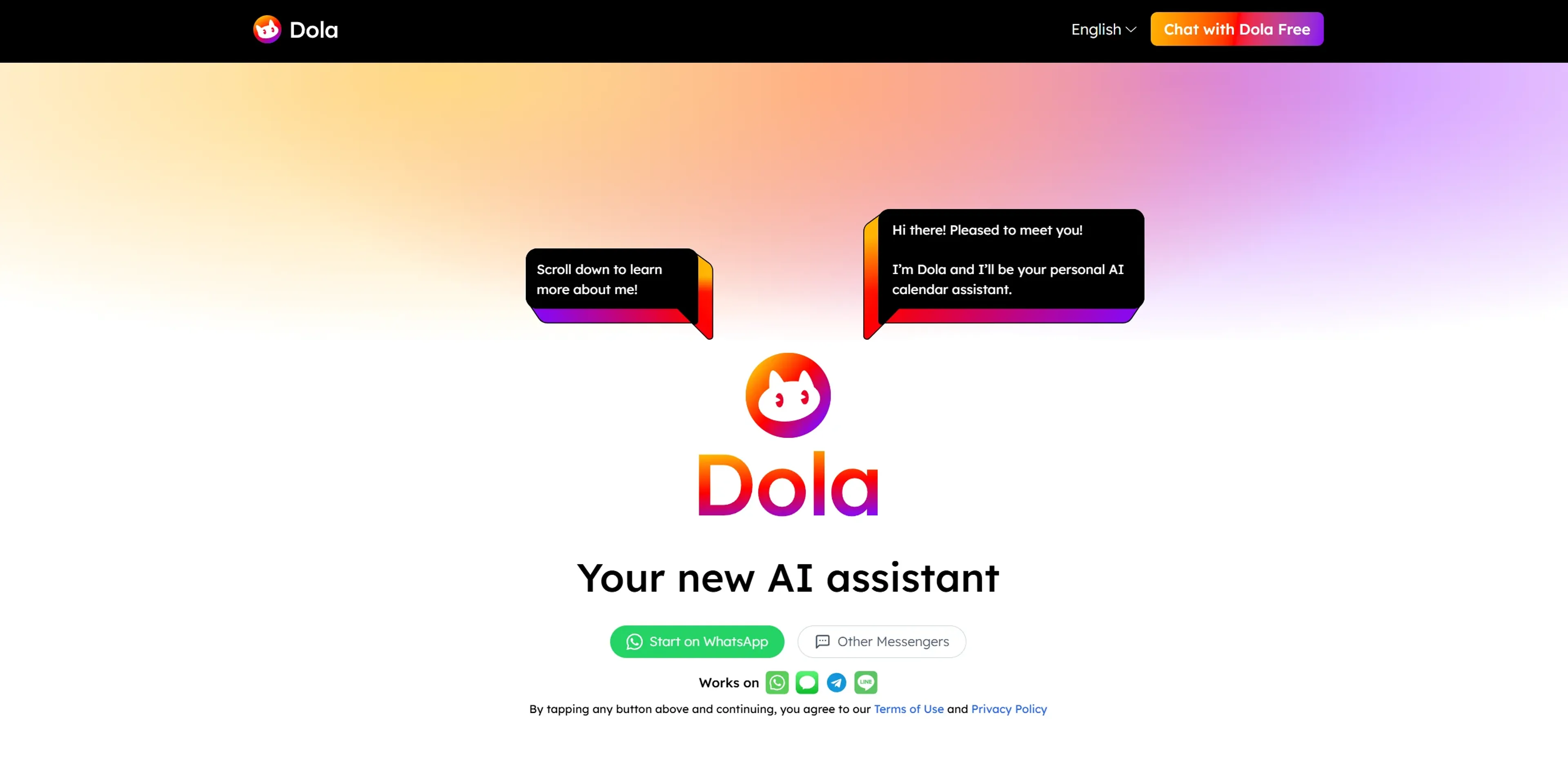
About Dola
Dola AI revolutionizes the way we manage our schedules by offering a smart, AI-driven calendar assistant. Designed for professionals and individuals who want to streamline their daily tasks, Dola AI transforms the traditional scheduling process into a seamless, intuitive experience. It simplifies event organization by allowing users to create, manage, and adjust calendar events through natural language processing, all within their favorite messaging apps.
Key Features
- Natural Language Scheduling: Dola AI lets you schedule events using conversational language, making it 10x faster than traditional calendar apps.
- Cross-Platform Integration: Sync effortlessly with Google Calendar, Apple Calendar, and CalDAV, ensuring your schedule stays updated across all devices.
- Multi-Modal Input: Schedule and manage events using voice messages, text, or images, adapting to your preferred communication style.
- Embedded Web Search: Conduct web searches directly within your chat, eliminating the need to switch between different applications.
Pros
- User-Friendly: No need to download additional apps—Dola integrates seamlessly with existing messaging platforms.
- Time-Saving: Using natural language for scheduling makes the process significantly faster and more intuitive.
- Global Reach: With over 1.4 million users, Dola AI has proven its effectiveness worldwide.
- Comprehensive Reminders: Dola AI not only sets up events but also sends timely reminders to ensure nothing is missed.
Cons
- Learning Curve: Some users may initially struggle with the natural language processing feature.
- Limited Integration Options: While it syncs with major calendar apps, integration with other third-party tools is limited.
Use Cases
- Busy Professionals: Managing meetings and appointments effortlessly.
- Freelancers: Organizing diverse work schedules and client interactions.
- Travel Enthusiasts: Keeping track of travel itineraries and reminders.
- Students: Managing classes, study sessions, and extracurricular activities.
- Uncommon Use Cases:
- Event Planners: Streamlining scheduling for large-scale events.
- Writers & Creatives: Managing writing deadlines and production schedules.
Pricing
Free Tier: Experience Dola AI with a free trial, allowing users to explore its full capabilities. Disclaimer: Pricing information may not be up to date. For the latest details, refer to the official Dola AI website.
What Makes It Unique
Dola AI stands out with its natural-language, chat-like interface, making calendar management both innovative and efficient. Its seamless integration with messaging apps and smart recognition of natural language commands set it apart as a truly intuitive scheduling assistant.
Ratings
Accuracy and Reliability: 4.7/5 Ease of Use: 4.5/5 Functionality and Features: 4.6/5 Performance and Speed: 4.8/5 Customization and Flexibility: 4.3/5 Data Privacy and Security: 4.4/5 Support and Resources: 4.2/5 Cost-Efficiency: 4.0/5 Integration Capabilities: 4.1/5 Overall Score: 4.4/5
Summary
AI-driven assistant revolutionizing scheduling with natural language integration. AI Categories: AI chatbots, personal assistant, students
Key Features
Pros & Cons
- User-Friendly: No need to download additional apps—Dola integrates seamlessly with existing messaging platforms.
- Time-Saving: Using natural language for scheduling makes the process significantly faster and more intuitive.
- Global Reach: With over 1.4 million users, Dola AI has proven its effectiveness worldwide.
- Comprehensive Reminders: Dola AI not only sets up events but also sends timely reminders to ensure nothing is missed.
- Learning Curve: Some users may initially struggle with the natural language processing feature.
- Limited Integration Options: While it syncs with major calendar apps, integration with other third-party tools is limited.
Best For
Alternatives to Dola
AiCogni
Unleash the Power of AI Communication with AiCogni
Aiwizard
Automate customer conversations, improve satisfaction, and analyze performance with AI-powered chatbot agents.
BrightBot
Versatile Chatbot Solution for Seamless Customer Interaction
KITT By LiveKit
KITT by LiveKit: Real‑time multimodal AI for live voice, video, and text
AI.LS
Master AI and ML with AI Learning Studio!
Olympia
Empower Your Business with Olympia's AI-Powered Consultants