

Fluent
FreemiumAutomate data exploration with natural language questions
About Fluent
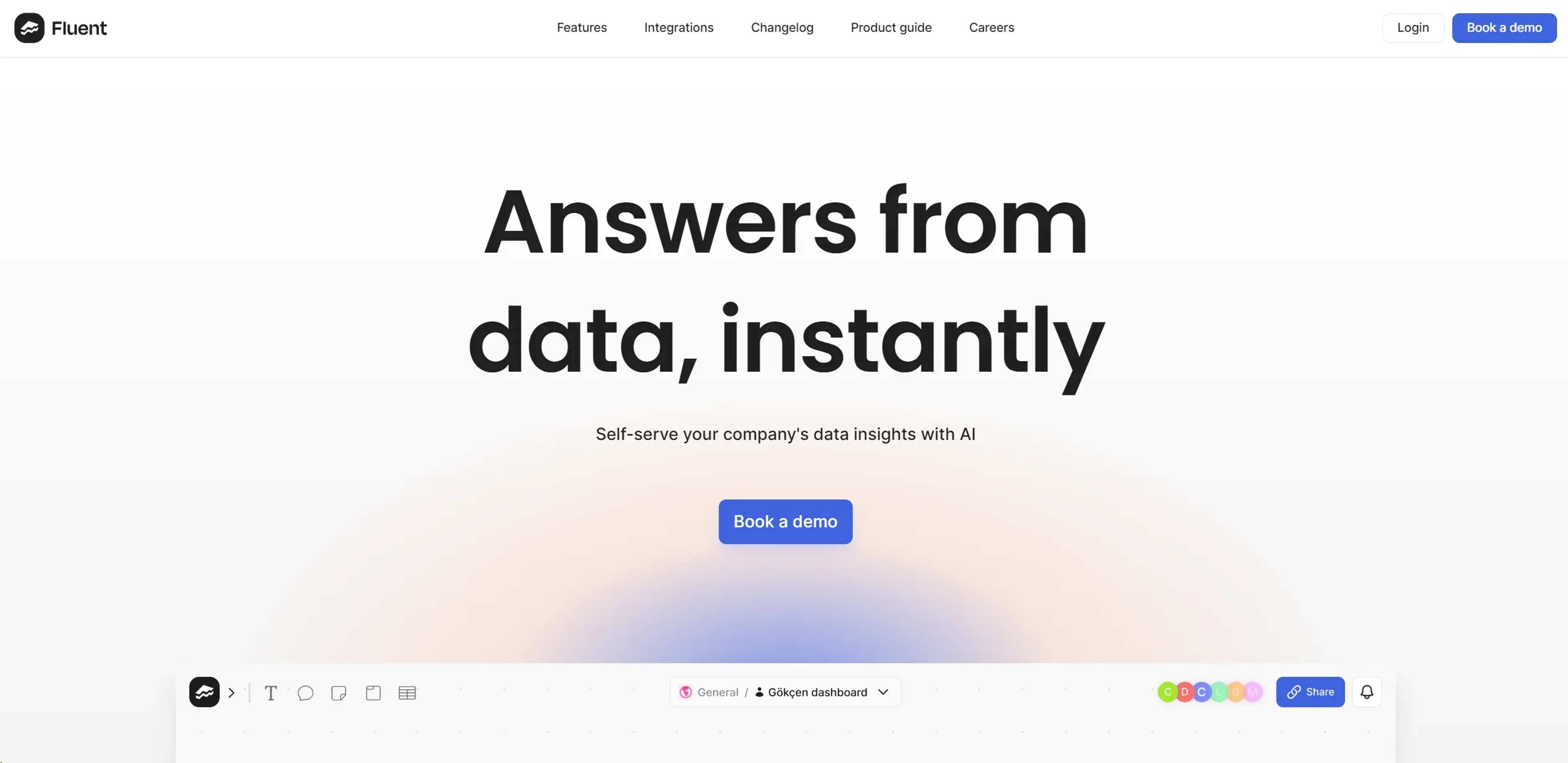
Fluent, formerly known as FluentChannel, is a cutting-edge AI data analyst tool designed to transform the way businesses interact with their data. Fluent empowers users to self-serve data insights instantly by simply typing in questions, making it easier to obtain valuable information without the need for complex queries or deep technical knowledge. Geared towards decision-makers and professionals across various industries, Fluent streamlines data analysis and fosters a shared understanding of data within organizations.
Key Features
- Natural Language Processing (NLP): Fluent uses NLP to interpret and respond to user inquiries, allowing for a conversational approach to data analysis.
- Real-Time Collaboration: Teams can collaborate within Fluent, ensuring that everyone operates with a unified view of data insights.
- Integration with Communication Platforms: Fluent integrates with Slack and Teams, enabling users to request and receive data insights directly within their communication tools.
- Enterprise Grade Security: Fluent offers robust security features, including bank-grade encryption and multi-factor authentication.
- Customizable Data Governance: Users can curate datasets with tailored usage guidelines and quality control measures.
Pros
- Accessibility: Simplifies the data query process, making it accessible to users with varying levels of technical expertise.
- Time-Saving: Significantly reduces the time taken to extract insights from data.
- Collaboration Enhancement: Promotes a collaborative environment by providing a platform for shared data understanding.
- Secure Data Management: Ensures that data remains secure with strong encryption and customizable storage options.
Cons
- Potential Overreliance: May cause users to rely too much on AI without understanding the underlying data.
- Complex Questions Limitation: Could struggle with interpreting and responding to highly complex or ambiguous queries.
- Integration Limitations: Although it's expanding, the current number of integrations may not cover all potential enterprise needs.
Use Cases
- Business Analysts: Utilize Fluent to quickly derive insights from data sets without extensive SQL knowledge.
- Executives: Leverage Fluent's capabilities to make informed decisions based on real-time data analysis.
- Data Scientists: Use Fluent to streamline preliminary data exploration and focus on more complex analytical tasks.
- Project Managers: Employ Fluent to monitor project metrics and performance indicators.
- Uncommon Use Cases: Academics use Fluent for research data analysis; Non-profits adopt Fluent to evaluate program outcomes and impact.
Pricing
Custom Pricing: Fluent offers tailored pricing plans based on the specific needs of businesses. Disclaimer: For the most accurate and current pricing details, refer to the official Fluent website.
What Makes It Unique
Fluent stands out with its powerful natural language processing capabilities, enabling users to interact with their data in a conversational manner. Its unique selling point is the democratization of data analysis, making it accessible to users without requiring them to learn SQL or other query languages.
Ratings
Accuracy and Reliability: 4.5/5 Ease of Use: 4.7/5 Functionality and Features: 4.3/5 Performance and Speed: 4.6/5 Customization and Flexibility: 4.2/5 Data Privacy and Security: 4.8/5 Support and Resources: 4.4/5 Cost-Efficiency: 4.5/5 Integration Capabilities: 4.0/5 Overall Score: 4.5/5
Key Features
Pros & Cons
- Accessibility: Simplifies the data query process, making it accessible to users with varying levels of technical expertise.
- Time-Saving: Significantly reduces the time taken to extract insights from data.
- Collaboration Enhancement: Promotes a collaborative environment by providing a platform for shared data understanding.
- Secure Data Management: Ensures that data remains secure with strong encryption and customizable storage options.
- Potential Overreliance: May cause users to rely too much on AI without understanding the underlying data.
- Complex Questions Limitation: Could struggle with interpreting and responding to highly complex or ambiguous queries.
- Integration Limitations: Although it's expanding, the current number of integrations may not cover all potential enterprise needs.
Best For
Alternatives to Fluent
AiCogni
Unleash the Power of AI Communication with AiCogni
Aiwizard
Automate customer conversations, improve satisfaction, and analyze performance with AI-powered chatbot agents.
BrightBot
Versatile Chatbot Solution for Seamless Customer Interaction
KITT By LiveKit
KITT by LiveKit: Real‑time multimodal AI for live voice, video, and text
AI.LS
Master AI and ML with AI Learning Studio!
Olympia
Empower Your Business with Olympia's AI-Powered Consultants