

GPTGO - Chrome Extension
FreeEnhance Chrome with instant, tab-integrated ChatGPT access for streamlined productivity.
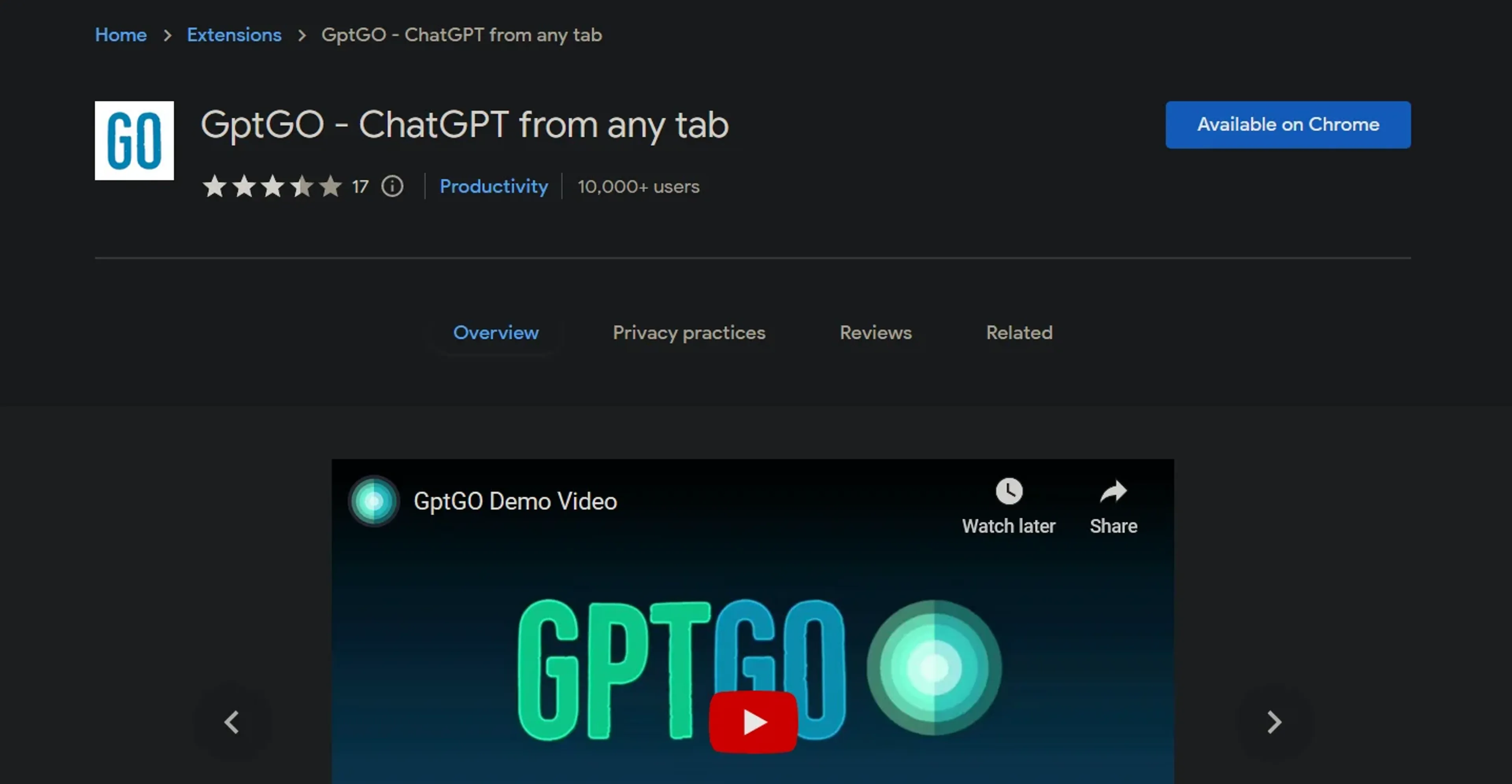
About GPTGO - Chrome Extension
GPTGO - Chrome Extension is an innovative tool designed to integrate the power of ChatGPT directly into your Chrome browser, enabling users to access ChatGPT's capabilities without the need to switch tabs or interrupt their workflow. This extension aims to significantly enhance productivity and efficiency, particularly for those involved in research, writing, or any activity that benefits from instant information retrieval and AI-generated content. By providing quick access to ChatGPT from any tab, GPTGO streamlines the process of searching and generating text, making it an indispensable tool for anyone looking to leverage AI for time-saving and improved output quality.
Key Features
- Quick Search Feature: Instantly search anything on ChatGPT without leaving your current tab.
- Lightweight Popup: Access ChatGPT through a non-intrusive, easy-to-navigate popup.
- Search History: Start new chats and view your search history directly from the popup for easy reference.
- Enhanced Speed: Enjoy up to 20% faster search times compared to using ChatGPT in a standard browser tab.
- API Support: Leverages ChatGPT's API for improved functionality and integration capabilities.
Pros
- Convenience: Eliminates the need to switch tabs, enhancing focus and productivity.
- Efficiency: Speeds up the research process with instant access to ChatGPT's vast knowledge base.
- User-Friendly: Intuitive interface makes it easy for anyone to use, regardless of technical expertise.
- Improved Workflow: Allows for a smoother workflow, particularly for content creators, researchers, and students.
Cons
- Occasional Stability Issues: Some users have reported errors and instability, although these are being addressed.
- API Error Messages: There have been instances of API or network errors that can interrupt the service.
- Limited to Chrome: Currently, the extension is only available for Chrome users, which may limit its accessibility.
Use Cases
- Researchers: For conducting swift literature reviews and information gathering.
- Content Writers: Generating ideas, outlines, and even content drafts on the fly.
- Students: Enhancing study productivity through quick access to information and assistance with assignments.
- Professionals: Streamlining workflow by integrating AI assistance directly into their browser.
- Uncommon Use Cases: Non-profits using it to quickly draft grant applications; Bloggers leveraging it for SEO keyword research.
Pricing
Free: GPTGO - Chrome Extension is currently offered for free, making it accessible to a wide audience without financial barriers. Disclaimer: Pricing and availability are subject to change. For the most accurate and current details, refer to the GPTGO - Chrome Extension page on the Chrome Web Store.
What Makes It Unique
GPTGO stands out for its seamless integration of ChatGPT into the Chrome browser, offering unparalleled convenience and efficiency. Its unique selling point is the ability to use ChatGPT from any tab, significantly enhancing productivity and streamlining the user's workflow. This feature alone sets it apart in the realm of AI tools, catering to a broad spectrum of users from various sectors.
Ratings
Accuracy and Reliability: 4.0/5 Ease of Use: 4.5/5 Functionality and Features: 4.2/5 Performance and Speed: 4.3/5 Customization and Flexibility: 3.8/5 Data Privacy and Security: 4.0/5 Support and Resources: 3.5/5 Cost-Efficiency: 5.0/5 Integration Capabilities: 4.0/5 Overall Score: 4.14/5
Summary
Enhance Chrome with instant, tab-integrated ChatGPT access for streamlined productivity. AI Categories: research, AI chatbots
Key Features
Pros & Cons
- Convenience: Eliminates the need to switch tabs, enhancing focus and productivity.
- Efficiency: Speeds up the research process with instant access to ChatGPT's vast knowledge base.
- User-Friendly: Intuitive interface makes it easy for anyone to use, regardless of technical expertise.
- Improved Workflow: Allows for a smoother workflow, particularly for content creators, researchers, and students.
- Occasional Stability Issues: Some users have reported errors and instability, although these are being addressed.
- API Error Messages: There have been instances of API or network errors that can interrupt the service.
- Limited to Chrome: Currently, the extension is only available for Chrome users, which may limit its accessibility.
Best For
Alternatives to GPTGO - Chrome Extension
AiCogni
Unleash the Power of AI Communication with AiCogni
Aiwizard
Automate customer conversations, improve satisfaction, and analyze performance with AI-powered chatbot agents.
BrightBot
Versatile Chatbot Solution for Seamless Customer Interaction
KITT By LiveKit
KITT by LiveKit: Real‑time multimodal AI for live voice, video, and text
AI.LS
Master AI and ML with AI Learning Studio!
Olympia
Empower Your Business with Olympia's AI-Powered Consultants