

Kubiya
FreemiumConversational AI streamlining DevOps workflows and enhancing productivity.
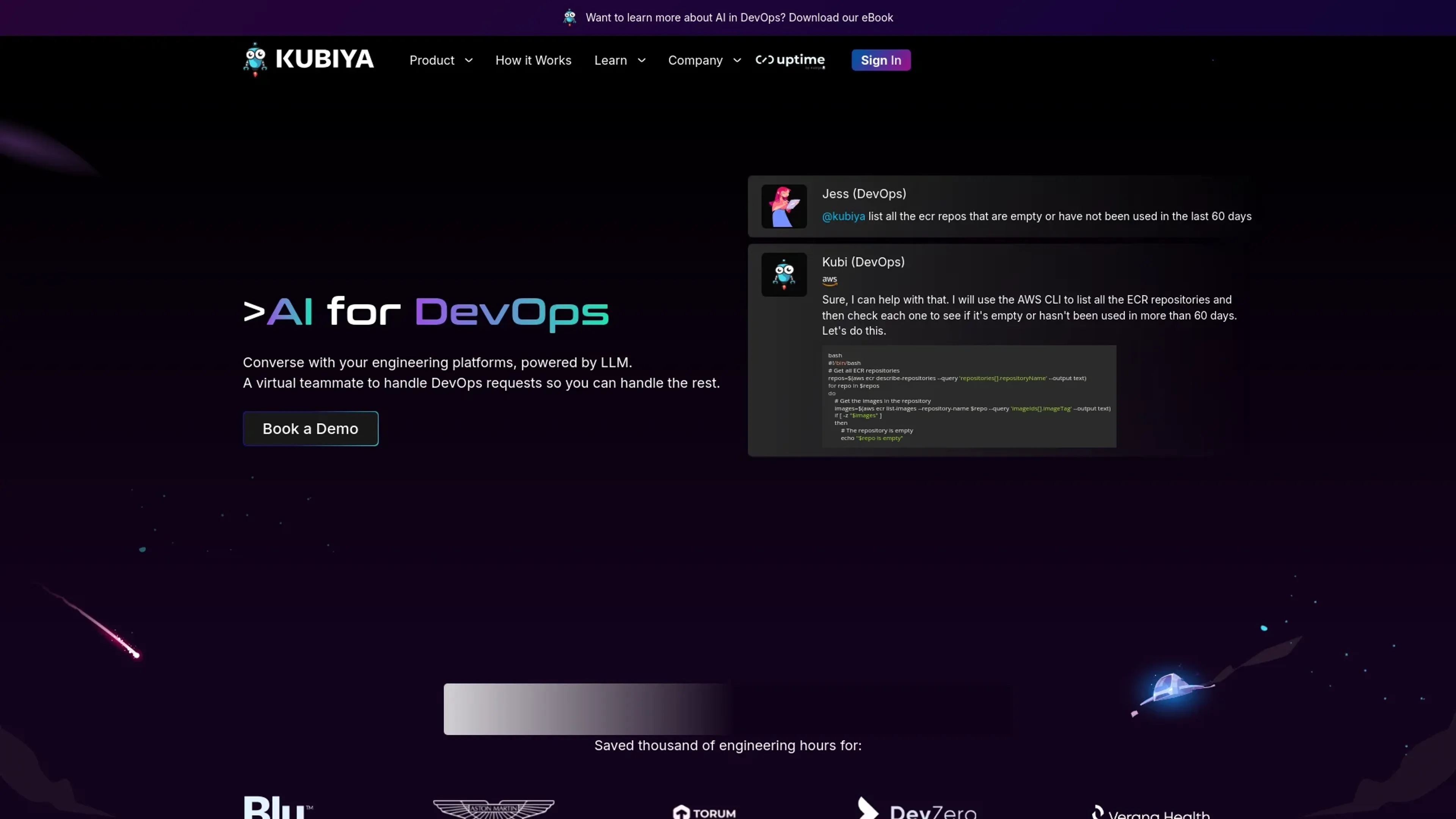
About Kubiya
In the rapidly evolving world of software development and operations, Kubiya stands out as a transformative AI tool designed specifically for DevOps. Its core purpose is to facilitate seamless interaction between developers and engineering platforms through the power of conversational AI. By leveraging advanced language models, Kubiya acts as a virtual teammate, handling complex DevOps requests with ease and efficiency. This tool is perfect for teams looking to streamline their operational workflows, enhance security protocols, and boost overall productivity without the constant need for manual oversight.
Key Features
- Conversational AI Interface: Enables users to execute DevOps commands and queries through simple, natural language conversations.
- Integration with Major DevOps Tools: Works seamlessly with tools like Terraform, Kubernetes, and AWS, among others.
- Custom Workflow Automation: Allows customization of workflows, facilitating automated responses and actions based on user interactions.
- Real-Time Analytics: Monitors and analyzes DevOps environments in real time, providing actionable insights to improve performance and efficiency.
- Security and Compliance: Ensures that all operations meet the highest standards of security, including role-based access control and secure data handling.
Pros
- Enhanced Productivity: Reduces the time spent on repetitive tasks, allowing DevOps teams to focus on more strategic initiatives.
- Error Reduction: Minimizes human errors by automating routine DevOps tasks and responses.
- Scalability: Easily scales across different teams and projects, accommodating growing business needs without additional complexity.
- User Empowerment: Gives developers the autonomy to perform complex operations independently, without waiting for specialized assistance.
Cons
- Learning Curve: New users may require time to adapt to the conversational interface and learn how to best utilize the tool’s capabilities.
- Dependency on Integrations: While Kubiya integrates with many popular DevOps tools, its effectiveness can be limited if a required tool isn’t supported.
- Initial Setup Complexity: Setting up and customizing Kubiya to fit specific organizational needs can be complex and time-consuming.
Use Cases
- Kubiya is utilized by a diverse range of professionals and organizations, all seeking to enhance their DevOps practices through AI-driven solutions:
- Software Development Teams: Streamlining deployment processes and monitoring application performance.
- IT Operations Managers: Automating routine maintenance tasks and system updates.
- Security Engineers: Enhancing security protocols and compliance through automated checks and balances.
- Project Managers: Coordinating between different teams and ensuring project deliverables.
- Uncommon Use Cases: Academic researchers using Kubiya for managing and automating experimental software setups; Non-profits employing the tool to manage IT resources with limited staff.
Pricing
Free Trial: Explore Kubiya's capabilities with a 30-day free trial. Standard Plan: Starts at $50 per month, offering full access to core features and basic integrations. Enterprise Plan: Custom pricing based on specific needs and scale. Disclaimer: For the most accurate and current pricing details, please refer to the Kubiya website.
What Makes It Unique
Kubiya sets itself apart by transforming complex DevOps activities into straightforward, conversational interactions. Its unique blend of conversational AI with robust DevOps tool integrations makes it an indispensable asset for any tech-driven organization. The ability to customize workflows and integrate seamlessly with existing tools provides a flexible, powerful solution for managing modern software environments.
Ratings
Accuracy and Reliability: 4.8/5 Ease of Use: 4.5/5 Functionality and Features: 4.7/5 Performance and Speed: 4.6/5 Customization and Flexibility: 4.5/5 Data Privacy and Security: 4.9/5 Support and Resources: 4.3/5 Cost-Efficiency: 4.4/5 Integration Capabilities: 4.5/5 Overall Score: 4.6/5
Key Features
Pros & Cons
- Enhanced Productivity: Reduces the time spent on repetitive tasks, allowing DevOps teams to focus on more strategic initiatives.
- Error Reduction: Minimizes human errors by automating routine DevOps tasks and responses.
- Scalability: Easily scales across different teams and projects, accommodating growing business needs without additional complexity.
- User Empowerment: Gives developers the autonomy to perform complex operations independently, without waiting for specialized assistance.
- Learning Curve: New users may require time to adapt to the conversational interface and learn how to best utilize the tool’s capabilities.
- Dependency on Integrations: While Kubiya integrates with many popular DevOps tools, its effectiveness can be limited if a required tool isn’t supported.
- Initial Setup Complexity: Setting up and customizing Kubiya to fit specific organizational needs can be complex and time-consuming.
Best For
Alternatives to Kubiya
AiCogni
Unleash the Power of AI Communication with AiCogni
Aiwizard
Automate customer conversations, improve satisfaction, and analyze performance with AI-powered chatbot agents.
BrightBot
Versatile Chatbot Solution for Seamless Customer Interaction
KITT By LiveKit
KITT by LiveKit: Real‑time multimodal AI for live voice, video, and text
AI.LS
Master AI and ML with AI Learning Studio!
Olympia
Empower Your Business with Olympia's AI-Powered Consultants