

Bugster
FreemiumAutomates test creation and adapts to UI changes.
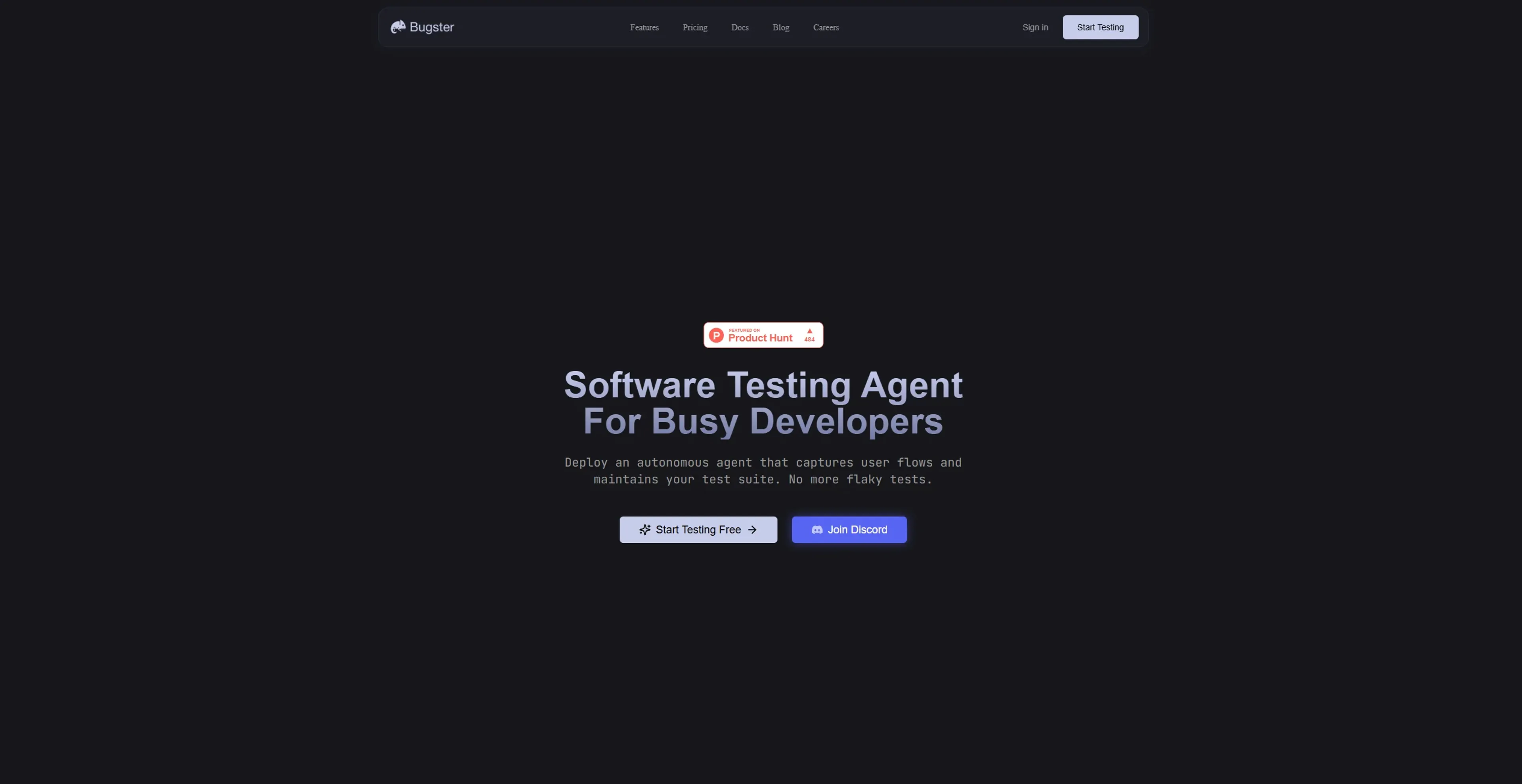
About Bugster
Bugster is an AI-powered testing agent designed to streamline the software testing process for developers. It aims to eliminate the bottlenecks caused by traditional testing methods by automating the capture of user flows and maintaining test suites. This tool is particularly beneficial for developers who encounter frequent UI changes and need a reliable testing solution that adapts accordingly.
Key Features
- Flow-Based Test Agent: Bugster captures real user flows and generates reliable tests automatically, saving developers from writing complex test scripts.
- Advanced Debugging: Provides full visibility of network requests and console logs, making it easier to debug tests and identify issues.
- Adaptive Tests: Tests automatically adapt when UI changes occur, eliminating the need for constant maintenance and reducing the time spent on fixing flaky tests.
- GitHub Integration: Seamlessly integrates with GitHub, allowing tests to run within CI/CD pipelines and ensuring continuous testing.
Pros
- Time Efficiency: Reduces the time spent on test maintenance by automatically adapting to UI changes.
- Increased Test Coverage: Enhances test coverage by identifying and creating tests for critical user journeys.
- User-Friendly: Allows developers to describe test flows in natural language, simplifying the test creation process.
- Scalability: As the application grows, Bugster scales with it, maintaining the test suite without additional developer intervention.
Cons
- Initial Setup Requirements: Although Bugster simplifies testing, setting up initial configurations and understanding the full range of features may require some time.
- Limited to UI Testing: Primarily focuses on UI testing, which might not cover backend or API testing needs.
Use Cases
- E-commerce Businesses: Utilizing Bugster to ensure seamless checkout processes and improve customer experience.
- SaaS Companies: Employing the tool to maintain robust application functionality despite frequent updates.
- Agile Development Teams: Leveraging Bugster for continuous integration and delivery, reducing regression testing times.
- Startups: Using Bugster to quickly scale their testing efforts without needing a dedicated QA team.
- Uncommon Use Cases: Adopted by educational platforms for teaching software testing concepts; utilized by freelance developers for maintaining client applications efficiently.
Pricing
Developer: $0 for the first 200 minutes. Pay-as-you-go at $0.02 per minute after that. Includes 200 free execution minutes, no monthly commitment, and community support via Discord—ideal for individuals testing and iterating quickly. Teams: Custom pricing. Designed for businesses needing tailored execution volume, premium support, and advanced integration. Includes Slack support, custom onboarding, flexible billing, and execution minute bundles. Disclaimer: Please note that pricing information may not be up to date. For the most accurate and current pricing details, refer to the official Bugster website.
What Makes It Unique
Bugster stands out with its self-healing tests, which adapt automatically to UI changes. This feature dramatically reduces maintenance costs and time, making it an ideal solution for teams that experience frequent UI updates and lack dedicated QA resources.
Ratings
Accuracy and Reliability: 4.8/5 Ease of Use: 4.5/5 Functionality and Features: 4.7/5 Performance and Speed: 4.6/5 Customization and Flexibility: 4.4/5 Data Privacy and Security: 4.3/5 Support and Resources: 4.2/5 Cost-Efficiency: 4.5/5 Integration Capabilities: 4.6/5 Overall Score: 4.5/5
Key Features
Pros & Cons
- Time Efficiency: Reduces the time spent on test maintenance by automatically adapting to UI changes.
- Increased Test Coverage: Enhances test coverage by identifying and creating tests for critical user journeys.
- User-Friendly: Allows developers to describe test flows in natural language, simplifying the test creation process.
- Scalability: As the application grows, Bugster scales with it, maintaining the test suite without additional developer intervention.
- Initial Setup Requirements: Although Bugster simplifies testing, setting up initial configurations and understanding the full range of features may require some time.
- Limited to UI Testing: Primarily focuses on UI testing, which might not cover backend or API testing needs.
Best For
Alternatives to Bugster
Eden AI
If you need to build a proper workflow and use AI API to make product-building easy and effective, let’s have a look at Eden AI review. Check out the features!
ChatGPT (OpenAI)
Script for Adaptive Theme Management in Light and Dark Modes
Lovelacestudio
Step up your RPG game creation with lovelacestudio com. Explore innovative AI tools to build and share immersive worlds effortlessly.
Trypromptly
Level Up Your Daily Productivity With Trypromptly'S Smart Tools Designed For Efficiency. Achieve Better Results Effortlessly In Your Everyday Tasks.
CodiumAI
AI test generation for code
Devin
Autonomous AI software engineer