

Cades
FreemiumAI-powered app builder transforms ideas into functional applications.
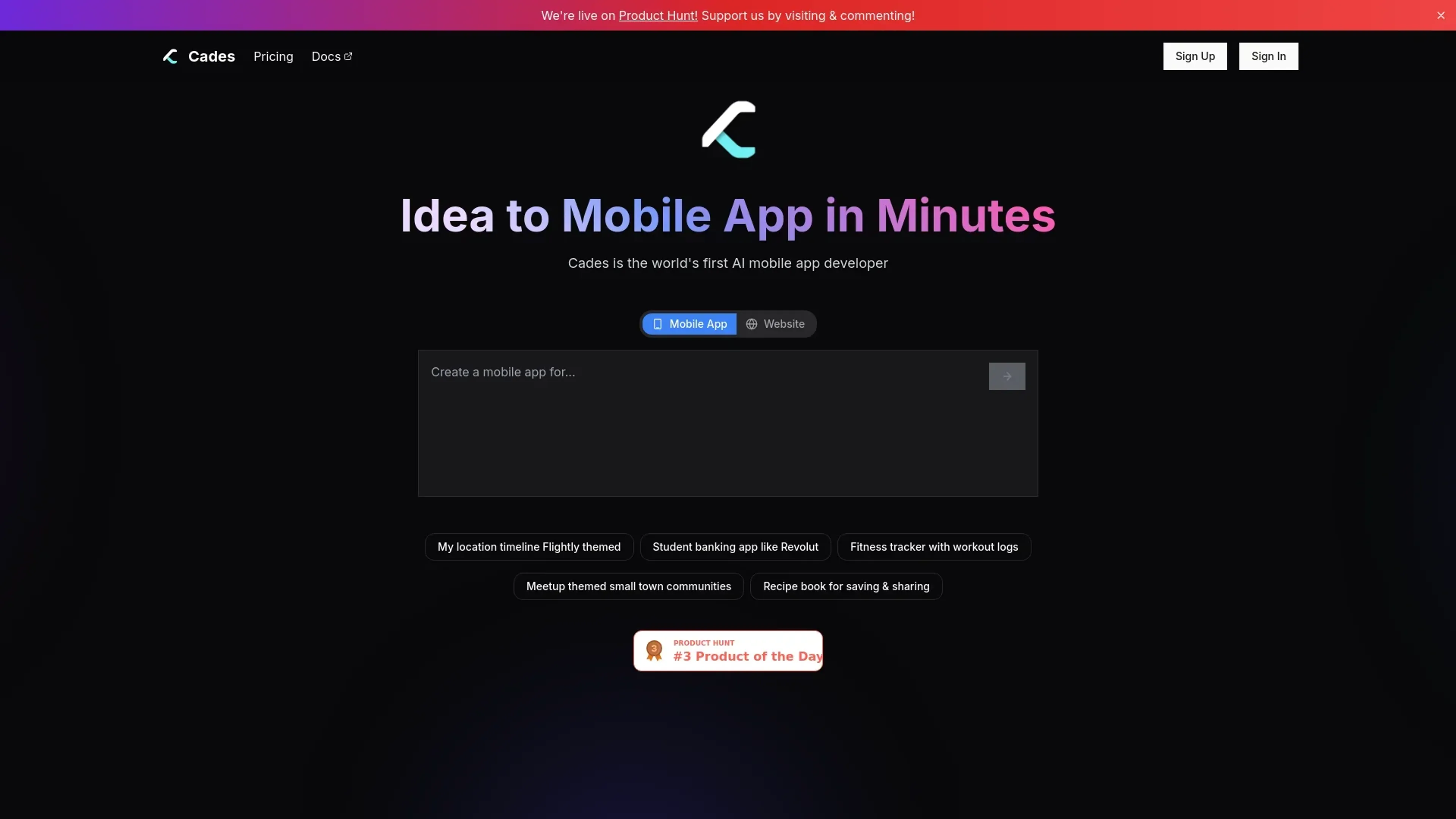
About Cades
Cades is an innovative AI-powered mobile app builder designed to transform ideas into fully functional applications within minutes. By leveraging advanced AI technology, Cades simplifies the app creation process, making it accessible to individuals and professionals without extensive programming knowledge. With features like AI-assisted design generation and automated app publishing, Cades is ideal for aspiring app developers looking to streamline the development process and bring their mobile app concepts to life quickly and efficiently.
Key Features
- AI-Powered App Creation: Create native mobile apps effortlessly by simply describing your idea to the AI, which then generates the necessary code.
- Design AI Agent: Generate stunning app screen designs within minutes using AI assistance, minimizing the need for manual design work.
- Intelligent Cloud IDE: Benefit from built-in AI assistance and code autocomplete in a powerful cloud-based development environment.
- Automated Publishing: AI handles the publishing process for both iOS and Android platforms, simplifying the deployment of your apps.
- Virtual Device Testing: Instantly test your apps using built-in virtual device emulation to ensure functionality and user experience.
- Instant Prototypes: Create and share working prototypes with a single click, facilitating rapid feedback and iteration.
Pros
- Time Efficiency: Reduces the time to develop and launch mobile apps significantly, allowing quick turnaround from idea to app.
- Cost-Effective: Offers a range of pricing plans to suit different usage needs, making it affordable for startups and individual developers.
- User-Friendly Interface: Intuitive design makes it easy for users of all skill levels to navigate and utilize the tool.
- Comprehensive Support: Provides priority support in higher-tier plans, ensuring users have access to help when needed.
Cons
- Initial Learning Curve: Despite its user-friendly design, some users might need time to fully understand and utilize the more advanced features.
- Limited Customization in Free Tier: The free plan offers limited tokens and features, which may not suffice for larger projects.
Use Cases
- Software Engineers: Utilizing Cades to ship mobile app ideas quickly with production-ready code.
- Startups: Employing Cades for rapid MVP creation and launching new business ideas.
- Designers: Transforming static designs into real mobile apps, saving time on manual coding.
- Freelancers: Leveraging Cades to expand their service offerings and deliver apps faster to clients.
- Uncommon Use Cases: Used by educational institutions to teach app development concepts; Adopted by hobbyists for personal project development.
Pricing
Free Tier: $0 per month, includes 500K tokens with limited usage and access to all models. Pro Tier: $18 per month, offering 10M tokens, priority support, and advanced features. Pro 50 Tier: $45 per month, suitable for medium use with 26M tokens and additional benefits. Pro 100 Tier: $90 per month, catering to heavy usage with 55M tokens and auto publish access. Enterprise Plan: Custom pricing with tailored token allocation and dedicated support. Disclaimer: Please note that pricing information may not be up to date. For the most accurate and current pricing details, refer to the official Cades website.
What Makes It Unique
Cades stands out with its ability to convert a simple app idea into a fully functional mobile application in just minutes. Its unique combination of AI-driven design and development features, coupled with automated publishing capabilities, sets it apart from traditional app development tools. This approach not only accelerates the app creation process but also democratizes it, enabling anyone with an idea to create a mobile app without needing extensive coding expertise.
Ratings
Accuracy and Reliability: 4.5/5 Ease of Use: 4.2/5 Functionality and Features: 4.7/5 Performance and Speed: 4.6/5 Customization and Flexibility: 4.0/5 Data Privacy and Security: 4.3/5 Support and Resources: 4.4/5 Cost-Efficiency: 4.5/5 Integration Capabilities: 3.8/5 Overall Score: 4.4/5
Key Features
Pros & Cons
- Time Efficiency: Reduces the time to develop and launch mobile apps significantly, allowing quick turnaround from idea to app.
- Cost-Effective: Offers a range of pricing plans to suit different usage needs, making it affordable for startups and individual developers.
- User-Friendly Interface: Intuitive design makes it easy for users of all skill levels to navigate and utilize the tool.
- Comprehensive Support: Provides priority support in higher-tier plans, ensuring users have access to help when needed.
- Initial Learning Curve: Despite its user-friendly design, some users might need time to fully understand and utilize the more advanced features.
- Limited Customization in Free Tier: The free plan offers limited tokens and features, which may not suffice for larger projects.
Best For
Alternatives to Cades
Eden AI
If you need to build a proper workflow and use AI API to make product-building easy and effective, let’s have a look at Eden AI review. Check out the features!
Lovelacestudio
Step up your RPG game creation with lovelacestudio com. Explore innovative AI tools to build and share immersive worlds effortlessly.
Trypromptly
Level Up Your Daily Productivity With Trypromptly'S Smart Tools Designed For Efficiency. Achieve Better Results Effortlessly In Your Everyday Tasks.
CodiumAI
AI test generation for code
Codelanguageconverter
Drive results with seamless code translations using codelanguageconverter.com. Effortlessly convert between programming languages to enhance your

Dante AI
Tailored AI chatbots trained on your data, no coding needed. Deploy to your website in minutes. Quickly build a GPT-4 chatbot with options to train the AI and customi