

Dosu
FreemiumStreamline GitHub management: automate responses, triage bugs, update docs.
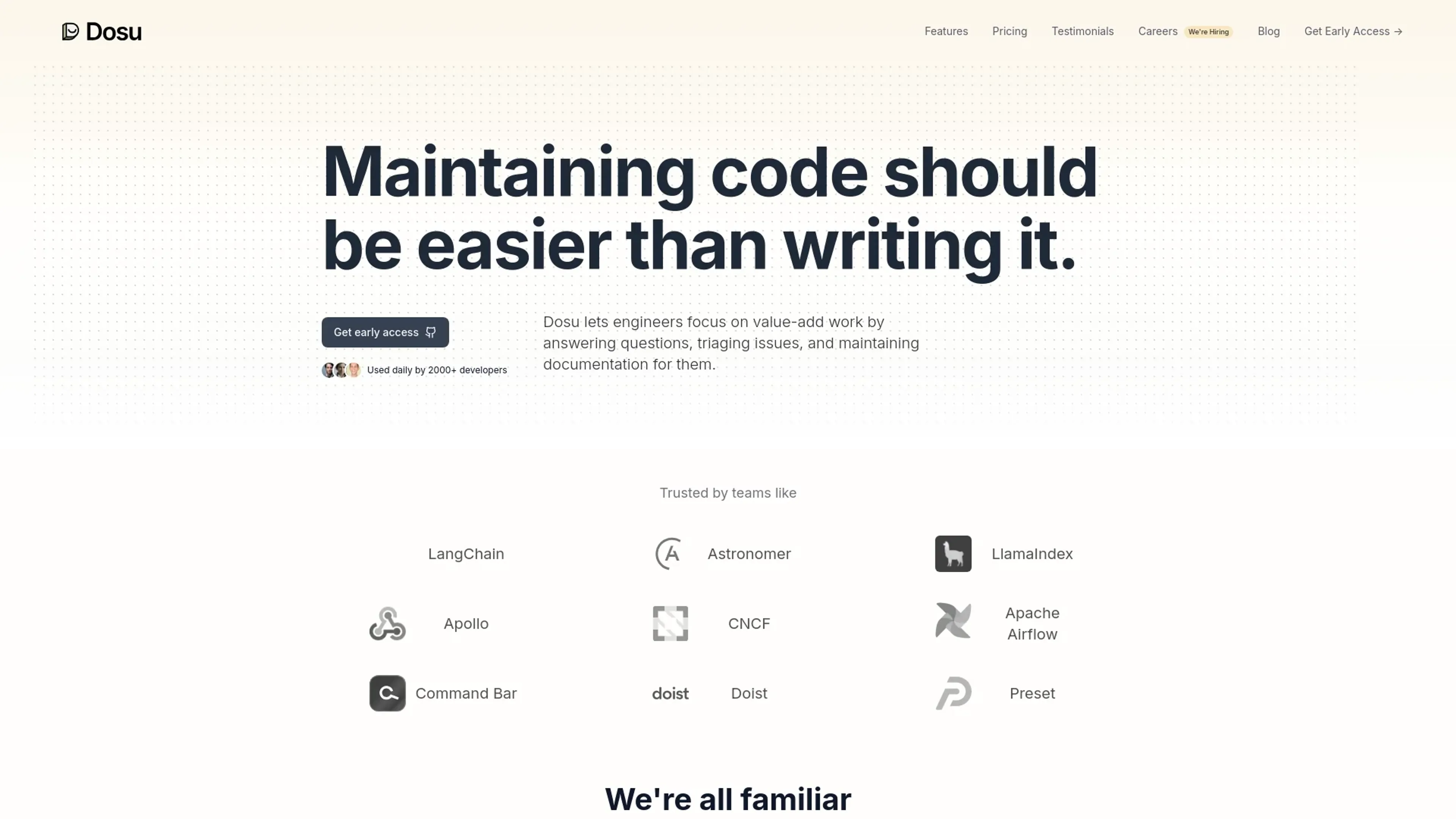
About Dosu
In the ever-evolving landscape of software development, maintaining and managing code can often be just as challenging as writing it. Enter Dosu, a revolutionary AI tool designed to integrate seamlessly with your GitHub repository. Dosu acts as your AI teammate, streamlining the process of responding to issues, triaging bugs, and building better documentation. It's crafted specifically to make the life of developers easier, ensuring that maintaining code is no longer a daunting task.
Key Features
- AI-Driven Issue Response: Dosu provides automated responses to GitHub issues, offering solutions in real-time and often resolving queries before developers need to intervene.
- Bug Triage: It efficiently categorizes and prioritizes bugs, helping teams to address them systematically.
- Dynamic Documentation: Dosu assists in creating and updating documentation, ensuring that project guidelines and references are up-to-date.
- Multi-Language Support: This tool is not limited to English; it understands and responds in over 14 languages, making it accessible to a global developer community.
- Integration Capabilities: While currently optimized for GitHub, Dosu is set to integrate with other platforms like Slack, Jira, and Zendesk soon.
Pros
- Enhanced Productivity: Automates routine tasks, allowing developers to focus on more complex problems.
- 24/7 Availability: Operates round the clock, addressing issues and queries at any time, which is crucial for global teams.
- Language Versatility: Communicates in multiple languages, making it a versatile tool for international teams.
- User-Friendly: Easy to integrate and use within existing GitHub environments, requiring minimal setup.
Cons
- Platform Dependency: Currently limited to GitHub, which might not cater to teams using other version control systems.
- Learning Curve: New users need to familiarize themselves with its features and integration points.
- Pending Integrations: Full potential not yet realized without integrations with other commonly used tools like Slack and Jira.
Use Cases
- Dosu is rapidly becoming a staple for various professionals and organizations aiming to streamline their development processes:
- Software Development Teams: Enhancing efficiency in issue management and code maintenance.
- Project Managers: Overseeing project progress and documentation without manual monitoring.
- Quality Assurance Professionals: Assisting in bug triage and maintaining high standards of code quality.
- Tech Startups: Providing scalable solutions for managing growing codebases.
- Uncommon Use Cases: Educational institutions utilize it for teaching coding and version control practices; non-profit organizations use it to manage community-driven projects efficiently.
Pricing
Free Trial: Get started with Dosu with an initial free trial period. Subscription Plans: Detailed pricing plans are available on the Dosu website. Disclaimer: For the most accurate and current pricing details, refer to the official Dosu website at https://dosu.dev/.
What Makes It Unique
Dosu stands out with its AI-driven approach to managing GitHub repositories. Its capability to respond in the user's native language within minutes and its proactive issue resolution mechanism sets it apart from conventional tools. Moreover, its upcoming integrations promise a comprehensive solution that extends beyond GitHub, making it a versatile tool in the developer's toolkit.
Ratings
Accuracy and Reliability: 4.7/5 Ease of Use: 4.5/5 Functionality and Features: 4.8/5 Performance and Speed: 4.6/5 Customization and Flexibility: 4.3/5 Data Privacy and Security: 4.5/5 Support and Resources: 4.4/5 Cost-Efficiency: 4.2/5 Integration Capabilities: 4.0/5 Overall Score: 4.5/5
Key Features
Pros & Cons
- Enhanced Productivity: Automates routine tasks, allowing developers to focus on more complex problems.
- 24/7 Availability: Operates round the clock, addressing issues and queries at any time, which is crucial for global teams.
- Language Versatility: Communicates in multiple languages, making it a versatile tool for international teams.
- User-Friendly: Easy to integrate and use within existing GitHub environments, requiring minimal setup.
- Platform Dependency: Currently limited to GitHub, which might not cater to teams using other version control systems.
- Learning Curve: New users need to familiarize themselves with its features and integration points.
- Pending Integrations: Full potential not yet realized without integrations with other commonly used tools like Slack and Jira.
Best For
Alternatives to Dosu
Eden AI
If you need to build a proper workflow and use AI API to make product-building easy and effective, let’s have a look at Eden AI review. Check out the features!
ChatGPT (OpenAI)
Script for Adaptive Theme Management in Light and Dark Modes
Lovelacestudio
Step up your RPG game creation with lovelacestudio com. Explore innovative AI tools to build and share immersive worlds effortlessly.
Trypromptly
Level Up Your Daily Productivity With Trypromptly'S Smart Tools Designed For Efficiency. Achieve Better Results Effortlessly In Your Everyday Tasks.
CodiumAI
AI test generation for code
Devin
Autonomous AI software engineer