

Lightrun
PaidEnhance debugging and monitoring in real-time, seamlessly.
About Lightrun
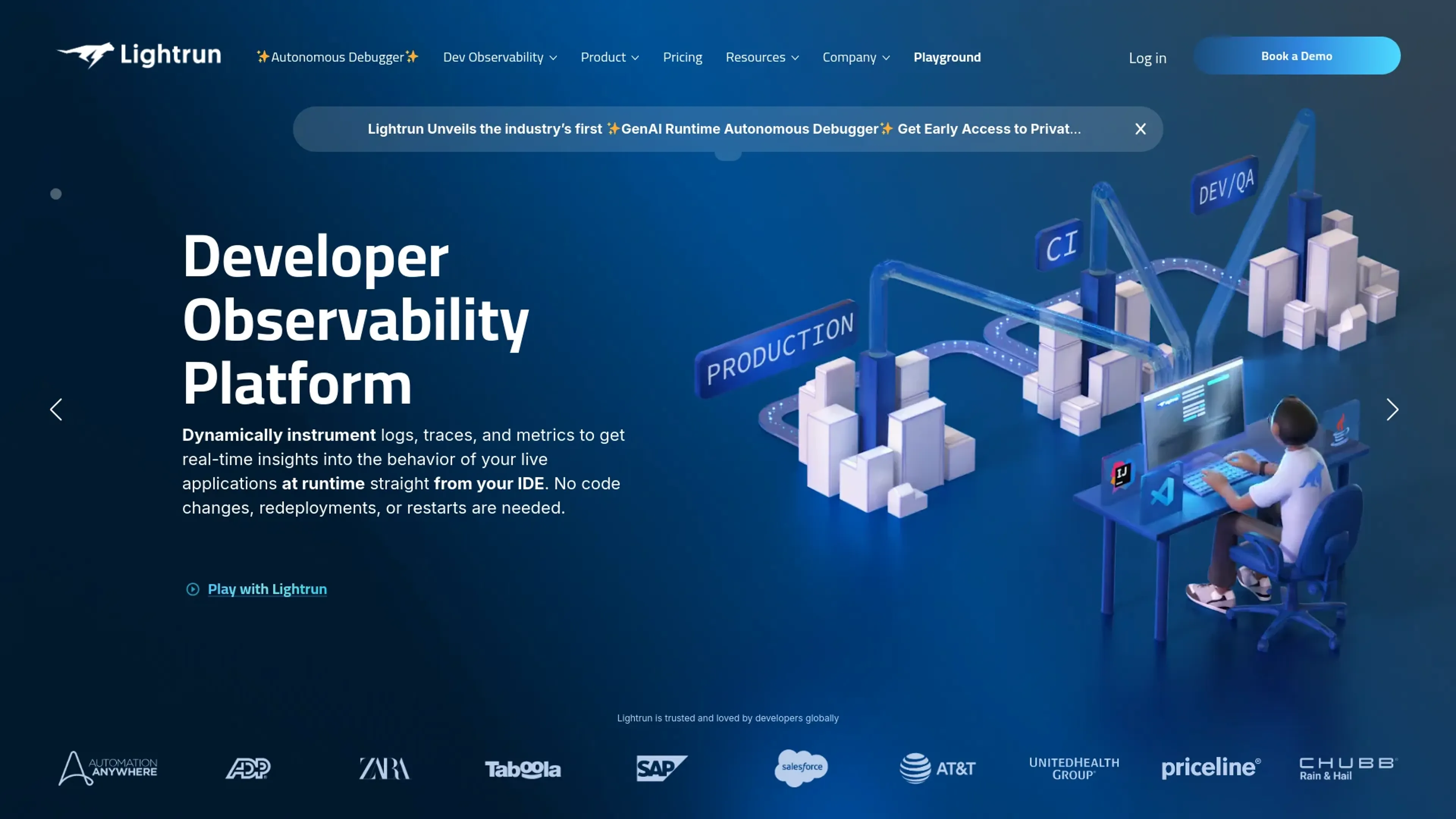
Lightrun is a groundbreaking development tool designed to enhance the efficiency and effectiveness of debugging and monitoring applications in real-time. This innovative platform allows developers to add logs, metrics, and traces directly into live applications without needing restarts or redeployments. Aimed at software developers and engineering teams, Lightrun simplifies the process of diagnosing and fixing issues while systems are running, thereby drastically reducing downtime and improving productivity.
Key Features
- Real-time Debugging: Insert logs, metrics, and traces on the fly into live applications.
- Seamless Integration: Works effortlessly with popular IDEs like IntelliJ IDEA, VS Code, and Eclipse.
- Security First: Built with enterprise-grade security measures to ensure data integrity and privacy.
- Developer-Centric: Offers a user-friendly interface that allows developers to work efficiently without disrupting application performance.
Pros
- Enhanced Productivity: Developers can identify and resolve errors faster without halting the application, leading to a more efficient workflow.
- Cost-Effective: Reduces the need for extensive debugging sessions and downtime, which in turn saves on operational costs.
- Flexibility: Allows for troubleshooting in a variety of environments, including development, testing, and production.
- Minimal Performance Impact: Designed to have a negligible impact on the application’s performance during debugging.
Cons
- Initial Learning Curve: New users may require some time to familiarize themselves with the tool’s functionalities.
- Integration Limitations: While it supports major IDEs, there might be limitations with less common development environments.
- Resource Utilization: In complex applications, extensive use of features might impact system resources.
Use Cases
- Software Development Teams: Utilizing the tool to maintain and improve application performance in real time.
- IT Operations Managers: Employing Lightrun for ongoing maintenance and immediate troubleshooting.
- Quality Assurance Professionals: Leveraging the tool to identify and document bugs during the testing phase.
- Cloud Service Providers: Using Lightrun to manage and debug large-scale cloud applications efficiently.
- Uncommon Use Cases: Utilized by educational institutions for computer science courses; adopted by startups for rapid development and deployment cycles.
Pricing
Free Tier: Experience Lightrun with a basic feature set at no cost. Pro Tier: The Pro Tier starts at $50 per month, offering advanced features and capabilities. Disclaimer: Please note that pricing information may not be up to date. For the most accurate and current pricing details, refer to the official Lightrun website.
What Makes It Unique
Lightrun stands out with its ability to perform real-time debugging directly in production environments, a rare capability that significantly reduces system downtime. Its integration with major IDEs and commitment to security also sets it apart in the developer tools market.
Ratings
Accuracy and Reliability: 4.7/5 Ease of Use: 4.5/5 Functionality and Features: 4.8/5 Performance and Speed: 4.6/5 Customization and Flexibility: 4.3/5 Data Privacy and Security: 4.9/5 Support and Resources: 4.4/5 Cost-Efficiency: 4.5/5 Integration Capabilities: 4.2/5 Overall Score: 4.59/5
Key Features
Pros & Cons
- Enhanced Productivity: Developers can identify and resolve errors faster without halting the application, leading to a more efficient workflow.
- Cost-Effective: Reduces the need for extensive debugging sessions and downtime, which in turn saves on operational costs.
- Flexibility: Allows for troubleshooting in a variety of environments, including development, testing, and production.
- Minimal Performance Impact: Designed to have a negligible impact on the application’s performance during debugging.
- Initial Learning Curve: New users may require some time to familiarize themselves with the tool’s functionalities.
- Integration Limitations: While it supports major IDEs, there might be limitations with less common development environments.
- Resource Utilization: In complex applications, extensive use of features might impact system resources.
Best For
Alternatives to Lightrun
Eden AI
If you need to build a proper workflow and use AI API to make product-building easy and effective, let’s have a look at Eden AI review. Check out the features!
Lovelacestudio
Step up your RPG game creation with lovelacestudio com. Explore innovative AI tools to build and share immersive worlds effortlessly.
Trypromptly
Level Up Your Daily Productivity With Trypromptly'S Smart Tools Designed For Efficiency. Achieve Better Results Effortlessly In Your Everyday Tasks.
CodiumAI
AI test generation for code
Codelanguageconverter
Drive results with seamless code translations using codelanguageconverter.com. Effortlessly convert between programming languages to enhance your

Dante AI
Tailored AI chatbots trained on your data, no coding needed. Deploy to your website in minutes. Quickly build a GPT-4 chatbot with options to train the AI and customi