
Replit AI
FreemiumAI-powered online IDE
About Replit AI
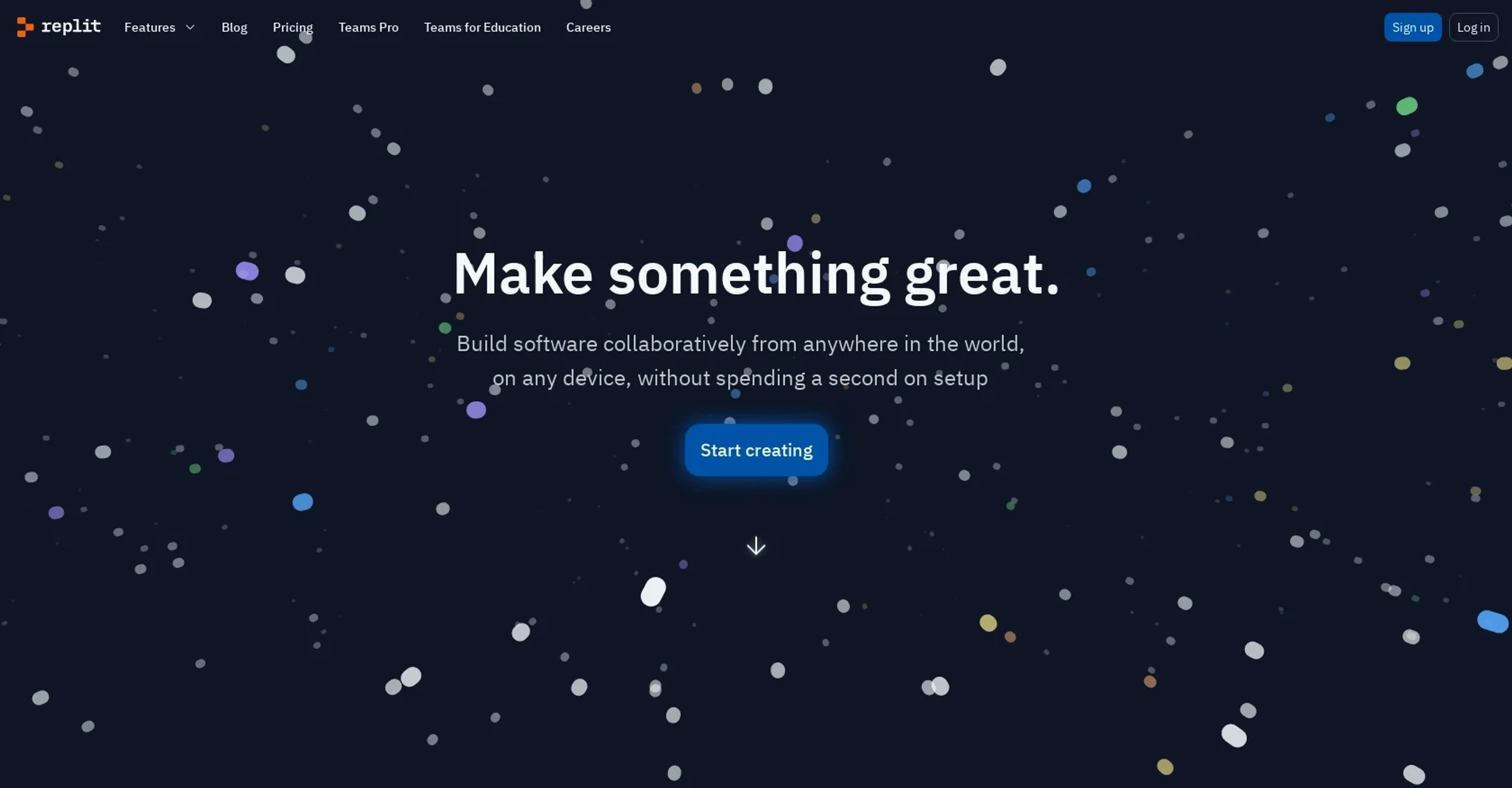
Replit AI is a cutting-edge tool designed to enhance coding and software development through artificial intelligence. At its core, Replit AI aims to streamline the coding process, making it faster, more efficient, and accessible to both beginners and seasoned developers. This platform stands out by integrating AI directly into the coding environment, which not only assists in writing code but also in debugging and optimizing it.
Key Features
- AI-Powered Code Suggestions: Provides real-time, context-aware code suggestions to improve coding efficiency.
- Collaborative Coding Environment: Enables multiple users to code simultaneously in a shared workspace.
- Built-in Debugger: Features an integrated debugging tool that helps identify and fix errors quickly.
- Customizable Workspaces: Allows users to personalize their coding environment according to their preferences and project needs.
Pros
- Enhanced Coding Speed: Significantly reduces the time required to write and debug code.
- Accessibility: Makes coding more accessible to beginners through intuitive AI assistance.
- Collaboration Efficiency: Streamlines project collaboration, making it easier to work with teams remotely.
- Scalability: Adapts easily to different project sizes and complexity levels.
Cons
- Dependence on Internet Connectivity: Requires a stable internet connection for optimal functionality.
- Learning Curve for Advanced Features: New users may need time to fully leverage all AI capabilities.
- Subscription Model: While offering powerful features, the cost may be a barrier for some individual users or small teams.
Use Cases
- Educational Institutions: Utilized in computer science classes to teach coding more interactively.
- Software Development Companies: Employed to enhance developer productivity and project turnaround times.
- Freelancers: Used by freelance developers to streamline workflows and manage multiple projects efficiently.
- Hobbyists: Attracts coding enthusiasts looking to experiment and learn through a supportive AI environment.
- Uncommon Use Cases: Non-profit organizations use it for building and maintaining their digital tools; small businesses use it to automate and integrate their existing software solutions.
Pricing
Free Tier: Explore Replit AI with a basic set of features at no cost. Pro Tier: Advanced features and capabilities start at $7 per month. Disclaimer: For the most accurate and current pricing details, refer to the official Replit AI website.
What Makes It Unique
Replit AI distinguishes itself with its robust, AI-enhanced coding interface that supports real-time collaboration and learning. This unique blend of features makes it an invaluable tool for educational purposes and professional development alike. Its ability to scale according to user needs—from beginners to large enterprises—sets it apart in the tech industry.
Ratings
Accuracy and Reliability: 4.5/5 Ease of Use: 4.8/5 Functionality and Features: 4.7/5 Performance and Speed: 4.6/5 Customization and Flexibility: 4.3/5 Data Privacy and Security: 4.4/5 Support and Resources: 4.5/5 Cost-Efficiency: 4.2/5 Integration Capabilities: 4.5/5 Overall Score: 4.5/5
Key Features
Pros & Cons
- Enhanced Coding Speed: Significantly reduces the time required to write and debug code.
- Accessibility: Makes coding more accessible to beginners through intuitive AI assistance.
- Collaboration Efficiency: Streamlines project collaboration, making it easier to work with teams remotely.
- Scalability: Adapts easily to different project sizes and complexity levels.
- Dependence on Internet Connectivity: Requires a stable internet connection for optimal functionality.
- Learning Curve for Advanced Features: New users may need time to fully leverage all AI capabilities.
- Subscription Model: While offering powerful features, the cost may be a barrier for some individual users or small teams.
Best For
Alternatives to Replit AI
Bolt.new
AI app builder that turns prompts into full-stack web apps in your browser. Includes database, auth, and hosting with no local setup needed.
GitHub
Code hosting and collaboration platform
CodiumAI
AI test generation for code
Cursor
AI-first code editor built on VS Code. Tab completion, autonomous agent mode, and full codebase understanding for developers who want AI deeply integrated into their workflow.

Amazon Q Developer
AI coding assistant by AWS
Cody
AI coding assistant by Sourcegraph