

Runcell
FreemiumUnderstands your Jupyter notebook, writes and executes code.
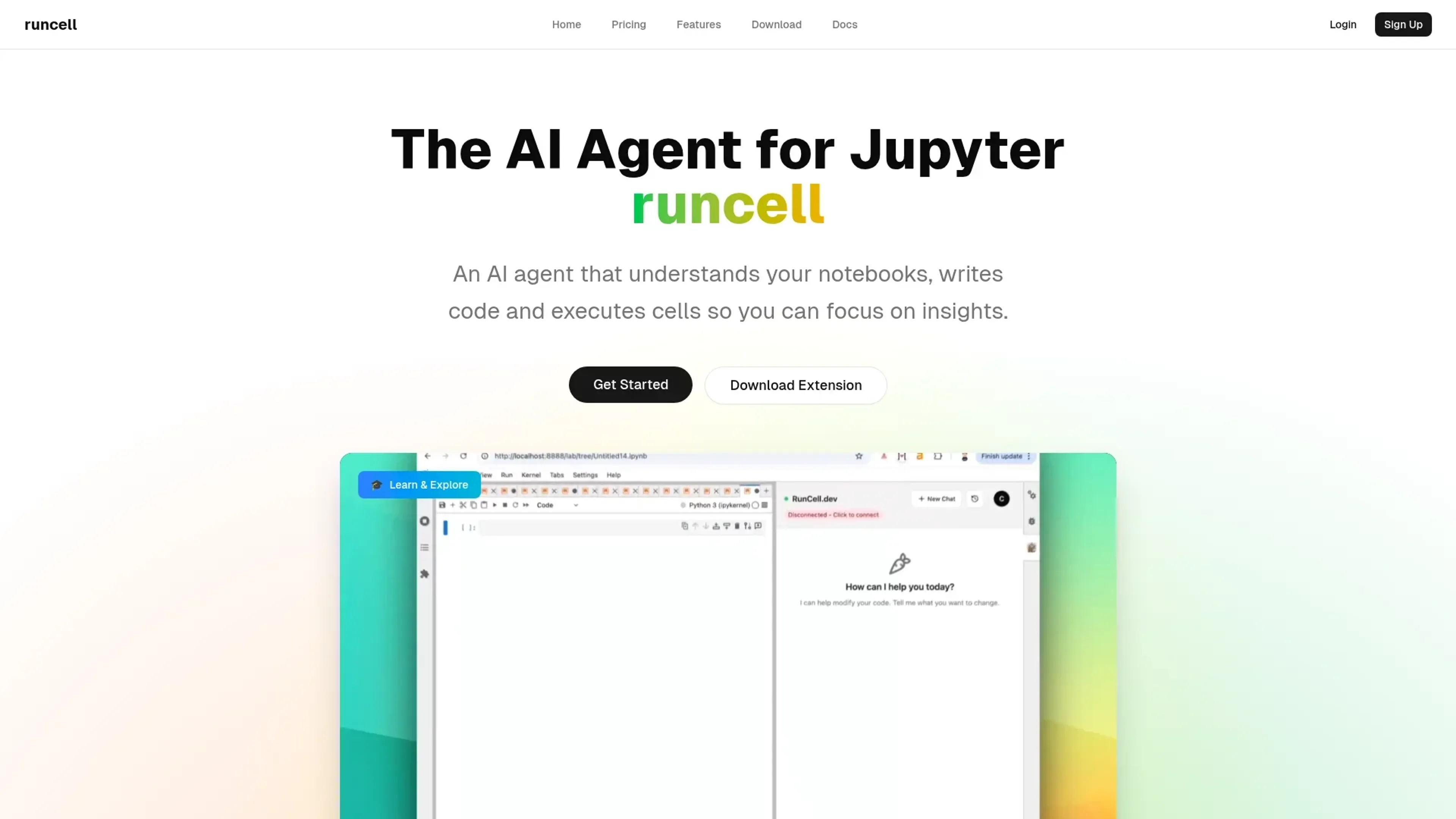
About Runcell
Runcell is an innovative AI agent designed to transform the way data scientists and developers interact with Jupyter notebooks. It offers a suite of features aimed at automating code execution, enhancing learning experiences, and providing intelligent code editing. Tailored for professionals who rely on Jupyter for data analysis, Runcell simplifies complex workflows, allowing users to focus on deriving insights rather than spending time on repetitive tasks.
Key Features
- Interactive Learning Mode: Runcell acts as an AI teacher, explaining complex concepts with live examples. This feature is particularly beneficial for learning the differences between algorithms like K-means and DBSCAN.
- Autonomous Agent Mode: Allows for full notebook automation, executing cells and completing workflows automatically, which significantly boosts productivity.
- Smart Edit Mode: Offers intelligent suggestions and code modifications, helping users enhance their notebooks with ease.
- AI-Enhanced Jupyter: Provides AI-generated solutions and smart recommendations, making it easier to troubleshoot and optimize code.
Pros
- Time Efficiency: Automates repetitive tasks, allowing users to focus on more critical aspects of their projects.
- Enhanced Learning: The interactive learning mode provides a hands-on approach to understanding complex algorithms.
- User-Friendly: The integration with Jupyter notebooks makes it easy for users to adopt without a steep learning curve.
- Improved Code Quality: Smart editing features help in refining and optimizing code.
Cons
- Initial Setup: Some users might find the initial setup process slightly challenging.
- Limited to Jupyter: Currently, Runcell is only compatible with Jupyter notebooks, which might limit its use for non-Jupyter users.
Use Cases
- Data Scientists: Leveraging Runcell to automate data analysis processes and enhance their understanding of different algorithms.
- Academic Researchers: Utilizing the interactive learning mode for teaching and explaining complex concepts to students.
- Software Developers: Employing Runcell to streamline workflow automation and improve code efficiency.
- Machine Learning Engineers: Using it to execute and optimize machine learning models within Jupyter.
- Uncommon Use Cases: Adopted by educational institutions for interactive teaching of data science courses; utilized by freelance data analysts to enhance their project workflows.
Pricing
Hobby: Free. Includes 50 credits per month (plus 50 bonus credits during beta), limited AI execution credits, and community support. Pro: $20 per month. Includes 500 credits per month, unlimited code completions, and priority support. Disclaimer: Please note that pricing information may not be up to date. For the most accurate and current pricing details, refer to the official Runcell website.
What Makes It Unique
Runcell stands out with its AI-driven interactive learning mode, providing a unique educational experience within Jupyter notebooks. Its ability to automate entire workflows and offer intelligent code suggestions makes it a valuable tool for both learning and productivity.
Ratings
Accuracy and Reliability: 4.6/5 Ease of Use: 4.4/5 Functionality and Features: 4.7/5 Performance and Speed: 4.5/5 Customization and Flexibility: 4.3/5 Data Privacy and Security: 4.2/5 Support and Resources: 4.1/5 Cost-Efficiency: 4.4/5 Integration Capabilities: 4.0/5 Overall Score: 4.4/5
Key Features
Pros & Cons
- Time Efficiency: Automates repetitive tasks, allowing users to focus on more critical aspects of their projects.
- Enhanced Learning: The interactive learning mode provides a hands-on approach to understanding complex algorithms.
- User-Friendly: The integration with Jupyter notebooks makes it easy for users to adopt without a steep learning curve.
- Improved Code Quality: Smart editing features help in refining and optimizing code.
- Initial Setup: Some users might find the initial setup process slightly challenging.
- Limited to Jupyter: Currently, Runcell is only compatible with Jupyter notebooks, which might limit its use for non-Jupyter users.
Best For
Alternatives to Runcell
Eden AI
If you need to build a proper workflow and use AI API to make product-building easy and effective, let’s have a look at Eden AI review. Check out the features!
Lovelacestudio
Step up your RPG game creation with lovelacestudio com. Explore innovative AI tools to build and share immersive worlds effortlessly.
Trypromptly
Level Up Your Daily Productivity With Trypromptly'S Smart Tools Designed For Efficiency. Achieve Better Results Effortlessly In Your Everyday Tasks.
CodiumAI
AI test generation for code
Codelanguageconverter
Drive results with seamless code translations using codelanguageconverter.com. Effortlessly convert between programming languages to enhance your

Dante AI
Tailored AI chatbots trained on your data, no coding needed. Deploy to your website in minutes. Quickly build a GPT-4 chatbot with options to train the AI and customi