

Superapp
FreemiumBuild native iOS apps swiftly with AI automation.
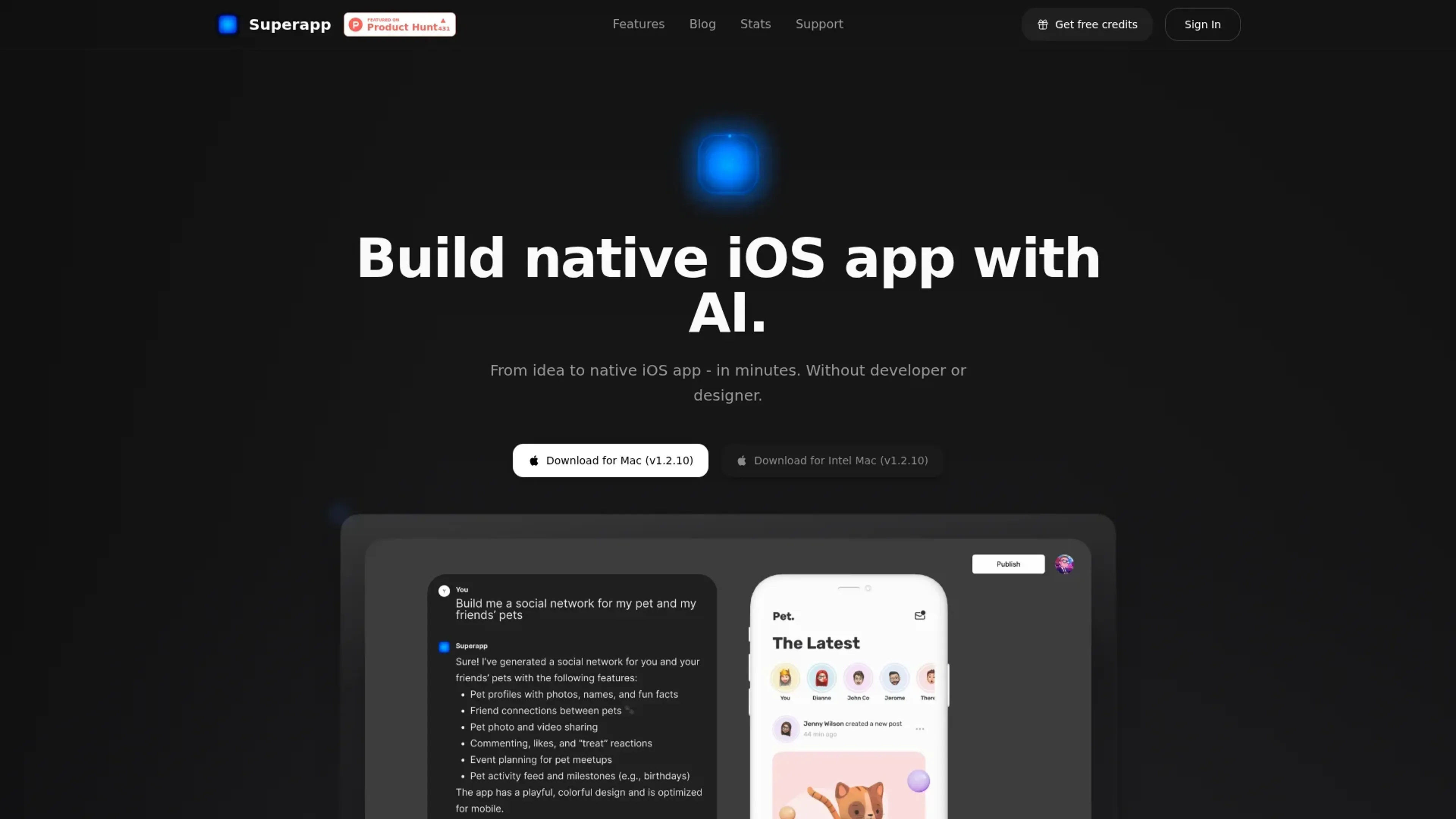
About Superapp
Superapp is a cutting-edge platform that transforms the app development landscape by enabling users to build native iOS apps using AI technology. Designed for developers, entrepreneurs, and tech enthusiasts, it simplifies the app creation process by automating various development tasks, allowing users to focus on innovation and creativity.
Key Features
- AI-Driven Development: Superapp uses advanced AI algorithms to streamline the app-building process, reducing the need for manual coding and accelerating development timelines.
- Real-Time Collaboration: With its collaborative tools, multiple users can work on the same project simultaneously, enhancing team productivity and communication.
- Customizable Templates: Offers a variety of templates that are fully customizable, enabling users to create unique app designs without starting from scratch.
- Integrated Testing Tools: Built-in testing features allow users to test their apps in real-time, ensuring functionality and performance before deployment.
Pros
- Time Efficiency: Drastically reduces the time required to develop an app, from concept to launch.
- Cost-Effective: Minimizes the need for large development teams, cutting down on labor costs.
- User-Friendly Interface: Intuitive design makes it accessible to users with varying levels of technical expertise.
- Comprehensive Support: Offers extensive documentation and customer support to assist users throughout the development process.
Cons
- Learning Curve: Beginners may need time to fully understand all the features and capabilities.
- Platform Limitation: Currently focused on iOS, limiting cross-platform development options.
- Integration Constraints: Limited support for integrating with non-Apple services and platforms.
Use Cases
- Startups: Leveraging the tool to quickly build and iterate on app ideas without extensive resources.
- Freelance Developers: Utilizing it to offer rapid app development services to clients.
- Tech Entrepreneurs: Employing the platform to prototype and launch minimum viable products (MVPs) efficiently.
- Educational Institutions: Using it as a teaching tool in app development courses.
- Uncommon Use Cases: Adopted by non-profit organizations for creating apps that support their causes; Used by research labs to develop experimental app prototypes for studies.
Pricing
Pro Plan: $25 per month. Includes 50 monthly credits, Swift UI support, AI Design System, and priority support. Ideal for individual builders prototyping quickly. Business Plan: $50 per month. Offers 100 monthly credits and all Pro features, suited for teams or professional builders needing advanced capabilities. Max Plan: $100 per month. Doubles usage with 200 monthly credits, includes all Business features, and adds dedicated support. Enterprise Plan: Custom pricing. Provides dedicated support, onboarding, group access control, and custom integrations for large organizations needing scalability and governance. Disclaimer: Please note that pricing information may not be up to date. For the most accurate and current pricing details, refer to the official Superapp website.
What Makes It Unique
Superapp distinguishes itself with its AI-driven approach to app development, making it a standout tool for creating native iOS applications. Its ability to automate complex coding tasks and provide real-time collaboration tools sets it apart from traditional app development platforms, making it an attractive option for developers looking to streamline their workflows.
Ratings
Accuracy and Reliability: 4.5/5 Ease of Use: 4.2/5 Functionality and Features: 4.6/5 Performance and Speed: 4.4/5 Customization and Flexibility: 4.3/5 Data Privacy and Security: 4.0/5 Support and Resources: 4.1/5 Cost-Efficiency: 4.5/5 Integration Capabilities: 3.8/5 Overall Score: 4.3/5
Key Features
Pros & Cons
- Time Efficiency: Drastically reduces the time required to develop an app, from concept to launch.
- Cost-Effective: Minimizes the need for large development teams, cutting down on labor costs.
- User-Friendly Interface: Intuitive design makes it accessible to users with varying levels of technical expertise.
- Comprehensive Support: Offers extensive documentation and customer support to assist users throughout the development process.
- Learning Curve: Beginners may need time to fully understand all the features and capabilities.
- Platform Limitation: Currently focused on iOS, limiting cross-platform development options.
- Integration Constraints: Limited support for integrating with non-Apple services and platforms.
Best For
Alternatives to Superapp
Eden AI
If you need to build a proper workflow and use AI API to make product-building easy and effective, let’s have a look at Eden AI review. Check out the features!
Lovelacestudio
Step up your RPG game creation with lovelacestudio com. Explore innovative AI tools to build and share immersive worlds effortlessly.
Trypromptly
Level Up Your Daily Productivity With Trypromptly'S Smart Tools Designed For Efficiency. Achieve Better Results Effortlessly In Your Everyday Tasks.
CodiumAI
AI test generation for code
Codelanguageconverter
Drive results with seamless code translations using codelanguageconverter.com. Effortlessly convert between programming languages to enhance your

Dante AI
Tailored AI chatbots trained on your data, no coding needed. Deploy to your website in minutes. Quickly build a GPT-4 chatbot with options to train the AI and customi