
Swimm
FreeStreamline codebase documentation with auto-sync and collaborative tools.
About Swimm
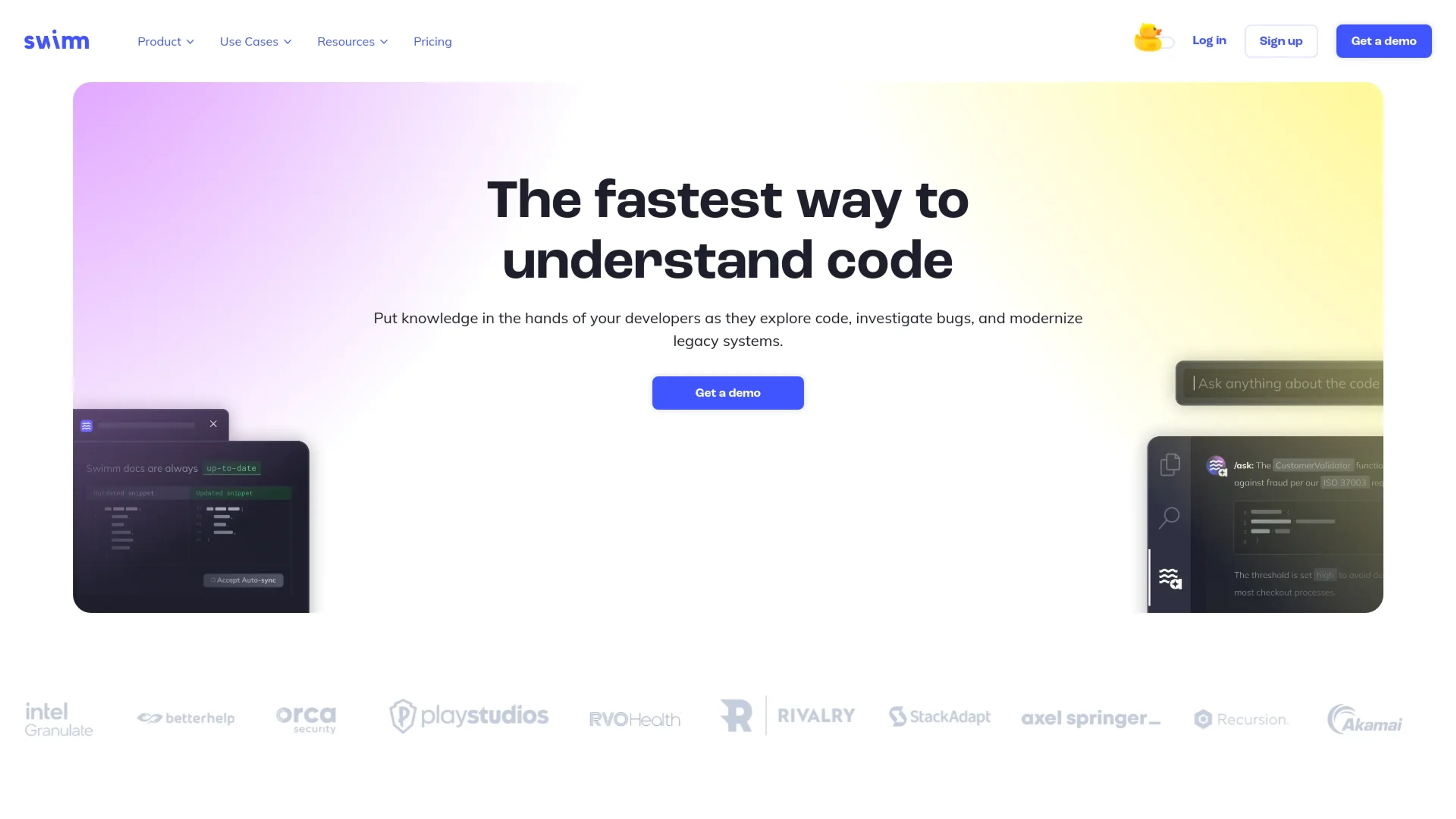
Swimm is an advanced tool designed to improve the management and understanding of codebases within software development teams. It integrates seamlessly with existing workflows to ensure that documentation is always synchronized with the code, enhancing productivity and reducing onboarding times.
Key Features
- Auto-sync Documentation: Automatically updates documentation as code changes, ensuring it remains accurate and relevant.
- Codebase Navigation: Links documentation directly to code snippets, improving codebase comprehension.
- Collaborative Tools: Facilitates team collaboration on documents and code, enhancing communication and knowledge sharing.
- Tutorial Creation: Enables the creation of interactive tutorials using real code snippets, making onboarding and training more effective.
Pros
- Enhanced Productivity: Saves time by reducing the need for manual documentation updates.
- Better Onboarding: Streamlines onboarding with up-to-date and accessible documentation.
- Improved Code Quality: Encourages good coding practices through consistent documentation.
- Seamless Integration: Works with popular tools like GitHub, GitLab, and Bitbucket, fitting smoothly into existing workflows.
Cons
- Learning Curve: May require time for new users to fully understand and utilize all features.
- Dependence on Discipline: Benefits are maximized when the tool is used consistently across the team.
- Limited Scope: Focuses primarily on code documentation, which might not address all documentation needs in larger organizations.
Use Cases
- Software Development Teams: To enhance workflow efficiency and maintain high-quality documentation.
- Tech Startups: To keep up with fast-evolving codebases and ensure team members stay informed.
- Educational Institutions: For teaching documentation practices in coding courses.
- Freelance Developers: To manage multiple projects efficiently.
- Uncommon Use Cases: Non-profits and open-source projects using Swimm for training and community coordination.
Pricing
Free Tier: Available for initial use and exploration. Team Tier: Starts at $8 per user per month. Disclaimer: For the most accurate and current pricing details, please refer to the official Swimm website.
What Makes It Unique
Swimm's standout feature is its auto-sync documentation, which dynamically updates to reflect code changes. The direct linking of documentation to code snippets offers a dynamic and interactive approach to understanding and maintaining codebases.
Ratings
Accuracy and Reliability: 4.8/5 Ease of Use: 4.5/5 Functionality and Features: 4.7/5 Performance and Speed: 4.6/5 Customization and Flexibility: 4.3/5 Data Privacy and Security: 4.5/5 Support and Resources: 4.4/5 Cost-Efficiency: 4.6/5 Integration Capabilities: 4.7/5 Overall Score: 4.6/5
Key Features
Pros & Cons
- Enhanced Productivity: Saves time by reducing the need for manual documentation updates.
- Better Onboarding: Streamlines onboarding with up-to-date and accessible documentation.
- Improved Code Quality: Encourages good coding practices through consistent documentation.
- Seamless Integration: Works with popular tools like GitHub, GitLab, and Bitbucket, fitting smoothly into existing workflows.
- Learning Curve: May require time for new users to fully understand and utilize all features.
- Dependence on Discipline: Benefits are maximized when the tool is used consistently across the team.
- Limited Scope: Focuses primarily on code documentation, which might not address all documentation needs in larger organizations.
Best For
Alternatives to Swimm
Eden AI
If you need to build a proper workflow and use AI API to make product-building easy and effective, let’s have a look at Eden AI review. Check out the features!
Lovelacestudio
Step up your RPG game creation with lovelacestudio com. Explore innovative AI tools to build and share immersive worlds effortlessly.
Trypromptly
Level Up Your Daily Productivity With Trypromptly'S Smart Tools Designed For Efficiency. Achieve Better Results Effortlessly In Your Everyday Tasks.
CodiumAI
AI test generation for code
Codelanguageconverter
Drive results with seamless code translations using codelanguageconverter.com. Effortlessly convert between programming languages to enhance your

Dante AI
Tailored AI chatbots trained on your data, no coding needed. Deploy to your website in minutes. Quickly build a GPT-4 chatbot with options to train the AI and customi