

Traycer
FreemiumStreamlines coding by planning and executing tasks.
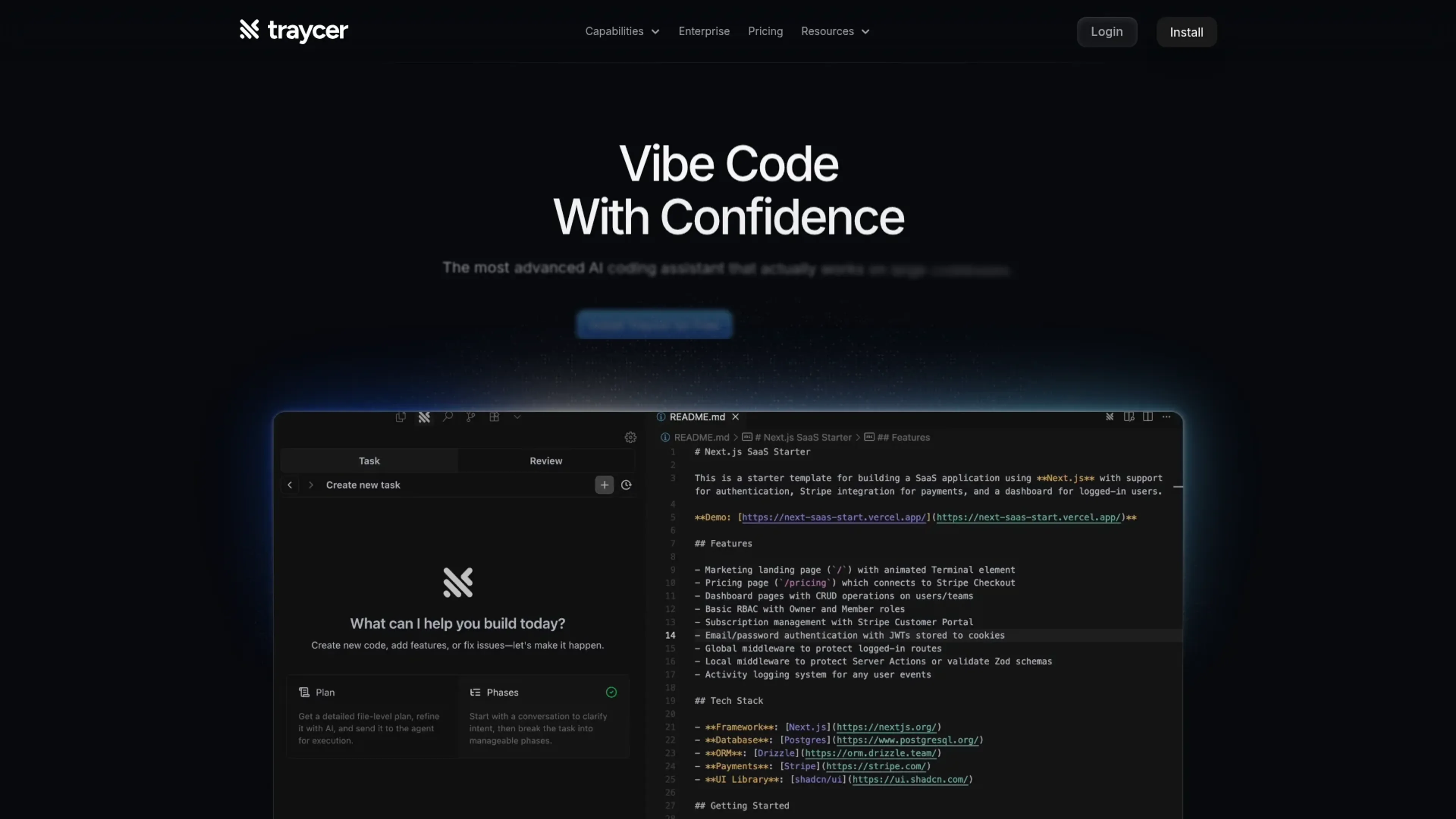
About Traycer
Traycer is a cutting-edge AI coding assistant designed to make coding on large codebases more efficient and effective. It is tailored for developers who need to streamline their workflow with intelligent planning and execution of coding tasks. Traycer simplifies complex tasks by providing detailed, actionable plans before diving into code, allowing developers to focus on ideas rather than getting lost in code diffs.
Key Features
- Spec-Driven Development: Traycer starts each task with a comprehensive, actionable plan, ensuring that developers can iterate on ideas rather than cryptic code.
- Parallel Agents: Allows multiple planning agents to work in the background, significantly speeding up task completion.
- One Click Hand-Off: Once a plan is complete, code can be generated with just a click using popular AI agents like Cursor and Claude Code.
- Verification and Guardrails: Traycer scans the codebase to verify AI-generated changes, implementing course corrections to prevent bad code from reaching production.
Pros
- Time Efficiency: Dramatically reduces feature development time, turning multi-day tasks into mere hours.
- Enhanced Planning: Provides a structured approach to coding, which helps in maintaining codebase coherence.
- User-Friendly Interface: The intuitive design makes it easy for developers to understand and interact with the tool.
- Integration Flexibility: Compatible with all major AI coding agents, allowing for flexible execution across platforms.
Cons
- Initial Learning Curve: New users might take some time to get accustomed to the advanced planning features.
- Limited Third-Party Integrations: While flexible with AI agents, it may lack broader integration with other development tools.
Use Cases
- Software Development Teams: Enhancing their workflow by breaking down complex coding tasks.
- Startups: Using Traycer to quickly iterate and deploy new features.
- Freelance Developers: Benefiting from the time-saving features when working on multiple projects.
- Educational Institutions: Incorporating Traycer into coding curriculums to teach efficient coding practices.
- Uncommon Use Cases: Utilized by tech bloggers for automated code snippets; Adopted by game developers for rapid prototyping.
Pricing
Free Tier: $0 forever with a single slot capacity and a 7-day Pro trial. Lite Tier: $10 per user per month, offering 3x capacity and priority support. Pro Tier: $25 per user per month, includes everything in Lite plus 9x capacity. Pro+ Tier: $40 per user per month, with 15x capacity and faster recharge rates. Disclaimer: Please note that pricing information may not be up to date. For the most accurate and current pricing details, refer to the official Traycer website.
What Makes It Unique
Traycer stands out with its unique planning-first approach, allowing developers to iterate on ideas rather than code. This method ensures that each task is grounded in a coherent plan, making Traycer a favorite among developers who seek efficiency and precision in their coding tasks.
Ratings
Accuracy and Reliability: 4.7/5 Ease of Use: 4.5/5 Functionality and Features: 4.8/5 Performance and Speed: 4.6/5 Customization and Flexibility: 4.4/5 Data Privacy and Security: 4.7/5 Support and Resources: 4.3/5 Cost-Efficiency: 4.5/5 Integration Capabilities: 4.2/5 Overall Score: 4.5/5
Key Features
Pros & Cons
- Time Efficiency: Dramatically reduces feature development time, turning multi-day tasks into mere hours.
- Enhanced Planning: Provides a structured approach to coding, which helps in maintaining codebase coherence.
- User-Friendly Interface: The intuitive design makes it easy for developers to understand and interact with the tool.
- Integration Flexibility: Compatible with all major AI coding agents, allowing for flexible execution across platforms.
- Initial Learning Curve: New users might take some time to get accustomed to the advanced planning features.
- Limited Third-Party Integrations: While flexible with AI agents, it may lack broader integration with other development tools.
Best For
Alternatives to Traycer
Eden AI
If you need to build a proper workflow and use AI API to make product-building easy and effective, let’s have a look at Eden AI review. Check out the features!
ChatGPT (OpenAI)
Script for Adaptive Theme Management in Light and Dark Modes
Lovelacestudio
Step up your RPG game creation with lovelacestudio com. Explore innovative AI tools to build and share immersive worlds effortlessly.
Trypromptly
Level Up Your Daily Productivity With Trypromptly'S Smart Tools Designed For Efficiency. Achieve Better Results Effortlessly In Your Everyday Tasks.
CodiumAI
AI test generation for code
Devin
Autonomous AI software engineer