

Pabbly Connect
FreemiumAutomate workflows seamlessly across 1,500+ apps, no coding needed.
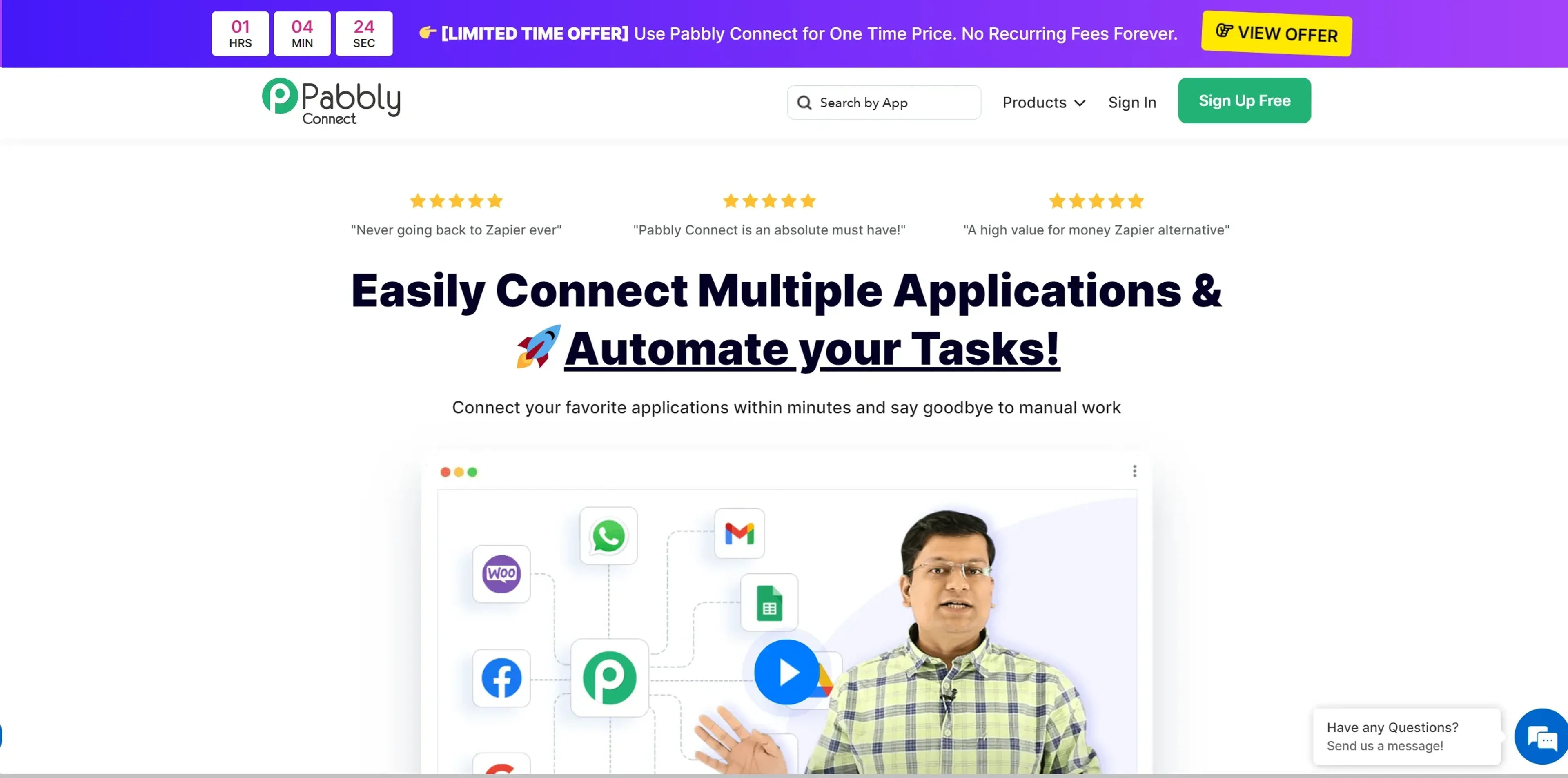
About Pabbly Connect
Exploring the dynamic world of automation, Pabbly Connect is a robust tool designed to streamline and automate workflows by integrating various applications. The core purpose of Pabbly Connect is to facilitate seamless data transfer between different platforms without the need for coding skills. This makes it an invaluable asset for businesses looking to enhance efficiency and minimize manual intervention.
Key Features
- 1,500+ Integrations: Connects with a vast array of applications, ensuring flexibility across different business needs.
- No-Code Automation: Users can create complex workflows without any technical knowledge.
- Advanced Multi-Step Workflows: Supports the creation of multi-step workflows, allowing for detailed and complex automation processes.
- Cost-Effective Pricing: Offers a lifetime access deal, making it a budget-friendly option compared to competitors.
Pros
- Ease of Use: The intuitive interface makes it simple for users to set up and manage automations.
- Cost Efficiency: With a one-time payment option, it provides significant savings over time.
- Robust Community Support: Access to a large community of users and extensive video tutorials.
- Unlimited Internal Tasks: Users can perform unlimited internal tasks without consuming their task count, which is a unique offering not seen in many other platforms.
Cons
- Learning Curve: New users may initially find it challenging to navigate through the advanced features.
- Limited Customization: While it offers many integrations, the customization options for each integration are not as extensive as some might need.
- Dependency on Third-Party Apps: The effectiveness of Pabbly Connect heavily relies on the third-party apps it supports, which can be a limitation if certain apps are not supported.
Use Cases
- Small to Medium-Sized Businesses: Utilizing the tool to automate repetitive tasks and save time.
- E-commerce Platforms: For syncing data across various sales and marketing platforms.
- Marketing Agencies: Automating client reports and data integration.
- Freelancers: Managing multiple clients or projects efficiently.
- Uncommon Use Cases: Non-profits using it to manage donor information and communications; educational institutions automating administrative tasks.
Pricing
Forever Free Plan: Get started with no costs, limited to 100 tasks per month. Standard Plan: $14/month for 12,000 tasks per month. Pro Plan: $29/month for 24,000 tasks per month. Ultimate Plan: $59/month for 50,000 tasks per month. Disclaimer: Pricing details are subject to change. For the most accurate and current pricing, please refer to the Pabbly Connect website.
What Makes It Unique
Pabbly Connect stands out due to its no-code automation capabilities combined with a one-time payment option, which is quite rare in the automation tool space. This not only makes it accessible to a wider range of businesses but also offers a cost-effective solution for ongoing operational needs.
Ratings
Accuracy and Reliability: 4.8/5 Ease of Use: 4.7/5 Functionality and Features: 4.6/5 Performance and Speed: 4.5/5 Customization and Flexibility: 4.2/5 Data Privacy and Security: 4.9/5 Support and Resources: 4.7/5 Cost-Efficiency: 4.8/5 Integration Capabilities: 4.6/5 Overall Score: 4.6/5
Key Features
Pros & Cons
- Ease of Use: The intuitive interface makes it simple for users to set up and manage automations.
- Cost Efficiency: With a one-time payment option, it provides significant savings over time.
- Robust Community Support: Access to a large community of users and extensive video tutorials.
- Unlimited Internal Tasks: Users can perform unlimited internal tasks without consuming their task count, which is a unique offering not seen in many other platforms.
- Learning Curve: New users may initially find it challenging to navigate through the advanced features.
- Limited Customization: While it offers many integrations, the customization options for each integration are not as extensive as some might need.
- Dependency on Third-Party Apps: The effectiveness of Pabbly Connect heavily relies on the third-party apps it supports, which can be a limitation if certain apps are not supported.
Best For
Alternatives to Pabbly Connect
Eddy AI
Automate Your Sales and Support with Eddy AI's 24/7 Chatbot.
Chatsimple
Revolutionize Your Customer Support with Chatsimple AI Chatbot
ChatShape
Enhance Your Website with Custom AI Chatbots
ParentMate
Personalized, evidence-based parenting guidance—built on child psychology and tailored to your family.
Ultimate
Streamline Your Customer Support with Ultimate
Wallu
Automate Discord support with Wallu—multilingual AI answers, image OCR, and ticket bot integration.