

Recall.ai
FreemiumStreamline meeting bots across Zoom, Google Meet, Teams.
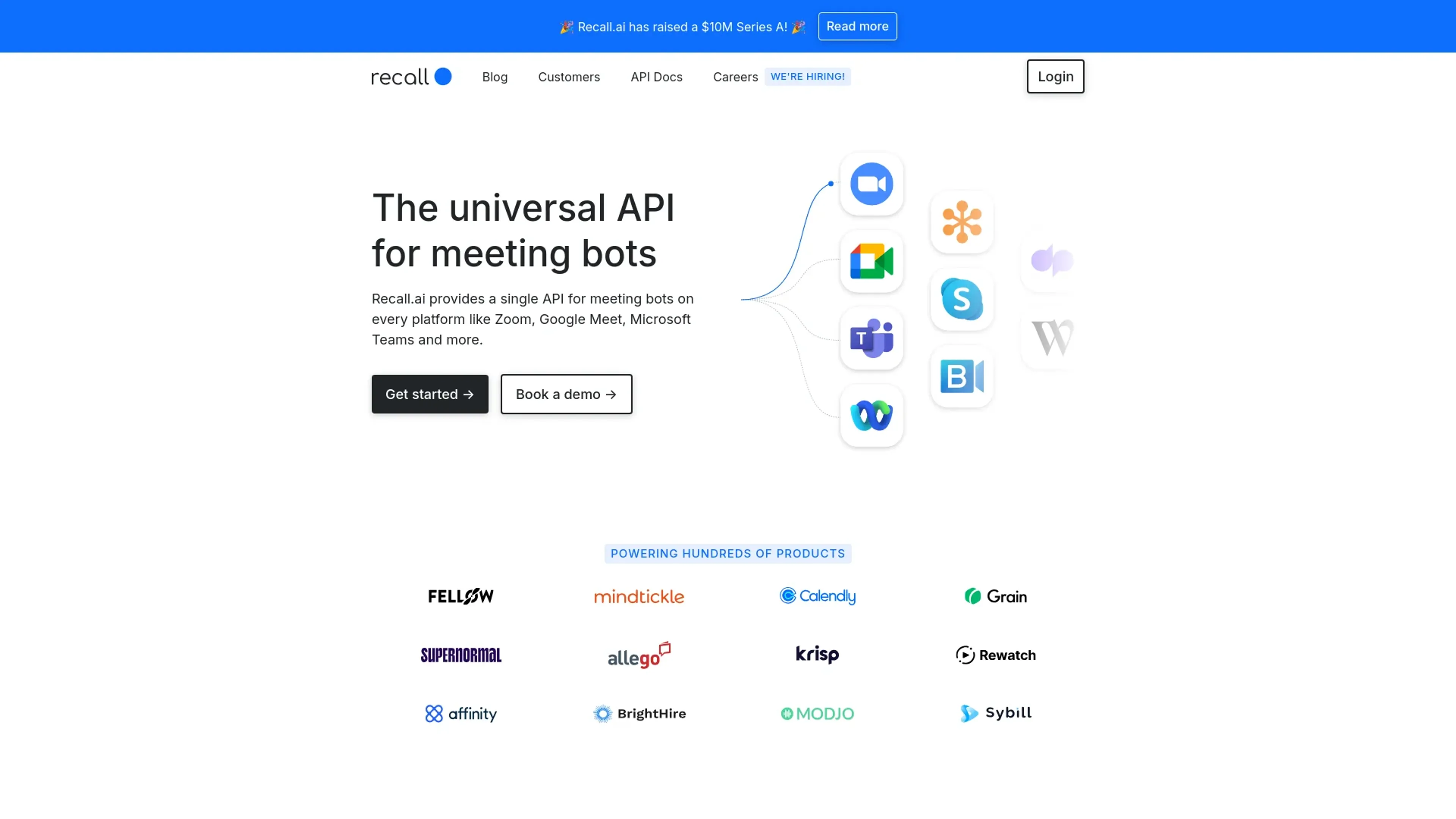
About Recall.ai
Recall.ai is a transformative tool that simplifies the integration and management of meeting bots across platforms such as Zoom, Google Meet, and Microsoft Teams. Its core functionality revolves around providing a universal API that allows users to access real-time meeting data effortlessly. Designed for developers and businesses alike, Recall.ai aims to streamline the process of creating and operating meeting bots, reducing development time and enhancing meeting productivity.
Key Features
- Universal API Compatibility: Seamless integration with major meeting platforms including Zoom, Google Meet, and Microsoft Teams.
- Real-Time Data Access: Enables access to real-time transcripts, video, audio, and meeting chats.
- Comprehensive Data Output: Offers options to output audio and video, such as JPEG images or MP3 files during meetings.
- Security and Compliance: Adheres to major security standards like SOC2, GDPR, CCPA, and HIPAA, ensuring data is handled securely.
- Developer-Friendly Setup: Quick integration with minimal coding required, supported by examples in Python, Ruby, and Node.js.
Pros
- Saves Development Time: Streamlines bot deployment across platforms, significantly cutting down development hours.
- Enhanced Meeting Accessibility: Works across all user plans and does not require host privileges.
- High Scalability: Capable of managing thousands of concurrent virtual machines daily.
- Real-Time Interaction: Facilitates real-time interactions within meetings through chat and data streaming.
Cons
- Initial Setup Complexity: While integration is streamlined, initial setup might require technical knowledge.
- Platform Dependency: Effectiveness can vary based on the third-party platform's stability and updates.
- Limited Customization Options: Some users might find the customization options for bots somewhat restricted.
Use Cases
- Software Developers: Utilizing the API to build custom meeting bots quickly.
- Tech Companies: Integrating meeting bots to enhance their product offerings.
- Educational Institutions: Facilitating remote classes and lectures through enhanced meeting interactions.
- Healthcare Providers: Leveraging secure meeting bots for confidential consultations.
- Uncommon Use Cases: Used by event organizers to streamline virtual events; adopted by customer support teams to improve response times during live interactions.
Pricing
Free Trial: Users can start with a free trial to test functionalities. Subscription Plans: Detailed pricing is available upon request through the official Recall.ai website. Disclaimer: For the most accurate and current pricing details, refer to the official Recall.ai website.
What Makes It Unique
Recall.ai stands out by offering a universal API that integrates with multiple meeting platforms, not just one. This multi-platform approach, combined with top-tier security compliance and the ability to handle vast amounts of real-time data, positions Recall.ai as a leading solution in the meeting bot space.
Ratings
Accuracy and Reliability: 4.5/5 Ease of Use: 4.2/5 Functionality and Features: 4.8/5 Performance and Speed: 4.6/5 Customization and Flexibility: 3.9/5 Data Privacy and Security: 4.9/5 Support and Resources: 4.3/5 Cost-Efficiency: 4.0/5 Integration Capabilities: 4.7/5 Overall Score: 4.4/5
Key Features
Pros & Cons
- Saves Development Time: Streamlines bot deployment across platforms, significantly cutting down development hours.
- Enhanced Meeting Accessibility: Works across all user plans and does not require host privileges.
- High Scalability: Capable of managing thousands of concurrent virtual machines daily.
- Real-Time Interaction: Facilitates real-time interactions within meetings through chat and data streaming.
- Initial Setup Complexity: While integration is streamlined, initial setup might require technical knowledge.
- Platform Dependency: Effectiveness can vary based on the third-party platform's stability and updates.
- Limited Customization Options: Some users might find the customization options for bots somewhat restricted.
Best For
Alternatives to Recall.ai
Eddy AI
Automate Your Sales and Support with Eddy AI's 24/7 Chatbot.
Chatsimple
Revolutionize Your Customer Support with Chatsimple AI Chatbot
ChatShape
Enhance Your Website with Custom AI Chatbots
ParentMate
Personalized, evidence-based parenting guidance—built on child psychology and tailored to your family.
Ultimate
Streamline Your Customer Support with Ultimate
Wallu
Automate Discord support with Wallu—multilingual AI answers, image OCR, and ticket bot integration.