
About Photomyne
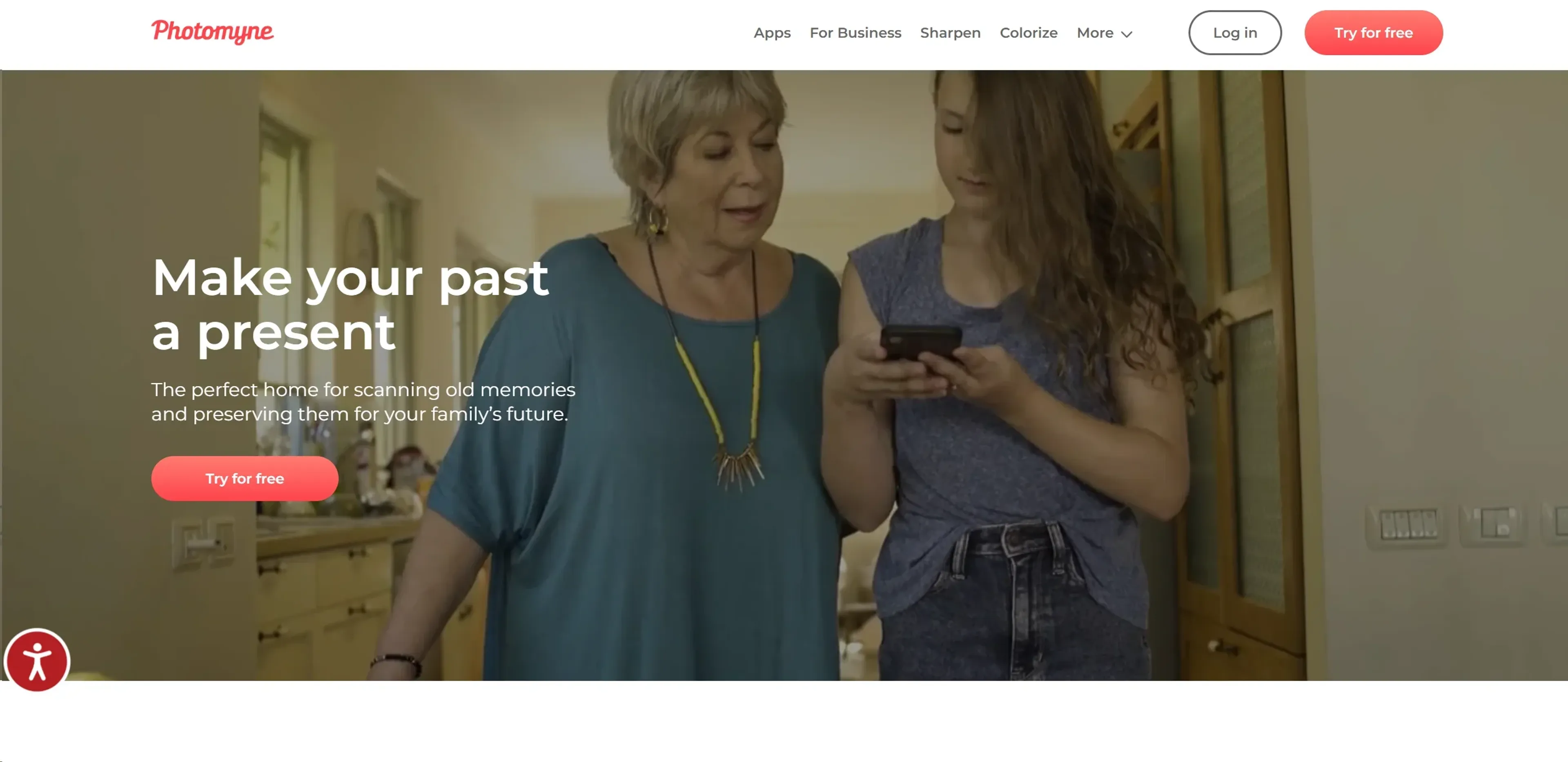
Photomyne is an AI-powered application designed to digitize your printed memories into high-quality digital formats swiftly and efficiently. This tool stands out by offering a unique solution for preserving family memories, allowing users to scan multiple photos in a single shot, enhance old photographs, and even colorize black and white images. As someone deeply passionate about photography and preserving historical moments, I found Photomyne to be an indispensable tool that simplifies the digitization of old photo albums, slides, and negatives.
Key Features
- Easy and Speedy Scanning: Photomyne enables the scanning of dozens of photos into digital albums in minutes, making it incredibly time-efficient.
- Dedicated Scanning Apps: Offers specific apps for different media types - photos, slides, negatives, and children's artwork.
- Enhancement Tools: Enhance scanned photos with tools for color restoration, sharpening, and adding color to black and white photos.
- Animation Feature: Brings still photos to life by adding animations, offering a unique way to relive memories.
- Voice Control: Available on iOS for hands-free scanning and editing.
Pros
- User-Friendly Interface: Photomyne is designed with simplicity in mind, ensuring ease of use for individuals at any tech-savviness level.
- High-Quality Outputs: Scanned photos look as good as or better than the originals, thanks to Photomyne’s advanced enhancement features.
- Versatile Functionality: Beyond scanning, the app offers tools for organizing, enhancing, and sharing digitalized photos.
- Family Nostalgia: A perfect tool for creating a digital archive of family memories to share and pass on to future generations.
Cons
- Platform Limitations: Some advanced features like voice control and face sharpening are currently only available for iOS users.
- Subscription Model: While there is a free trial, continuous access to all features requires a subscription, which might not appeal to everyone.
- Learning Curve: New users may need some time to familiarize themselves with all the functionalities and make the most out of the app.
Use Cases
- Photomyne caters to a wide range of users, from individuals looking to preserve family memories to professionals in need of a quick and efficient way to digitize physical photo collections. Here are some of the primary users:
- Families: Preserving generations of family photos for sharing and keeping.
- Historians and Archivists: Digitizing historical archives for preservation and study.
- Artists and Designers: Converting physical artwork into digital formats for online portfolios.
- Educational Institutions: Creating digital archives of historical educational materials.
- Uncommon Use Cases: Real estate agents digitizing old property photos for historical comparison; Event planners recreating nostalgic events.
Pricing
Free Trial: Photomyne offers a 3-day free trial to test out its features. Yearly Subscription: Access to all scanning apps in the suite for $59.99/year. Disclaimer: Pricing details are subject to change. Visit Photomyne’s official website for the most current information.
What Makes It Unique
Photomyne stands out with its ability to quickly scan multiple photos at once without sacrificing quality, a feature that is particularly unique among photo scanning apps. Its suite of dedicated apps for different types of media, from slides to negatives, positions it as a comprehensive solution for all scanning needs. The addition of tools to animate and colorize photos further enhances its appeal by allowing users to not only preserve but also breathe new life into their cherished memories.
Ratings
Accuracy and Reliability: 4.8/5 Ease of Use: 4.7/5 Functionality and Features: 4.9/5 Performance and Speed: 4.6/5 Customization and Flexibility: 4.4/5 Data Privacy and Security: 4.5/5 Support and Resources: 4.7/5 Cost-Efficiency: 4.3/5 Integration Capabilities: 4.2/5 Overall Score: 4.6/5
Summary
Digitize, enhance, and animate old photos effortlessly with AI-powered precision. AI Categories: image editing, education
Key Features
Pros & Cons
- User-Friendly Interface: Photomyne is designed with simplicity in mind, ensuring ease of use for individuals at any tech-savviness level.
- High-Quality Outputs: Scanned photos look as good as or better than the originals, thanks to Photomyne’s advanced enhancement features.
- Versatile Functionality: Beyond scanning, the app offers tools for organizing, enhancing, and sharing digitalized photos.
- Family Nostalgia: A perfect tool for creating a digital archive of family memories to share and pass on to future generations.
- Platform Limitations: Some advanced features like voice control and face sharpening are currently only available for iOS users.
- Subscription Model: While there is a free trial, continuous access to all features requires a subscription, which might not appeal to everyone.
- Learning Curve: New users may need some time to familiarize themselves with all the functionalities and make the most out of the app.
Best For
Alternatives to Photomyne
Readshark
Quick Book Summaries for Busy Professionals
QuestionAid
Effortlessly Generate Questions from Any Text with Question-AID
AI Art Apps Database
Access tutorials, software, and an artwork library to learn, create, and stay inspired with AI art.
FlashcardX
FlashcardX: Your AI-powered study companion to create flashcards effortlessly.
AixStock
Access practice tests, study guides, flashcards, interact with others, expert tutors, and get personalized feedback for mastery.
Jungle
Create flashcards in seconds, not hours