

Sourcetable
FreemiumAutomates spreadsheet tasks with AI-driven formulas and insights.
About Sourcetable
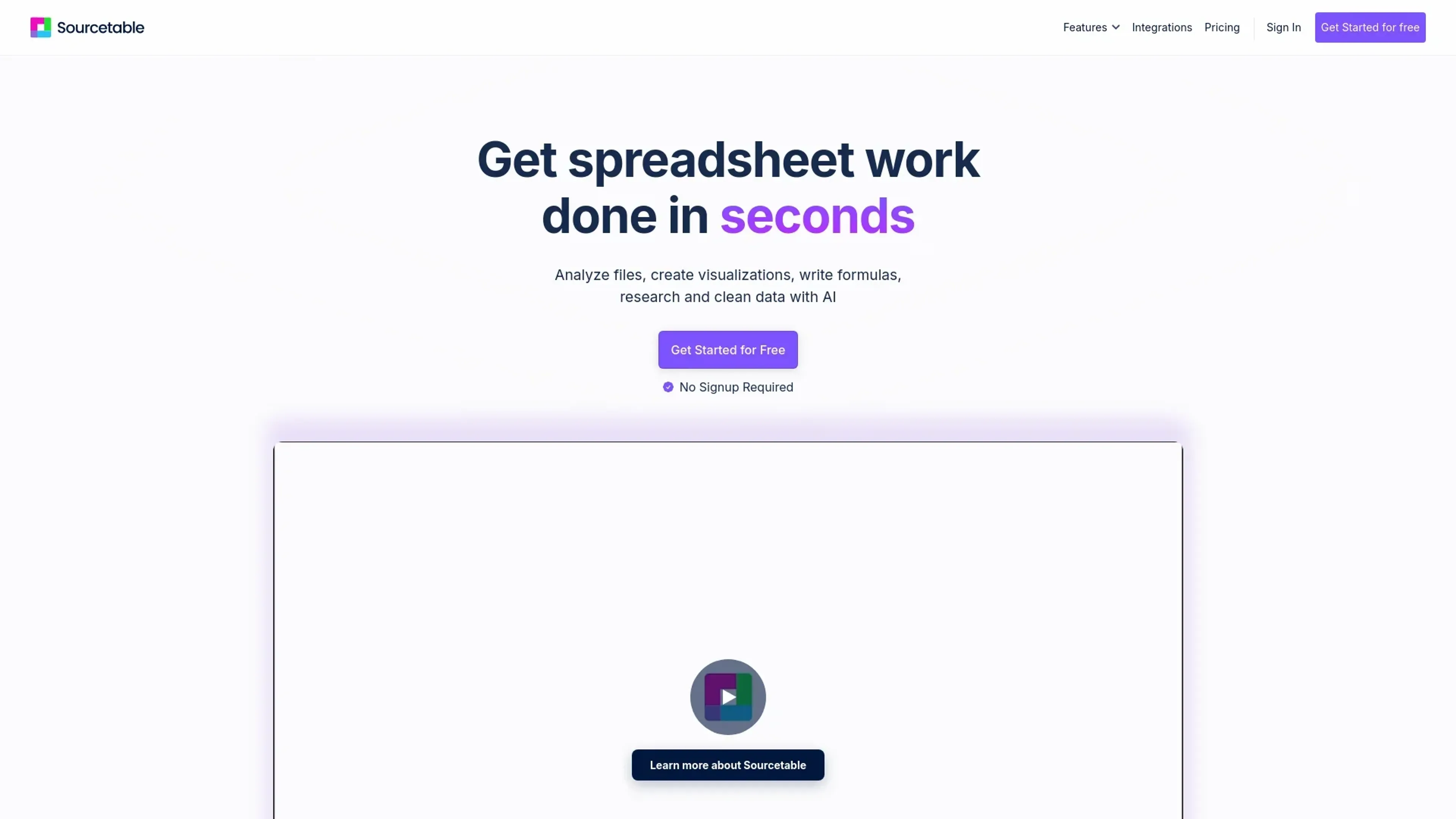
Sourcetable is an innovative AI-driven tool designed to revolutionize the way we handle and analyze spreadsheet data. As a comprehensive AI spreadsheet assistant, it offers a suite of features including formula generation, data analysis, and chart creation, all aimed at simplifying complex data tasks for its users. Whether you're a professional data analyst or a business executive, Sourcetable empowers you to clean, automate, and analyze data efficiently, transforming the traditional spreadsheet experience into a seamless, intelligent process.
Key Features
- AI Spreadsheet Assistant: Simplifies spreadsheet tasks by automatically generating formulas such as SUM, VLOOKUP, and more, enhancing productivity.
- AI Chart Generator: Transforms data into interactive reports and charts with just a few clicks, making data visualization effortless.
- AI Data Analysis: Provides advanced data analysis capabilities, including SQL and Python integration, for deeper insights and smarter decision-making.
- Voice-Driven Spreadsheets: Allows users to interact with their data hands-free, offering a unique and intuitive experience.
- AI Data Cleaning: Automates the tedious process of data cleaning, saving time and effort by ensuring data accuracy and consistency.
- Integration Capabilities: Seamlessly connects with over 100+ platforms and databases like Quickbooks, Shopify, and Hubspot, enhancing data accessibility and usability.
Pros
- Time Efficiency: Automates complex spreadsheet tasks, dramatically reducing time spent on data analysis.
- User-Friendly Interface: Offers an intuitive design that caters to both novices and experts, ensuring a smooth user experience.
- Comprehensive Integration: Supports a wide range of platforms, making it versatile for various business needs.
- Enhanced Data Insights: Provides powerful analytical tools that allow for in-depth data exploration and reporting.
Cons
- Initial Learning Curve: May require some time for users to fully explore and utilize all advanced features.
- Limited Offline Functionality: Primarily designed for online use, which may limit accessibility in offline scenarios.
Use Cases
- Data Analysts: Leveraging the tool for efficient data processing and analysis.
- Business Executives: Utilizing Sourcetable for quick data-driven decision-making.
- Financial Analysts: Employing the AI features for accurate financial modeling and forecasting.
- Educators: Using the platform to teach data analysis and business intelligence concepts.
- Uncommon Use Cases: Adopted by research scientists for data-intensive experiments; Utilized by non-profit organizations for impact analysis and reporting.
Pricing
Free Plan: Offers a free, but limited experience Sourcetable's core features. Pro User Plan: At $20 per month, providing access to advanced functionalities and unlimited queries. Disclaimer: Please note that pricing information may not be up to date. For the most accurate and current pricing details, refer to the official Sourcetable website.
What Makes It Unique
Sourcetable stands out with its AI-driven formula and chart generation capabilities, offering users a unique blend of automation and intelligence in spreadsheet management. Its ability to seamlessly integrate with numerous platforms and provide voice-driven interactions sets it apart, making data handling not only efficient but also engaging.
Ratings
Accuracy and Reliability: 4.7/5 Ease of Use: 4.5/5 Functionality and Features: 4.8/5 Performance and Speed: 4.6/5 Customization and Flexibility: 4.4/5 Data Privacy and Security: 4.3/5 Support and Resources: 4.2/5 Cost-Efficiency: 4.5/5 Integration Capabilities: 4.9/5 Overall Score: 4.6/5
Key Features
Pros & Cons
- Time Efficiency: Automates complex spreadsheet tasks, dramatically reducing time spent on data analysis.
- User-Friendly Interface: Offers an intuitive design that caters to both novices and experts, ensuring a smooth user experience.
- Comprehensive Integration: Supports a wide range of platforms, making it versatile for various business needs.
- Enhanced Data Insights: Provides powerful analytical tools that allow for in-depth data exploration and reporting.
- Initial Learning Curve: May require some time for users to fully explore and utilize all advanced features.
- Limited Offline Functionality: Primarily designed for online use, which may limit accessibility in offline scenarios.
Best For
Alternatives to Sourcetable
Jurassic-1 Language Models
Master language concepts, receive personalized feedback, and access interactive tutorials.
Jungle
Create flashcards in seconds, not hours
Readshark
Quick Book Summaries for Busy Professionals
QuestionAid
Effortlessly Generate Questions from Any Text with Question-AID
AixStock
Access practice tests, study guides, flashcards, interact with others, expert tutors, and get personalized feedback for mastery.
AI Art Apps Database
Access tutorials, software, and an artwork library to learn, create, and stay inspired with AI art.