

SOLA
FreemiumAutomate any repetitive workflow with AI-driven precision.
About SOLA
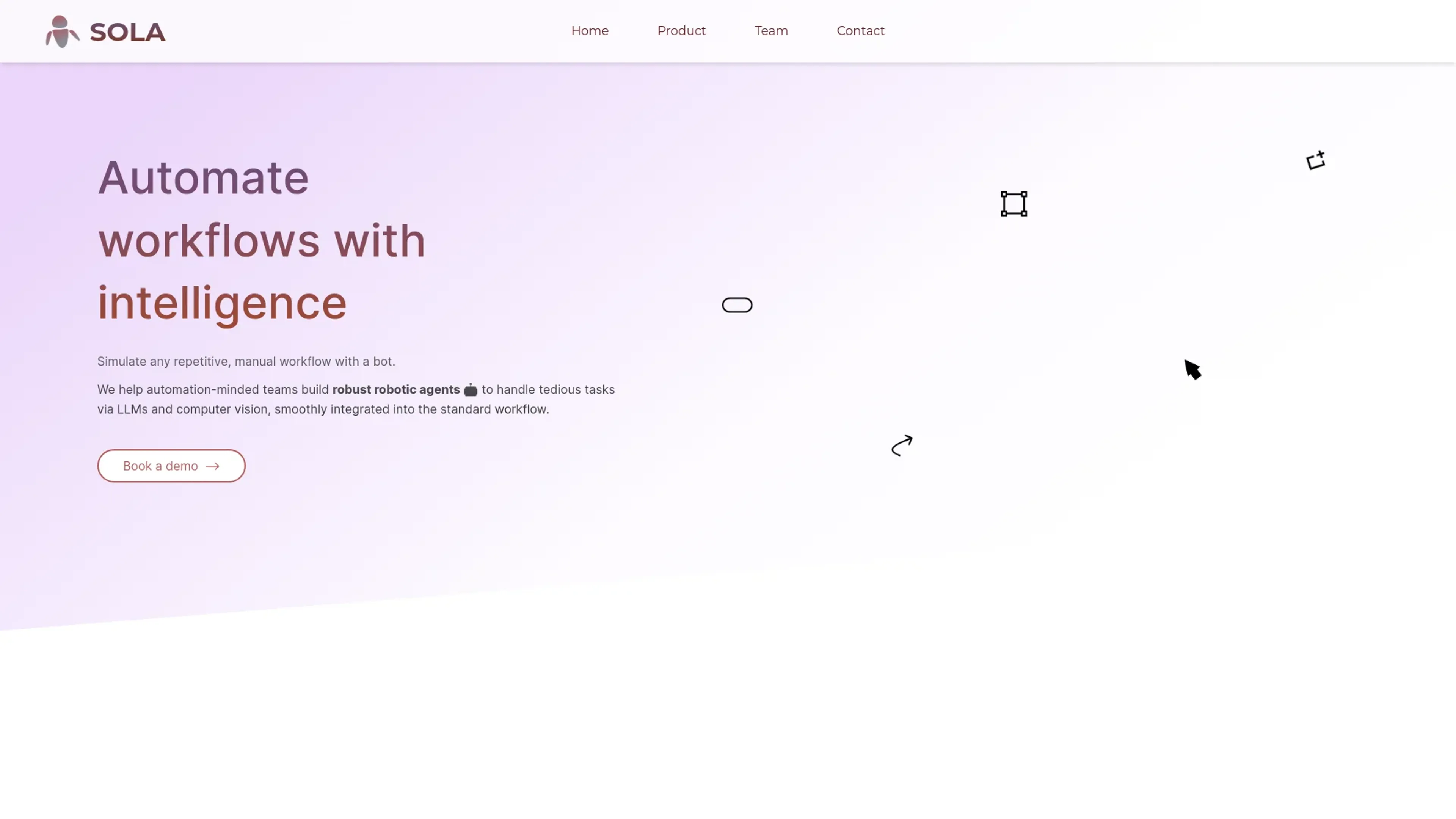
Sola AI revolutionizes workflow automation, offering advanced robotic process automation (RPA) capabilities. Designed for automation-minded teams, it simplifies tedious tasks through AI and computer vision integration.
Key Features
- Intelligent Bot Creation: Simulate repetitive workflows with AI-driven bots.
- LLM and Computer Vision Integration: Enhance automation with language models and visual processing.
- Seamless Workflow Integration: Easily integrate bots into existing workflows for smooth operations.
- Cross-Platform Compatibility: Works with any browser and desktop software.
Pros
- Time Efficiency: Automates tasks swiftly, saving valuable time.
- Scalable Solution: Easily adapts to growing business needs.
- User-Friendly Interface: Simple setup with screen recording and annotation.
- Broad Industry Application: Serves diverse sectors like legal, finance, and healthcare.
Cons
- Initial Learning Curve: Requires some time to master advanced features.
- Limited Customization: May not cater to highly specific workflows.
Use Cases
- Legal Firms: Automating legal filing processes for efficiency.
- Financial Institutions: Streamlining data extraction from financial documents.
- Insurance Companies: Enhancing claims processing and fraud detection.
- Healthcare Providers: Improving administrative workflows with automation.
- Uncommon Use Cases: Employed by startups for rapid process scaling; Used by educational institutions for administrative automation.
Pricing
Free Tier: Experience Sola AI with a limited free trial. Disclaimer: Please note that pricing information may not be up to date. For the most accurate and current pricing details, refer to the official Sola AI website.
What Makes It Unique
Sola AI stands out with its AI-driven bot creation, a game-changer for workflow automation. Its seamless integration of LLMs and computer vision sets it apart.
Ratings
Accuracy and Reliability: 4.5/5 Ease of Use: 4.0/5 Functionality and Features: 4.3/5 Performance and Speed: 4.4/5 Customization and Flexibility: 3.8/5 Data Privacy and Security: 4.2/5 Support and Resources: 4.1/5 Cost-Efficiency: 4.0/5 Integration Capabilities: 4.3/5 Overall Score: 4.2/5
Key Features
Pros & Cons
- Time Efficiency: Automates tasks swiftly, saving valuable time.
- Scalable Solution: Easily adapts to growing business needs.
- User-Friendly Interface: Simple setup with screen recording and annotation.
- Broad Industry Application: Serves diverse sectors like legal, finance, and healthcare.
- Initial Learning Curve: Requires some time to master advanced features.
- Limited Customization: May not cater to highly specific workflows.
Best For
Alternatives to SOLA
Glean.ai
Streamline data extraction and analysis, automate coding, and optimize spending decisions for higher ROI.
Stocked AI
Empower Your Investments with AI-Driven Predictions from Stocked AI.
QuickBooks
Generate tax reports, automate invoicing, monitor financial performance with a powerful mobile app.
HypeIndex
Monitor Stock Market Buzz Using HypeIndex
Tonkean InvoicesGPT
Extract fields from PDF/invoice files, ensure compliance, and provide spend visibility across vendors and departments.
Pluto
Personal Investment AI and Real-Time Data Analysis with Pluto