

Tabs
FreemiumRevolutionize B2B AR with AI-driven contract and invoice automation.
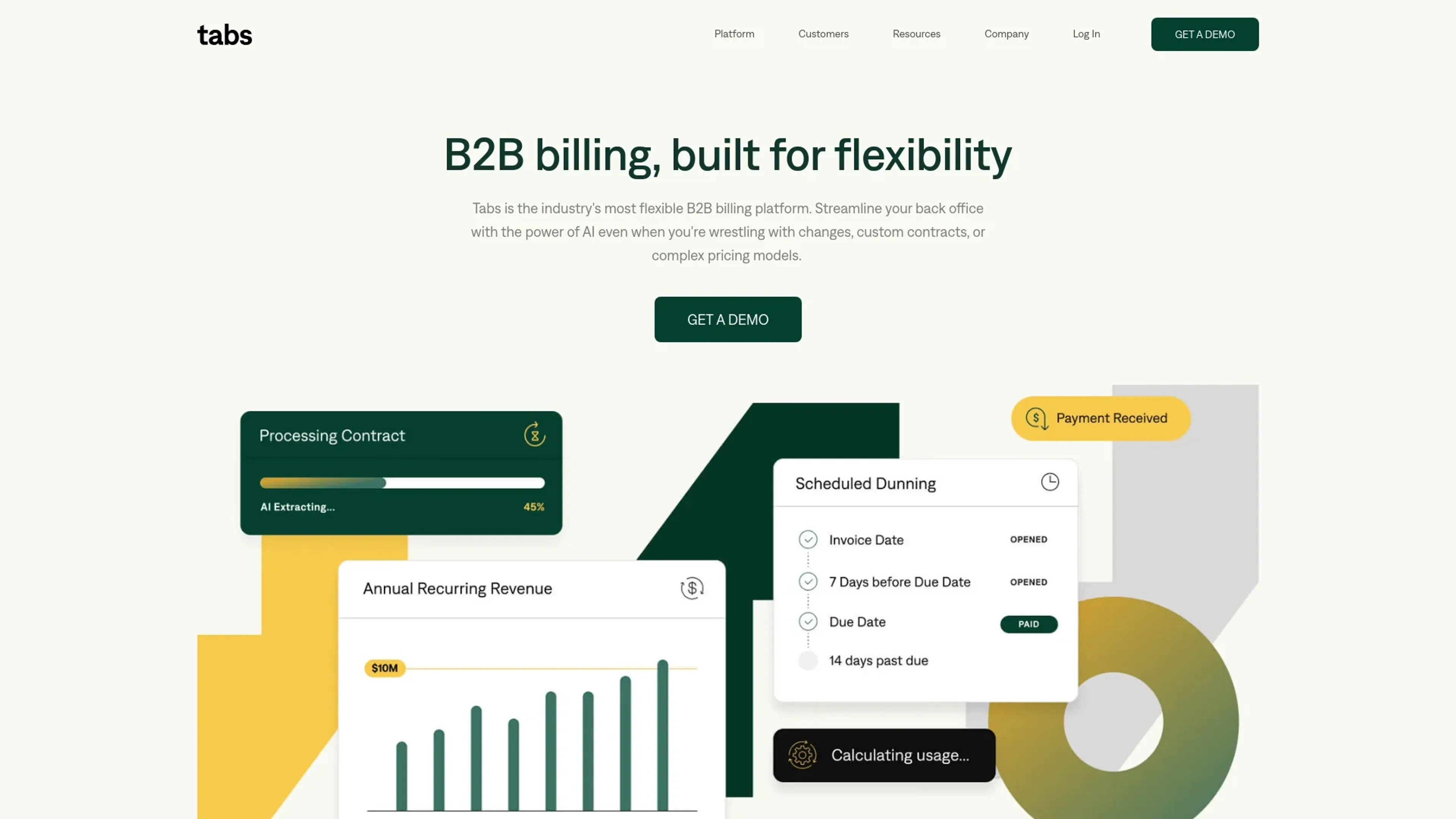
About Tabs
In the bustling world of B2B transactions, managing accounts receivable (AR) can be a daunting task, especially when dealing with custom contracts and variable pricing. Enter Tabs, an AI-powered revenue management software designed to simplify the contract-to-cash process for B2B businesses. This tool is a game-changer for finance teams struggling with the complexities of manual AR operations. With Tabs, businesses can streamline their processes, reduce days sales outstanding (DSO), and minimize billing errors, ultimately leading to improved cash flow and operational efficiency.
Key Features
- AI-Powered Contract Management: Tabs uses advanced AI to read, understand, and organize even the most complex contracts.
- Automated Invoice Calculation: Automatically cross-references and updates terms when calculating invoices, reducing errors and saving time.
- Efficient Dunning Processes: Automates follow-ups and cash application, ensuring timely payments and reducing DSO.
- Robust Reporting and Analytics: Offers comprehensive insights into AR processes, helping businesses gain visibility and control over their operations.
Pros
- Time-Saving: Greatly reduces the hours spent on manual contract management and invoice calculations.
- Improved Cash Flow: By ensuring invoices are sent on time, Tabs helps speed up the payment process.
- Error Reduction: Minimizes human errors in billing, leading to more accurate financial operations.
- Scalability: Supports growing B2B businesses by making it easier to manage increasing volumes of contracts and billing processes.
Cons
- Learning Curve: New users may need some time to familiarize themselves with the software’s full range of capabilities.
- Integration Dependencies: Maximum efficiency is achieved when integrated with other systems, which might be a hurdle for businesses with less tech infrastructure.
- Cost Consideration: For small businesses, the cost might be a significant factor to consider.
Use Cases
- E-commerce Businesses: Enhance their revenue management processes.
- Finance Departments: Large and small businesses use Tabs to handle complex billing cycles.
- B2B Service Providers: Manage their varied contract terms more efficiently.
- Tech Startups: Utilize Tabs for agile financial operations.
- Uncommon Use Cases: Non-profits adopting Tabs for better fund management; educational institutions using it for administrative financial management.
Pricing
Standard Plan: Contact Tabs for customized pricing options based on business needs and volume. Disclaimer: For the most accurate and current pricing details, refer to the official Tabs website.
What Makes It Unique
Tabs stands out in the AR automation space by not only handling the usual invoicing and payment processes but also by providing deep insights into contract complexities and financial terms, which are often challenging for B2B businesses. Its AI-driven approach to managing custom contracts and pricing is a significant advantage, making it a unique tool in the market.
Ratings
Accuracy and Reliability: 4.8/5 Ease of Use: 4.5/5 Functionality and Features: 4.7/5 Performance and Speed: 4.6/5 Customization and Flexibility: 4.4/5 Data Privacy and Security: 4.9/5 Support and Resources: 4.5/5 Cost-Efficiency: 4.3/5 Integration Capabilities: 4.6/5 Overall Score: 4.6/5
Key Features
Pros & Cons
- Time-Saving: Greatly reduces the hours spent on manual contract management and invoice calculations.
- Improved Cash Flow: By ensuring invoices are sent on time, Tabs helps speed up the payment process.
- Error Reduction: Minimizes human errors in billing, leading to more accurate financial operations.
- Scalability: Supports growing B2B businesses by making it easier to manage increasing volumes of contracts and billing processes.
- Learning Curve: New users may need some time to familiarize themselves with the software’s full range of capabilities.
- Integration Dependencies: Maximum efficiency is achieved when integrated with other systems, which might be a hurdle for businesses with less tech infrastructure.
- Cost Consideration: For small businesses, the cost might be a significant factor to consider.
Best For
Alternatives to Tabs
Glean.ai
Streamline data extraction and analysis, automate coding, and optimize spending decisions for higher ROI.
Stocked AI
Empower Your Investments with AI-Driven Predictions from Stocked AI.
QuickBooks
Generate tax reports, automate invoicing, monitor financial performance with a powerful mobile app.
HypeIndex
Monitor Stock Market Buzz Using HypeIndex
Tonkean InvoicesGPT
Extract fields from PDF/invoice files, ensure compliance, and provide spend visibility across vendors and departments.
Pluto
Personal Investment AI and Real-Time Data Analysis with Pluto