

Well Extract
FreemiumExtract structured data from invoices and receipts.
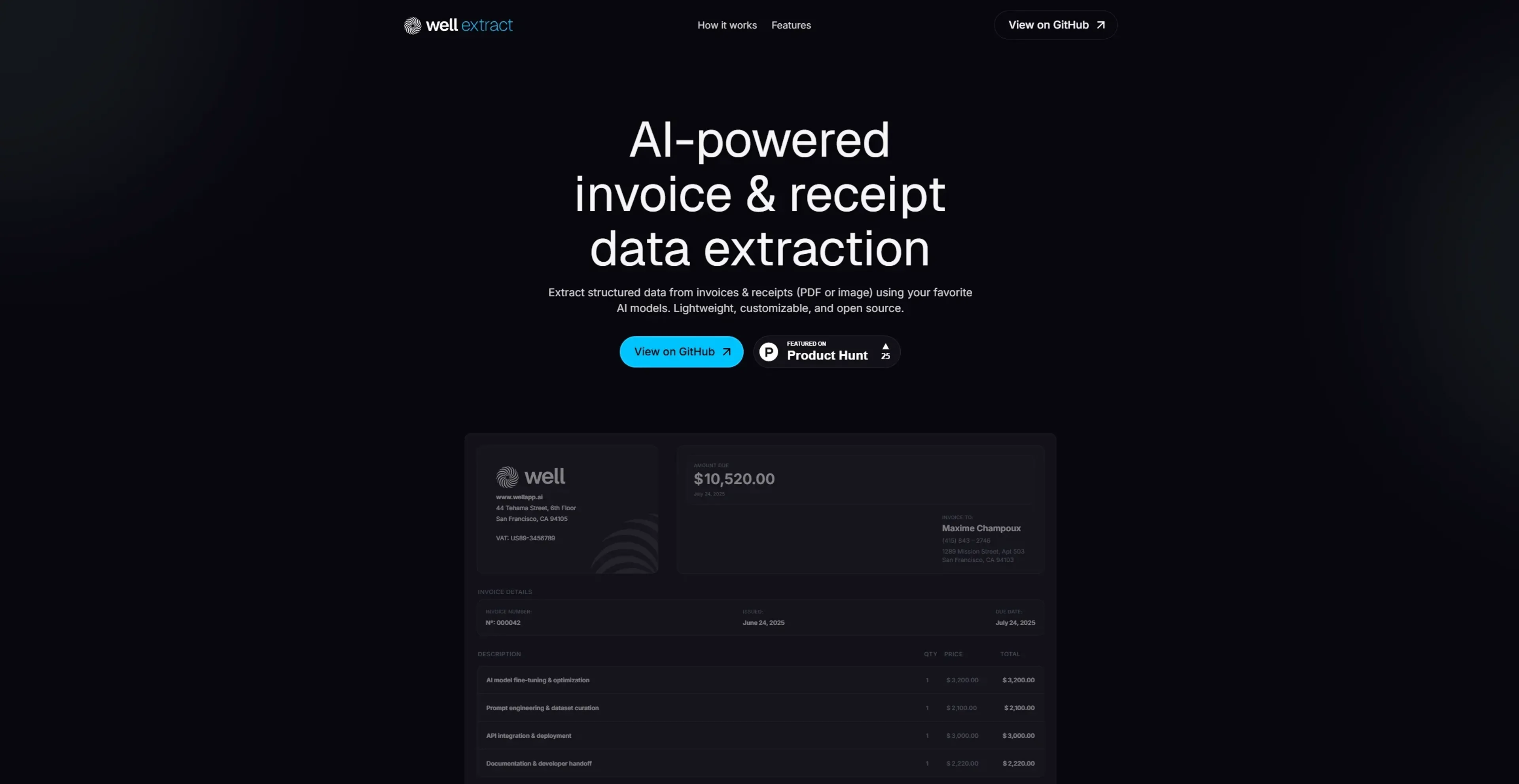
About Well Extract
Well Extract is a cutting-edge tool designed to revolutionize how developers handle invoice and receipt data extraction. By leveraging AI technology, it enables users to extract structured data from PDFs and images using their preferred AI models. Perfectly suited for developers, Well Extract simplifies the often complex task of data extraction, making it fast, flexible, and fully customizable.
Key Features
- AI Model Flexibility: Users can choose from popular AI models like OpenAI, Anthropic, Gemini, or Ollama, ensuring adaptability to different preferences.
- Structured JSON Output: Convert invoices and receipts into structured JSON, allowing for precise data extraction tailored to specific needs.
- Command Line Interface (CLI) Operation: Run Well Extract locally without the need for a UI, providing full control over the process.
- Unified Model API: A single interface supports multiple AI providers, streamlining the integration process for developers.
Pros
- Developer-Centric Design: Tailored for developers, offering open-source flexibility and customization.
- Fast Processing: Efficiently extracts data, saving time and reducing manual entry errors.
- Local Operation: No need to upload documents to external servers, enhancing data privacy and security.
- Open Source Availability: Accessible on GitHub, allowing for easy integration and community support.
Cons
- Technical Setup Required: May require some initial setup and familiarity with CLI for optimal use.
- Limited to Invoices and Receipts: Primarily focused on invoice and receipt data, which may not suit all document types.
Use Cases
- Software Developers: Integrating Well Extract for seamless data extraction in applications.
- Accounting Firms: Utilizing it to automate invoice processing and reduce manual data entry.
- Freelancers: Employing the tool to manage and organize client invoices efficiently.
- Data Analysts: Using it to extract and analyze financial data for insights.
- Uncommon Use Cases: Adopted by small businesses for quick invoicing solutions; used by academic researchers for data collection in financial studies.
Pricing
Community Plan: Free and open source. Ideal for developers and hobbyists. Includes full access to core features, self-hosting, and community support—no usage limits or subscription required. Disclaimer: Please note that pricing information may not be up to date. For the most accurate and current pricing details, refer to the official Well Extract website.
What Makes It Unique
Well Extract sets itself apart with its ability to offer developers a lightweight, customizable, and open-source tool for invoice and receipt data extraction. Its compatibility with multiple AI models and local operation capabilities make it an exceptional choice for those seeking control and flexibility.
Ratings
Accuracy and Reliability: 4.6/5 Ease of Use: 4.2/5 Functionality and Features: 4.7/5 Performance and Speed: 4.5/5 Customization and Flexibility: 4.8/5 Data Privacy and Security: 4.9/5 Support and Resources: 4.0/5 Cost-Efficiency: 4.4/5 Integration Capabilities: 4.3/5 Overall Score: 4.5/5
Key Features
Pros & Cons
- Developer-Centric Design: Tailored for developers, offering open-source flexibility and customization.
- Fast Processing: Efficiently extracts data, saving time and reducing manual entry errors.
- Local Operation: No need to upload documents to external servers, enhancing data privacy and security.
- Open Source Availability: Accessible on GitHub, allowing for easy integration and community support.
- Technical Setup Required: May require some initial setup and familiarity with CLI for optimal use.
- Limited to Invoices and Receipts: Primarily focused on invoice and receipt data, which may not suit all document types.
Best For
Alternatives to Well Extract
AiTax
Effortless Tax Filing with AiTax
QuickBooks
Generate tax reports, automate invoicing, monitor financial performance with a powerful mobile app.
DeFi Lens
DeFi Lens is an innovative AI-powered crypto tool incubated by Oraichain Labs that leverages cutting-edge Generative AI technology
Fina Money
The modular finance tracker that lets you build insightful reports—just like playing with Legos.
HypeIndex
Monitor Stock Market Buzz Using HypeIndex
Telescope
Empower Investment Discovery with Ripple by Telescope