
Openart
FreemiumOpenArt.ai — Create, edit, and animate with AI visuals for everyone.
About Openart
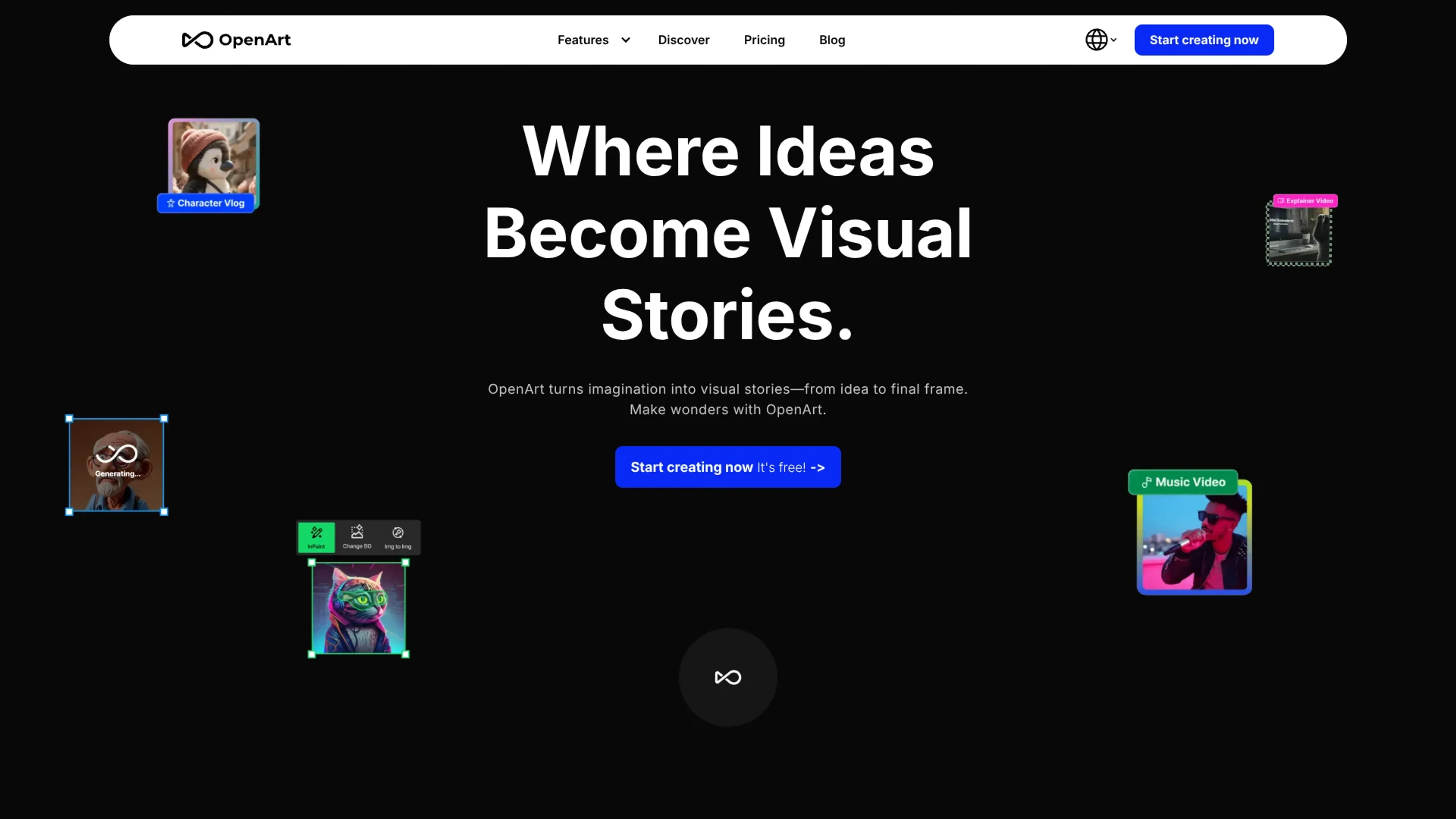
OpenArt is an AI art generator and editing suite that turns text, sketches, and photos into polished images and short videos. It combines text to image, image to image, consistent character generation, and powerful editing tools so creators can move from idea to final visual story inside one workspace. Aimed at artists, marketers, educators, and hobbyists, it supports both prebuilt models and custom fine tuned models trained on a user’s own style or dataset.
Key Features
- Text & Image Generation: Create images from text prompts or transform existing photos with image to image, style reference, pose reference, and composition reference tools.
- Consistent Characters: Use OpenArt Characters to generate recurring characters from a single image or description, then pose and place them across different scenes for storyboards or comics.
- Advanced Editing Suite: Refine outputs with inpainting, outpainting, style transfer, background removal, object removal, hand and face fixing, expression changes, upscaling, enhancement, and image expansion.
- Custom Model Training: Train personalized models on reference images to lock in a specific style, brand look, or character, then reuse that model across projects.
- AI Apps & Utilities: Access image to video, creative variations, sketch to image, AI filters, image blender, and AI QR code generation from within the same interface.
- Discovery & Resources: Browse community creations, prompt books, style palettes, and model training guides, plus an active Discord community for feedback and tips.
Pros
- Rich creative control: Style, pose, and composition guidance give users much finer control than a simple “prompt and pray” generator.
- Strong for storytelling: Consistent character tools and image to video make it well suited for comics, explainer content, animatics, and social storytelling.
- Generous free entry point: The free plan includes daily credits on core models and a bonus credit pack for trying premium features.
- Scales with usage: Credit based Starter and Hobbyist tiers plus an unlimited Pro tier give freelancers and studios room to grow.
- Learning friendly: Prompt books, model training material, YouTube tutorials, and Discord support help new users improve quickly.
Cons
- Credit system complexity: New users may need time to understand credits, steps, resolutions, and how they affect consumption.
- Quality depends on prompting: Strong results still require clear prompts, references, and some iteration, which may frustrate total beginners.
- Best tools are paywalled: Features such as high end upscaling, premium models, and heavier parallel generations sit behind paid plans.
Use Cases
- Digital Artists & Illustrators: Using it to storyboard, concept environments, and generate stylistic variations faster than manual sketching.
- Marketing & Social Teams: Producing eye catching campaign visuals, thumbnails, and ad creatives without always hiring external illustrators.
- Indie Game & Film Creators: Building character sheets, key art, props, and visual development materials under tight budgets.
- Educators & Students: Exploring art history styles, visual storytelling, and prompt crafting in classrooms and workshops.
- Ecommerce & Small Brands: Creating product mockups, lifestyle imagery, and social content tailored to brand aesthetics.
- Uncommon Use Cases: Used by tabletop RPG groups to visualize campaigns and recurring characters; adopted by authors to create cover concepts and character portraits for pitches.
Pricing
Free: $0 per month; includes 40 one-time trial credits, 4 parallel generations, private creations, and +50 extra trial credits via Discord. Essential: $14 per seat per month; includes 4,000 credits per month (~up to 4,000 images, ~up to 50 videos), ~13 consistent characters, ~13 personalized models, ~up to 5 One-Click Stories, ~8 parallel generations, and access to 100+ premium image/video/audio models + One-Click Story Creation. Advanced: $29 per seat per month; includes 12,000 credits per month (add credits as needed) (~up to 12,000 images, ~up to 150 videos), ~40 consistent characters, ~40 personalized models, ~up to 17 One-Click Stories, ~16 parallel generations, and access to 100+ premium image/video/audio models + One-Click Story Creation. Infinite: $56 per seat per month; includes 24,000 credits per month (add credits as needed) (~up to 24,000 images, ~up to 300 videos), ~80 consistent characters, ~80 personalized models, ~up to 34 One-Click Stories, ~32 parallel generations, access to 100+ premium image/video/audio models + One-Click Story Creation, and priority support. Wonder: $240 per seat per month; includes 106,000 credits per month (add credits as needed) (~up to 106,000 images, ~up to 1,300 videos), ~353 consistent characters, ~353 personalized models, ~up to 150 One-Click Stories, ~32 parallel generations, 10% off credit packs, priority support, unlimited use of select models, and access to 100+ premium image/video/audio models + One-Click Story Creation. Extra Credit add-on: $15 per month; 5,000 credits. Team Plan: $35 per seat per month (monthly or annual option shown); includes 12,000 credits per seat per month (pooled credits), shared team workspace assets, team roles/permissions, add extra credits anytime, and priority support. Disclaimer: Please note that pricing information may not be up to date. For the most accurate and current pricing details, refer to the official OpenArt website.
What Makes It Unique
OpenArt stands out by fusing high quality image generation, character consistency, and practical editing in one place rather than treating them as separate tools. The “prompts optional” approach, with sketch, pose, and composition guidance, suits visual thinkers who prefer drawing or reference images over long text prompts. Its focus on custom model training plus strong educational material makes it attractive for creators who want a distinctive, repeatable style instead of generic AI art.
Ratings
Accuracy and Reliability: 4.4/5 Ease of Use: 4.3/5 Functionality and Features: 4.7/5 Performance and Speed: 4.2/5 Customization and Flexibility: 4.6/5 Data Privacy and Security: 4.0/5 Support and Resources: 4.5/5 Cost-Efficiency: 4.3/5 Integration Capabilities: 3.8/5 Overall Score: 4.3/5
Key Features
Pros & Cons
- Rich creative control: Style, pose, and composition guidance give users much finer control than a simple “prompt and pray” generator.
- Strong for storytelling: Consistent character tools and image to video make it well suited for comics, explainer content, animatics, and social storytelling.
- Generous free entry point: The free plan includes daily credits on core models and a bonus credit pack for trying premium features.
- Scales with usage: Credit based Starter and Hobbyist tiers plus an unlimited Pro tier give freelancers and studios room to grow.
- Learning friendly: Prompt books, model training material, YouTube tutorials, and Discord support help new users improve quickly.
- Credit system complexity: New users may need time to understand credits, steps, resolutions, and how they affect consumption.
- Quality depends on prompting: Strong results still require clear prompts, references, and some iteration, which may frustrate total beginners.
- Best tools are paywalled: Features such as high end upscaling, premium models, and heavier parallel generations sit behind paid plans.
Best For
Alternatives to Openart
IllusionDiffusion
Create mesmerizing visual illusions effortlessly with IllusionDiffusion.
Arthub.ai
Discover and Create AI-Generated Art on ArtHub.ai
ARTSIO
Unleash Your Creativity with ARTSIO: Discover, Inspire, Create
Akool
Build, Personalize, and Pioneer Using Akool's Generative AI Platform
Generai
Transform Words into Art with Generai
Character GPT
CharacterGPT V2: Elevate Your AI Experience