

Photor AI
FreemiumTransform Your Photos with AI-Powered Precision
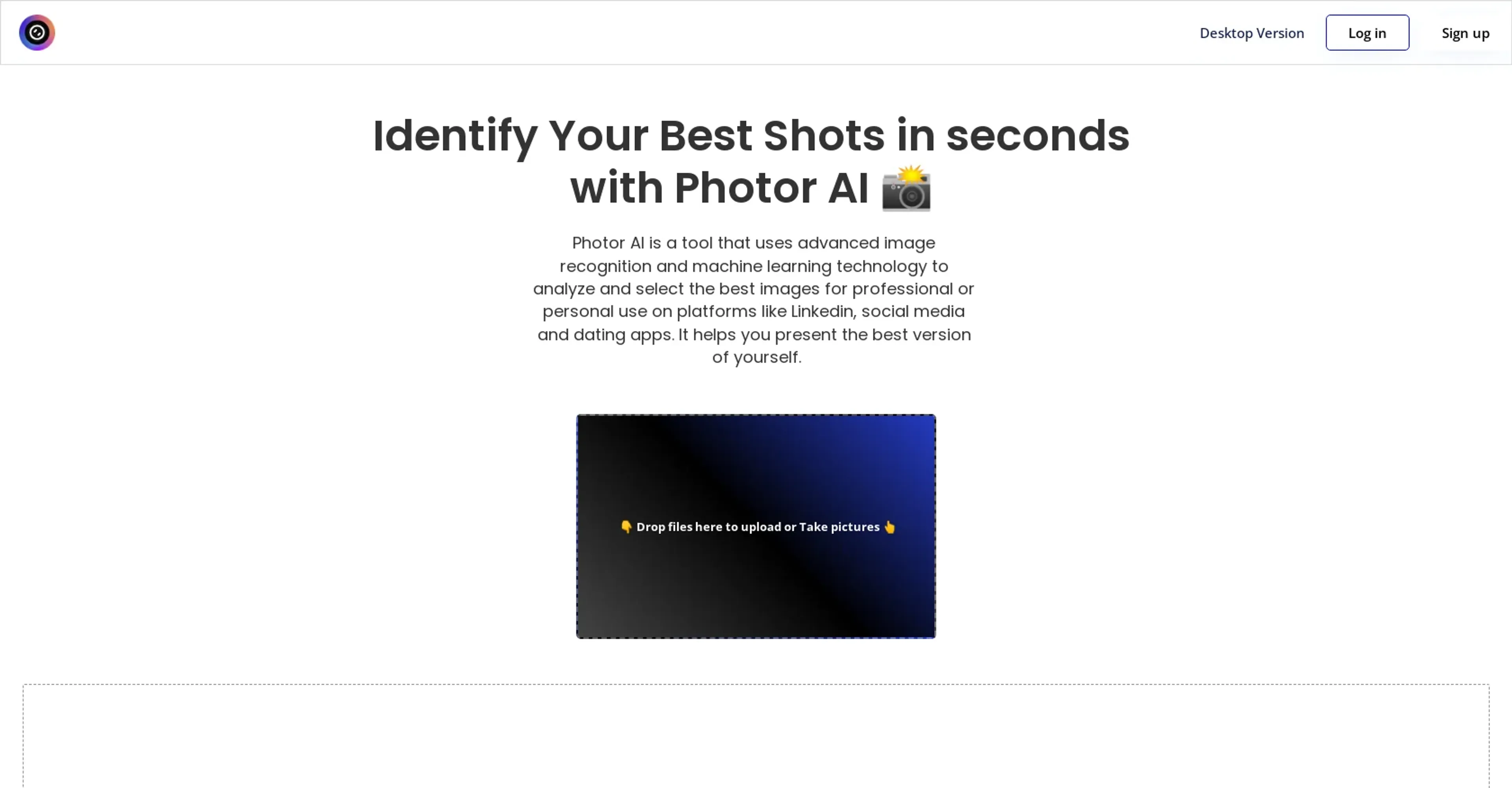
About Photor AI
In the ever-evolving landscape of digital photography and image editing, Photor AI emerges as a revolutionary tool designed to redefine the way we interact with our images. At its core, Photor AI is about leveraging the power of artificial intelligence to analyze and enhance photos with unprecedented ease and efficiency. Whether you're a professional photographer looking to streamline your workflow, a digital marketer in need of quick image adjustments, or simply someone who loves to capture life's moments in the best light possible, Photor AI offers a suite of functionalities that cater to a wide array of needs.
Key Features
- AI-Driven Analysis: Photor AI uses advanced algorithms to assess the quality and composition of photos, providing insightful feedback and suggestions for improvements.
- Automated Enhancements: With just a few clicks, users can apply AI-recommended adjustments to improve lighting, color balance, and overall image quality.
- User-Friendly Interface: The platform is designed with simplicity in mind, ensuring that even those with minimal editing experience can navigate and utilize its features effectively.
- Cloud-Based Accessibility: Access your projects and edits from anywhere, at any time, thanks to Photor AI's cloud integration, making it incredibly convenient for on-the-go adjustments.
Pros
- Time Efficiency: Dramatically reduces the time required for photo editing and enhancement.
- High-Quality Results: Delivers professional-level outcomes without the need for extensive manual adjustments.
- Ease of Use: Intuitive design and automated features make it accessible to users of all skill levels.
- Cost-Effective: Offers a powerful editing solution without the hefty price tag of traditional software.
Cons
- Dependence on Internet Connectivity: Being cloud-based, a stable internet connection is crucial for uninterrupted access.
- Limited Customization: While automation is a key strength, it may not satisfy those looking for deep, manual editing controls.
- Learning Curve for Advanced Features: New users may require some time to fully leverage the more sophisticated functionalities.
Use Cases
- Professional Photographers: Streamlining their editing workflow while maintaining high-quality outputs.
- Digital Marketing Agencies: Quickly enhancing imagery for campaigns and social media content.
- Social Media Managers: Creating visually appealing posts with minimal effort.
- Graphic Designers: Incorporating it into their design processes for faster turnaround times.
- Uncommon Use Cases: Educational institutions are using it to introduce students to photo editing concepts; real estate agents employ it to improve property photos for listings.
Pricing
Free Tier: Experience Photor AI's basic features at no cost. Pro Tier: For more advanced capabilities, the Pro Tier starts at a competitive price point. Disclaimer: Please note that pricing information may not be up to date. For the most accurate and current pricing details, refer to the official Photor AI website. Relevant: Best AI Image Generators AI Text-to-Image Tools AI Tools for Sales
What Makes It Unique
Photor AI distinguishes itself through its sophisticated AI analysis and enhancement capabilities, which democratize professional photo editing for a wide audience. Its unique selling point lies in the seamless integration of cutting-edge technology with user-friendly design, enabling users to achieve superior photo quality with minimal effort.
Ratings
Accuracy and Reliability: 4.5/5 Ease of Use: 4.7/5 Functionality and Features: 4.3/5 Performance and Speed: 4.6/5 Customization and Flexibility: 3.8/5 Data Privacy and Security: 4.4/5 Support and Resources: 4.2/5 Cost-Efficiency: 4.5/5 Integration Capabilities: 4.0/5 Overall Score: 4.4/5 » Review: AI Video Enhancers
Summary
Revolutionize photo editing with AI-driven analysis, automated enhancements, and cloud accessibility. AI Categories: image editing, marketing
Key Features
Pros & Cons
- Time Efficiency: Dramatically reduces the time required for photo editing and enhancement.
- High-Quality Results: Delivers professional-level outcomes without the need for extensive manual adjustments.
- Ease of Use: Intuitive design and automated features make it accessible to users of all skill levels.
- Cost-Effective: Offers a powerful editing solution without the hefty price tag of traditional software.
- Dependence on Internet Connectivity: Being cloud-based, a stable internet connection is crucial for uninterrupted access.
- Limited Customization: While automation is a key strength, it may not satisfy those looking for deep, manual editing controls.
- Learning Curve for Advanced Features: New users may require some time to fully leverage the more sophisticated functionalities.
Best For
Alternatives to Photor AI
Variart
Transform copyrighted images into unique, copyright-free versions with Variart.
Secta Labs
Secta Labs advanced AI image tool converts selfies into professional headshots within hours with a selection of styles available in a private gallery.
Recolorai
Unleash Your Creativity with ReColor AI
Petalica Paint
Transform sketches into vibrant art effortlessly with Petalica Paint.
PicTools AI
Effortlessly Enhance Your Images with PicTools.AI
Vectorizer.AI
Instantly Transform Images into High-Quality Vectors Using Vectorizer.AI