

Adobe Photoshop
FreeMaster image editing, AI, 3D design, and more.
About Adobe Photoshop
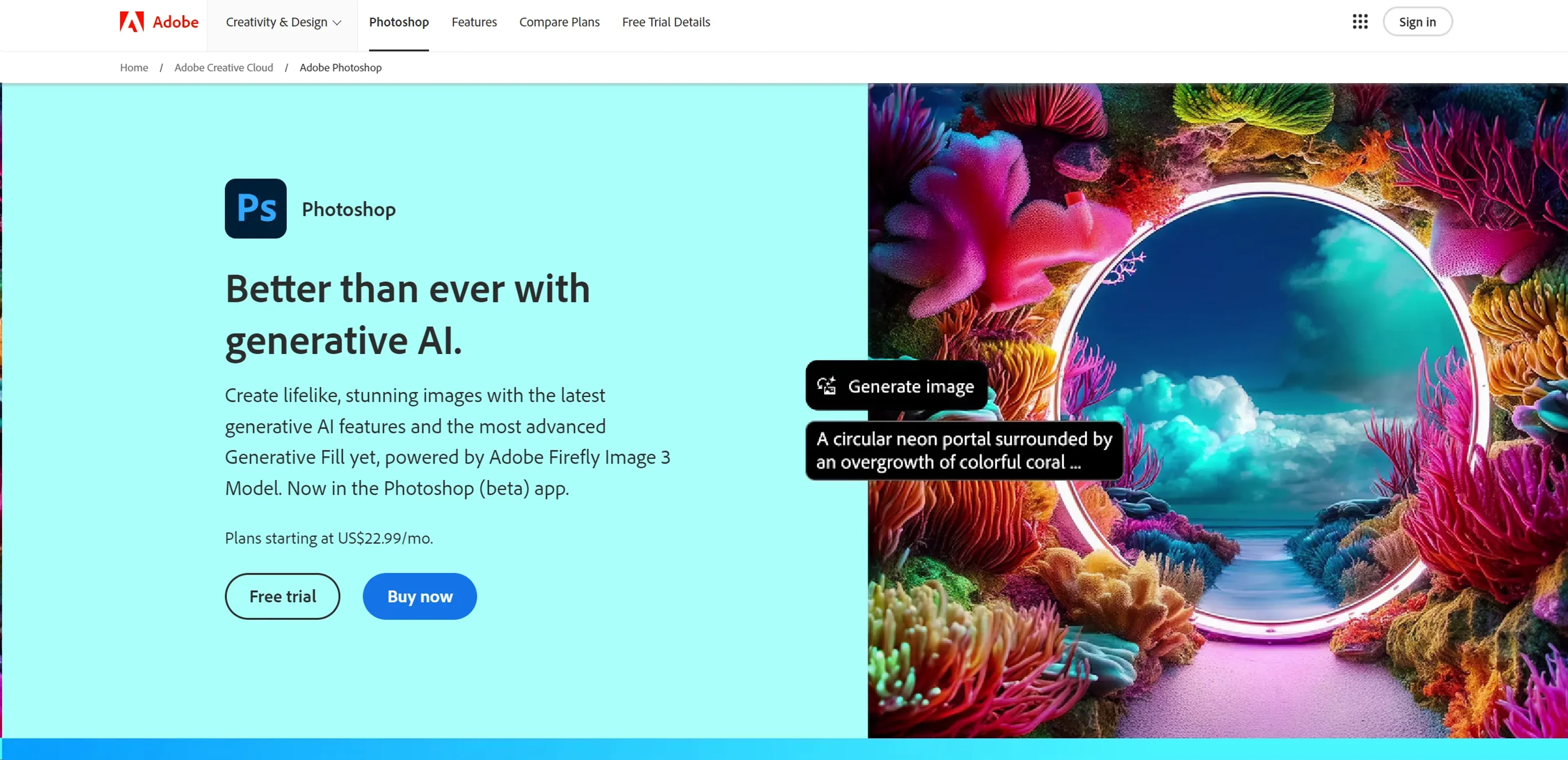
Adobe Photoshop, the titan of photo editing software, has set the standard in the industry for years. Known for its robust features and powerful editing tools, Photoshop allows users to create, enhance, or otherwise modify images, artwork, and illustrations. Whether you're a professional graphic designer, photographer, or hobbyist, Photoshop offers a suite of tools that cater to everyone's creative needs. With the recent addition of cutting-edge generative AI features powered by Adobe's Firefly Image 3 Model, Photoshop has further cemented its place at the forefront of digital imaging technology.
Key Features
- Generative AI Tools: Utilize the latest AI-driven capabilities for realistic image generation and enhancements.
- Advanced Layer System: Manage complex compositions with ease using Photoshop's sophisticated layering system.
- Comprehensive Toolset: From simple retouching to complex 3D designs, access a wide array of tools for all types of editing needs.
- Customizable Workspace: Tailor the interface to suit your workflow and increase productivity.
- Extensive Plugin Ecosystem: Enhance Photoshop's functionality with a vast selection of third-party plugins.
Pros
- Unmatched Editing Capability: Offers unparalleled control over image manipulation and enhancement.
- Highly Customizable Interface: Adaptable to both simple and complex projects.
- Regular Updates: Continuously improved with the latest technological advancements.
- Strong Community and Support: Benefit from a vast network of users and comprehensive learning resources.
Cons
- Steep Learning Curve: New users may find the interface and numerous features overwhelming.
- Subscription Model: Requires a monthly subscription, which might not appeal to all users.
- Resource-Intensive: Demands significant system resources, which might affect performance on older machines.
Use Cases
- Professional Photographers: Employing the tool to edit and refine their photographs.
- Graphic Designers: Creating intricate designs and visuals for various media.
- Digital Artists: Using advanced features to create digital paintings and illustrations.
- Film & Animation Studios: Utilizing Photoshop for creating textures, backgrounds, and storyboards.
- Uncommon Use Cases: Archaeologists use Photoshop to reconstruct fragmented artifacts; forensic scientists enhance images for analysis.
Pricing
Photography Plan: Starts at $19.99 per month, including Photoshop on desktop and iPad. Photoshop Single App: Available at $20.99 per month with additional features. All Apps Plan: Access all Adobe apps including Photoshop for $52.99 per month. Disclaimer: Please check Adobe's official website for the most accurate and current pricing details.
What Makes It Unique
Adobe Photoshop stands out due to its comprehensive toolset that caters to every aspect of digital image manipulation. Its ability to integrate with other Adobe products and third-party applications enhances its utility in professional workflows. The addition of next-generation AI tools in Photoshop pushes creative boundaries, making it not just a tool but a platform for innovation in digital imaging.
Ratings
Accuracy and Reliability: 4.9/5 Ease of Use: 4.0/5 Functionality and Features: 5.0/5 Performance and Speed: 4.8/5 Customization and Flexibility: 4.7/5 Data Privacy and Security: 4.5/5 Support and Resources: 4.9/5 Cost-Efficiency: 4.3/5 Integration Capabilities: 4.8/5 Overall Score: 4.7/5
Key Features
Pros & Cons
- Unmatched Editing Capability: Offers unparalleled control over image manipulation and enhancement.
- Highly Customizable Interface: Adaptable to both simple and complex projects.
- Regular Updates: Continuously improved with the latest technological advancements.
- Strong Community and Support: Benefit from a vast network of users and comprehensive learning resources.
- Steep Learning Curve: New users may find the interface and numerous features overwhelming.
- Subscription Model: Requires a monthly subscription, which might not appeal to all users.
- Resource-Intensive: Demands significant system resources, which might affect performance on older machines.
Best For
Alternatives to Adobe Photoshop
WatermarkRemover IO
Are you looking for an AI tool that removes image watermarks easily? Have a look at WatermarkerRemover.io, with multiple formats and API access.
Recraft
Generate Flawless AI-Created Images for Free Using Recraft
Ai Art Generator, AI Art Maker
Generate custom artwork from text, customize it with colors and shapes, add text and layers for unique designs.
Decoherance
Decohere's Revolutionary AI Tools: Image & Video Generation and Beyond!
Midjourney
AI image generation via Discord
PuppiesAI
Generate adorable puppy images with advanced AI