

Dreamina
FreemiumEffortlessly transform text prompts into stunning visual art.
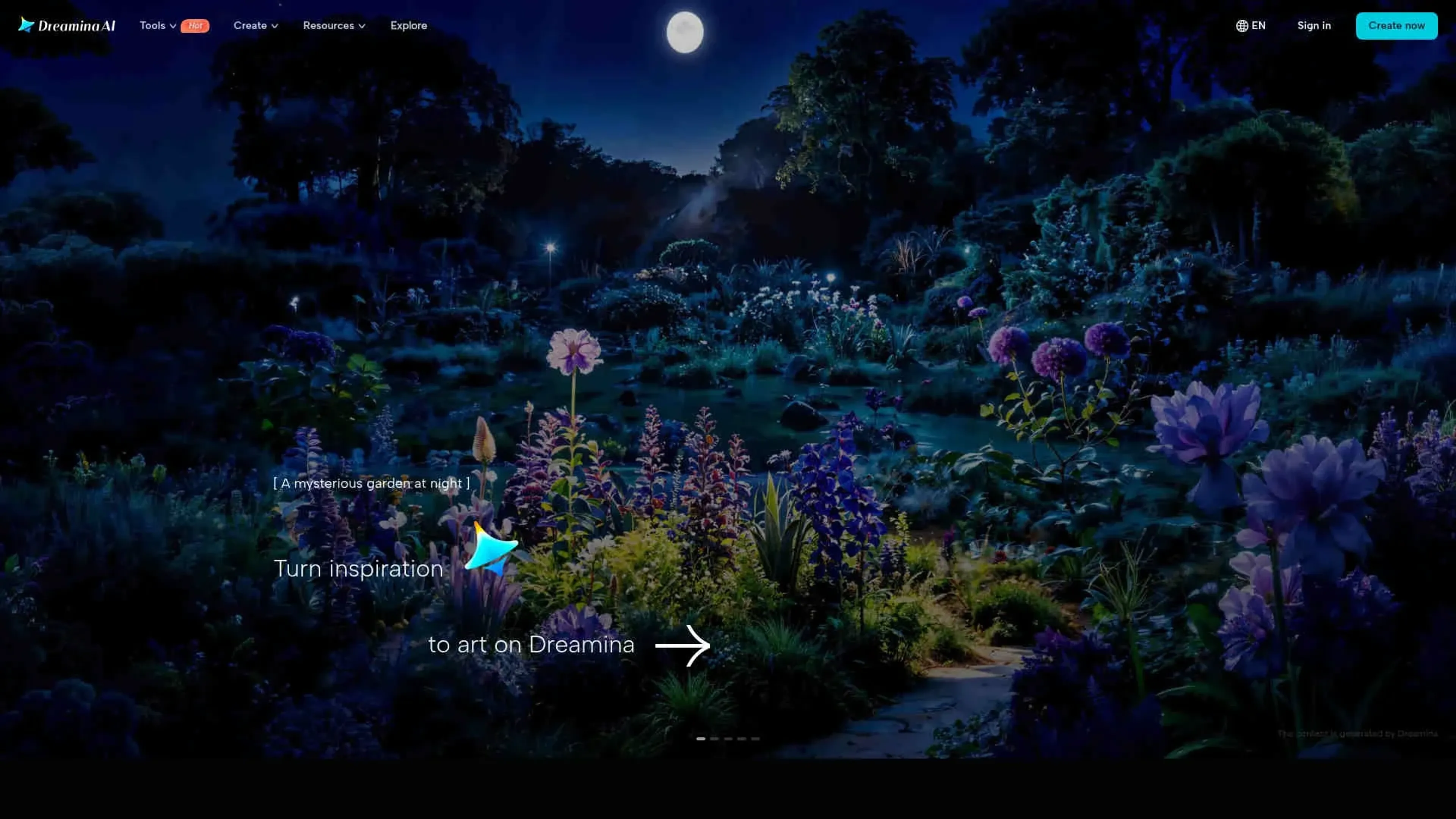
About Dreamina
Dreamina is an innovative AI image generator designed to transform text prompts into stunning visual art. This tool is perfect for artists, designers, and content creators seeking to effortlessly generate creative imagery. Dreamina simplifies the process of artistic creation by offering a variety of features, including text-to-image and image-to-image transformations, allowing users to explore their creativity and produce unique visuals.
Key Features
- Text-to-Image Generation: Dreamina excels at converting simple text prompts into visually captivating images, leveraging advanced semantic understanding to accurately represent user intentions.
- Image-to-Image Transformation: Users can creatively modify existing images by altering backgrounds, styles, and other key characteristics to suit diverse creative needs.
- Multi-Layer Editing: The canvas feature enables users to blend multiple AI-generated elements, offering tools like inpaint, expand, and remove for precision control.
- Diverse Application Support: Dreamina is versatile, catering to various artistic needs such as character design, fashion, game assets, marketing, and product photography.
Pros
- Creative Flexibility: Supports a wide range of artistic applications, making it suitable for various creative projects.
- User-Friendly Interface: Intuitive design ensures that even beginners can navigate and utilize the tool effectively.
- High-Quality Output: Generates visually appealing and professional-grade images.
- Community Inspiration: Users can explore creations from others for inspiration, fostering a collaborative creative environment.
Cons
- Initial Learning Curve: New users might require some time to fully explore and utilize all available features.
- Limited Integration: Few options for integrating with external platforms or tools.
- Resource Intensive: May require significant system resources for optimal performance.
Use Cases
- Digital Artists: Employing Dreamina for creating unique digital artworks and illustrations.
- Content Creators: Leveraging the tool for generating engaging visuals for social media platforms.
- Game Developers: Utilizing Dreamina to design game elements and assets.
- Marketing Professionals: Creating compelling imagery for advertising campaigns.
- Uncommon Use Cases: Adopted by educators for teaching art and design courses; utilized by hobbyists for personal creative projects.
Pricing
Free: $0 per month, includes daily bonus credits with limited access. Basic: $18 per month for 1,010 credits, allowing up to 505 images or 42 videos. Removes watermarks, extends video length, increases resolution, and enables smoother videos up to 60 FPS. Standard: $42 per month for 4,040 credits, includes all Basic features with higher usage limits. Advanced: $84 per month for 13,110 credits, includes all Standard features with the best value per credit. Disclaimer: Please note that pricing information may not be up to date. For the most accurate and current pricing details, refer to the official Dreamina website.
What Makes It Unique
Dreamina stands out with its comprehensive AI-driven art generation capabilities, making it a game-changer for digital creatives. Its ability to seamlessly blend multiple elements on a canvas and provide precise control over artistic outputs sets it apart from other tools in the market.
Ratings
Accuracy and Reliability: 4.5/5 Ease of Use: 4.2/5 Functionality and Features: 4.6/5 Performance and Speed: 4.3/5 Customization and Flexibility: 4.4/5 Data Privacy and Security: 4.0/5 Support and Resources: 4.1/5 Cost-Efficiency: 4.3/5 Integration Capabilities: 3.9/5 Overall Score: 4.3/5
Key Features
Pros & Cons
- Creative Flexibility: Supports a wide range of artistic applications, making it suitable for various creative projects.
- User-Friendly Interface: Intuitive design ensures that even beginners can navigate and utilize the tool effectively.
- High-Quality Output: Generates visually appealing and professional-grade images.
- Community Inspiration: Users can explore creations from others for inspiration, fostering a collaborative creative environment.
- Initial Learning Curve: New users might require some time to fully explore and utilize all available features.
- Limited Integration: Few options for integrating with external platforms or tools.
- Resource Intensive: May require significant system resources for optimal performance.
Best For
Alternatives to Dreamina
Recraft
Generate Flawless AI-Created Images for Free Using Recraft
Ai Art Generator, AI Art Maker
Generate custom artwork from text, customize it with colors and shapes, add text and layers for unique designs.
Decoherance
Decohere's Revolutionary AI Tools: Image & Video Generation and Beyond!
Midjourney
AI image generation via Discord
PuppiesAI
Generate adorable puppy images with advanced AI
MyPrint AI
Turn your photos into personalized art with MyPrint.ai. From portraits to custom prints, explore unique AI-generated designs. Fast delivery and satisfaction guaranteed.