

Kinovi
FreemiumDirect cinematic clips from prompts and references.
About Kinovi
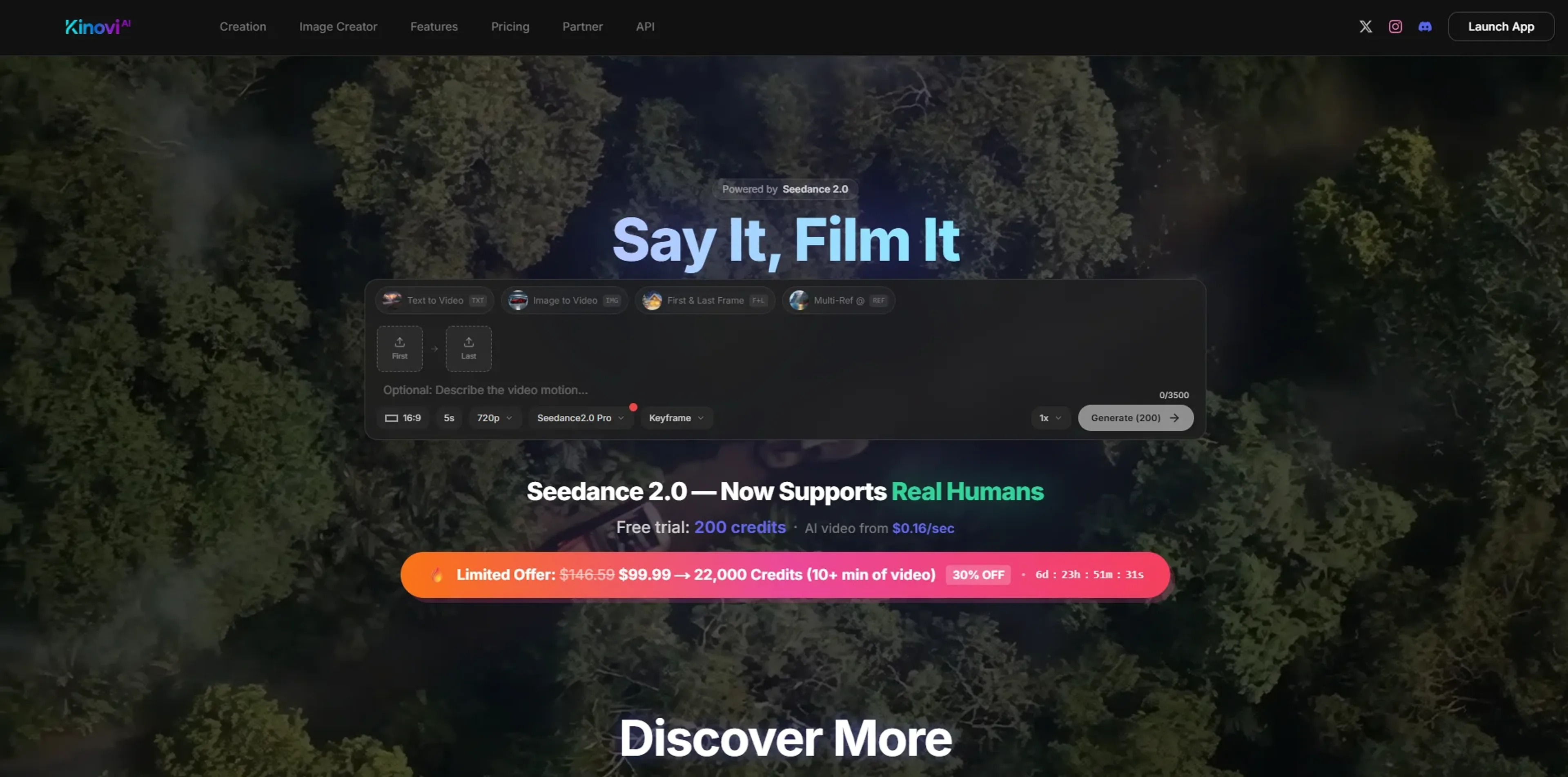
Kinovi is an AI video studio that turns short prompts and visual references into directed, cinematic clips. Built on Seedance 2.0, it focuses on reference-driven creation: users combine text, images, video, and audio, then “direct” the model with tags and shot instructions. It also includes AI image generation, making it suitable both for quick social content and more polished previsualization work.
Key Features
- Multimodal, reference-driven workflow: Accepts up to 9 images, 3 video clips, and 3 audio tracks plus natural language text, so style, motion, rhythm, and composition can all be guided instead of left to chance.
- @-Tag shot direction: File names can be tagged with @ in the prompt (for example assigning first frame, camera move, or soundtrack), giving directors granular control over how each reference shapes the final clip.
- Short-form AI video generation: Generates 4–15 second clips at 16:9, with options like First & Last Frame and Multi-Ref modes, powered by Seedance 2.0 Pro and more than 10 underlying AI models.
- Iterative editing tools: Shots can be extended, regenerated, or refined with new instructions, so creators can iterate on a promising take instead of restarting from scratch.
- Integrated image creator: Credits can be spent on still images starting around $0.06 per image, useful for boards, thumbnails, or standalone artwork.
- Credit-based studio economics: Pay-per-second video (roughly $0.20–$0.40 per second) keeps costs tied to actual usage rather than monthly subscriptions.
Pros
- Fine-grained creative control: Multimodal references plus @-tagging give directors far more control over camera feel, composition, and rhythm than typical “prompt-only” text-to-video tools.
- Production-friendly clip lengths: The 4–15 second range is ideal for shots, ads, hooks, and B-roll that can be stitched into longer edits in any NLE.
- Commercial-ready output: No watermark on paid generations, with commercial use and a full commercial license on higher credit packs.
- One-time, non-expiring credits: Starter and XL packs are one-off purchases that never expire, which suits studios and freelancers who work in bursts.
- Fast iteration for short clips: Marketing claims of generation in under 5 seconds for some cases make it practical for rapid ideation and A/B testing.
- Image and video in one place: Having both image and video generation under a single credit system simplifies budgeting.
Cons
- Credit model can add up: Per-second pricing means heavy experimentation or many long shots can become expensive compared with some flat subscription tools.
- Short-clip focus only: Those needing longer continuous sequences must plan multi-shot storyboards and handle stitching externally.
- Some learning curve: The @-tag workflow and reference management feel more like a lightweight directing toolkit than a casual “one-button” video toy.
Use Cases
- Indie Filmmakers and Directors: Using it to block out shots, experiment with camera moves, and generate previz for pitches.
- Marketing and Creative Agencies: Producing short product spots, social hooks, and animated explainers without full live-action crews.
- Content Creators and Influencers: Generating stylized B-roll, intros, and transitions for platforms such as TikTok, YouTube, and Instagram.
- Game, VFX, and Animation Teams: Rapidly sketching cinematic ideas, mood pieces, and motion tests before committing to full production.
- Uncommon Use Cases: Utilized by educators to demonstrate framing and camera language in film or media courses; adopted by product and UX teams to prototype motion graphics and launch visuals.
Pricing
Free: $0. Includes 200 credits on sign up, all AI generation features, no watermark, and commercial use allowed. Starter Pack: $14.99 one-time. Includes 3,000 credits, all AI generation features, no watermark, commercial use allowed, and credits never expire. XL Pack: $99.99 one-time. Includes 22,000 credits, all AI generation features, no watermark, full commercial license, credits never expire, and the best value per credit. Disclaimer: Please note that pricing information may not be up to date. For the most accurate and current pricing details, refer to the official Kinovi website.
What Makes It Unique
Kinovi stands out by treating AI video as a directing task rather than a magic prompt box. The multimodal reference stack, @-tag instructions, and First & Last Frame controls make it feel closer to a virtual camera crew built on Seedance 2.0, rather than a generic generator. Add in non-expiring credits, strong commercial positioning, and a hard ban on NSFW, and the tool caters clearly to serious creators who care about control, rights, and repeatable workflows.
Ratings
Accuracy and Reliability: 4.2/5 Ease of Use: 4.0/5 Functionality and Features: 4.5/5 Performance and Speed: 4.1/5 Customization and Flexibility: 4.3/5 Data Privacy and Security: 3.8/5 Support and Resources: 3.9/5 Cost-Efficiency: 4.0/5 Integration Capabilities: 3.8/5 Overall Score: 4.1/5
Key Features
Pros & Cons
- Fine-grained creative control: Multimodal references plus @-tagging give directors far more control over camera feel, composition, and rhythm than typical “prompt-only” text-to-video tools.
- Production-friendly clip lengths: The 4–15 second range is ideal for shots, ads, hooks, and B-roll that can be stitched into longer edits in any NLE.
- Commercial-ready output: No watermark on paid generations, with commercial use and a full commercial license on higher credit packs.
- One-time, non-expiring credits: Starter and XL packs are one-off purchases that never expire, which suits studios and freelancers who work in bursts.
- Fast iteration for short clips: Marketing claims of generation in under 5 seconds for some cases make it practical for rapid ideation and A/B testing.
- Image and video in one place: Having both image and video generation under a single credit system simplifies budgeting.
- Credit model can add up: Per-second pricing means heavy experimentation or many long shots can become expensive compared with some flat subscription tools.
- Short-clip focus only: Those needing longer continuous sequences must plan multi-shot storyboards and handle stitching externally.
- Some learning curve: The @-tag workflow and reference management feel more like a lightweight directing toolkit than a casual “one-button” video toy.
Best For
Alternatives to Kinovi
WatermarkRemover IO
Are you looking for an AI tool that removes image watermarks easily? Have a look at WatermarkerRemover.io, with multiple formats and API access.
Recraft
Generate Flawless AI-Created Images for Free Using Recraft
Ai Art Generator, AI Art Maker
Generate custom artwork from text, customize it with colors and shapes, add text and layers for unique designs.
Decoherance
Decohere's Revolutionary AI Tools: Image & Video Generation and Beyond!
Midjourney
AI image generation via Discord
PuppiesAI
Generate adorable puppy images with advanced AI