

GetGC
PaidStreamline legal tasks with AI-driven drafting, advice, and review.
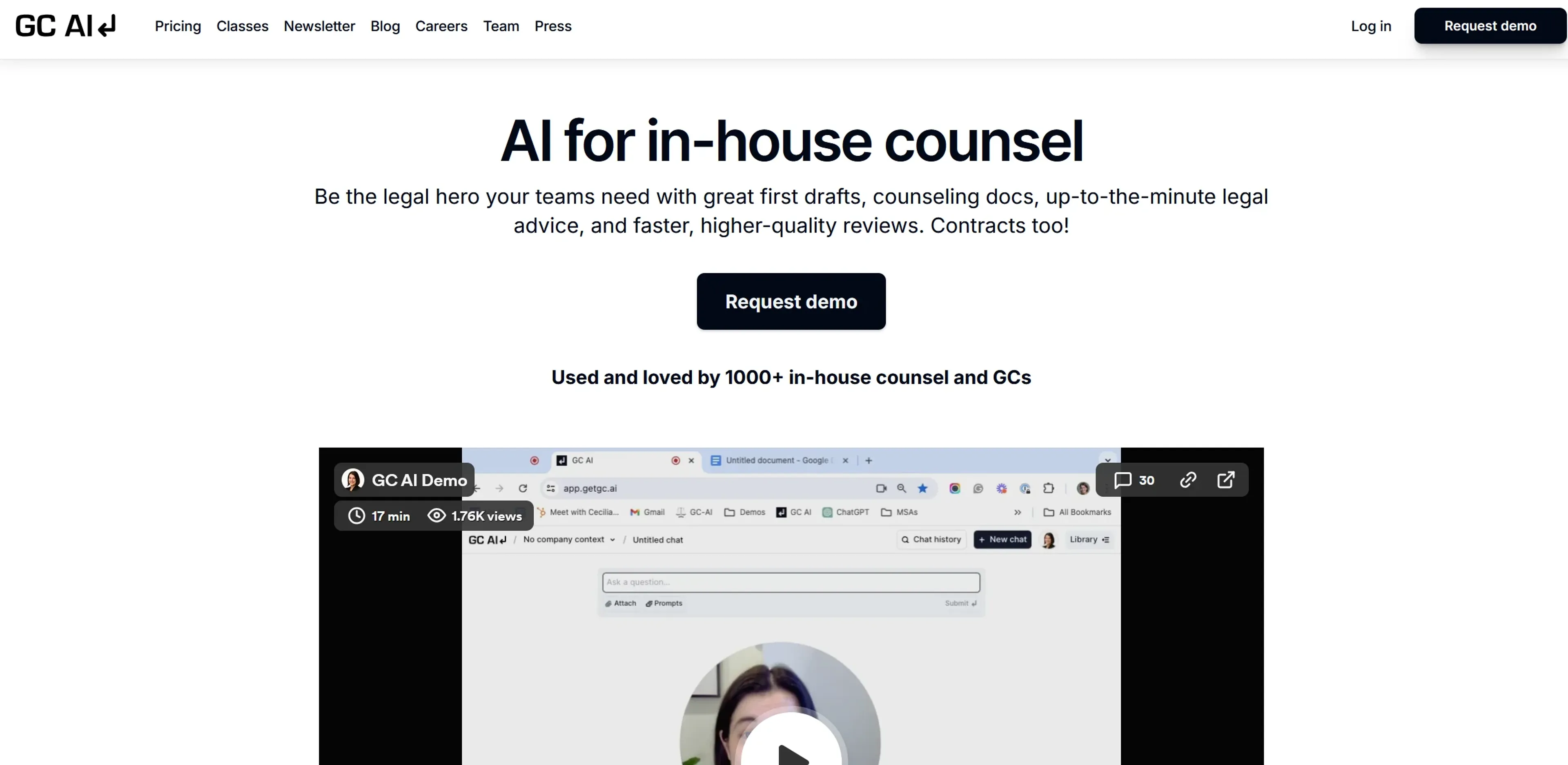
About GetGC
GetGC, accessible at getgc.ai, is an advanced AI platform designed to cater specifically to the needs of in-house legal teams and general counsels. The tool offers a range of features aimed at streamlining legal document drafting, delivering strategic legal advice, and enhancing overall efficiency in legal reviews. GetGC is positioned to support legal professionals in creating high-quality documents, obtaining timely legal advice, and automating routine workflows.
Key Features
- Real-Time Legal Advice: Provides instant, strategic legal counsel on new regulations, lawsuits, or legal changes affecting the organization.
- Customized Document Drafting: Creates tailored legal documents, such as policies, contracts, and guidance documents, without relying on generic templates.
- Review Assistance: Aids in the review of legal documents, web copy, and RFP responses, significantly cutting down the time needed for thorough review.
- Communication Enhancement: Assists in drafting clear and precise communications for clients, users, and regulators.
- Workflow Automation: Automates common legal workflows and reviews with a customizable library of prompts.
Pros
- Efficiency Boost: Accelerates the drafting and reviewing process, saving valuable time.
- High-Quality Outputs: Produces high-quality documents that often require minimal adjustments.
- User-Friendly Interface: Features an intuitive interface that simplifies adoption for legal teams.
- Secure and Confidential: Adheres to rigorous data privacy and security standards, ensuring confidentiality.
Cons
- Learning Curve: New users may need time to master all the advanced functionalities.
- Specialization Limitation: Primarily focuses on legal tasks, which may not benefit users needing broader applications.
- Dependency on Input Quality: The effectiveness of the tool relies on the clarity and specificity of user inputs.
Use Cases
- In-House Legal Teams: Utilizes GetGC for managing daily legal operations and document preparation.
- General Counsels: Employs the tool for strategic legal advice and rapid assessments.
- Compliance Officers: Uses GetGC to streamline compliance documentation and ensure regulatory adherence.
- Contract Managers: Leverages the platform for efficient contract drafting and review.
- Uncommon Use Cases: Applied by educational institutions for legal course instruction and by NGOs managing legal affairs with limited resources.
Pricing
Core - Individual: $250 per month for unlimited chats, prompts, file uploads, and access to the founding team. Core - Teams: $250 per seat per month, including all individual features plus team training sessions and custom terms. Disclaimer: Pricing is subject to change. For the most current information, please visit the GetGC website.
What Makes It Unique
GetGC is distinguished by its specialized focus on legal functions, offering advanced tools tailored specifically for legal professionals. Unlike general-purpose AI tools, GetGC delivers features designed for high-quality legal document handling, strategic advice, and compliance, making it a specialized asset for legal departments.
Ratings
Accuracy and Reliability: 4.8/5 Ease of Use: 4.6/5 Functionality and Features: 4.9/5 Performance and Speed: 4.7/5 Customization and Flexibility: 4.5/5 Data Privacy and Security: 5.0/5 Support and Resources: 4.4/5 Cost-Efficiency: 4.3/5 Integration Capabilities: 4.2/5 Overall Score: 4.6/5
Key Features
Pros & Cons
- Efficiency Boost: Accelerates the drafting and reviewing process, saving valuable time.
- High-Quality Outputs: Produces high-quality documents that often require minimal adjustments.
- User-Friendly Interface: Features an intuitive interface that simplifies adoption for legal teams.
- Secure and Confidential: Adheres to rigorous data privacy and security standards, ensuring confidentiality.
- Learning Curve: New users may need time to master all the advanced functionalities.
- Specialization Limitation: Primarily focuses on legal tasks, which may not benefit users needing broader applications.
- Dependency on Input Quality: The effectiveness of the tool relies on the clarity and specificity of user inputs.
Best For
Alternatives to GetGC
AskUI
Understanding Askui.com's Cookie Usage and Consent Management
IBM Watson Legal
Automate contract analysis, analyze documents and data, gain insights into legal trends and risks.
Lexop
Automate contract reviews, send legal documents with tracking and notifications, and collect e-signatures securely.
Robot Lawyer Lisa
Access legal documents, research cases, automate court filings, and receive personalized legal advice from qualified lawyers.
Ask AI Lawyer
Instant Legal Information from Ask AI Lawyer!
CFR Explorer
Effortlessly Navigate Title 14 FAA Regulations