

Graphy
FreemiumRevolutionizes data visualization with AI insights and seamless integrations.
About Graphy
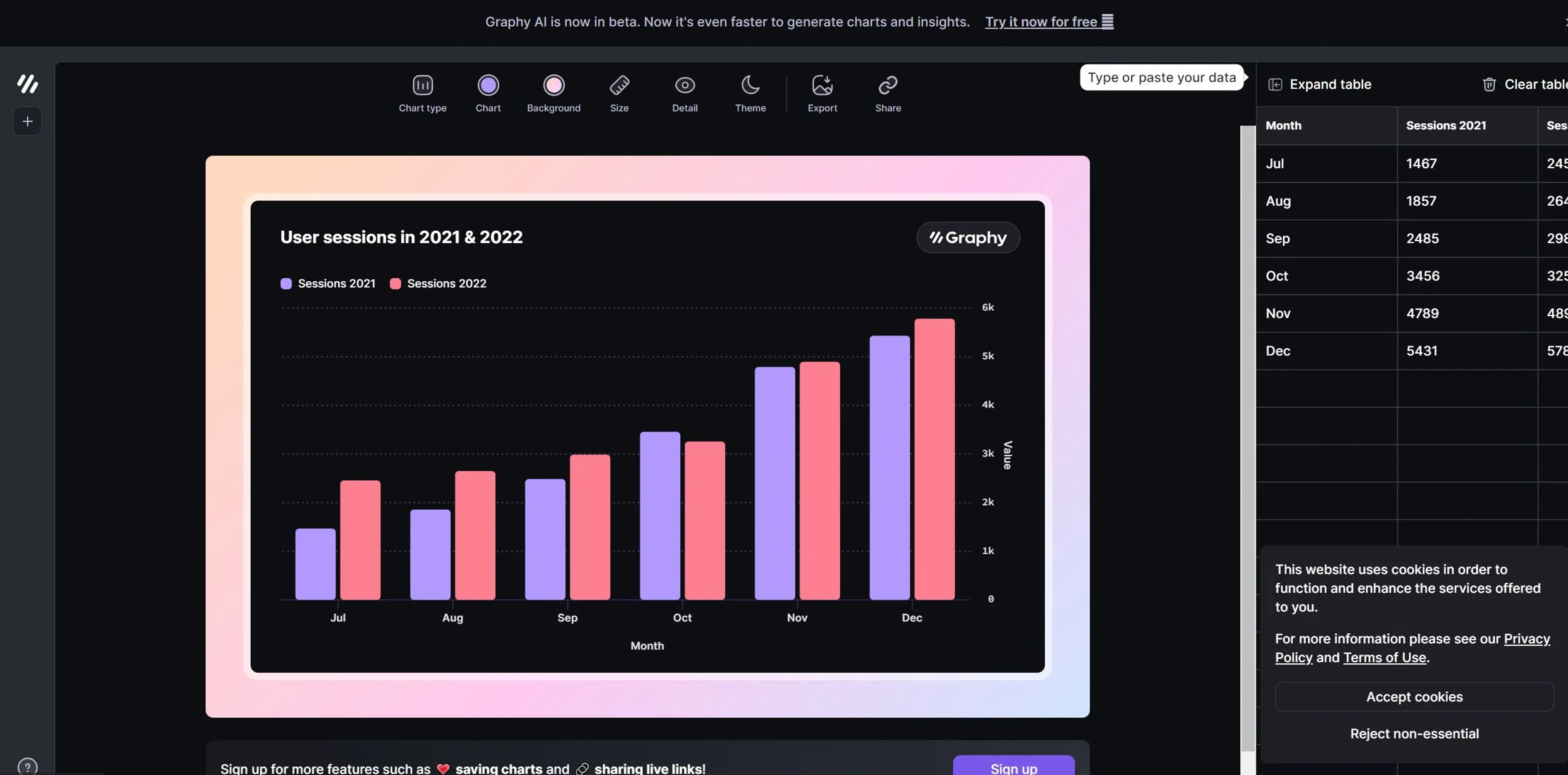
Graphy, or Graphy.app, revolutionizes data visualization, offering advanced tools for creating professional-level graphs that drive decisions and inspire actions. Designed for data-driven teams, it simplifies the process of presenting and communicating data, making it accessible for everyone to become skilled data storytellers. With Graphy, users can create stunning, interactive graphs that not only look beautiful but also convey actionable insights.
Key Features
- Lightning Fast Performance: Creates graphs 80% faster than other data visualization tools.
- User-Friendly Interface: No learning curve, with a simple and intuitive design packed with powerful features.
- AI-Generated Insights: Automatically generates insights and graphs, saving time and effort.
- Rich Storytelling Capabilities: Enhances data presentation with visual annotations, goals, and trend lines.
- Seamless Data Integration: Connects easily with Google Sheets and allows data pasting from various sources.
- Multiple Sharing Options: Share graphs as embeds, interactive links, or images across platforms like Notion, Canva, Slack, and more.
Pros
- Time Efficiency: Significantly reduces the time required to create and share professional graphs.
- Enhanced Collaboration: Facilitates team collaboration with easy sharing options and integrated platforms.
- Beautiful Visuals: Produces visually appealing graphs that impress stakeholders and keep everyone aligned.
- Actionable Insights: Focuses on creating graphs that drive decisions and reduce ambiguity.
Cons
- Limited Customization for Advanced Users: While easy to use, some advanced users might find the customization options limited.
- Integration Scope: Currently supports a specific set of third-party tools; expanding this could increase versatility.
Use Cases
- E-commerce Businesses: Utilizing the tool for enhancing online product imagery and sales reports.
- Digital Marketing Agencies: Employing the tool for creating visually appealing campaign content and performance reports.
- Social Media Managers: Leveraging the tool to create engaging social media posts and analytics.
- Graphic Designers: Using the tool for efficient design workflows and client presentations.
- Uncommon Use Cases: Utilized by educational institutions for teaching marketing courses; Adopted by freelance photographers for streamlining editing processes.
Pricing
Free Tier: Experience Graphy with a 14-day free trial. Pro Tier: The Pro Tier starts at $15.00 per month. Disclaimer: Please note that pricing information may not be up to date. For the most accurate and current pricing details, refer to the official Graphy website.
What Makes It Unique
Graphy stands out with its AI-generated insights and graphs, a game-changer for data visualization. Its ability to create professional-level graphs quickly and easily, combined with rich storytelling capabilities, sets it apart from other tools in the market. The seamless integration with various platforms and the focus on actionable insights make it an essential tool for data-driven teams.
Ratings
Accuracy and Reliability: 4.8/5 Ease of Use: 4.9/5 Functionality and Features: 4.7/5 Performance and Speed: 4.8/5 Customization and Flexibility: 4.5/5 Data Privacy and Security: 4.6/5 Support and Resources: 4.7/5 Cost-Efficiency: 4.6/5 Integration Capabilities: 4.7/5 Overall Score: 4.7/5
Key Features
Pros & Cons
- Time Efficiency: Significantly reduces the time required to create and share professional graphs.
- Enhanced Collaboration: Facilitates team collaboration with easy sharing options and integrated platforms.
- Beautiful Visuals: Produces visually appealing graphs that impress stakeholders and keep everyone aligned.
- Actionable Insights: Focuses on creating graphs that drive decisions and reduce ambiguity.
- Limited Customization for Advanced Users: While easy to use, some advanced users might find the customization options limited.
- Integration Scope: Currently supports a specific set of third-party tools; expanding this could increase versatility.
Best For
Alternatives to Graphy
Prompt Attack
Track and analyze customer engagement, leverage predictive analytics, and optimize marketing campaigns with powerful segmentation.
Brandmate
Elevate Your Brand's Image with Brandmate AI!
ReplyPilot
ReplyPilot automates your social media replies using AI. Analyze and personalize text, image, and video responses across multiple platforms.
TextIt
Build, launch, and manage SMS and messaging flows with TextIt. Ideal for outreach, surveys, and communication at any scale.
Contlo.AI
AI-Powered Digital Marketing Solutions for Small Businesses
Fliz AI
Discover Fliz AI, an innovative platform that enhances marketing efforts through AI-powered automation. Boost conversions, personalize campaigns, and optimize your strategy with ease.