

Swell AI
FreemiumMaximize content reach: automate transcripts, clips, articles, social posts.
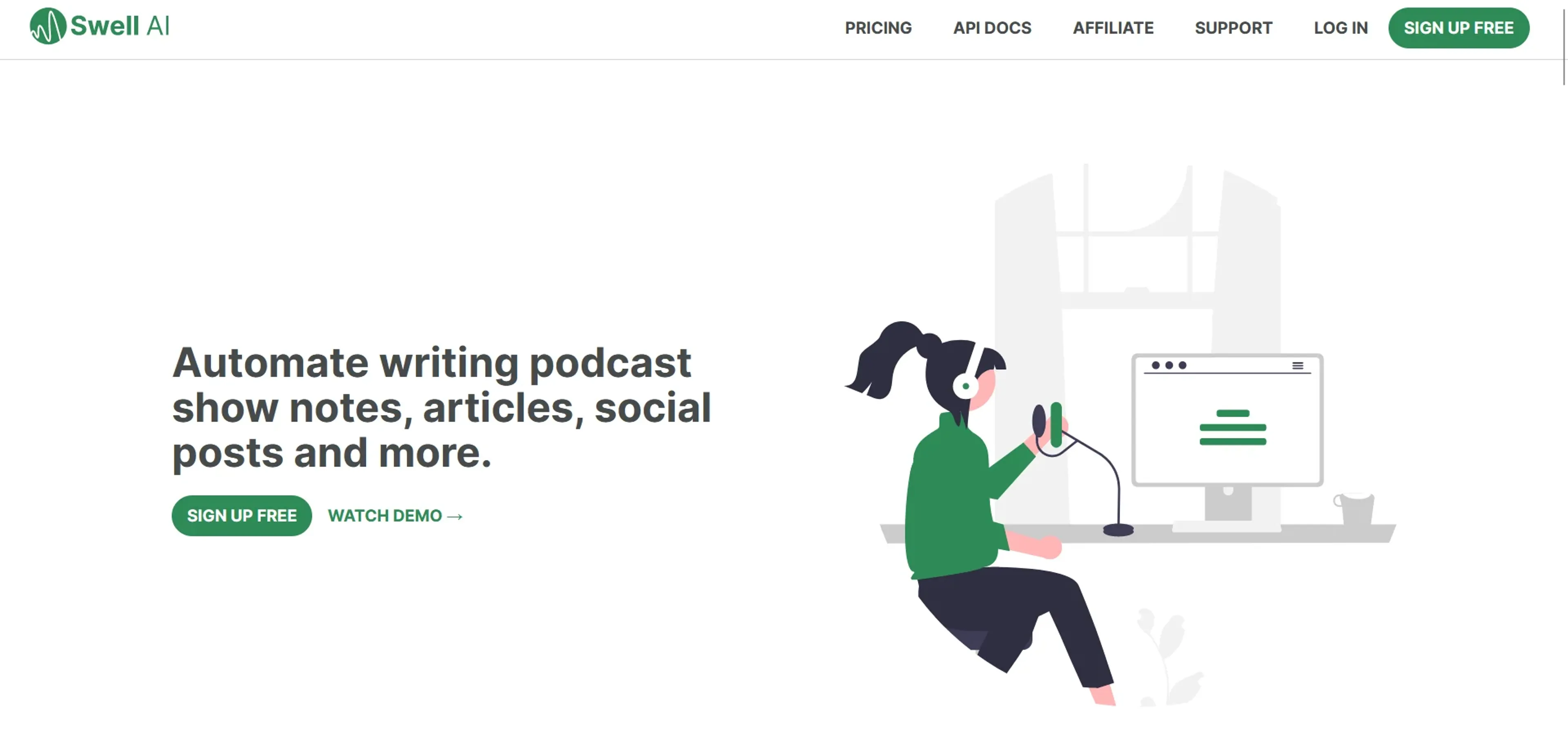
About Swell AI
Swell AI is a cutting-edge platform designed to transform audio or video content into a plethora of marketing materials. This tool automates the creation of transcripts, clips, show notes, articles, summaries, titles, newsletters, social posts, and much more. Its target audience ranges from podcasters and video creators to marketing professionals looking to repurpose their content across multiple channels. With Swell AI, you can set a brand voice, create content templates, and manage multiple shows from a single dashboard.
Key Features
- Transcript Editor: Offers a user-friendly interface to highlight and clip sections of your transcript, which can be shared with your team.
- AI Suggestions: The platform provides AI-driven recommendations to enhance your content.
- Speaker Labels: Automatically identifies and labels speakers within a transcript, making it easier to follow conversations.
- Public Sharing: Enables you to share your transcripts publicly or with your team via a shareable link.
- Content Templates: Allows for the creation of reusable templates that streamline content production.
- Multi-Show Management: Manage several shows from one dashboard, simplifying the content organization.
Pros
- Enhanced Productivity: By automating content repurposing, Swell AI significantly reduces the time and effort required to produce marketing materials.
- Brand Consistency: Maintains a consistent brand voice across various content formats.
- Scalability: The API and bulk import features allow for easy scaling of content production for businesses of all sizes.
- Diverse Language Support: Over 100 languages are supported, catering to a global user base.
Cons
- Learning Curve: New users may need time to fully understand and utilize all the tool's features.
- Content Specificity: While AI-generated content is powerful, it may require manual adjustments to meet specific brand standards or nuances.
- Integration Limits: Some users might find the integration capabilities with existing workflows limited, depending on their unique needs.
Use Cases
- Podcasters: Utilizing Swell AI for podcast post-production and creating show notes and summaries.
- Video Creators: Repurposing video content into articles, social media posts, and other formats.
- Marketing Agencies: Leveraging Swell AI to automate content creation for clients across multiple channels.
- Content Strategists: Using Swell AI to generate diverse content types from a single source for comprehensive campaigns.
- Uncommon Use Cases: Educational institutions might use it for teaching media-related courses; Journalists could adopt it for quickly transcribing interviews.
Pricing
Hobby Tier: A free plan that includes one upload a month with a watermark on clips. Starter Tier: Priced at $17/month for three hours of content, this plan offers more features and premium customer support. Enterprise Tier: Custom pricing with API access, advanced security, and dedicated account management. Pay As You Go: An option to pay for what you use at $8.99 an hour, allowing access to all features. Disclaimer: For the most current and accurate pricing details, please refer to the Swell AI website.
What Makes It Unique
Swell AI distinguishes itself with its comprehensive approach to content repurposing. It's not just a transcription service; it's a full-suite content creation platform that transforms spoken words into multiple content formats, all while maintaining a consistent brand voice and style.
Ratings
Accuracy and Reliability: 4.5/5 Ease of Use: 4.3/5 Functionality and Features: 4.7/5 Performance and Speed: 4.6/5 Customization and Flexibility: 4.4/5 Data Privacy and Security: 4.5/5 Support and Resources: 4.2/5 Cost-Efficiency: 4.3/5 Integration Capabilities: 4.1/5 Overall Score: 4.4/5
Key Features
Pros & Cons
- Enhanced Productivity: By automating content repurposing, Swell AI significantly reduces the time and effort required to produce marketing materials.
- Brand Consistency: Maintains a consistent brand voice across various content formats.
- Scalability: The API and bulk import features allow for easy scaling of content production for businesses of all sizes.
- Diverse Language Support: Over 100 languages are supported, catering to a global user base.
- Learning Curve: New users may need time to fully understand and utilize all the tool's features.
- Content Specificity: While AI-generated content is powerful, it may require manual adjustments to meet specific brand standards or nuances.
- Integration Limits: Some users might find the integration capabilities with existing workflows limited, depending on their unique needs.
Best For
Alternatives to Swell AI
Prompt Attack
Track and analyze customer engagement, leverage predictive analytics, and optimize marketing campaigns with powerful segmentation.
Brandmate
Elevate Your Brand's Image with Brandmate AI!
Contlo.AI
AI-Powered Digital Marketing Solutions for Small Businesses
Fliz AI
Discover Fliz AI, an innovative platform that enhances marketing efforts through AI-powered automation. Boost conversions, personalize campaigns, and optimize your strategy with ease.
Hot Reach AI
Personalized AI-Generated First Lines for Cold Emails
InfoMail
Enhanced Email Marketing with Infomail AI