

sync.
FreemiumLip sync and dub videos with multilingual precision.
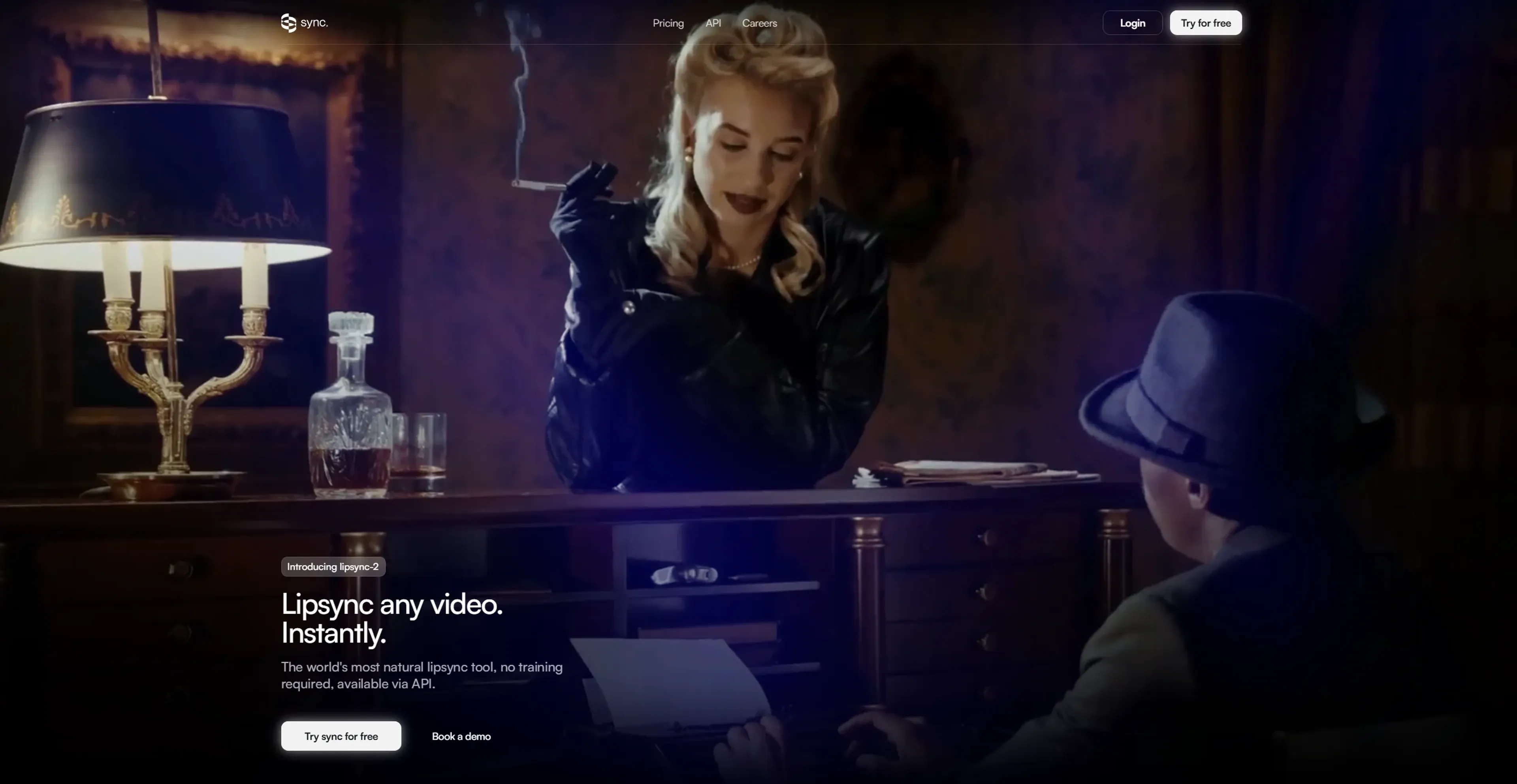
About sync.
Sync is an innovative AI tool designed to revolutionize video content editing through its advanced lip sync capabilities. This tool allows users to effortlessly lip sync any video without requiring prior training on the speaker. It's tailored for content creators, marketers, and professionals who need to edit video dialogue seamlessly, ensuring that translated or altered content maintains its natural flow and emotional impact.
Key Features
- Lipsync-2 Model: This cutting-edge model learns the unique speaking style of individuals to produce natural-looking lip sync without pre-training.
- Video Editing Flexibility: Edit live-action, animated, or AI-generated characters in up to 4K resolution.
- Voice Cloning: Users can upload audio, generate from text, or record their own voice for seamless integration into videos.
- Multilingual Dubbing: Dub content into any language with perfect lip sync, making it ideal for global audiences.
Pros
- Effortless Lip Sync: Users can achieve natural lip sync in videos without the need for extensive training or setup.
- High-Resolution Support: Offers editing capabilities for videos up to 4K, ensuring quality is maintained.
- Versatile Application: Can be used across various media types, including movies, podcasts, games, and animations.
- Multilingual Capabilities: Supports video translation and localization, broadening audience reach.
Cons
- Initial Learning Curve: Some users may require time to familiarize themselves with the full range of features.
- Limited Integration: Currently, integration with certain third-party platforms might be restricted.
Use Cases
- Content Creators: Enhancing video content with natural lip sync and multilingual dubbing.
- Marketing Agencies: Producing creative ads with localized dialogue for different markets.
- Film and Animation Studios: Editing dialogue in films and animations to maintain emotional integrity across languages.
- Podcasters: Modifying audio-visual content to reach diverse audiences.
- Uncommon Use Cases: Utilized by educational institutions for language courses and adopted by game developers for character dialogue editing.
Pricing
Hobbyist: $5 per month + $3 per minute. Best for small projects and experiments. Includes up to 1-minute videos, 1 job at a time, API access, Lipsync Studio, and community support. Creator: $19 per month + $3 per minute. Adds up to 5-minute videos, 3 concurrent jobs, a personal TTS API key, and removes watermark. Growth: $49 per month + $2.85 per minute. Designed for teams. Includes 10-minute videos, 6 jobs at a time, 5% discount on usage, 3 team seats, and additional seats at $25 per month. Scale: $249 per month + $2.40 per minute. Built for high-volume needs. Includes 30-minute videos, 15 jobs at a time, 20% discount, 5 team seats, and dedicated support. Disclaimer: Please note that pricing information may not be up to date. For the most accurate and current pricing details, refer to the official sync website.
What Makes It Unique
Sync stands out with its lipsync-2 model, which can adapt to any speaker's unique style without prior training. This capability is a significant advantage for professionals who need to edit content quickly and efficiently while maintaining the original emotional depth and authenticity.
Ratings
Accuracy and Reliability: 4.8/5 Ease of Use: 4.5/5 Functionality and Features: 4.7/5 Performance and Speed: 4.6/5 Customization and Flexibility: 4.4/5 Data Privacy and Security: 4.3/5 Support and Resources: 4.2/5 Cost-Efficiency: 4.0/5 Integration Capabilities: 3.8/5 Overall Score: 4.4/5
Key Features
Pros & Cons
- Effortless Lip Sync: Users can achieve natural lip sync in videos without the need for extensive training or setup.
- High-Resolution Support: Offers editing capabilities for videos up to 4K, ensuring quality is maintained.
- Versatile Application: Can be used across various media types, including movies, podcasts, games, and animations.
- Multilingual Capabilities: Supports video translation and localization, broadening audience reach.
- Initial Learning Curve: Some users may require time to familiarize themselves with the full range of features.
- Limited Integration: Currently, integration with certain third-party platforms might be restricted.
Best For
Alternatives to sync.
Prompt Attack
Track and analyze customer engagement, leverage predictive analytics, and optimize marketing campaigns with powerful segmentation.
Brandmate
Elevate Your Brand's Image with Brandmate AI!
ReplyPilot
ReplyPilot automates your social media replies using AI. Analyze and personalize text, image, and video responses across multiple platforms.
TextIt
Build, launch, and manage SMS and messaging flows with TextIt. Ideal for outreach, surveys, and communication at any scale.
Contlo.AI
AI-Powered Digital Marketing Solutions for Small Businesses
Fliz AI
Discover Fliz AI, an innovative platform that enhances marketing efforts through AI-powered automation. Boost conversions, personalize campaigns, and optimize your strategy with ease.