

insMind
FreemiumEnhances images with AI-powered editing features.
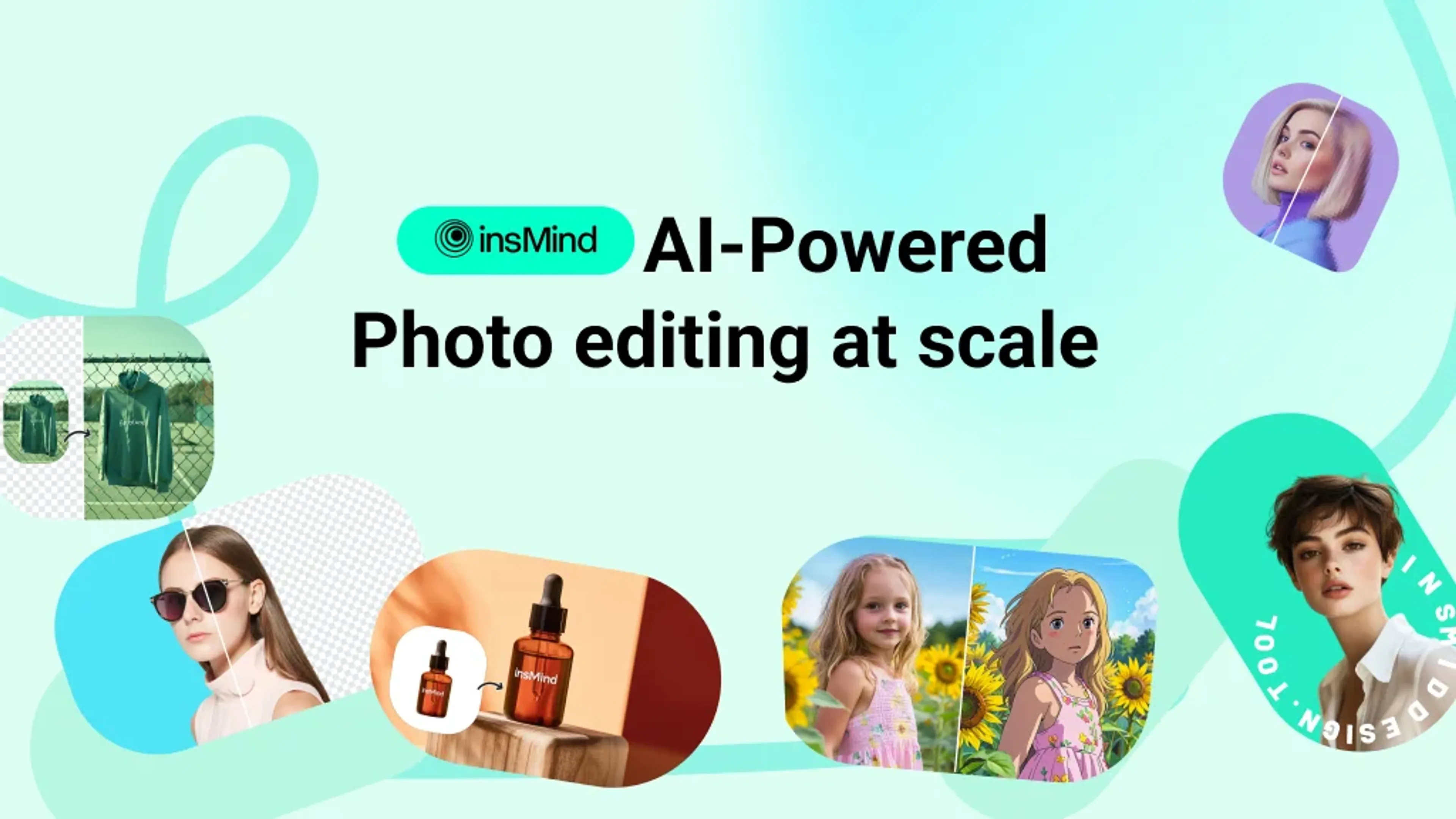
About insMind
insMind is a cutting-edge AI photo editing tool designed to transform the way users create and enhance images. Specializing in product image design, it offers a suite of AI-powered features that make photo editing both quick and intuitive. From removing backgrounds to generating high-quality designs, insMind is crafted for individuals and professionals seeking to elevate their visual content effortlessly.
Key Features
- AI Background Remover: Instantly remove or change backgrounds with precision using automated AI technology.
- AI Image Enhancer: Increase resolution and clarity without losing quality, ensuring images are sharp and vibrant.
- AI Magic Eraser: Effortlessly erase unwanted objects or elements from photos in seconds.
- AI Headshot Generator: Transform selfies into professional-quality headshots with minimal effort.
Pros
- User-Friendly Interface: Designed to be intuitive, making it accessible for both beginners and professionals.
- Time-Saving: Automates complex editing tasks, significantly reducing the time required for photo enhancements.
- Cost-Effective: Eliminates the need for expensive photo shoots and design software.
- Versatile Tools: Offers a wide range of features suitable for various design needs beyond just product imagery.
Cons
- Initial Learning Curve: Some users may require time to fully explore and utilize all features effectively.
- Limited Integration: Currently lacks extensive third-party platform integrations.
Use Cases
- E-commerce Businesses: Enhancing product images for online stores.
- Digital Marketing Agencies: Creating visually appealing campaign content.
- Social Media Managers: Crafting engaging posts and stories.
- Photographers: Streamlining photo editing workflows.
- Uncommon Use Cases: Employed by educational institutions for teaching digital design courses; adopted by event planners for creating promotional materials.
Pricing
Free: $0 per month. Includes standard photo editing tools, limited storage, and insMind watermark. Free Trial: 3-day trial with 10 credits included. insMind Pro (Monthly): $9.99 per month. Includes 100 credits/month, unlimited background remover use, watermark removal, high-quality downloads, and unlimited files/downloads. insMind Pro (Yearly): $69.99 per year. Same Pro features at $5.83 per month equivalent. insMind Pro (13 Months): $69.99 one-time. Extended access with the same features, averaging $5.38 per month. Disclaimer: Please note that pricing information may not be up to date. For the most accurate and current pricing details, refer to the official insMind website.
What Makes It Unique
insMind distinguishes itself with its AI-powered design capabilities, particularly its ability to generate studio-quality images effortlessly. Its focus on product image design, combined with a user-friendly interface, makes it a standout choice for those seeking to streamline their creative processes without compromising on quality.
Ratings
Accuracy and Reliability: 4.7/5 Ease of Use: 4.5/5 Functionality and Features: 4.6/5 Performance and Speed: 4.8/5 Customization and Flexibility: 4.4/5 Data Privacy and Security: 4.3/5 Support and Resources: 4.2/5 Cost-Efficiency: 4.1/5 Integration Capabilities: 3.9/5 Overall Score: 4.4/5
Key Features
Pros & Cons
- User-Friendly Interface: Designed to be intuitive, making it accessible for both beginners and professionals.
- Time-Saving: Automates complex editing tasks, significantly reducing the time required for photo enhancements.
- Cost-Effective: Eliminates the need for expensive photo shoots and design software.
- Versatile Tools: Offers a wide range of features suitable for various design needs beyond just product imagery.
- Initial Learning Curve: Some users may require time to fully explore and utilize all features effectively.
- Limited Integration: Currently lacks extensive third-party platform integrations.
Best For
Alternatives to insMind
PlugSugar
Automate conversations, answer questions with Web Search plugin, and customize ChatGPT experience using powerful AI plugins.
Vate.ai
Automate customer service, respond to inquiries, and personalize experiences by collecting customer insights.
100DaysOfAI Challenge
Respage
Automate lead acquisition, interact with potential leads, and capture lead information and preferences.
Travel Plan AI
Your personal AI guide for unforgettable journeys.
AnimateDiff