
Octoparse AI
FreemiumAutomate workflows effortlessly with no-code AI-driven solutions.
About Octoparse AI
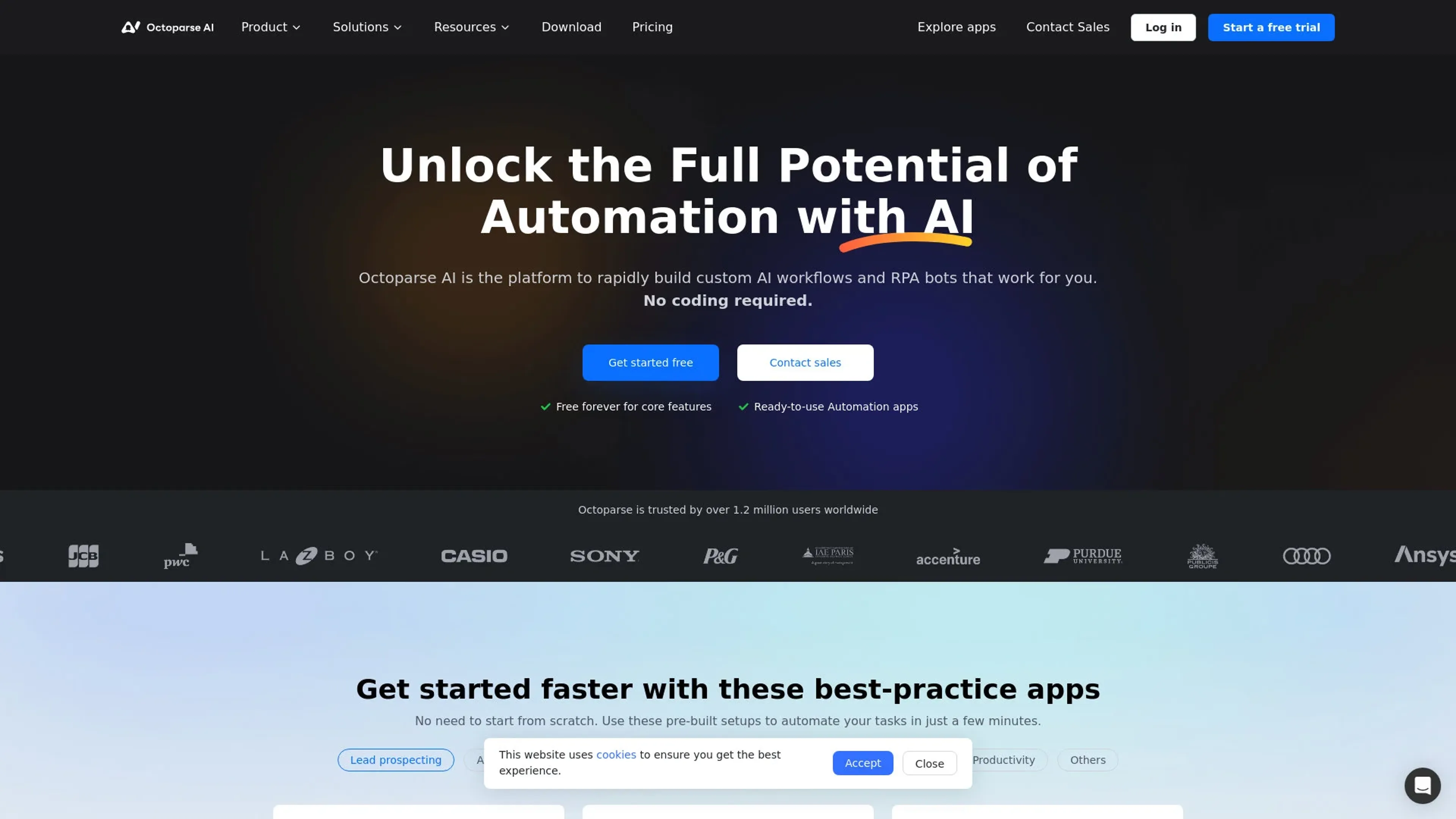
Octoparse AI revolutionizes automation with its no-code platform, offering a seamless way to build custom AI workflows and RPA bots. Designed for businesses and professionals seeking efficiency, it simplifies task automation by providing ready-to-use apps and a drag-and-drop interface, eliminating the need for extensive coding knowledge. Octoparse AI stands out by integrating AI with data to enhance workflow capabilities, making it an ideal choice for those looking to streamline operations and boost productivity.
Key Features
- No-Code Workflow Creation: Octoparse AI enables users to build production-ready automations without any coding, using a simple drag-and-drop interface.
- Ready-to-Use Automation Apps: Access a library of pre-built automation setups to quickly start automating tasks without starting from scratch.
- Integration with Leading AI Models: Users can access and compare AI models from top providers like OpenAI, Anthropic, and Google, ensuring the best fit for their business needs.
- Centralized Automation Management: Share and manage automation workflows across teams and departments, enhancing collaboration and efficiency.
Pros
- Ease of Use: The no-code platform makes it accessible for users of all technical backgrounds.
- Wide Range of Applications: Offers a comprehensive suite of apps to address various business needs.
- Scalability: Easily scales across different departments and business sizes.
- Enhanced Efficiency: Automates complex workflows, saving time and reducing manual errors.
Cons
- Initial Setup Time: While no coding is required, setting up complex workflows may require some initial time investment.
- Limited Customization for Niche Needs: Users with highly specific requirements might find customization options limited.
Use Cases
- E-commerce Businesses: Utilizing the tool for automating inventory management and data analysis.
- Digital Marketing Agencies: Employing Octoparse AI to streamline client reporting and campaign automation.
- Data Analysts: Leveraging the platform for efficient data collection and processing.
- IT Departments: Using the tool to automate routine IT tasks and system monitoring.
- Uncommon Use Cases: Adopted by legal firms for automating document management; Used by non-profits to streamline donor engagement processes.
Pricing
Free Tier: Experience Octoparse AI on the free plan. Paid Tier: Advanced features and more options are available at the first paid tier option of $30 per month. Disclaimer: Please note that pricing information may not be up to date. For the most accurate and current pricing details, refer to the official Octoparse AI website.
What Makes It Unique
Octoparse AI stands out with its ability to integrate cutting-edge AI models into everyday business workflows without the need for coding. This capability empowers users to leverage advanced technology for enhanced decision-making and operational efficiency, distinguishing it in the automation landscape.
Ratings
Accuracy and Reliability: 4.5/5 Ease of Use: 4.7/5 Functionality and Features: 4.6/5 Performance and Speed: 4.4/5 Customization and Flexibility: 4.2/5 Data Privacy and Security: 4.3/5 Support and Resources: 4.5/5 Cost-Efficiency: 4.0/5 Integration Capabilities: 4.4/5 Overall Score: 4.4/5
Key Features
Pros & Cons
- Ease of Use: The no-code platform makes it accessible for users of all technical backgrounds.
- Wide Range of Applications: Offers a comprehensive suite of apps to address various business needs.
- Scalability: Easily scales across different departments and business sizes.
- Enhanced Efficiency: Automates complex workflows, saving time and reducing manual errors.
- Initial Setup Time: While no coding is required, setting up complex workflows may require some initial time investment.
- Limited Customization for Niche Needs: Users with highly specific requirements might find customization options limited.
Best For
Alternatives to Octoparse AI
PlugSugar
Automate conversations, answer questions with Web Search plugin, and customize ChatGPT experience using powerful AI plugins.
Vate.ai
Automate customer service, respond to inquiries, and personalize experiences by collecting customer insights.
100DaysOfAI Challenge
Respage
Automate lead acquisition, interact with potential leads, and capture lead information and preferences.
Travel Plan AI
Your personal AI guide for unforgettable journeys.
AnimateDiff