

Shopify Logo Maker
FreemiumEffortlessly create professional logos with customizable templates.
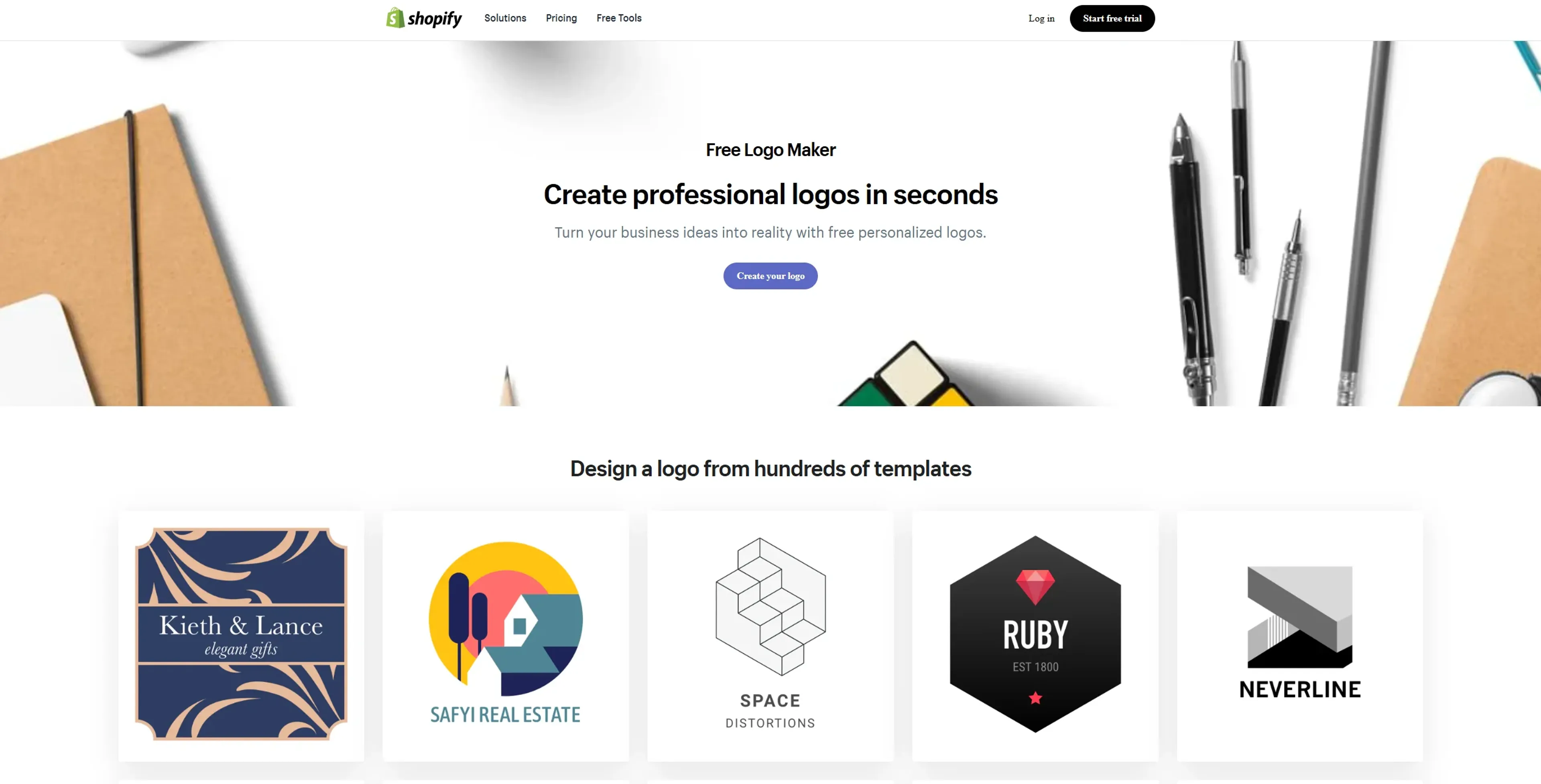
About Shopify Logo Maker
Shopify Logo Maker is an innovative, free tool designed to help entrepreneurs and small business owners create professional logos effortlessly. With its user-friendly interface and a vast library of templates, Shopify Logo Maker allows users to design high-quality logos that align with their brand identity without any prior design experience. This tool is perfect for those looking to establish a strong brand presence quickly and cost-effectively.
Key Features
- Extensive Template Library: Choose from hundreds of professionally designed logo templates tailored to various industries and business niches.
- Complete Customization: Adjust colors, fonts, and layouts to create a unique logo that perfectly represents your brand.
- High-Resolution Downloads: Get access to high-quality PNG files optimized for use across websites, social media, and print materials.
- User-Friendly Design Studio: An intuitive interface that makes logo creation simple and accessible for users without graphic design skills.
Pros
- Free to Use: Offers a completely free solution for creating and owning a custom logo, eliminating the need for costly design services.
- Quick and Easy Process: Enables users to design a logo in minutes, saving time and effort.
- No Design Experience Required: Simplifies the design process, making it accessible to everyone, regardless of their design expertise.
- Versatile Usage Options: Logos are ready for immediate use across various platforms, enhancing brand visibility and recognition.
Cons
- Limited Advanced Design Features: May lack the depth of customization options available in professional design software.
- Template-Based Designs: The reliance on templates might result in less unique logos if not sufficiently customized.
Use Cases
- E-commerce Businesses: Utilizing the tool to create branding elements for their online stores.
- Startups and Entrepreneurs: Leveraging the tool to establish brand identity without breaking the bank.
- Freelancers: Using it to create personal branding logos quickly.
- Small Business Owners: Employing the tool for affordable and fast logo creation.
- Uncommon Use Cases: Applied by non-profit organizations to design logos for campaigns; Adopted by event planners for branding event materials.
Pricing
Free Tier: Experience Shopify Logo Maker at no cost, with full access to all features and templates. Disclaimer: Please note that pricing information may not be up to date. For the most accurate and current pricing details, refer to the official Shopify Logo Maker website.
What Makes It Unique
Shopify Logo Maker stands out with its comprehensive suite of free design tools, making professional logo creation accessible to everyone. Its integration with Shopify's broader ecosystem of business tools further enhances its appeal, allowing users to seamlessly incorporate their logos into their online stores and marketing materials.
Ratings
Accuracy and Reliability: 4.5/5 Ease of Use: 5/5 Functionality and Features: 4.0/5 Performance and Speed: 4.8/5 Customization and Flexibility: 3.8/5 Data Privacy and Security: 4.5/5 Support and Resources: 4.3/5 Cost-Efficiency: 5/5 Integration Capabilities: 4.2/5 Overall Score: 4.4/5
Key Features
Pros & Cons
- Free to Use: Offers a completely free solution for creating and owning a custom logo, eliminating the need for costly design services.
- Quick and Easy Process: Enables users to design a logo in minutes, saving time and effort.
- No Design Experience Required: Simplifies the design process, making it accessible to everyone, regardless of their design expertise.
- Versatile Usage Options: Logos are ready for immediate use across various platforms, enhancing brand visibility and recognition.
- Limited Advanced Design Features: May lack the depth of customization options available in professional design software.
- Template-Based Designs: The reliance on templates might result in less unique logos if not sufficiently customized.
Best For
Alternatives to Shopify Logo Maker
PlugSugar
Automate conversations, answer questions with Web Search plugin, and customize ChatGPT experience using powerful AI plugins.
Vate.ai
Automate customer service, respond to inquiries, and personalize experiences by collecting customer insights.
100DaysOfAI Challenge
Respage
Automate lead acquisition, interact with potential leads, and capture lead information and preferences.
Travel Plan AI
Your personal AI guide for unforgettable journeys.
AnimateDiff