

Tile
FreemiumTransform raw data into actionable insights.
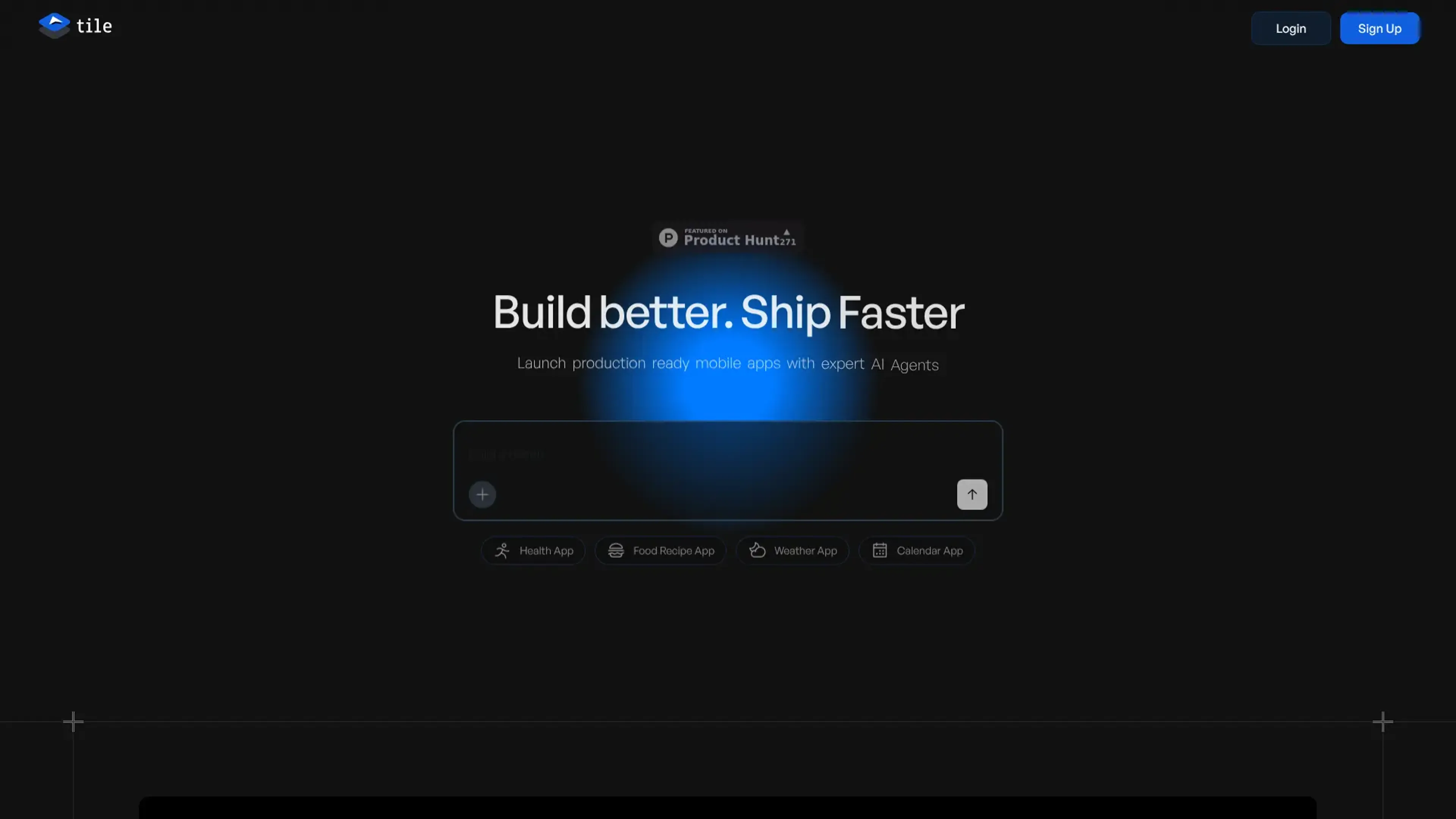
About Tile
Tile is an innovative AI tool designed to streamline and enhance data exploration and visualization. Aimed at data scientists, analysts, and business professionals, Tile simplifies the process of transforming raw data into actionable insights. With its AI-driven capabilities, Tile empowers users to efficiently navigate complex datasets and create visually compelling data narratives.
Key Features
- AI-Powered Data Exploration: Tile utilizes advanced algorithms to automatically identify patterns and anomalies in datasets, enabling more efficient data analysis.
- Intuitive Visualization Tools: Offers a user-friendly interface that allows users to create interactive and dynamic visualizations without needing extensive technical expertise.
- Collaborative Workspace: Facilitates teamwork by allowing multiple users to collaborate on data projects in real-time, enhancing productivity and decision-making.
- Customizable Dashboards: Users can tailor dashboards to fit specific needs, providing personalized views of key metrics and insights.
Pros
- Enhanced Data Understanding: AI-driven insights help users to quickly grasp complex data trends.
- Time-Saving Automation: Automates repetitive tasks such as data cleaning and transformation, reducing workload significantly.
- User-Friendly Design: The interface is intuitive, making it accessible to users with varying levels of technical expertise.
- Scalable Solutions: Suitable for both small-scale projects and large enterprise applications, adapting to different business sizes.
Cons
- Limited Third-Party Integrations: Currently, integration options with other software platforms are somewhat restricted.
- Initial Setup Complexity: Some users may find the initial setup process requires a bit of time and patience.
Use Cases
- Data Scientists: Leveraging Tile for advanced data analysis and visualization tasks.
- Business Analysts: Using Tile to derive actionable insights from business data.
- Financial Institutions: Employing the tool for risk assessment and financial forecasting.
- Marketing Teams: Utilizing data visualization to track campaign performance and customer behavior.
- Uncommon Use Cases: Academic researchers using Tile for data-driven studies; Non-profit organizations analyzing donor trends and impact metrics.
Pricing
Free Plan: $0 per month. Includes 1,000 monthly credits, unlimited projects, visual editing, limited access to the advanced coding model, and chat support via Discord. Pro Plan: $29 per month. Includes everything in the Free plan plus 1,000 monthly credits, app generation, one live app on the App Store and Play Store, push notifications, analytics, full access to the advanced coding model, and significantly higher rate limits. Enterprise Plan: Custom pricing. Includes everything in the Pro plan plus unlimited credits, custom agents, hands-on help from human experts, access to the Tile SDK, premium support, and no rate limits. Booking a call is required to get started. Disclaimer: Please note that pricing information may not be up to date. For the most accurate and current pricing details, refer to the official Tile website.
What Makes It Unique
Tile distinguishes itself with its AI-powered data exploration capabilities, which significantly enhance the user's ability to identify key insights quickly. Its focus on creating an intuitive and collaborative environment makes it a standout choice for teams looking to maximize efficiency in data projects.
Ratings
Accuracy and Reliability: 4.6/5 Ease of Use: 4.8/5 Functionality and Features: 4.5/5 Performance and Speed: 4.7/5 Customization and Flexibility: 4.4/5 Data Privacy and Security: 4.3/5 Support and Resources: 4.2/5 Cost-Efficiency: 4.0/5 Integration Capabilities: 3.9/5 Overall Score: 4.4/5
Key Features
Pros & Cons
- Enhanced Data Understanding: AI-driven insights help users to quickly grasp complex data trends.
- Time-Saving Automation: Automates repetitive tasks such as data cleaning and transformation, reducing workload significantly.
- User-Friendly Design: The interface is intuitive, making it accessible to users with varying levels of technical expertise.
- Scalable Solutions: Suitable for both small-scale projects and large enterprise applications, adapting to different business sizes.
- Limited Third-Party Integrations: Currently, integration options with other software platforms are somewhat restricted.
- Initial Setup Complexity: Some users may find the initial setup process requires a bit of time and patience.
Best For
Alternatives to Tile
Forms.app
Transform Your Form Creation Process with forms.app
Aigur Client
The Ultimate Platform for Building and Managing AI Flows.
Magick
Unlock the Future of AI Development with Magick
Floneum
Securely Build AI Workflows and Extend Capabilities with Floneum
Draftbit
Easily create and customize mobile apps, including push notifications and analytics, without coding.
Aspen
Effortlessly create AI-powered web apps using Aspen's no-code platform.