

TinyFish
FreemiumBrowse sites, pull data, and finish workflows.
About TinyFish
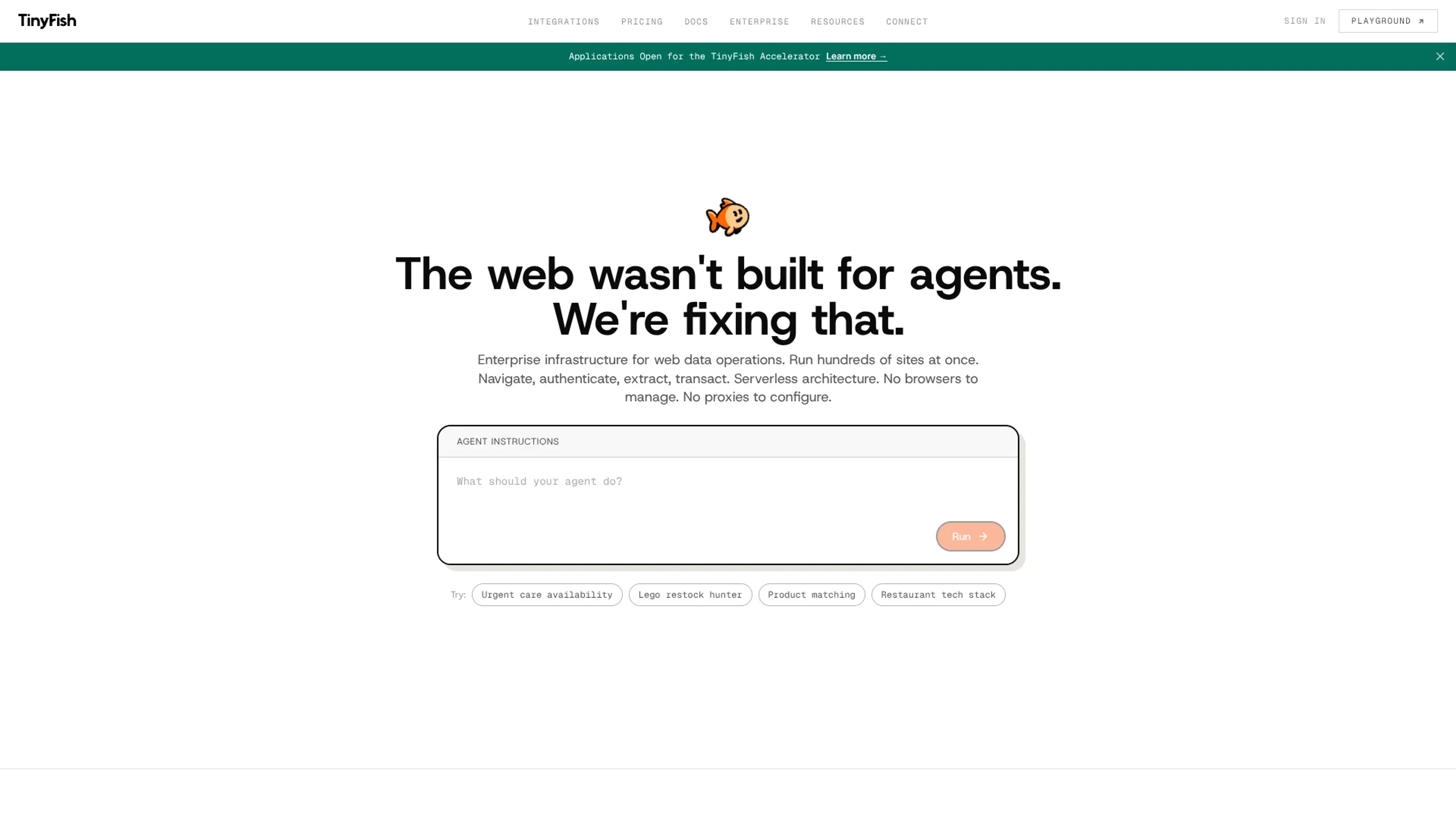
TinyFish is an AI web agent tool built for teams that need live web actions rather than static scraped data. It turns plain-English goals into browser actions, then navigates websites, logs in, extracts data, and completes workflows through a visual workbench or API. It is aimed more at developers, ops teams, and enterprise workflows than casual users, and that focus is part of its appeal.
Key Features
- Natural language control: Users describe a task in plain English instead of writing selectors or XPath.
- Live execution streaming: Runs can be watched in real time with streaming events and browser previews.
- Stealth and proxy options: TinyFish offers anti-detection browser modes and geo-targeted proxy support for harder sites.
- Parallel agent runs: Plans support from 2 to 50 concurrent agents for higher-volume workflows.
- Workbench, API, and MCP access: Teams can build visually or connect TinyFish to code-based and assistant-driven workflows.
Pros
- Works on messy real-world websites: It supports dynamic sites, authenticated systems, and multi-step workflows.
- Built for scale: TinyFish is clearly made for repeated, high-volume web operations, not one-off tinkering.
- Good observability: Screenshots, run history, and live previews make debugging far less annoying.
- Clear cost structure: Browser, proxy, LLM, and anti-bot costs are bundled, which is refreshingly less sneaky than many usage-based tools.
Cons
- Not especially beginner-first: The product language and setup lean toward technical or workflow-heavy teams.
- CAPTCHA handling is still limited: TinyFish states CAPTCHAs cannot currently be solved automatically.
- Public integration detail is fairly light: API and MCP support are clear, but the site exposes fewer ready-made app details than some rivals.
Use Cases
- E-commerce and retail teams: For product matching, pricing checks, and checkout monitoring.
- Travel and hospitality businesses: For hotel availability, rate monitoring, and property data collection.
- Sales and lead generation teams: For structured lead extraction from conference and company websites.
- Developers and operations teams: For browser automation through APIs, async runs, and agent-based workflows.
- Uncommon use cases: Sports scouting across global sources and healthcare portal unification stand out as more unusual but very fitting uses.
Pricing
Pay-as-you-go: $0.015 per step. Includes 2 concurrent agents, remote browser at $0 per hour, residential proxy at $0 per GB, all LLM costs included, anti-bot protection, 30-day run history, and email support. Starter: $15 per month. Includes 1,650 steps per month, 10 concurrent agents, remote browser at $0 per hour, residential proxy at $0 per GB, all LLM inference costs included, anti-bot protection, 30-day run history with observability and screenshots, priority email support, and TinyFish Workbench, API, and MCP integration. Overage is $0.014 per step. Pro: $150 per month. Includes 16,500 steps per month, 50 concurrent agents, remote browser at $0 per hour, residential proxy at $0 per GB, all LLM inference costs included, anti-bot protection, 180-day run history with observability and screenshots, priority email plus Slack/Discord community access, and TinyFish Workbench, API, and MCP integration. Overage is $0.012 per step. Enterprise: Custom pricing. Includes custom workflows, custom step volume, custom concurrent agents, custom auditability, advanced security and compliance, dedicated support engineer, custom SLA and contracts, and on-premise deployment options. Disclaimer: Please note that pricing information may not be up to date. For the most accurate and current pricing details, refer to the official TinyFish website.
What Makes It Unique
TinyFish stands out by focusing on enterprise-grade web agents that can act on live sites, not just read them. The combination of natural-language control, anti-bot tooling, authenticated workflow support, observability, and high concurrency gives it a strong position for companies that need web automation to hold up in production.
Ratings
Accuracy and Reliability: 4.4/5 Ease of Use: 4.1/5 Functionality and Features: 4.6/5 Performance and Speed: 4.5/5 Customization and Flexibility: 4.5/5 Data Privacy and Security: 4.1/5 Support and Resources: 4.2/5 Cost-Efficiency: 4.3/5 Integration Capabilities: 4.0/5 Overall Score: 4.3/5
Key Features
Pros & Cons
- Works on messy real-world websites: It supports dynamic sites, authenticated systems, and multi-step workflows.
- Built for scale: TinyFish is clearly made for repeated, high-volume web operations, not one-off tinkering.
- Good observability: Screenshots, run history, and live previews make debugging far less annoying.
- Clear cost structure: Browser, proxy, LLM, and anti-bot costs are bundled, which is refreshingly less sneaky than many usage-based tools.
- Not especially beginner-first: The product language and setup lean toward technical or workflow-heavy teams.
- CAPTCHA handling is still limited: TinyFish states CAPTCHAs cannot currently be solved automatically.
- Public integration detail is fairly light: API and MCP support are clear, but the site exposes fewer ready-made app details than some rivals.
Best For
Alternatives to TinyFish
Forms.app
Transform Your Form Creation Process with forms.app
Aigur Client
The Ultimate Platform for Building and Managing AI Flows.
Magick
Unlock the Future of AI Development with Magick
Floneum
Securely Build AI Workflows and Extend Capabilities with Floneum
Draftbit
Easily create and customize mobile apps, including push notifications and analytics, without coding.
Aspen
Effortlessly create AI-powered web apps using Aspen's no-code platform.