

aicut
FreemiumTurn any text into scheduled faceless social videos.
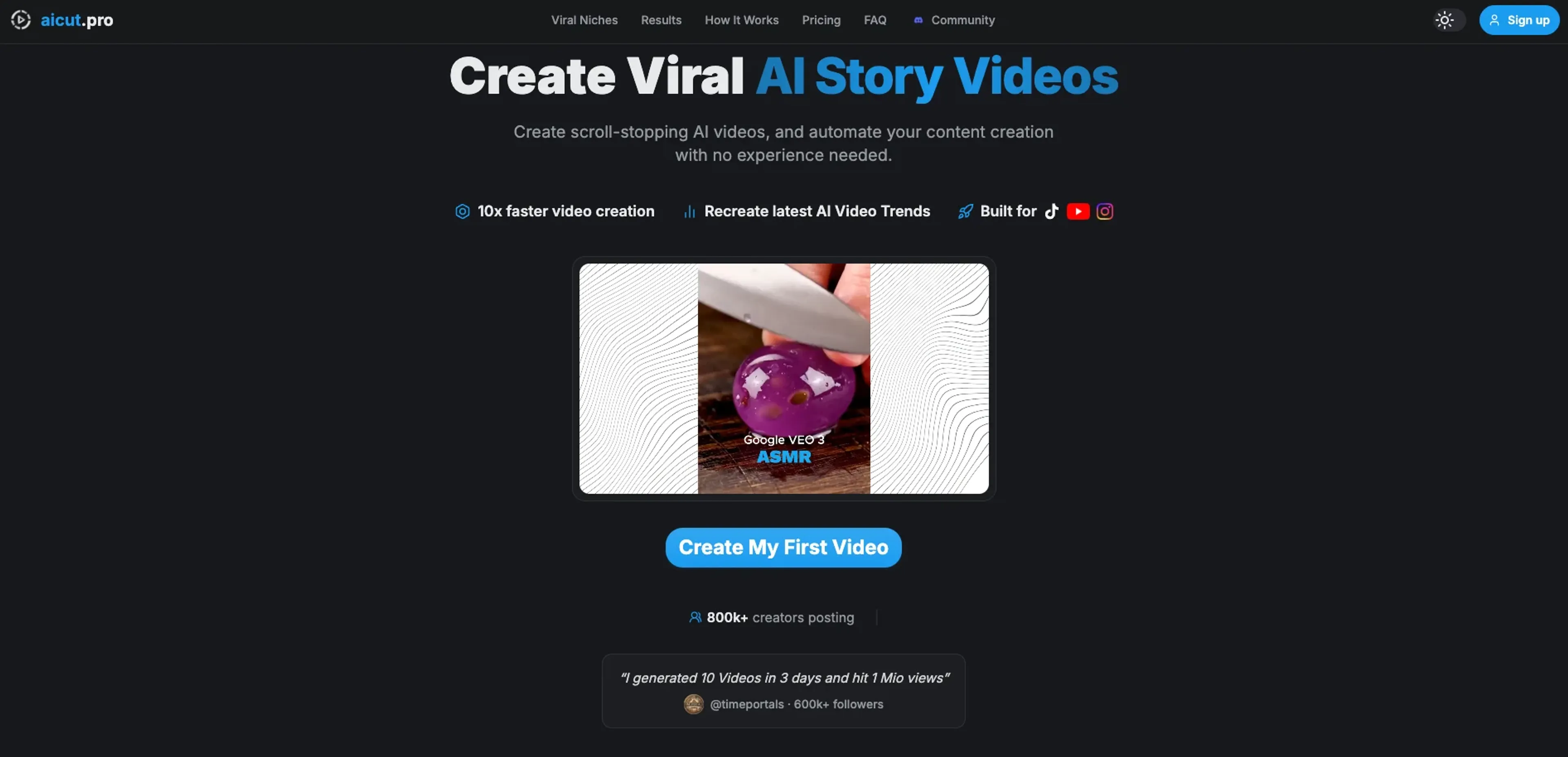
About aicut
aicut focuses on creating short, vertical, AI‑generated videos for faceless YouTube, TikTok, and Instagram channels. Users feed in text such as scripts, stories, or blog posts, and the tool turns them into videos with AI visuals, voiceovers, captions, and music tuned for social feeds. It goes beyond one‑off clips by adding scheduling and automation features, so creators can queue or fully automate posting across connected channels, turning aicut into a light “content engine” for consistent short‑form output.
Key Features
- Multi‑source text‑to‑video: Convert scripts, Reddit‑style stories, chat logs, blog posts, PDFs, and product descriptions into short vertical videos tailored to social platforms.
- Faceless formats and templates: Supports text‑to‑video, fake text‑story layouts, and other faceless styles aimed at trending short‑form niches, from story channels to fictional vlogs and interviews.
- AI voices, captions, and visuals: Generate voiceovers in 25+ languages, auto‑add captions, and pair them with AI or stock‑style backgrounds, with instant preview before publishing.
- Automation and scheduling: Connect YouTube, TikTok, and Instagram, schedule uploads, or use “campaigns” that automatically create and publish videos on a recurring basis.
Pros
- Serious time saver: End‑to‑end automation from text input to published short helps solo creators post far more frequently.
- Camera‑shy friendly: Built for faceless formats, so users never need to appear on screen.
- Great for repurposing content: Turns existing writing, PDFs, and product copy into snackable videos without manual editing.
- Multi‑language reach: TTS in 25+ languages makes it appealing for international or multilingual channels.
Cons
- Quality still varies: AI voices and visuals are good enough for many niches but will not beat a skilled human editor for polish.
- Credit model confusion: Token‑based usage and tiered plans can be tricky for new users to gauge before they understand their volume needs.
Use Cases
- Faceless YouTube Shorts creators: Running fact, story, or list channels that need daily vertical videos without filming themselves.
- TikTok creators: Posting POV, text‑story, and fictional vlog content based on scripts or prompts rather than live footage.
- Instagram Reels publishers: Repackaging written content, hooks, or quotes into Reels for brand or personal growth.
- Small businesses and solo marketers: Creating quick promo clips and product explainers from existing webpage or brochure text.
- Uncommon Use Cases: Used by educators turning lesson summaries into short explainers for students; adopted by niche ecommerce sellers converting customer reviews and FAQs into testimonial‑style shorts.
Pricing
Creator: $19.99 per month; 50 tokens per month, about 33 AI videos, watermark removed, all AI video and image models, 1-click posting, creator community access, and faster support. Automate: $39.99 per month; 100 tokens per month, about 66 AI videos, everything in Creator, plus automated video generation and posting, daily AI video campaigns, and priority support. Disclaimer: Please note that pricing information may not be up to date. For the most accurate and current pricing details, refer to the official aicut website.
What Makes It Unique
Where many AI video tools stop at script or clip generation, aicut leans into faceless, short‑form automation. It supports quirky formats like fake text stories and scripted “internet lore” styles, accepts everything from Reddit‑like narratives to PDFs, and ties that directly into campaign‑based scheduling. For anyone chasing consistent Shorts, Reels, or TikToks without ever opening a traditional editor, that mix is very appealing.
Ratings
Accuracy and Reliability: 3.8/5 Ease of Use: 4.1/5 Functionality and Features: 4.2/5 Performance and Speed: 4.0/5 Customization and Flexibility: 4.1/5 Data Privacy and Security: 3.5/5 Support and Resources: 3.3/5 Cost-Efficiency: 4.0/5 Integration Capabilities: 3.8/5 Overall Score: 4.0/5
Key Features
Pros & Cons
- Serious time saver: End‑to‑end automation from text input to published short helps solo creators post far more frequently.
- Camera‑shy friendly: Built for faceless formats, so users never need to appear on screen.
- Great for repurposing content: Turns existing writing, PDFs, and product copy into snackable videos without manual editing.
- Multi‑language reach: TTS in 25+ languages makes it appealing for international or multilingual channels.
- Quality still varies: AI voices and visuals are good enough for many niches but will not beat a skilled human editor for polish.
- Credit model confusion: Token‑based usage and tiered plans can be tricky for new users to gauge before they understand their volume needs.
Best For
Alternatives to aicut
Chirper AI
Explore the AI-only social network revolution with Chirper.ai!
Bottler
Transform Your Social Networking with Bottler AI
Reply Boy
Elevate Your Twitter Engagement Using Reply Boy
Chat With Twitter Algorithm
'Chat With the Algorithm': Experience Interactive Conversations Based on Twitter's Algorithm
Snowball
Transform Your X Experience with Snowball's AI-Powered Platform
DebateAI
Participate, Argue, and Support at DebateAI.org