

PaintShop Pro
PaidTransform photos and designs with AI-enhanced editing tools.
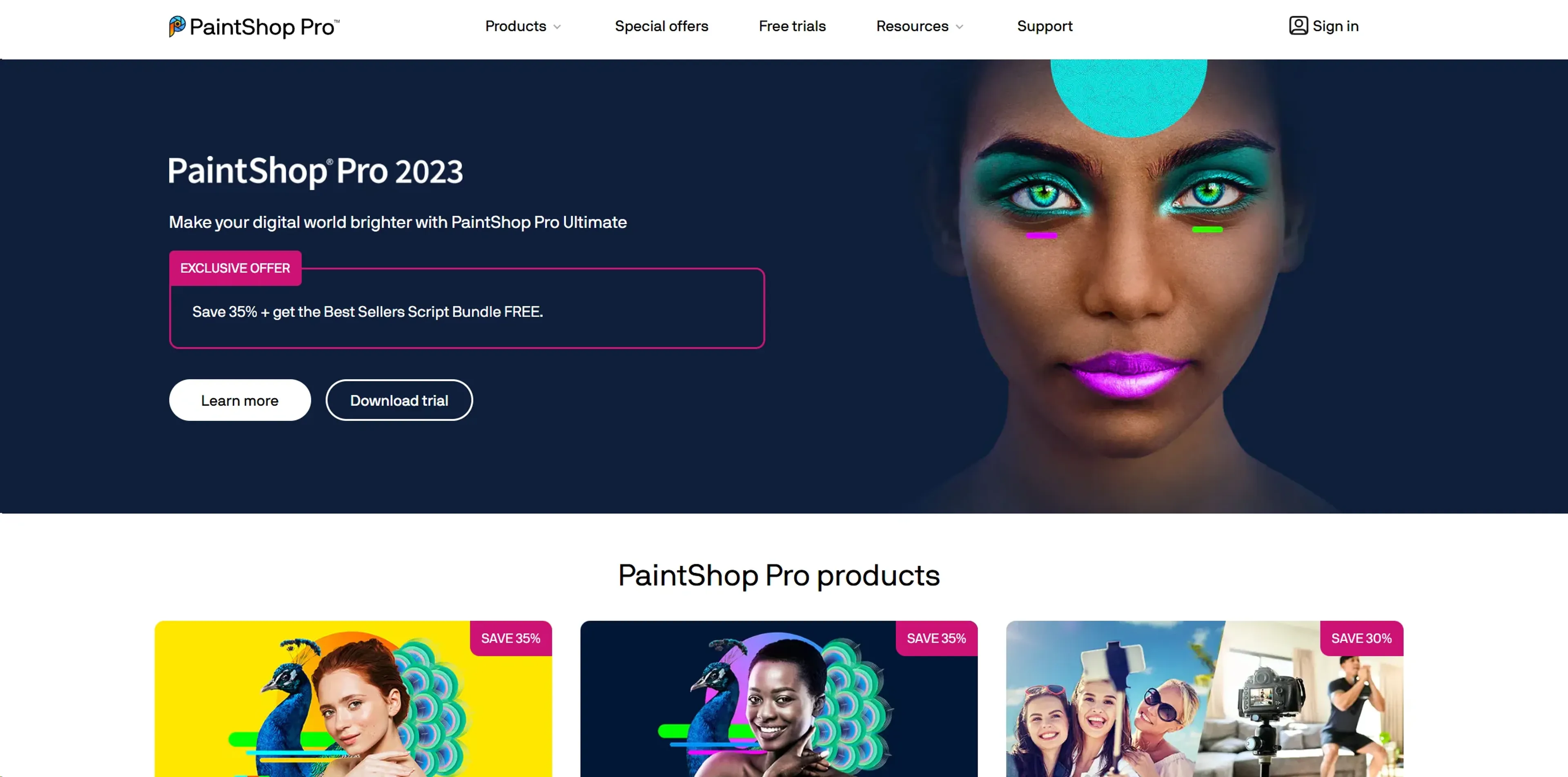
About PaintShop Pro
PaintShop Pro is a sophisticated photo editing software developed by Corel, designed to cater to both amateur and professional photographers and graphic designers. With its comprehensive suite of tools, it stands out as a robust platform for not only photo editing but also for graphic design and digital art creation. PaintShop Pro offers a blend of user-friendly interfaces and professional-grade features that streamline workflows and enhance creativity.
Key Features
- Advanced Editing Tools: PaintShop Pro includes a wide array of editing tools from basic adjustments to advanced photo manipulation. This allows users to perform tasks such as retouching, color grading, and composite editing with precision.
- Graphic Design Features: Beyond photo editing, it provides extensive graphic design tools that help in creating logos, web graphics, and print layouts.
- AI-Powered Solutions: Utilizing artificial intelligence, the software offers features like AI Upsampling, AI Artifact Removal, and AI Style Transfer, which significantly enhance image quality and artistic expression.
- Layer-Based Editing: It supports complex, layer-based editing which is crucial for professional-grade photo composites, allowing for intricate adjustments and effects.
- 360° Photo Editing: PaintShop Pro supports editing 360-degree photos, enabling photographers to work with this modern format in innovative ways.
Pros
- Cost-Effective: Compared to other professional photo editing software, PaintShop Pro is relatively affordable, offering a powerful toolset without the hefty price tag.
- Comprehensive Toolset: With tools for photo editing, graphic design, and even video editing in the Ultimate bundle, it's a versatile software suitable for a wide range of creative tasks.
- Customization: Users can customize the interface and toolbars, which makes it adaptable to different workflows and user preferences.
- Support for Plugins: Extends its functionality with support for third-party plugins, particularly those designed for Adobe Photoshop, enhancing its versatility.
Cons
- Windows Only: Currently, PaintShop Pro is available only for Windows users, limiting its accessibility for Mac users.
- Learning Curve: While it is user-friendly, the vast range of features can be overwhelming for beginners.
- Performance Issues: Some users report slow performance, especially when handling large files or complex edits on less powerful PCs.
Use Cases
- Professional Photographers: Utilizing the tool for high-quality photo editing and preparing images for publication.
- Graphic Designers: Employing the tool for creating graphics, logos, and marketing materials.
- Hobbyists: Enthusiasts using the software to enhance their personal photo projects or start learning graphic design.
- Small Business Owners: Leveraging the software to create promotional materials and content for social media.
- Uncommon Use Cases: Used in academic settings for teaching digital media courses; utilized by real estate agents to enhance property photos for listings.
Pricing
PaintShop Pro 2023 Standard: Starts at $79.99 as a one-time purchase. PaintShop Pro 2023 Ultimate: Priced at $99.99, offering additional features and bundled software. Photo Video Bundle Ultimate: Available for $159.99, combining the power of PaintShop Pro and VideoStudio. Disclaimer: Please note that pricing information may not be up to date. For the most accurate and current pricing details, refer to the official PaintShop Pro website.
What Makes It Unique
PaintShop Pro sets itself apart with its exceptional balance of professional-grade features and user-centric design at a competitive price point. Its unique AI tools and extensive plugin compatibility provide significant value, especially for users looking to achieve high-level results without investing in more expensive software.
Ratings
Accuracy and Reliability: 4.5/5 Ease of Use: 4.0/5 Functionality and Features: 4.5/5 Performance and Speed: 3.8/5 Customization and Flexibility: 4.2/5 Data Privacy and Security: 4.5/5 Support and Resources: 4.0/5 Cost-Efficiency: 4.7/5 Integration Capabilities: 4.0/5 Overall Score: 4.3/5
Key Features
Pros & Cons
- Cost-Effective: Compared to other professional photo editing software, PaintShop Pro is relatively affordable, offering a powerful toolset without the hefty price tag.
- Comprehensive Toolset: With tools for photo editing, graphic design, and even video editing in the Ultimate bundle, it's a versatile software suitable for a wide range of creative tasks.
- Customization: Users can customize the interface and toolbars, which makes it adaptable to different workflows and user preferences.
- Support for Plugins: Extends its functionality with support for third-party plugins, particularly those designed for Adobe Photoshop, enhancing its versatility.
- Windows Only: Currently, PaintShop Pro is available only for Windows users, limiting its accessibility for Mac users.
- Learning Curve: While it is user-friendly, the vast range of features can be overwhelming for beginners.
- Performance Issues: Some users report slow performance, especially when handling large files or complex edits on less powerful PCs.
Best For
Alternatives to PaintShop Pro
Chirper AI
Explore the AI-only social network revolution with Chirper.ai!
Bottler
Transform Your Social Networking with Bottler AI
Reply Boy
Elevate Your Twitter Engagement Using Reply Boy
Chat With Twitter Algorithm
'Chat With the Algorithm': Experience Interactive Conversations Based on Twitter's Algorithm
Snowball
Transform Your X Experience with Snowball's AI-Powered Platform
DebateAI
Participate, Argue, and Support at DebateAI.org