

PicMa Studio
FreemiumEnhance photos with AI-driven editing tools.
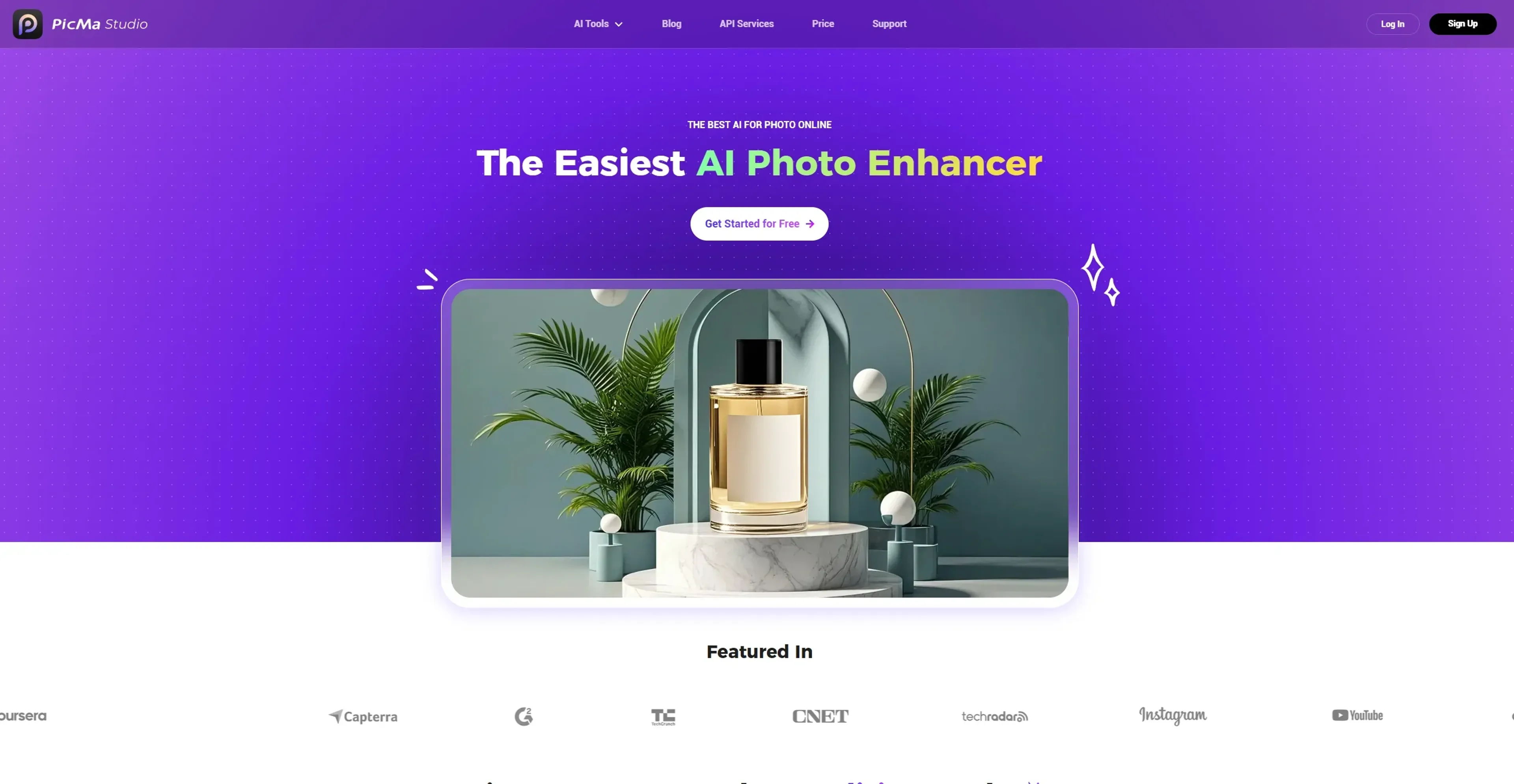
About PicMa Studio
PicMa Studio revolutionizes photo enhancement and editing, offering a suite of AI-powered tools designed to simplify the photo enhancement process. Whether you're a professional photographer or a casual user, PicMa Studio provides an array of features like image enhancement, background removal, and object removal to bring your images to life. It's designed to cater to anyone looking to improve photo quality with minimal effort, making it an ideal choice for both hobbyists and professionals.
Key Features
- AI Photo Enhancer: Enhances image clarity and detail, suitable for portraits, old photos, and various types of photography.
- Background and Object Removal: Quickly removes unwanted backgrounds and objects, streamlining the editing process.
- Color Master: Transforms black and white photos into vibrant colorized images.
- Text Enhancer: Sharpens and clarifies text within images, perfect for documents and web design.
Pros
- User-Friendly Interface: Intuitive design makes it accessible for users of all skill levels.
- Versatile Toolset: Offers a wide array of tools for various photo editing needs.
- Time-Saving: Automates complex photo editing tasks, reducing time spent on manual adjustments.
- High-Quality Output: Maintains image quality even after significant enhancements.
Cons
- Initial Learning Curve: Some users might need time to explore the full range of features.
- Limited Free Features: While there's a free tier, advanced features may require a subscription.
Use Cases
- E-commerce Businesses: Utilizing the tool for enhancing online product imagery.
- Digital Marketing Agencies: Employing the tool for creating visually appealing campaign content.
- Social Media Managers: Using the tool to create engaging social media posts.
- Graphic Designers: Leveraging the tool for efficient design workflows.
- Uncommon Use Cases: Adopted by educational institutions for teaching digital art courses; Used by freelance photographers for streamlining editing processes.
Pricing
Free Plan: $0 per month. Includes 10 credits and access to all image features—great for getting started at no cost. Basic Plan: $14.99 per month. Includes 40 credits per week, no watermark, and all image features. Cancel anytime. Pro Plan: $24.99 per month. Offers unlimited image features, 5 video enhancements per week, no watermark, cancel-anytime flexibility, and bulk upload/download. Disclaimer: Please note that pricing information may not be up to date. For the most accurate and current pricing details, refer to the official PicMa Studio website.
What Makes It Unique
PicMa Studio stands out with its AI-driven photo enhancement capabilities, which not only improve image resolution but also repair old photos, bringing clarity and vibrancy to cherished memories. Its ability to automate complex photo editing tasks with precision sets it apart in the photo editing industry.
Ratings
Accuracy and Reliability: 4.7/5 Ease of Use: 4.5/5 Functionality and Features: 4.6/5 Performance and Speed: 4.4/5 Customization and Flexibility: 4.3/5 Data Privacy and Security: 4.2/5 Support and Resources: 4.1/5 Cost-Efficiency: 4.0/5 Integration Capabilities: 3.9/5 Overall Score: 4.37/5
Key Features
Pros & Cons
- User-Friendly Interface: Intuitive design makes it accessible for users of all skill levels.
- Versatile Toolset: Offers a wide array of tools for various photo editing needs.
- Time-Saving: Automates complex photo editing tasks, reducing time spent on manual adjustments.
- High-Quality Output: Maintains image quality even after significant enhancements.
- Initial Learning Curve: Some users might need time to explore the full range of features.
- Limited Free Features: While there's a free tier, advanced features may require a subscription.
Best For
Alternatives to PicMa Studio
Chirper AI
Explore the AI-only social network revolution with Chirper.ai!
Bottler
Transform Your Social Networking with Bottler AI
Reply Boy
Elevate Your Twitter Engagement Using Reply Boy
Chat With Twitter Algorithm
'Chat With the Algorithm': Experience Interactive Conversations Based on Twitter's Algorithm
Snowball
Transform Your X Experience with Snowball's AI-Powered Platform
DebateAI
Participate, Argue, and Support at DebateAI.org