

PodClips
FreemiumTransform podcasts into viral video clips.
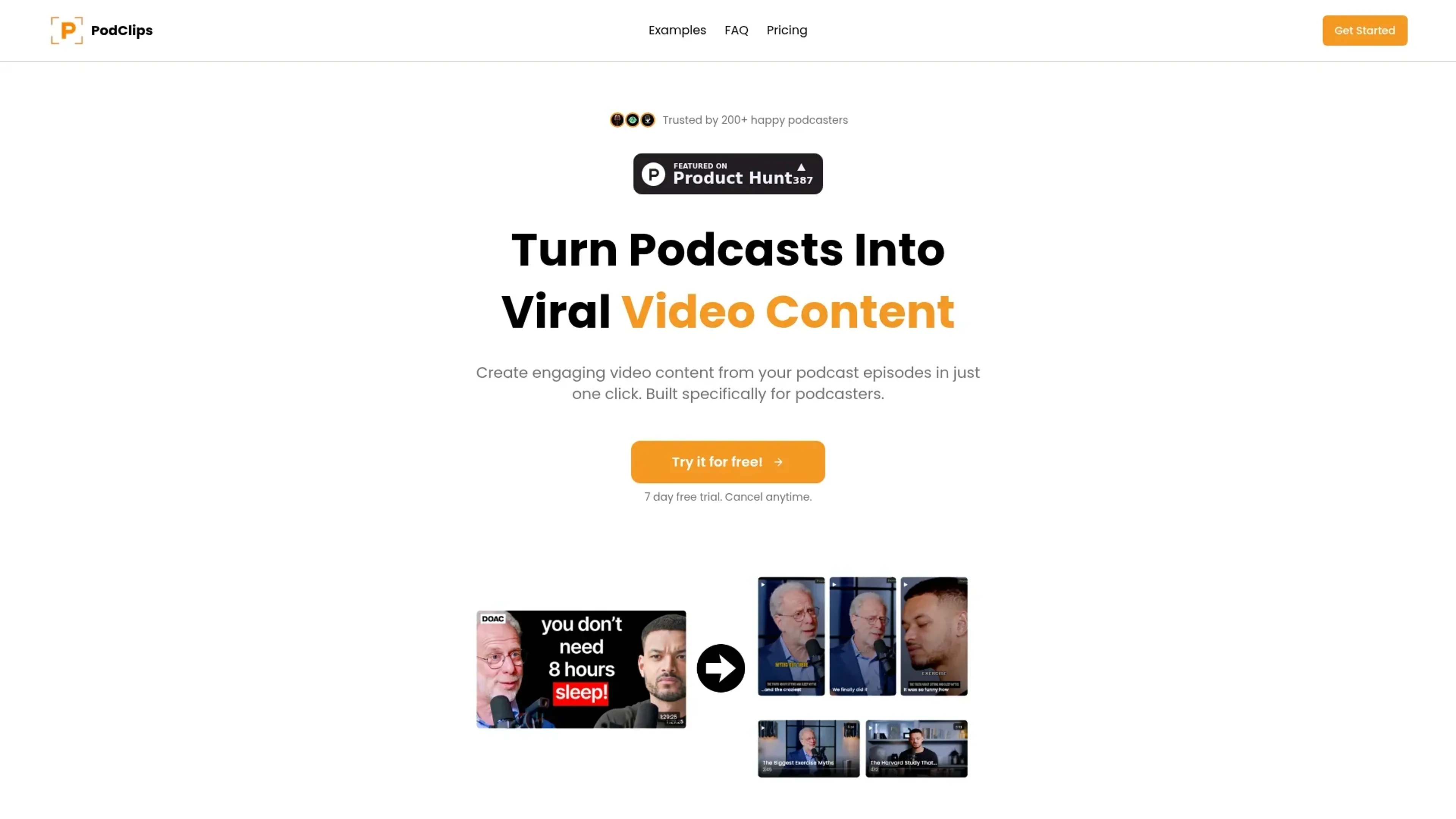
About PodClips
PodClips is transforming the podcasting space by offering a streamlined solution for turning audio content into engaging video clips. Built specifically for podcasters, PodClips simplifies the process of creating viral video content from podcast episodes. By automating the clip creation process, PodClips addresses the common challenges faced by podcasters, such as time-consuming editing and costly agency fees, ultimately enhancing content reach and audience growth.
Key Features
- Automated Clip Creation: Upload your podcast episode, and PodClips generates shorts and clips automatically, complete with metadata for easy posting.
- Viral Content Generation: Turn a single podcast episode into over 20 pieces of video content, including viral shorts and clips.
- User-Friendly Interface: Simple upload process, whether through file upload or YouTube link, making it accessible for all podcasters.
- Growth Automation: Post daily video content effortlessly and watch your podcast's audience grow as the tool handles the heavy lifting.
Pros
- Time Efficiency: Eliminates the need for manual editing, saving podcasters significant time.
- Cost-Effective: Reduces reliance on expensive agencies, offering an affordable alternative for content creation.
- Audience Growth: Facilitates increased content output, leading to faster audience growth.
- Ease of Use: Intuitive design ensures a smooth experience, even for those new to video content creation.
Cons
- Limited Customization: Users may find the clip selection and editing options somewhat limited.
- Integration Limitations: Currently, integration with third-party platforms is not extensively supported.
Use Cases
- Podcasters: Utilizing PodClips to maximize the reach of their audio content by converting it into video.
- Content Creators: Employing the tool to diversify their content offerings across platforms.
- Social Media Managers: Leveraging the tool to maintain a consistent flow of engaging video content.
- Marketing Professionals: Using PodClips to create promotional video content from existing podcasts.
- Uncommon Use Cases: Adopted by educational podcasts for creating supplemental video materials; Used by event organizers to generate promotional clips from recorded sessions.
Pricing
Starter Plan: $29 per month. Ideal for new podcasters—get 2 episodes, 8 shorts, and 6 clips monthly, plus metadata, no file size limits, and standard support. Includes a 7-day free trial. Creator Plan: $39 per month. Their most popular option—4 episodes, 28 shorts, 12 mid videos, full metadata, 4K downloads, and priority support. Great for serious content creators. Agency Plan: Custom pricing. Built for high-volume podcast teams with unlimited episodes and videos, API access, custom integrations, a dedicated account manager, and top-tier support. Disclaimer: Please note that pricing information may not be up to date. For the most accurate and current pricing details, refer to the official PodClips website.
What Makes It Unique
PodClips stands out with its ability to automate the creation of viral video content from podcasts, a unique feature that transforms podcast episodes into a multitude of engaging video pieces. This automation not only saves time but also accelerates audience growth, setting PodClips apart in the podcasting industry.
Ratings
Accuracy and Reliability: 4.5/5 Ease of Use: 4.8/5 Functionality and Features: 4.6/5 Performance and Speed: 4.7/5 Customization and Flexibility: 3.9/5 Data Privacy and Security: 4.4/5 Support and Resources: 4.2/5 Cost-Efficiency: 4.0/5 Integration Capabilities: 3.8/5 Overall Score: 4.4/5
Key Features
Pros & Cons
- Time Efficiency: Eliminates the need for manual editing, saving podcasters significant time.
- Cost-Effective: Reduces reliance on expensive agencies, offering an affordable alternative for content creation.
- Audience Growth: Facilitates increased content output, leading to faster audience growth.
- Ease of Use: Intuitive design ensures a smooth experience, even for those new to video content creation.
- Limited Customization: Users may find the clip selection and editing options somewhat limited.
- Integration Limitations: Currently, integration with third-party platforms is not extensively supported.
Best For
Alternatives to PodClips
Chirper AI
Explore the AI-only social network revolution with Chirper.ai!
Bottler
Transform Your Social Networking with Bottler AI
Reply Boy
Elevate Your Twitter Engagement Using Reply Boy
Chat With Twitter Algorithm
'Chat With the Algorithm': Experience Interactive Conversations Based on Twitter's Algorithm
Snowball
Transform Your X Experience with Snowball's AI-Powered Platform
DebateAI
Participate, Argue, and Support at DebateAI.org