

Powder
FreemiumTransform gaming streams into viral clips effortlessly with AI-powered precision.
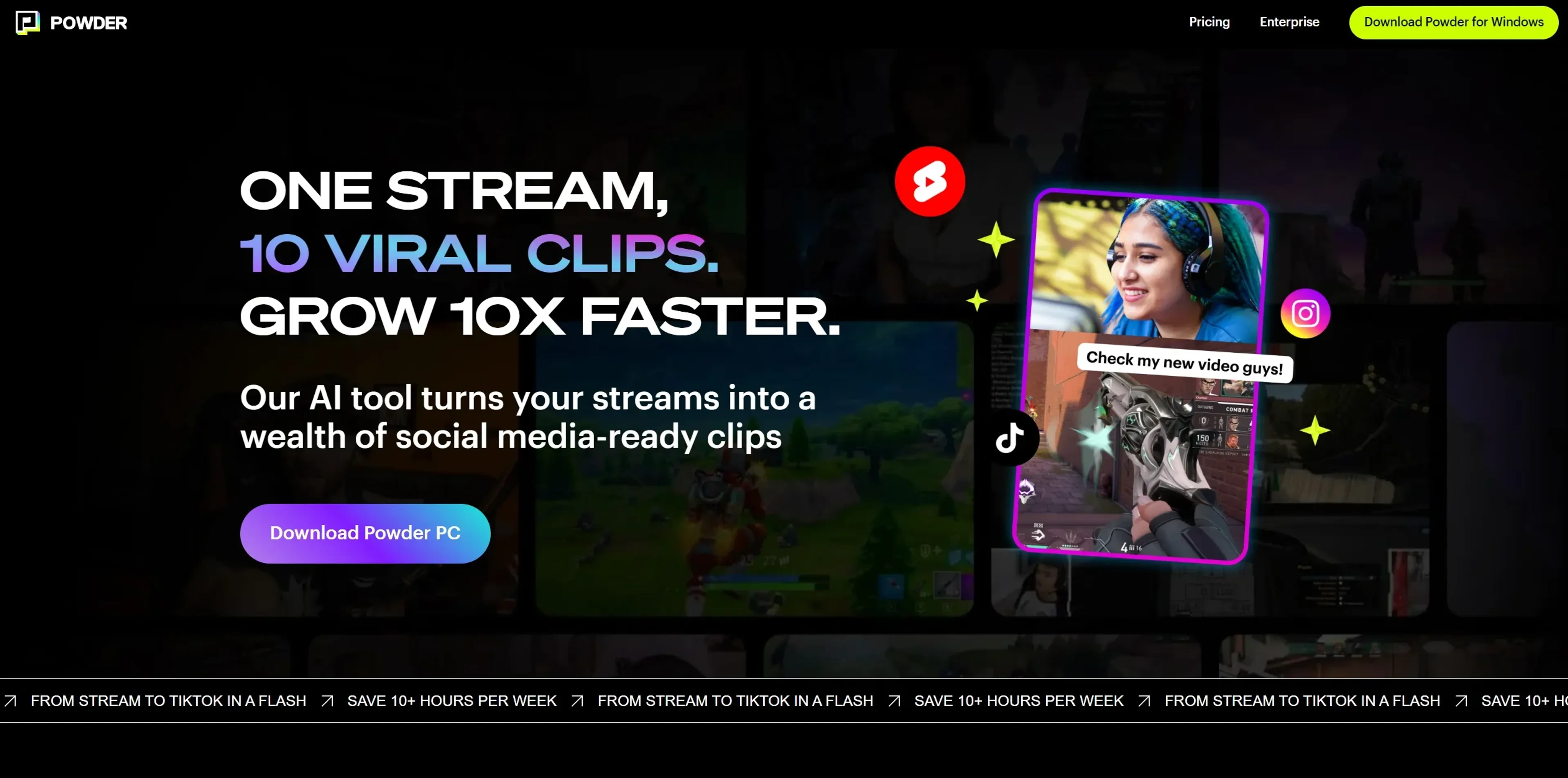
About Powder
Powder is a cutting-edge AI-powered clipping software tailored for the gaming community. This tool is a content creator's dream, transforming lengthy streams into viral-ready clips with just a few clicks. Designed primarily for gamers and streamers, Powder simplifies the process of identifying and sharing the most compelling moments from gaming sessions.
Key Features
- Stream Integration: Connects with platforms like Twitch and YouTube for direct analysis of streams.
- AI Analysis: Detects game-specific events, keyword searches, universal game support, and emotion detection.
- Editing Tools: Offers trimming and conversion of clips to vertical formats for optimal social media presentation.
- Streamlined Sharing: Facilitates instant uploads to platforms like TikTok directly from the software.
- Game Recognition: Supports over 50,000+ games, capturing key moments in gameplay and Just Chatting streams.
Pros
- Time-Saving: Claims to save content creators over 10 hours per week by automating the clipping process.
- Intuitive Search Function: Features a 'CTRL+F' for video, allowing users to quickly locate and export memorable moments.
- Customization: Provides templates for editing clips to fit various social media platform requirements.
- Growth Potential: Helps gamers grow their online presence by enabling frequent and targeted content sharing.
Cons
- Learning Curve: New users might need time to get accustomed to the features and best practices for optimal clip creation.
- Export Limitations: The free plan has a cap on the number of monthly clip exports, which might restrict frequent streamers.
- Support Constraints: Limited support on the free plan could be a drawback for users requiring more assistance.
Use Cases
- Professional Gamers: For showcasing their top plays and growing their fan base on social media.
- Streaming Enthusiasts: Who want to share highlights without spending hours on video editing.
- Content Creators: Looking to repurpose their live streams into engaging content for platforms like TikTok and YouTube.
- Social Media Managers: For gaming brands seeking to promote their players and products with compelling video clips.
- Uncommon Use Cases: Non-gaming streamers using Powder to highlight key moments in their Just Chatting sessions; educators incorporating gaming clips into interactive learning materials.
Pricing
Free Plan: Offers up to 12 monthly clip exports at no cost, ideal for individuals testing out Powder's capabilities. Premium Plan: Priced at $99/year with extensive features like unlimited clip exports and full AI analysis capabilities. Disclaimer: For the most accurate and current pricing details, refer to the official Powder website.
What Makes It Unique
Powder differentiates itself with its advanced AI that understands the gaming context, providing content creators with an automated editor that knows exactly what moments to clip. This not only saves time but also ensures that key highlights are not missed.
Ratings
Accuracy and Reliability: 4.5/5 Ease of Use: 4.2/5 Functionality and Features: 4.7/5 Performance and Speed: 4.6/5 Customization and Flexibility: 4.3/5 Data Privacy and Security: 4.4/5 Support and Resources: 4.0/5 Cost-Efficiency: 4.5/5 Integration Capabilities: 4.6/5 Overall Score: 4.4/5
Summary
Transform gaming streams into viral clips effortlessly with AI-powered precision. AI Categories: gaming, video editing, social media
Key Features
Pros & Cons
- Time-Saving: Claims to save content creators over 10 hours per week by automating the clipping process.
- Intuitive Search Function: Features a 'CTRL+F' for video, allowing users to quickly locate and export memorable moments.
- Customization: Provides templates for editing clips to fit various social media platform requirements.
- Growth Potential: Helps gamers grow their online presence by enabling frequent and targeted content sharing.
- Learning Curve: New users might need time to get accustomed to the features and best practices for optimal clip creation.
- Export Limitations: The free plan has a cap on the number of monthly clip exports, which might restrict frequent streamers.
- Support Constraints: Limited support on the free plan could be a drawback for users requiring more assistance.
Best For
Alternatives to Powder
Chirper AI
Explore the AI-only social network revolution with Chirper.ai!
Bottler
Transform Your Social Networking with Bottler AI
Reply Boy
Elevate Your Twitter Engagement Using Reply Boy
Chat With Twitter Algorithm
'Chat With the Algorithm': Experience Interactive Conversations Based on Twitter's Algorithm
Snowball
Transform Your X Experience with Snowball's AI-Powered Platform
DebateAI
Participate, Argue, and Support at DebateAI.org