

VideoShorts
FreemiumTransform YouTube content into engaging, shareable clips effortlessly with AI-powered editing.
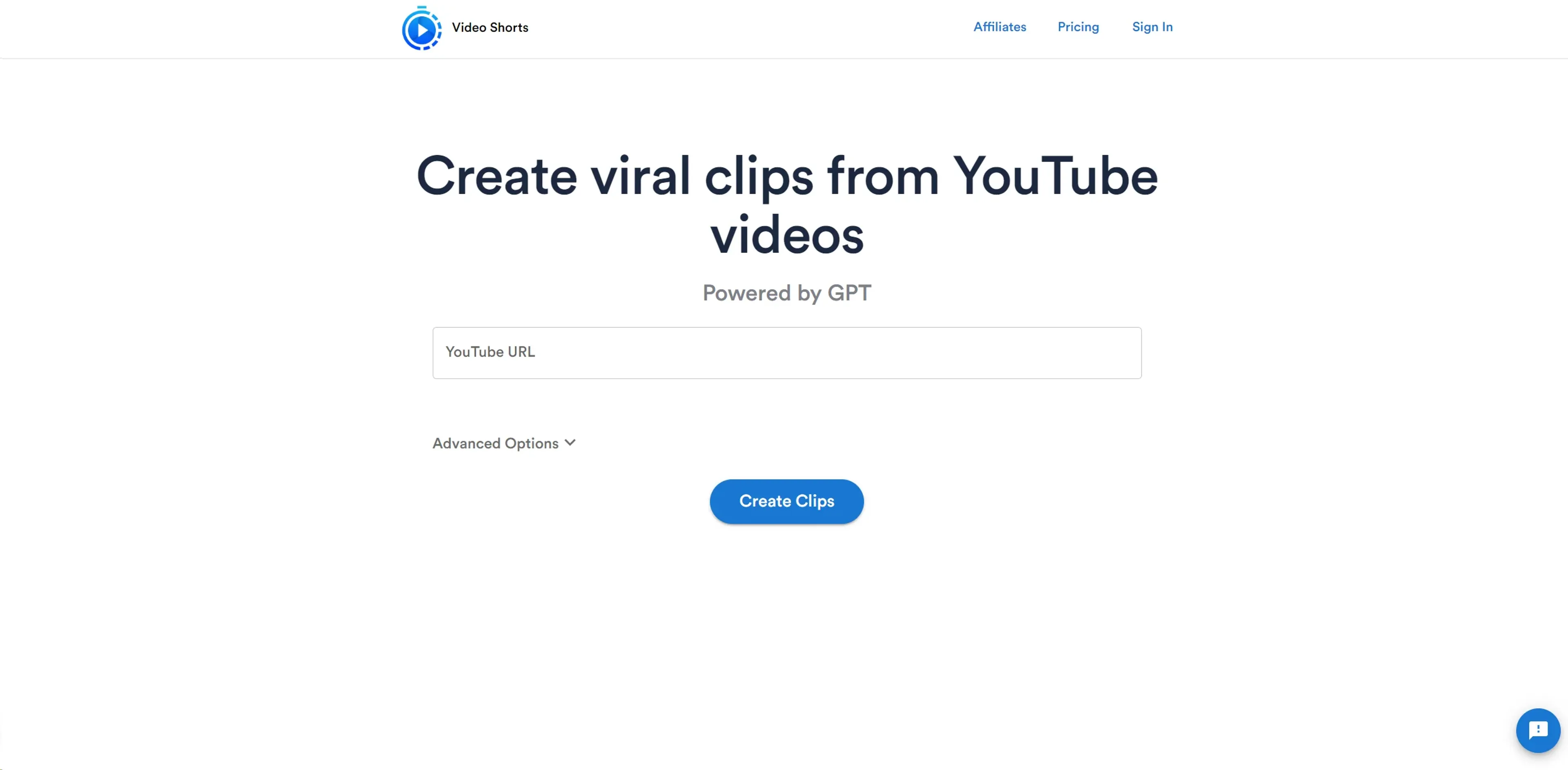
About VideoShorts
As an avid reviewer of cutting-edge AI tools, I'm thrilled to introduce you to Video Shorts – a dynamic platform that empowers users to create viral clips from YouTube videos. At its core, Video Shorts harnesses the power of AI and GPT to streamline the process of video editing, making it accessible and convenient for a wide range of users. Whether you're a content creator looking to highlight moments from your latest stream or a marketer aiming to share compelling snippets of your brand's video content, Video Shorts offers a user-friendly solution to amplify your online presence.
Key Features
- AI-Powered Editing: Leverages GPT and machine learning to automate the clip creation process.
- User-Friendly Interface: Simplifies the experience with a straightforward workflow.
- Customization Options: Advanced options to tailor the clips to specific needs and styles.
- Social Media Ready: Generates clips that are optimized for sharing across various social media platforms.
Pros
- Time-Saving: Drastically cuts down video editing time, allowing for quick content generation.
- Ease of Use: Intuitive design ensures that even novices can create professional-looking clips.
- No Download Required: Operates entirely online, eliminating the need for software installation.
- Viral Potential: Designed to help users create content that is more likely to gain traction on social media.
Cons
- Platform Dependency: Limited to YouTube videos, which may not cater to all users' needs.
- Internet Reliance: Requires a stable internet connection for optimal functionality.
- Learning Curve: While user-friendly, new users may need time to explore and utilize all advanced options effectively.
Use Cases
- Content Creators: Enhancing their video offerings by creating engaging clips to share with followers.
- Social Media Managers: Crafting bite-sized content for brand promotion and engagement.
- Digital Marketers: Generating promotional clips to highlight products or services.
- Event Organizers: Sharing highlights from events to reach a broader audience.
- Uncommon Use Cases: Utilized by educators to share educational content snippets; Adopted by podcasters to share visual excerpts of audio episodes.
Pricing
Free Tier: Users can access basic features of Video Shorts without any cost. Premium Options: Advanced features and capabilities are available for a fee. Disclaimer: For the most up-to-date and precise pricing details, always refer to the official Video Shorts website.
What Makes It Unique
Video Shorts stands out with its specialized focus on creating shareable video content from YouTube, a feature particularly appealing to those looking to leverage the platform's massive audience. Its integration of GPT for video editing is a unique convergence of AI in the realm of content creation.
Ratings
Accuracy and Reliability: 4.2/5 Ease of Use: 4.5/5 Functionality and Features: 4.0/5 Performance and Speed: 4.3/5 Customization and Flexibility: 3.8/5 Data Privacy and Security: 4.0/5 Support and Resources: 3.9/5 Cost-Efficiency: 4.4/5 Integration Capabilities: 4.1/5 Overall Score: 4.1/5
Summary
Transform YouTube content into engaging, shareable clips effortlessly with AI-powered editing. AI Categories: social media, video editing
Key Features
Pros & Cons
- Time-Saving: Drastically cuts down video editing time, allowing for quick content generation.
- Ease of Use: Intuitive design ensures that even novices can create professional-looking clips.
- No Download Required: Operates entirely online, eliminating the need for software installation.
- Viral Potential: Designed to help users create content that is more likely to gain traction on social media.
- Platform Dependency: Limited to YouTube videos, which may not cater to all users' needs.
- Internet Reliance: Requires a stable internet connection for optimal functionality.
- Learning Curve: While user-friendly, new users may need time to explore and utilize all advanced options effectively.
Best For
Alternatives to VideoShorts
Chirper AI
Explore the AI-only social network revolution with Chirper.ai!
Bottler
Transform Your Social Networking with Bottler AI
Reply Boy
Elevate Your Twitter Engagement Using Reply Boy
Chat With Twitter Algorithm
'Chat With the Algorithm': Experience Interactive Conversations Based on Twitter's Algorithm
Snowball
Transform Your X Experience with Snowball's AI-Powered Platform
DebateAI
Participate, Argue, and Support at DebateAI.org