

Scribe
FreemiumCreate step-by-step guides instantly with ScribeHow’s AI-powered capture and editing.
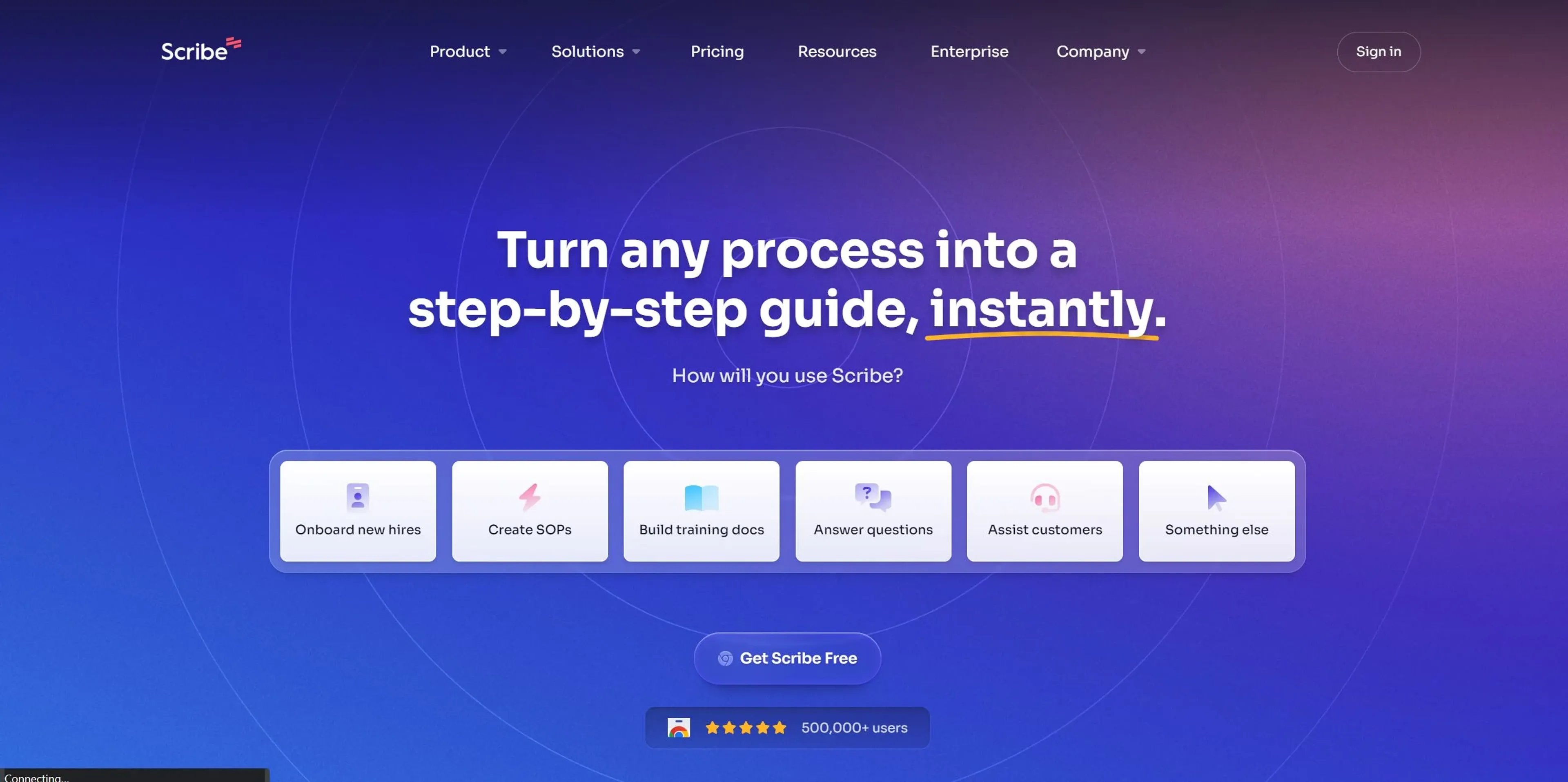
About Scribe
In today's fast-paced digital environment, the ability to quickly create, share, and manage step-by-step guides is invaluable. This is where Scribe steps into the spotlight. Scribe is an innovative tool designed to revolutionize the way we document processes. Whether it's for onboarding new hires, creating Standard Operating Procedures (SOPs), or building training documentation, Scribe makes it incredibly easy and fast. Powered by AI, it allows users to turn any process into a detailed guide with just a few clicks. The tool is especially beneficial for operations teams, customer-facing teams, sales, HR, and IT departments, among others. Its ability to automatically generate how-to guides, redact sensitive information, and customize content with company branding makes it a standout solution for enhancing efficiency and productivity across various functions.
Key Features
- Web & Desktop Process Capture: Scribe can capture any web or desktop-based process, automatically creating step-by-step guides.
- Automatic Step Instructions: Say goodbye to manually typing out instructions. Scribe does it for you, saving precious time and effort.
- AI-generated Process Documents: Utilize AI to effortlessly generate SOPs, training manuals, and process overviews.
- Sensitive Data Redaction: Automatically redacts sensitive employee or customer data from screenshots, ensuring compliance and privacy.
- Shareable Links & PDF Export: Easily share guides via email, embed them in wikis or Learning Management Systems (LMS), or export them as PDFs.
- Custom Branding: Add your company logo and colors to guides, creating professional-looking, on-brand documentation.
Pros
- Time Efficiency: Dramatically reduces the time required to document processes, making your team more productive.
- Ease of Use: Intuitive design and AI integration make it simple for anyone to create detailed guides, regardless of technical skill.
- Data Privacy: The automatic redaction of sensitive information ensures that your documentation complies with privacy regulations.
- Versatility: Suitable for a wide range of functions and industries, from HR to IT and beyond.
Cons
- Learning Curve: New users may need time to fully explore and utilize all features effectively.
- Dependency on Tech: As a web and desktop-based tool, its effectiveness is contingent on the stability of your tech environment.
- Limited Offline Functionality: Primarily designed for online use, which could be a limitation in environments with poor internet connectivity.
Use Cases
- Scribe is leveraged by a diverse array of sectors and professionals, demonstrating its versatility and widespread appeal.
- Operations Teams: For streamlining workflow and process documentation.
- Customer-Facing Teams: To create customer training materials and support documentation.
- Sales Ops & Enablement: For crafting step-by-step sales process guides.
- HR & L&D: Utilized for onboarding new hires and creating training materials.
- IT Teams: To document IT processes and troubleshoot guides.
- Uncommon Use Cases: Educational institutions use it for creating course materials, while freelancers adopt it to streamline their workflows.
Pricing
Scribe offers various pricing options to accommodate different needs and budgets. However, specific pricing details are subject to change, and users are encouraged to visit the Scribe website for the most current information. Free Tier: A robust free version is available, allowing teams to explore the core functionalities of Scribe. Pro Tier: For advanced features and capabilities, Scribe offers a Pro version. Pricing details are available upon request. Disclaimer: For the most accurate and current pricing details, refer to the official Scribe website.
What Makes It Unique
Scribe distinguishes itself through its simplicity and efficiency. The tool's ability to automatically generate comprehensive, step-by-step guides with minimal user input is a game-changer. Its integration of AI not only speeds up the process documentation but also ensures a high level of accuracy and relevance in the created materials. Additionally, the automatic redaction of sensitive information and the ability to customize documents with company branding are features that set Scribe apart in the market.
Ratings
Accuracy and Reliability: 4.8/5 Ease of Use: 4.7/5 Functionality and Features: 4.6/5 Performance and Speed: 4.5/5 Customization and Flexibility: 4.4/5 Data Privacy and Security: 4.8/5 Support and Resources: 4.3/5 Cost-Efficiency: 4.5/5 Integration Capabilities: 4.2/5 Overall Score: 4.5/5
Summary
Transform any process into detailed guides instantly with AI-driven documentation and privacy-focused customization. AI Categories: workflows, human resources, education
Key Features
Pros & Cons
- Time Efficiency: Dramatically reduces the time required to document processes, making your team more productive.
- Ease of Use: Intuitive design and AI integration make it simple for anyone to create detailed guides, regardless of technical skill.
- Data Privacy: The automatic redaction of sensitive information ensures that your documentation complies with privacy regulations.
- Versatility: Suitable for a wide range of functions and industries, from HR to IT and beyond.
- Learning Curve: New users may need time to fully explore and utilize all features effectively.
- Dependency on Tech: As a web and desktop-based tool, its effectiveness is contingent on the stability of your tech environment.
- Limited Offline Functionality: Primarily designed for online use, which could be a limitation in environments with poor internet connectivity.
Best For
Alternatives to Scribe
R.O.B. (Robot Of Business)
Streamline Your HVAC, Electrical, and Plumbing Operations with Housecall Pro Dashboard
Lutra AI
Lutra: Convert English instructions into streamlined AI workflows
Spark Engine
Supercharge Your Business Using AI and Hyperautomation
Genesys
Orchestrate every customer and employee experience with AI-powered Genesys Cloud CX.
GPTAutoBot
Automate Your Tasks with GPTAutoBot
Cradl AI
Cradl AI: Production‑grade document automation with LLM agents and human‑in‑the‑loop accuracy