

Google Translate
FreeInstant translations across 100+ languages, voice, text, and image.
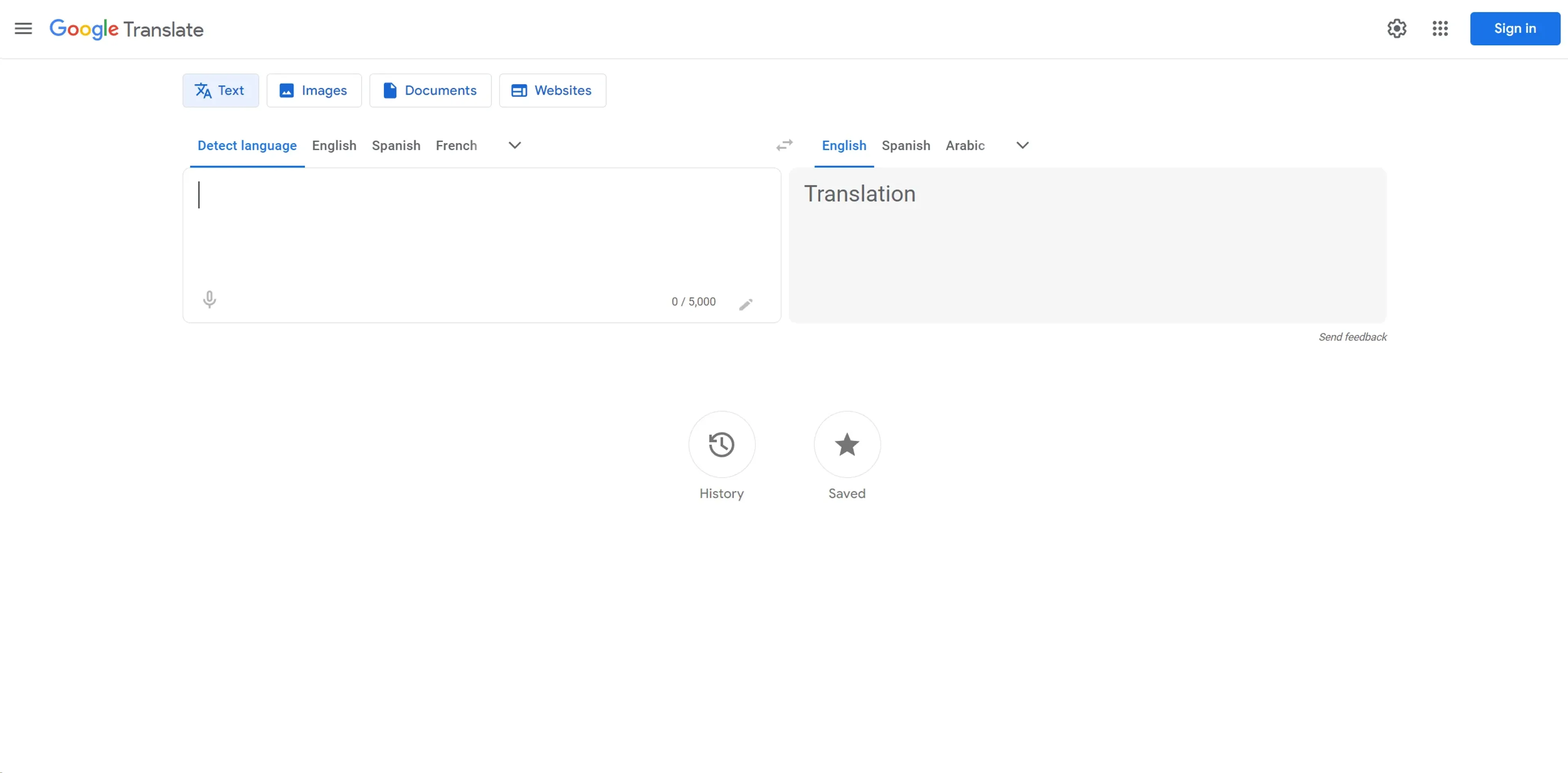
About Google Translate
Google Translate is an essential tool in today's globalized world, enabling users to break language barriers with ease. As a web-based service provided at https://translate.google.com, it offers instantaneous translation across a vast array of languages, making it invaluable for both personal and professional use. From quick text translations to more complex document and website interpretations, Google Translate simplifies communication across different language speakers.
Key Features
- Wide Language Selection: Supports translations between over 100 languages, catering to a global audience.
- Text Translation: Instantly translate written words, sentences, or entire documents.
- Voice Translation: Speak directly into your device and receive a spoken translation in the language of your choice.
- Image Translation: Use your camera to translate text in images, perfect for menus, signs, or documents.
- Real-Time Conversation Mode: Facilitates bilingual conversations with ease, making real-time spoken communication possible across languages.
- Offline Translation: Download specific languages to use without needing internet access.
- Website Translation: Easily translate entire webpages with a single click.
Pros
- Accessibility: Available for free to users worldwide.
- User-Friendly Interface: Simple and intuitive design ensures ease of use for all age groups.
- Speed: Delivers quick translations, making it ideal for time-sensitive situations.
- Versatility: Suitable for casual use, travel, business, and educational purposes.
Cons
- Accuracy Issues: While generally reliable, translations can sometimes lack nuance, especially with complex sentences or less common languages.
- Internet Dependency: Most features require an internet connection, although offline options are available for some languages.
- Ad-Supported: The free version includes advertisements, which can be a distraction to some users.
Use Cases
- Travelers: Assisting with basic communication and understanding local signs or menus.
- Educators and Students: Utilized as a learning aid in language classes or for understanding study materials in foreign languages.
- Business Professionals: Used to foster clearer communication with international partners and clients.
- Content Creators: Helps in translating content for diverse audiences.
- Uncommon Use Cases: Often used by emergency services to communicate with non-native speakers; also a handy tool for researchers analyzing documents in multiple languages.
Pricing
Free Access: Google Translate is available at no cost, providing all basic translation features. Subscription Services: While the basic services are free, integration features for businesses may involve costs associated with Google Cloud.
What Makes It Unique
Google Translate stands out due to its extensive language support and integration capabilities, making it one of the most versatile and accessible translation tools available today. Its ability to translate through voice, text, images, and even real-time conversations sets it apart from many other options in the market.
Ratings
Accuracy and Reliability: 4.2/5 Ease of Use: 4.8/5 Functionality and Features: 4.5/5 Performance and Speed: 4.7/5 Customization and Flexibility: 3.9/5 Data Privacy and Security: 4.1/5 Support and Resources: 4.3/5 Cost-Efficiency: 5/5 Integration Capabilities: 4.4/5 Overall Score: 4.4/5
Key Features
Pros & Cons
- Accessibility: Available for free to users worldwide.
- User-Friendly Interface: Simple and intuitive design ensures ease of use for all age groups.
- Speed: Delivers quick translations, making it ideal for time-sensitive situations.
- Versatility: Suitable for casual use, travel, business, and educational purposes.
- Accuracy Issues: While generally reliable, translations can sometimes lack nuance, especially with complex sentences or less common languages.
- Internet Dependency: Most features require an internet connection, although offline options are available for some languages.
- Ad-Supported: The free version includes advertisements, which can be a distraction to some users.
Best For
Alternatives to Google Translate
SalesStack
Boost sales with SalesStack.ai—an AI-powered sales engagement and enablement platform for smarter outreach, faster prospecting, and higher conversions.
RivalFlow AI
Enhance your team's SEO with RivalFlow’s AI-driven content tools. Improve rankings, streamline workflows, and track performance effortlessly with automated insights.
RivetAI
RivetAI streamlines your film pre-production with AI tools for budgeting, scheduling, and script analysis. Click here to learn more about it.
MindPal
Boost Productivity with MindPal’s Industry-Leading AI Solutions
Speechki
Convert text into lifelike audio using Speechki's AI voice generator. Ideal for content creators, educators, and businesses seeking realistic, multilingual voiceovers.
Gatsbi
Revolutionize Innovation and Documentation with Gatsbi